
You can play WoW Forever on a Mac and with a controller, both officially, and on Steam Deck through an unofficial Proton workaround. There’s no console version, so Battle.net on a PC or Mac is the only official way in.
Key takeaways
- WoW Forever has a Mac version, with an Apple M2 or a 9th-generation Intel chip as the minimum.
- Controller support is built in: Escape, Options, then Gamepad under Gameplay.
- Steam Deck works by running the Windows Battle.net app through Proton, which is a workaround, not a supported platform.


Can you play WoW Forever on Mac?
Yes. WoW Forever has a macOS version, and you install it through the Battle.net app for Mac the same way you would on Windows. These are the Mac requirements:
| Minimum | Recommended | |
|---|---|---|
| macOS | macOS 12 | macOS 15 |
| Processor | Apple M2 or 9th-generation Intel Core (Coffee Lake) | Apple M4 |
| Graphics | Metal-capable, 4 GB | Apple M4 |
| Memory | 8 GB | 16 GB |
| Storage | SSD with 128 GB free | SSD with 128 GB free |
The M1 isn’t on that list. Blizzard’s Mac minimum starts at the M2, so an M1 MacBook Air or Mac mini sits below the spec. Intel Macs only make the cut from the 9th-generation Coffee Lake chips onwards.
The 128 GB of free SSD space applies on every platform. On a Mac with a 256 GB drive, that’s half of it, so check your storage before you start the download.
Does WoW Forever have controller support?
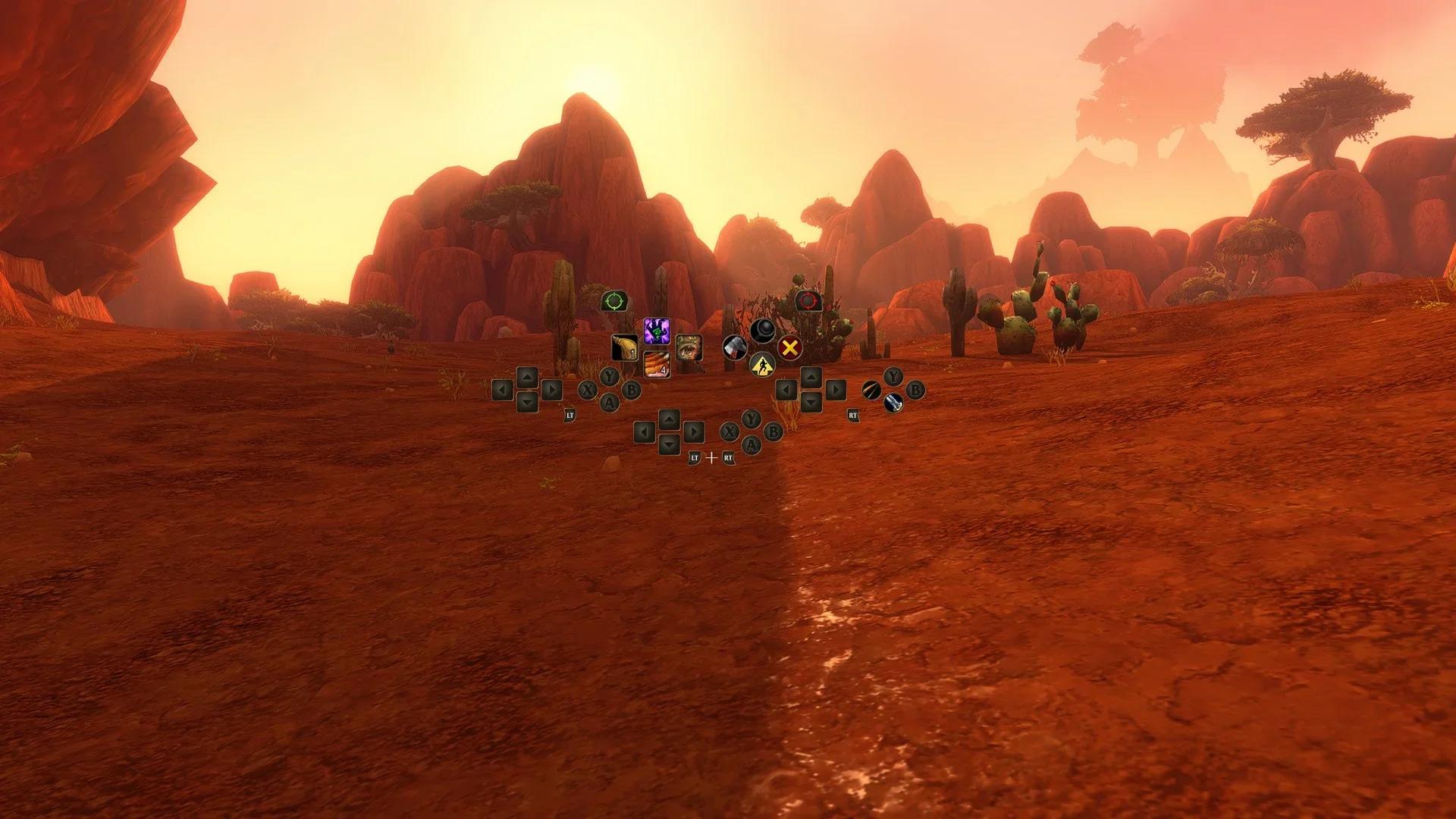
Yes. WoW Forever has native gamepad support built into the client, with no addon needed. Blizzard’s own gamepad guide, published on 3 November, says Forever supports all XInput-compatible controllers. It shows Xbox and PlayStation button icons, so you see the right prompts for the pad in your hands.
Blizzard still calls it a beta. Not every screen has a gamepad footer yet, interface updates are ongoing, and Blizzard says a keyboard-free experience is the longer-term aim. For now, keep a keyboard nearby for typing in chat. Blizzard’s known issues list, last updated on 5 November, also has two gamepad bugs. You may get an error when you delete more than one rare or epic item, and push-to-talk keyboard instructions can show up when you join a voice channel.
How do you turn on controller support in WoW Forever?
Press Escape to open the Game Menu, select Options, then choose Gamepad under Gameplay. That switches you from keyboard and mouse to gamepad controls. In the same Gamepad settings you can change the Camera, HUD Modifier, Frame Focus Style, Action Bars, Targeting and Raid Targeting Options.
Using Xbox button names, the default controls are:
- Move and look: left stick to move, right stick for the camera.
- Targeting: LB for a friendly target, RB for a hostile one.
- Interact: X to interact, A to jump, B to go back, Y to inspect.
- Action bars: hold LT, RT or both triggers to swap bars, then let go to return to the default bar.
- Zoom: hold LB and RB and push the right stick forward or back.
You get four action bars, and holding LB and RB while pressing left or right on the D-pad swaps between three sets of them, for 84 slots in total. LB and RB plus B opens your backpack, and LB and RB plus Down opens chat. On a controller with supported lighting, the light turns red on a Horde character and blue on Alliance.
Can you use a PS5 or Xbox controller with WoW Forever?
Yes. Blizzard built Forever’s gamepad support with both in mind: it supports all XInput-compatible controllers and shows PlayStation button icons as well as Xbox ones. Blizzard’s guide has no separate Mac steps, so on a Mac, start with the same Options switch.
Can you play WoW Forever on Steam Deck?
Yes, but it’s unofficial. WoW Forever is a PC and Mac game, Battle.net has no Linux version, and the Steam Deck runs SteamOS, which is Linux. The way round that is Proton, Valve’s compatibility layer, which runs the Windows Battle.net app on the Deck. This is the short version of the setup:
- In Desktop Mode, download the Windows Battle.net installer from Battle.net’s site.
- In Steam, choose Add a Non-Steam Game and add Battle.net-Setup.exe.
- Open its Properties, go to Compatibility, tick “Force the use of a specific Steam Play compatibility tool” and pick Proton Experimental.
- Back in Gaming Mode, run it, sign in and install the Battle.net app. Setting one trackpad to act as a mouse makes the launcher much easier to use.
- Install WoW Forever from Battle.net, launch it, then turn on Gamepad in Options.
This full Steam Deck install walkthrough adds an extra step that points the Steam shortcut at the installed Battle.net Launcher.exe instead of the setup file. That avoids slow launches later. On a Linux desktop, Steam’s Proton is the same way in.
Why won’t WoW Forever launch on my Steam Deck?
Usually it’s Proton. Battle.net and Proton updates don’t always line up. If Battle.net shows its launch screen and drops straight back to the Steam menu, change the Proton version. Go back into Properties, then Compatibility, and try Proton Stable or a recent GE-Proton build instead of Proton Experimental.
The Deck isn’t a supported platform, so expect to change Proton versions now and then. If Battle.net won’t connect at all, check whether WoW Forever is down before you blame the Deck.
Addons work too. CurseForge has a Linux AppImage, and you point it at the Forever folder inside Steam’s compatdata folder for the Battle.net shortcut. Our addons guide covers which ones to install.
What about the ROG Ally and other Windows handhelds?
Windows handhelds like the ROG Ally X are simpler than the Deck, because they run Windows and Battle.net installs as it would on any PC, with no Proton. Holly Longdale, Warcraft’s executive producer, pointed to players running Forever on the ROG Ally X as an example of it running anywhere.
Is WoW Forever on Xbox, PS5 or Switch?
No. Xbox UK once listed WoW Forever among its November Xbox releases. It deleted the post and said Forever “will be available on PC and Mac via Battle.Net, and is not available on XBOX”, calling it a mistake. PS5 and Switch players are in the same spot.
Blizzard is hinting, though. Longdale said in late October that the aim is to “play it wherever you want, and at some point on whatever you want.” Getting gamepad support working well in Forever is the first step, in her words. She brought up Xbox’s Project Helix too, as part of where things are going.
If it does come to console, I’m sure it would bring in new players, 100%. There are so many people out there who are console only, don’t have a PC rig and just live their life on the console. I won’t be playing it on a controller, though. I am PC master race, I’ll be keyboard and mouse forever, and I really suck at the controller anyway.
FAQ
Does WoW Forever run on an M1 Mac? It isn’t in Blizzard’s requirements. The Mac minimum is an Apple M2 or a 9th-generation Intel chip on macOS 12, so an M1 sits below the spec.
Can you type in chat with a controller in WoW Forever? Not with the pad alone. LB and RB plus Down opens chat, but typing still needs a keyboard, and on a Steam Deck that means the on-screen keyboard.
Do you need a subscription to play WoW Forever on Steam Deck? Yes. It’s the same Battle.net account and the same World of Warcraft subscription or Game Time as on PC, with Forever access included. If you hit the valid access license error after picking a ruleset, the WoW account you’ve selected has no Forever access, and the fix is the same on a Deck.