
f you've just started WWE 2K26, the default matches can get repetitive real quick. Here's the deal: you can build your own custom rulesets with whatever stipulations you want and save them so you never have to set them up again. It's super straightforward once you know where to go.
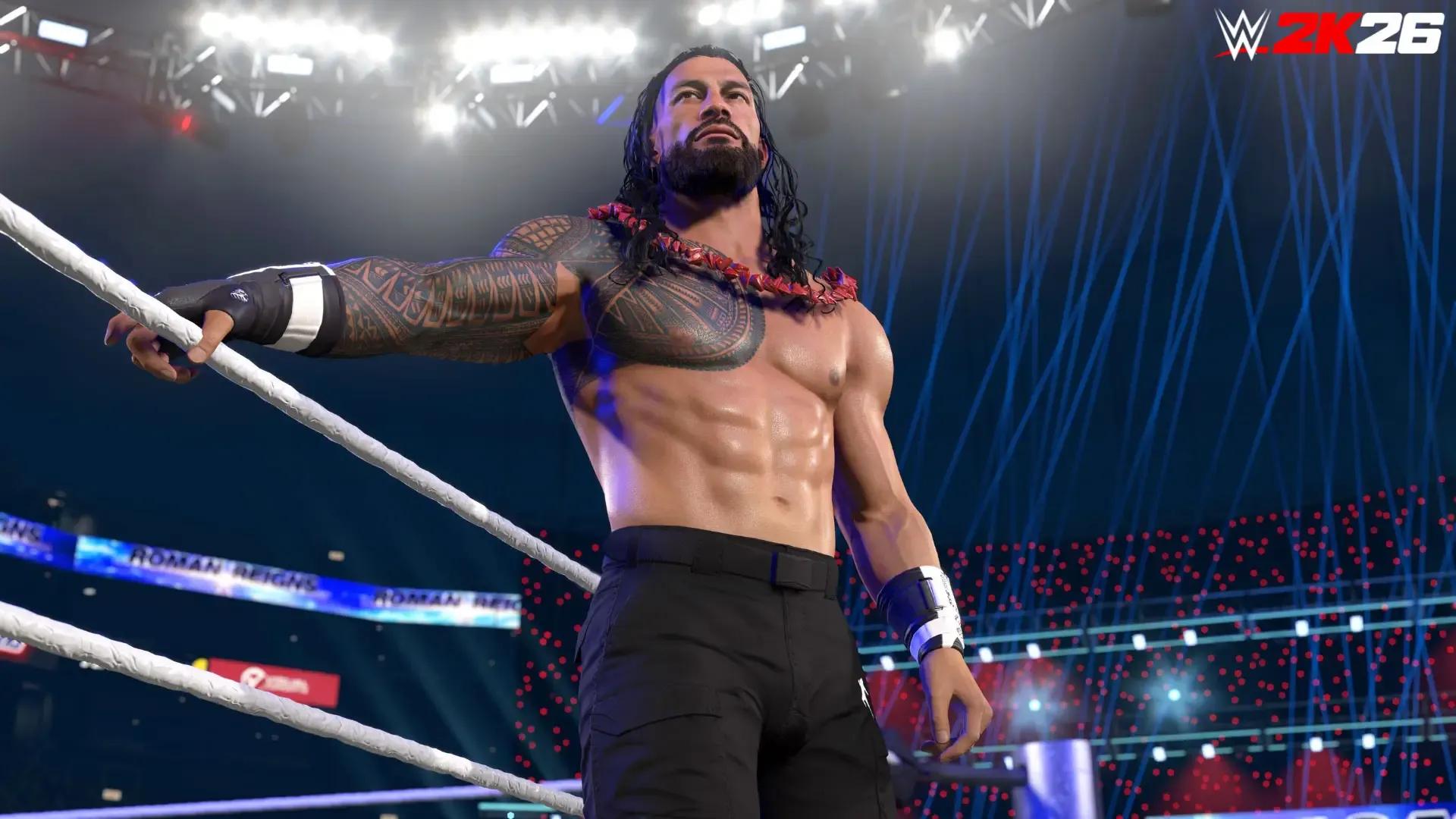
WWE 2K26: How to Create & Save Custom Match Rules Fast
Accessing the Custom Match Rules Menu
From the main menu go to Exhibition, or jump into Universe Mode or MyRise. Select your wrestlers first, pick any base match type, then look for the Customize or Custom Rules tab in the match setup screen. That's where all the magic happens.

Setting Up Win Conditions and Core Rules
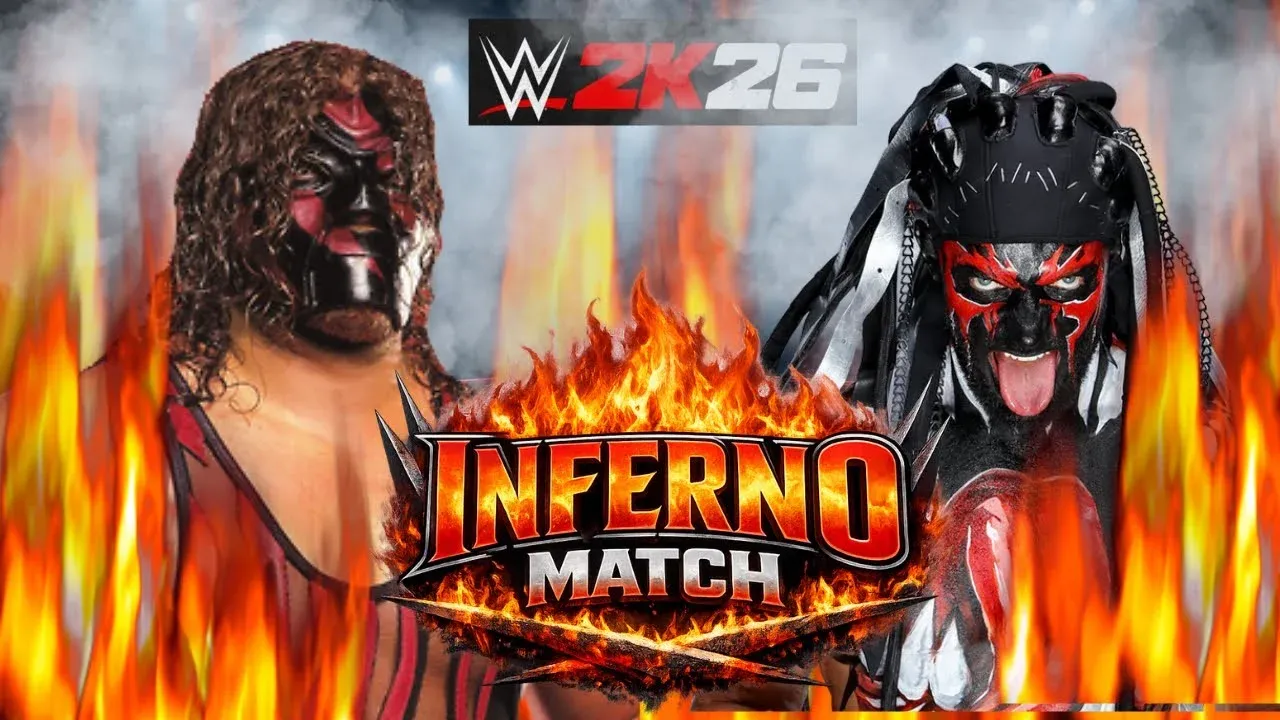
Building on the basics we just covered, this part lets you completely change how the match actually ends. Under Win Conditions you can choose pinfalls only, submissions only, 2 out of 3 Falls, Iron Man, Last Man Standing, K.O., First Blood, or Finisher Only matches.
WWE 2K26: How to Create & Save Custom Match Rules Fast
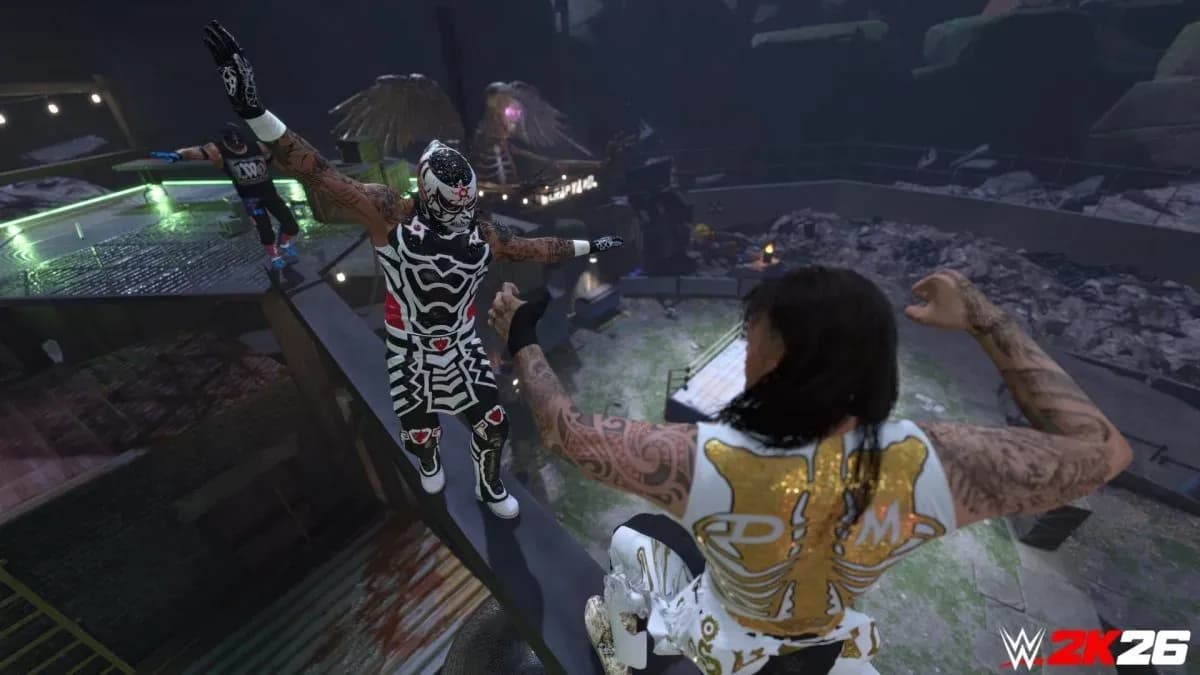
Then move to Match Rules. Here you can toggle DQ on or off, set Rope Breaks, control Ring Out count, enable Falls Count Anywhere, add a time limit, or allow run-ins.
Here's a quick table to make it easy to scan:
| Win Conditions | Key Match Rules |
|---|---|
| Pin / Submission / Both | DQ On or Off |
| 2 out of 3 Falls | Rope Breaks & Ring Out Count |
| Iron Man / Last Man Standing | Falls Count Anywhere |
| K.O. / First Blood | Time Limit & Run-Ins |
Get this part wrong and the match feels off. Get it right and it plays exactly how you want.
Weapons, Extra Options & Saving Your Ruleset
This is exactly why the previous settings matter. You can also tweak starting health, finisher meters, and most importantly the Weapon Wheel. Pick exactly which 6 weapons spawn under the ring (chairs, tables, ladders, kendo sticks, etc.).
When everything feels perfect, give your creation a clear name like "No DQ Extreme" or "Bloodline Rules Custom" and save it. It now becomes a permanent Custom Match Type.
Loading and Using Your Saved Custom Matches
So scroll down because next we're using what you just saved. Next time you're setting up a match in Exhibition or booking in Universe Mode, your saved custom rulesets will appear directly in the match type list. Just select it and you're good to go. You can still make quick changes if you want a one-time variation.
Failed to load image
Wrapping It Up
There you go. You now know exactly how to create custom match rules and save them in WWE 2K26. Make a few different presets for different moods and your matches will feel way more fun and personal. No more boring default rules. Go create some chaos and enjoy the game your way.