
WWE 2K26 brings some of the biggest changes to Universe Mode in years. From a brand-new WWE Draft system to a streamlined setup wizard, upgraded promo tools, and more flexible Money in the Bank mechanics, there's a lot to absorb before you start booking your first show. Whether you're a returning booker or jumping into Universe Mode for the first time, this guide breaks down every major addition so you can hit the ground running.
How Does the Universe Wizard Work?
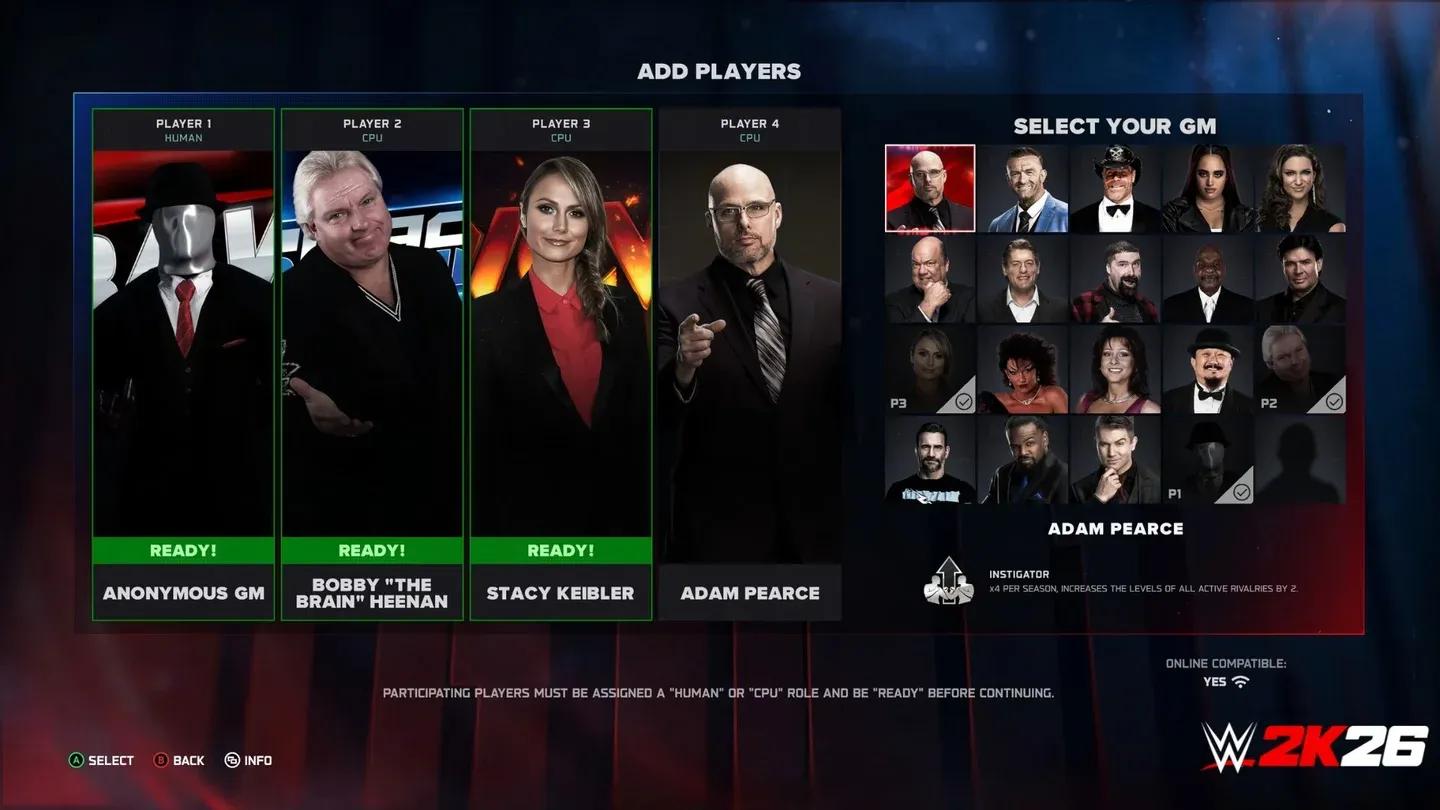
The setup process in WWE 2K26 gets a much-needed overhaul with the Universe Wizard, a guided tool that walks you through every key decision before your first show goes live.
WWE 2K26 Universe Mode Guide: Draft, Promos & New Features
When starting a fresh Universe save, you can either skip straight to the main menu or use the Wizard to configure everything upfront. Here's what the Wizard lets you control:
- Select your weekly shows and Premium Live Events (PLEs)
- Assign Superstars and champions to specific brands
- Choose your starting month on the in-game calendar
For default brands like Raw and SmackDown, you also get deeper roster editing, championship assignment, and division support adjustments. Each show can carry up to eight championships, spanning men's, women's, tag team, and intergender titles. Two Money in the Bank briefcases can be active per show simultaneously.
If you want to expand beyond the defaults, the Add New Show option lets you import a downloaded show, edit an existing one, or build a brand from scratch.


How Does the WWE Draft Work in Universe Mode?
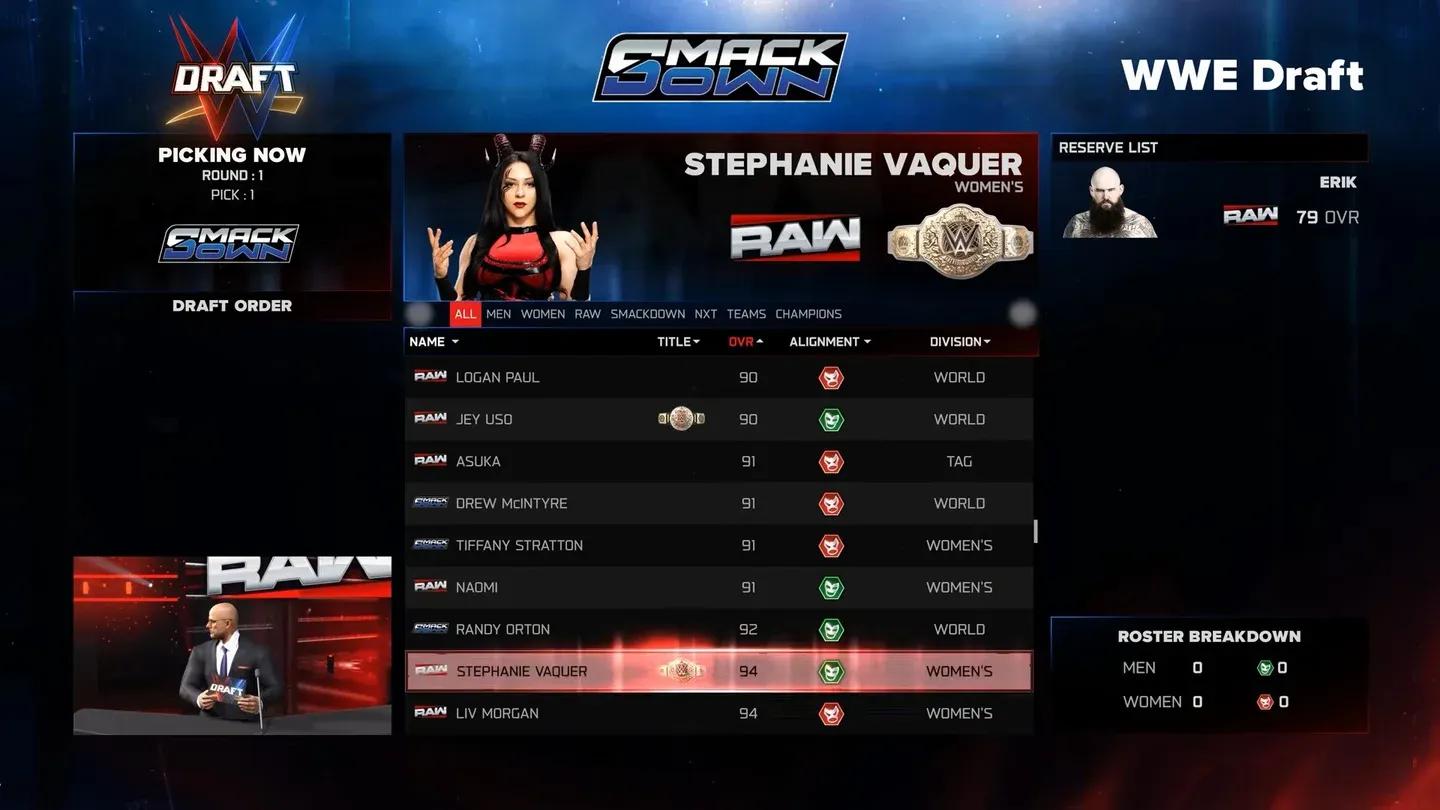
The WWE Draft is the headline addition to Universe Mode this year, and it's something players have been requesting for a long time. For the first time in the series, you can officially trade Superstars between show rosters during a dedicated draft week.
WWE 2K26 Universe Mode Guide: Draft, Promos & New Features
Draft events occupy a full in-game week and can be created, edited, or removed directly from the calendar. When setting one up, you can:
- Give the event a custom name and logo
- Select two participating shows
- Include supplemental brands like NXT as optional draft pools
- Define eligibility rules to control which Superstars can or cannot be drafted
- Set the number of rounds (up to a maximum of 8)
Each draft round takes up a match slot on the card, so planning your card around draft picks is part of the booking strategy. This system gives you genuine creative control over roster construction, letting you shake up Raw and SmackDown rosters the same way the real WWE does annually.
What Changed With Money in the Bank Cash-Ins?
Previous entries locked MITB briefcases to specific championships, which often created awkward booking situations. WWE 2K26 removes that restriction entirely.
Briefcase holders can now cash in on any eligible title within their show, not just the one the briefcase was originally tied to. Cash-ins can be triggered either mid-match or post-match using a button prompt, adding genuine unpredictability to your weekly cards.
With two briefcases active per show, you have real storytelling flexibility around who holds them and when they strike.
What Are the New Promo Options?
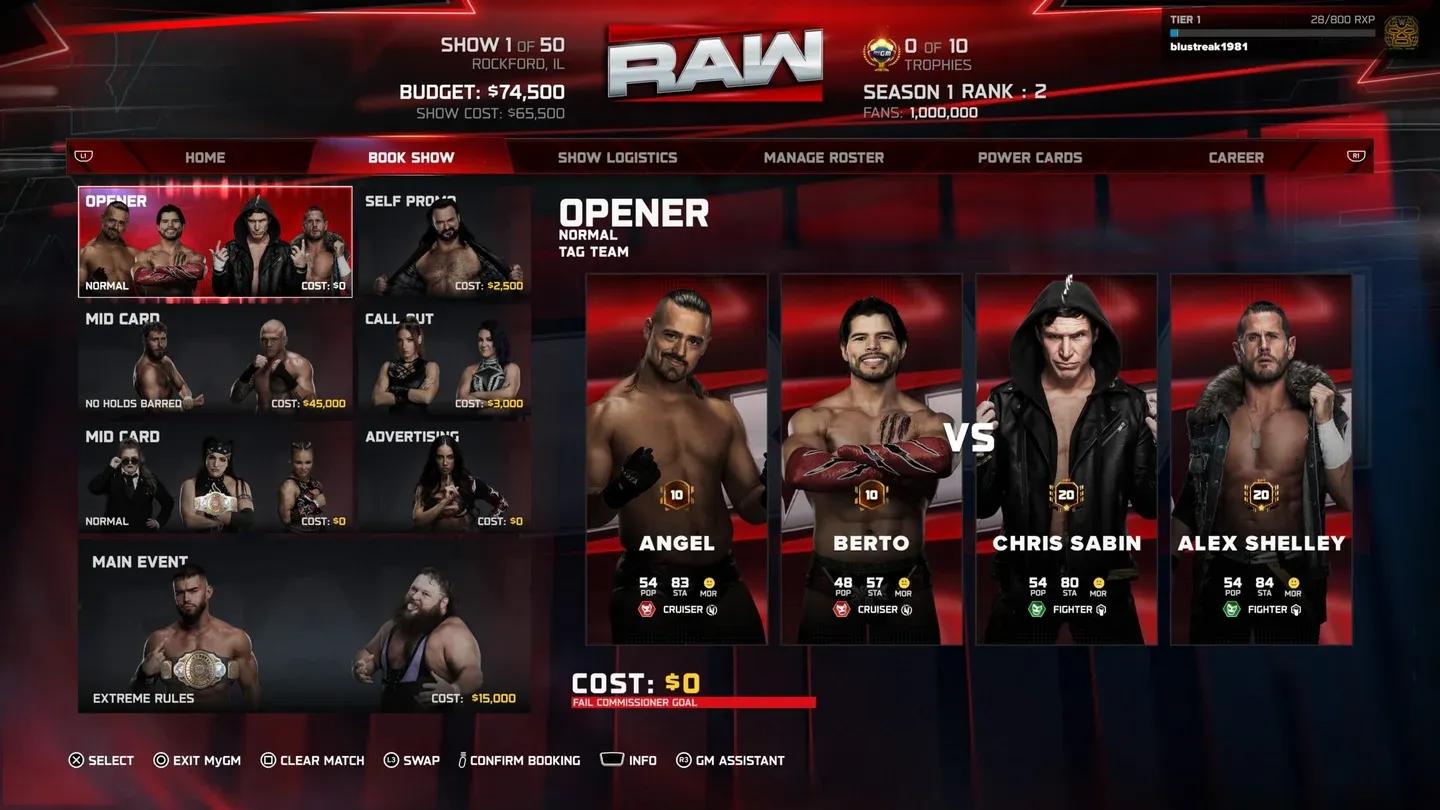
Promos receive a meaningful expansion in WWE 2K26, with new types and a brand-new post-match segment that adds storytelling depth to every episode.
WWE 2K26 Universe Mode Guide: Draft, Promos & New Features
Updated Promo Types
| Promo Type | What It Can Trigger |
|---|---|
| Self-Promo | Heel/face turn, division change, brand switch, self-imposed challenge |
| Call-Out / Interrupt | Challenger picks match type, title challenge issued or accepted for a PLE |
| Open Challenge | Spontaneous title defense against any available opponent |
| Post-Match Interview | Winner addresses next steps; loser can interrupt with a handshake, brawl, or staredown |
The Post-Match Interview is the standout new addition here. After any match, the winner can announce a division change, address a number-one contender's situation, or issue and accept title challenges. Losing competitors aren't locked out either. They can interrupt to shake hands, start a brawl, or engage in a tense staredown, all of which feed naturally into ongoing rivalries.
New Matchmaking Sliders and Clean Slate Options
For players who want granular control over how Universe Mode generates and scores matches, new matchmaking sliders let you tune the system to your preferences.
You can adjust values for:
- Match card sorting priorities
- Title match bonuses
- Rivalry weighting
- Specific match type importance
If you'd rather start fresh without any pre-existing relationships or storylines cluttering your save, WWE 2K26 also adds options to clear default data including Superstar Relationships, Divisions, and Rivalries. This is especially useful when building a fully custom universe from the ground up.
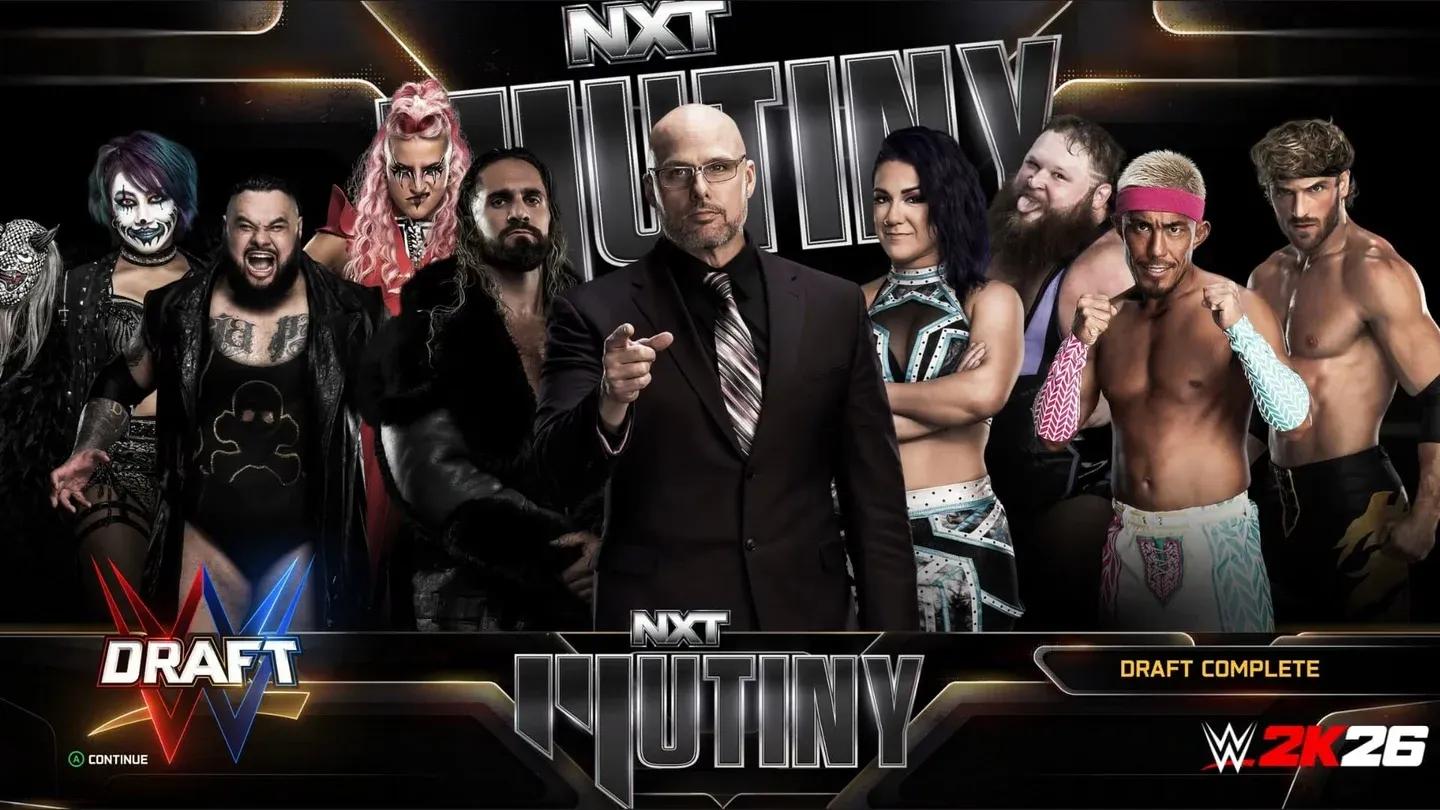
What Other Modes Got Upgraded in WWE 2K26?
Universe Mode isn't the only area receiving attention. Here's a quick look at what changed across the rest of the game:
WWE 2K26 Universe Mode Guide: Draft, Promos & New Features
| Mode / Feature | Key Changes |
|---|---|
| Create-A-Superstar | Slots doubled to 200, image storage up to 2,000, enhanced body morphing, two-tone hair blending |
| Create-An-Arena | LED barricades, expanded apron and announce table options, advanced entrance timeline |
| MyGM | Intergender matches, 5-, 6-, and 8-man match support |
| MyFaction | Intergender matches, Quick Swap match type, Faction Chemistry, run-in support |
| MyRise | Two new division-based storylines |
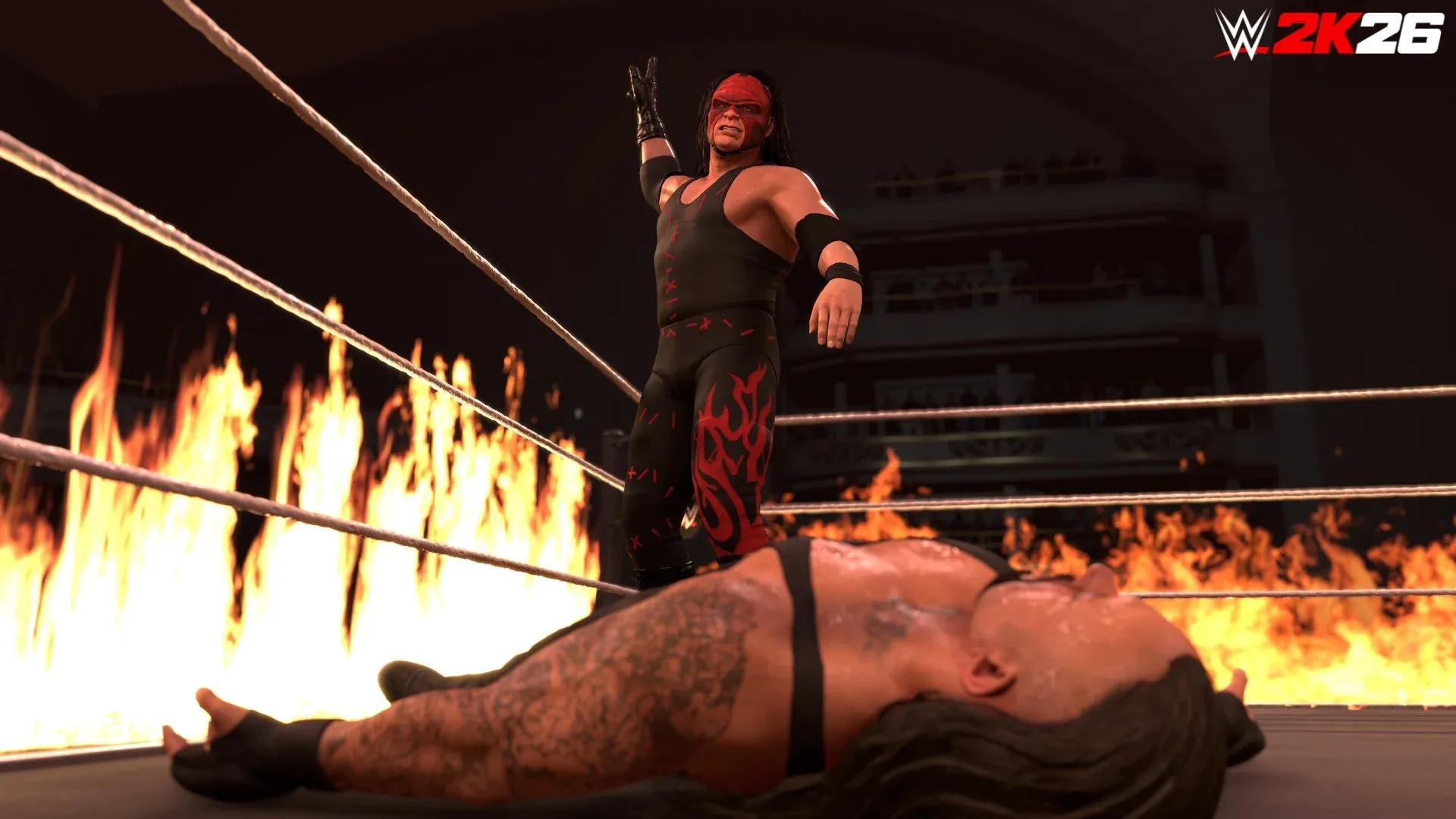
| Match Types | Three Stages of Hell, I Quit, Inferno, Dumpster added |
The Ringside Pass system also replaces the old DLC model, running six seasons across the year. Each season includes a free tier with 60 unlock tiers and a premium tier with an additional 40 tiers, rewarding XP earned across all modes.
Why Universe Mode Feels Different This Year
The combination of the Universe Wizard, the WWE Draft, expanded promo tools, and flexible MITB cash-ins addresses the most common complaints players have had about Universe Mode for years. Setup is faster, roster management is more dynamic, and weekly storytelling has more organic tools built in.
The matchmaking sliders and clean slate options mean you're no longer fighting the game's defaults to tell the story you want. Whether you're recreating the Attitude Era with a custom roster or building a fantasy brand from scratch, WWE 2K26 gives you more control than any previous entry in the series.
For more WWE 2k26 Guides, click here.