
If you've spent serious time grinding toward a Mega Neon pet in Adopt Me, you know the investment that goes into creating one. The Pet Paints update from September 19, 2025, added a new layer of personalization by letting you completely reshape the color cycle of your Mega Neon pets at the Salon. Whether you want soft pastels or electric bursts of color, there's a paint for you — and this guide covers every option, every price, and exactly how to use them.
What Are Mega Neon Paints in Adopt Me?
Mega Neon Paints are special items in Adopt Me that let you change the color palette of a Mega Neon pet's rainbow cycling effect. Before Pet Paints arrived, every Mega Neon cycled through the same standard rainbow sequence. Now, you can personalize that cycle to match your style, making your pet stand out on any server.
These paints are applied at the Salon, located near the tunnel leading to the Neighborhood on Adoption Island. Inside, you'll find interactive podiums next to an NPC named Ella. Simply have your Mega Neon pet active, interact with a podium, and the customization menu opens with all available paint options.

All Mega Neon Paints: Full List and Prices
There are currently seven Mega Neon Paints available in Adopt Me. Only one is completely free, while the rest are premium purchases using Robux. Here's the full breakdown:
| Paint Name | Price |
|---|---|
| Neon Prism | Free |
| Amethyst Skies | 49 Robux |
| Candy Flare | 49 Robux |
| Electric Tide | 49 Robux |
| Rose Quartz Glow | 49 Robux |
| Tropical Surge | 49 Robux |
| Velvet Fuschia | 49 Robux |
All premium paints are priced at 49 Robux each, making them accessible if you want to grab a specific palette without committing to a large spend. You can also obtain certain paints through the trading system if you'd rather not spend Robux directly.
What's Coming: Candyfloss Mega Neon Paint
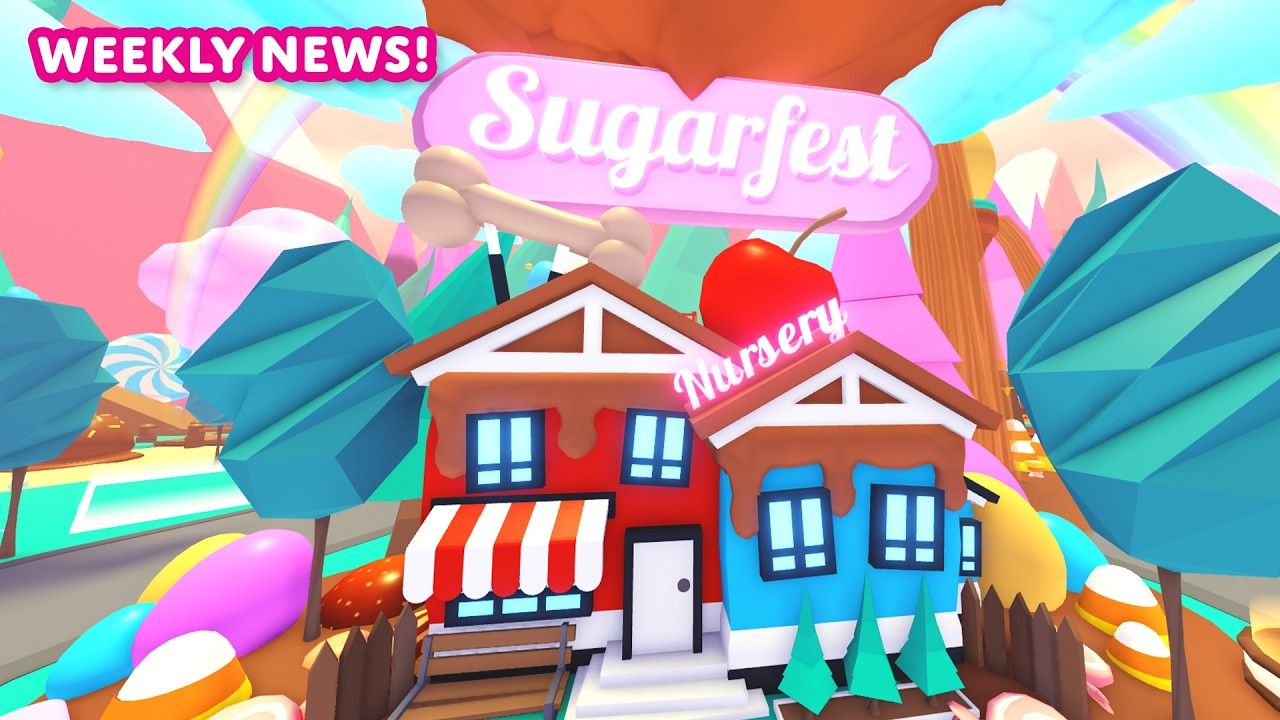
A new paint is on the horizon. The Candyfloss Mega Neon Paint is a limited upcoming item tied to the Sugar Festival Event, set to arrive in the game's second week of that event. It will be purchasable for 49 Robux or obtainable through trading, following the same pricing pattern as existing premium paints. Like all other Mega Neon Paints, it can be used at the Salon an unlimited number of times to temporarily change your Mega Neon pet's color cycle.
The Pet Releaser changes notes confirm that Mega Neon Cryptid can now be recolored, and Paint Sealers can be used to lock in your chosen paint — a great quality-of-life addition for players who've found their perfect look.
How Do You Make a Mega Neon Pet?
Before you can use any of these paints, you need an actual Mega Neon pet. The process requires patience, but the result is worth it. Here's how it works:
Step 1: Build Four Neon Pets
Each Neon pet requires four identical Full Grown regular pets fused together at the Neon Cave, located underneath the main bridge on Adoption Island. Swim beneath the bridge to find the cave entrance, then place one Full Grown pet on each of the four glowing circles inside. The pets merge into a single glowing Neon version.
To reach Full Grown, each pet must progress through six stages: Newborn, Junior, Pre Teen, Teen, Post Teen, and Full Grown. Pets age by completing tasks like eating, drinking, sleeping, bathing, and visiting the playground.
Step 2: Age All Four Neon Pets to Luminous
Neon pets have their own six-stage aging track: Reborn, Twinkle, Sparkle, Flare, Sunshine, and Luminous. All four Neon pets must reach Luminous before you can proceed. This is the most time-consuming phase of the entire process.
Step 3: Fuse at the Neon Cave
With four Luminous Neon pets of the same species ready, return to the Neon Cave and place them on the four glowing circles. They'll fuse into a single Mega Neon pet that cycles through rainbow colors continuously. Any Fly or Ride abilities carried by the original pets transfer automatically to the finished Mega Neon.
In total, you need 16 base pets of the same species to produce one Mega Neon. For a deeper look at how Mega Neons work as a system, the Mega Neons wiki page covers the full history and mechanics in detail.
Tips for Grinding Mega Neons Faster
The grind toward a Mega Neon is real, but a few smart habits make it significantly more manageable:
- Build a compact grinding house with all required furniture placed close together to cut down travel time between tasks.
- Stay in public servers to increase the frequency of tasks your pets receive.
- Focus on one or two pets at a time rather than trying to age a large batch simultaneously.
- Use Age Up Potions whenever you have them available, especially during the Neon aging stages.
- Trade for higher-aged pets to skip early grinding stages entirely.
- Play during events, as many events offer bonus rewards or potions that speed up the process.
How to Apply Mega Neon Paints: Step by Step
- Make sure your Mega Neon pet is your active companion.
- Head to the Salon near the tunnel to the Neighborhood on Adoption Island.
- Walk up to one of the interactive podiums next to Ella.
- Open the customization menu and browse available Mega Neon Paints.
- Select the paint you own (or purchase one for 49 Robux).
- Apply it to change your Mega Neon's color cycle.
- A color code is generated at the bottom of the screen, which you can share so other players can replicate your exact scheme on their own pets.
The old spray paint method, which required manually aiming at different parts of your pet, has been replaced entirely. The new podium system is more precise and straightforward.
Why Mega Neon Pets Are Worth the Effort
Mega Neon pets don't offer stat bonuses, but they carry enormous value in the Adopt Me trading economy. A single Mega Neon Legendary can be traded for multiple high-tier Legendaries or rare items. Beyond trading, they're simply the most visually impressive pets in the game, and with Mega Neon Paints now in the mix, they're more personal than ever.
For more guides on Adopt Me and other top Roblox experiences, browse the latest gaming guides on GAMES.GG to stay ahead of every update.