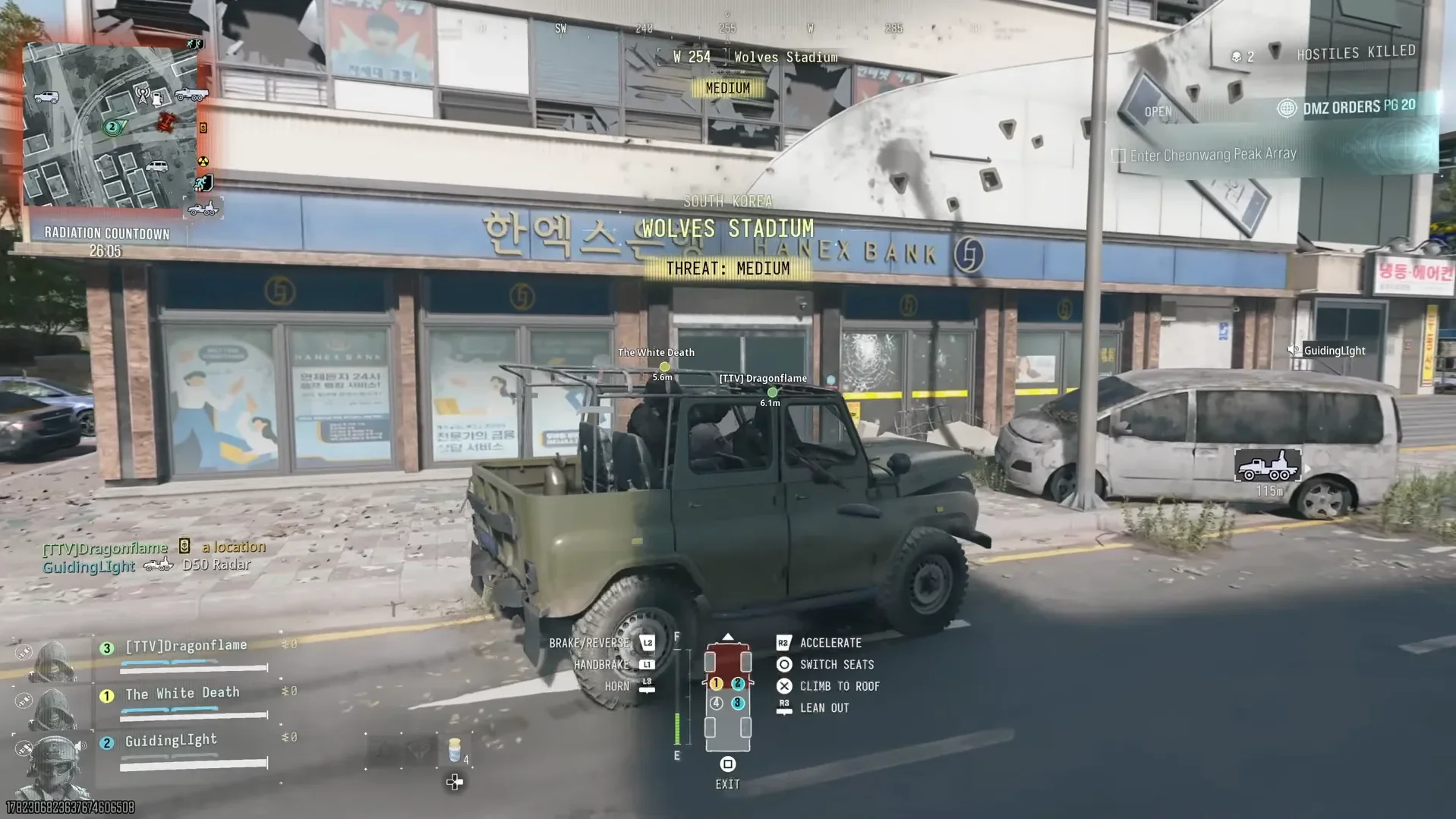

Can't create a Multiplayer class after Prestiging, or staring at a Patriot XMR camo counter that refuses to move? Call of Duty: Modern Warfare 4 has known bugs affecting progression, loadouts, graphics, and access. Some have workarounds; others remain under investigation. What matters is whether the bug stops your progress or just hides it: the Patriot XMR Platinum challenge still progresses, while some Calling Card challenges aren't tracking correctly. Match your symptoms below before deleting classes or abandoning a challenge.
Status snapshot: October 29, 2026. Later updates may change the status of these issues and their workarounds.
Which known issue matches your symptoms?
Start with what actually fails. Missing Combat Record stats and an inaccurate Patriot XMR challenge counter are display problems. Blocked class creation and DMZ Operator Prestige affect actions you are trying to complete.
| Symptom | Affected feature | Workaround or current status |
|---|---|---|
| Cannot create Multiplayer classes after entering Classic Prestige through DMZ menus | Multiplayer class creation | Delete previously created Multiplayer classes containing relocked loadout items |
| Cannot save a Multiplayer loadout | Multiplayer loadout saving | Under investigation across all platforms |
| Eligible Active Duty Operator cannot Prestige | DMZ Operator Prestige | Try Rare weapons with 3 attachment slots that have never had 4 or more attachments |
| Platinum challenge counter appears incorrect | Patriot XMR camo challenge | Progress and completion still work despite the inaccurate display |
| Stats are missing | Combat Record and Leaderboards | Stats continue tracking despite the display issue |
| No launch button in COD Home | Xbox on PC | Check the Microsoft Store's 10-device limit and install missing game Content Packs |
| DLSS resolution scaling is unavailable | Graphics settings | DLSS is unavailable while VRRT Denoiser is enabled |
For a mode-by-mode breakdown alongside these Multiplayer and DMZ checks, use our Call of Duty: Modern Warfare 4 game modes guide.

How do you unblock Multiplayer class creation?
Classes blocked after Classic Prestige
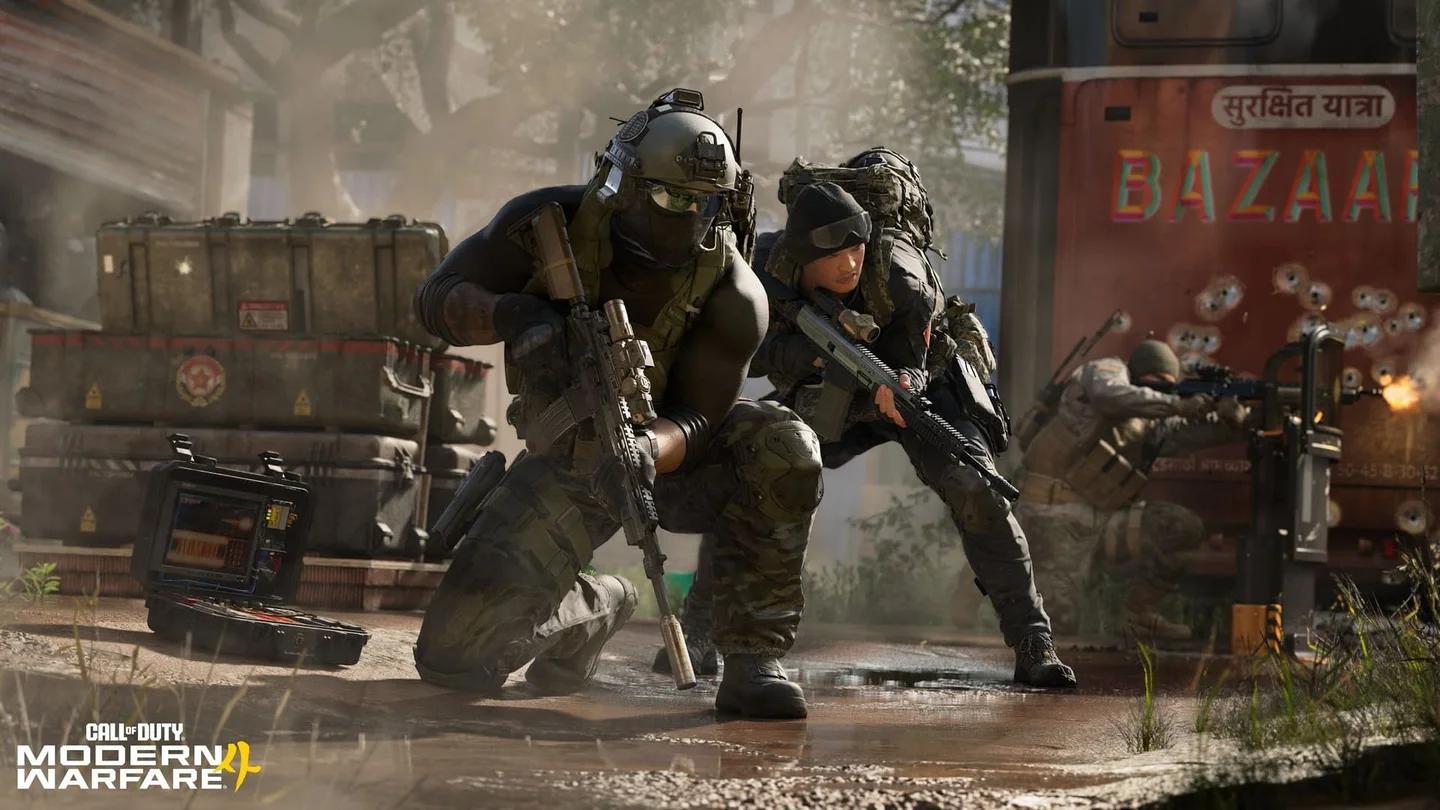
A specific menu route can leave you unable to create new Multiplayer classes: entering Classic Prestige through DMZ menus rather than Multiplayer menus. The blockage persists until you delete previously created Multiplayer classes containing loadout items that became locked again.
To address that specific problem:
- Open your Multiplayer classes.
- Find the existing classes containing relocked loadout items.
- Delete those affected classes, then create your new Multiplayer class.
Inspect relocked loadout items
Loadouts that will not save
Some players cannot save loadouts in Multiplayer across all platforms. That issue is under investigation separately from the Classic Prestige bug, so identify whether you are blocked from creating a class or saving a loadout before following the deletion workaround.
How can you get past DMZ progression bugs?
Active Duty Operator cannot Prestige
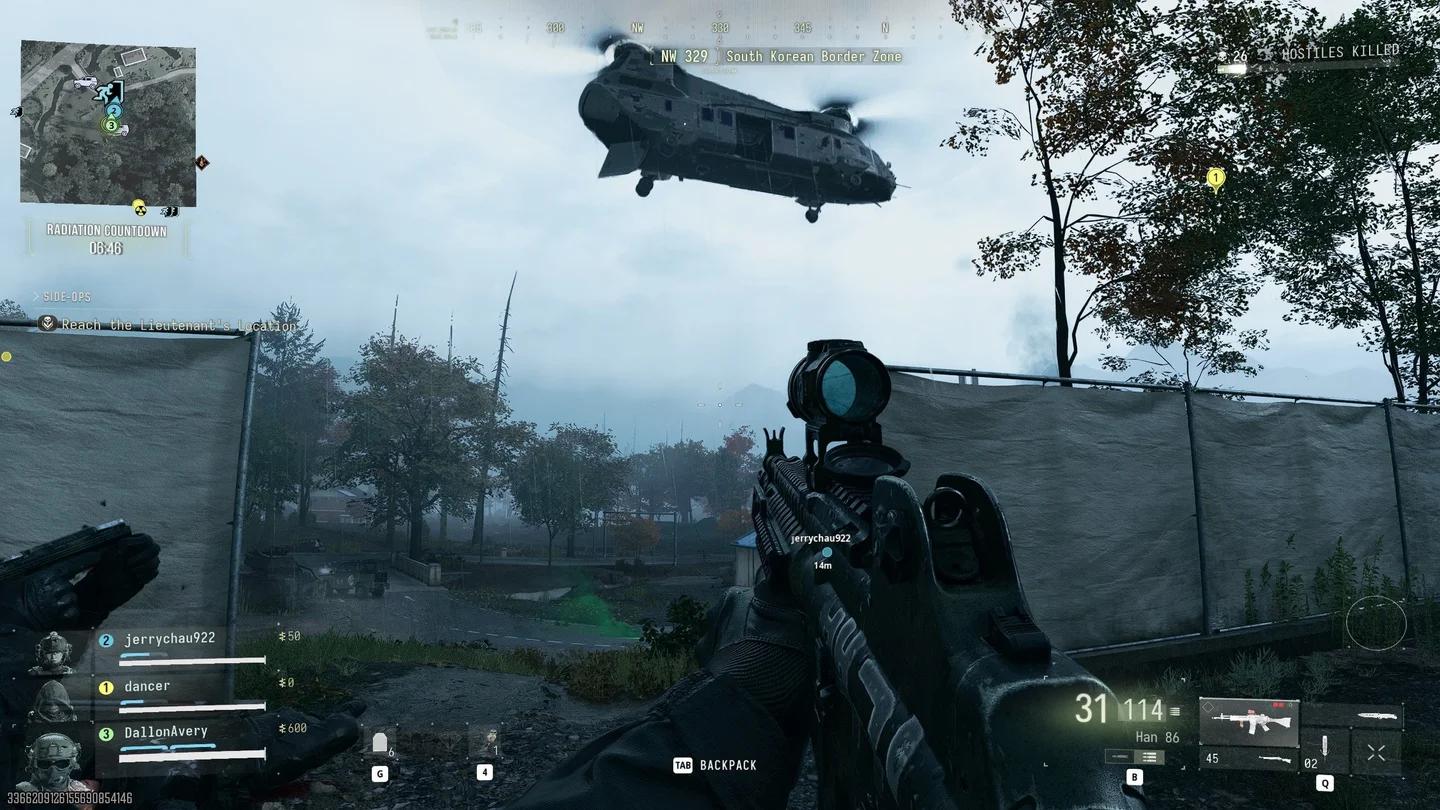
Some DMZ players cannot Prestige an Active Duty Operator even after meeting the requirements. A workaround has helped affected players: equip Rare weapons with only 3 attachment slots, using weapons that have never had 4 or more attachments.
The weapon's attachment history matters here. The workaround specifies both the 3-slot restriction and the requirement that the weapon has never had 4 or more attachments; simply reducing the equipped attachment count does not satisfy those conditions.
Check the Rare weapon requirement
Information Power Order is blocked
The Information Power Order has a separate progression problem. Some players cannot purchase Lieutenant Information on the Boss Board, preventing them from advancing the Order. This purchase issue is under investigation across all platforms.
Is your challenge or stat progress still tracking?
Patriot XMR Platinum camo
The Patriot XMR Platinum Camo Challenge can display inaccurate progress in its UI. You can still advance and complete the challenge despite that display problem, so continuing the challenge remains worthwhile even when its counter looks stuck.
Platinum progress display issue
Combat Record and Leaderboards
Some players cannot see their stats in Combat Record and Leaderboards. This is a display-only issue: the underlying stats continue tracking. An empty stats display does not mean those stats have stopped recording.
Calling Card challenges and Best Play
Some Calling Card challenges are not tracking as intended, and that issue remains under investigation. Unlike the Patriot XMR Platinum display bug, continued progress is not confirmed for these affected challenges.
Multiplayer also has a known problem with Best Play selection logic. The selection issue is being investigated separately from Calling Card tracking and the stats display bug.
Which access, graphics, and control issues remain?
Xbox access and a missing launch button
Some Xbox Series X|S and Xbox on PC players may be unable to access the game after reaching their account device limit. Xbox on PC also has a tracked symptom where COD Home does not show a button to launch the game.
For the missing Xbox on PC launch button, try these support-recommended checks:
- Check Microsoft Store device management to ensure you have not exceeded the 10-device limit.
- Install any Call of Duty: Modern Warfare 4 Content Packs you are missing.
DLSS and VRRT Denoiser
DLSS resolution scaling is unavailable while VRRT Denoiser is enabled. If DLSS is missing from your available graphics options, check that setting combination first.
Graphics driver versions can also cause visual artifacts. That is a separate tracked graphics concern from the DLSS and VRRT Denoiser restriction.
Sprint and Melee do not exit Toggle ADS
With Toggle ADS enabled, pressing Sprint or Melee does not pull you out of aiming down sights. This control issue is tied to Toggle ADS, so check your aiming setting when matching the symptom.
Matchmaking stability and console hitching
Matchmaking quality and stability are tracked concerns across all platforms. Reports of hitching on Xbox and PS5 have also prompted a temporary change: the regional map animation video has been disabled while searching for Multiplayer lobbies as part of an attempted fix.
That regional animation change applies during lobby searching. For details on Multiplayer locations, use our Call of Duty: Modern Warfare 4 maps guide.
How do you report a different bug?
For a problem that does not match these known issues, use the Call of Duty: Modern Warfare 4 Bug Report form. It provides a reporting route for issues beyond the loadout, progression, access, and display problems covered here.
PC crashes have a separate reporting route through the Call of Duty PC Crash Report. That form collects crash information to help investigate and resolve PC crashes.
Before your next Multiplayer match or DMZ session, browse our Call of Duty: Modern Warfare 4 guide collection for more help with the game.