
Search games, articles, guides...CtrlK
Sign InGet Started

Premium Edition owners on Steam can't access Revelations DLC. Here are the exact steps to fix it without buying it twice.

Written by Larc
Content Writer
See more GAMES.GG guides on Google
Add us as a preferred source and our guides show up first in your results.
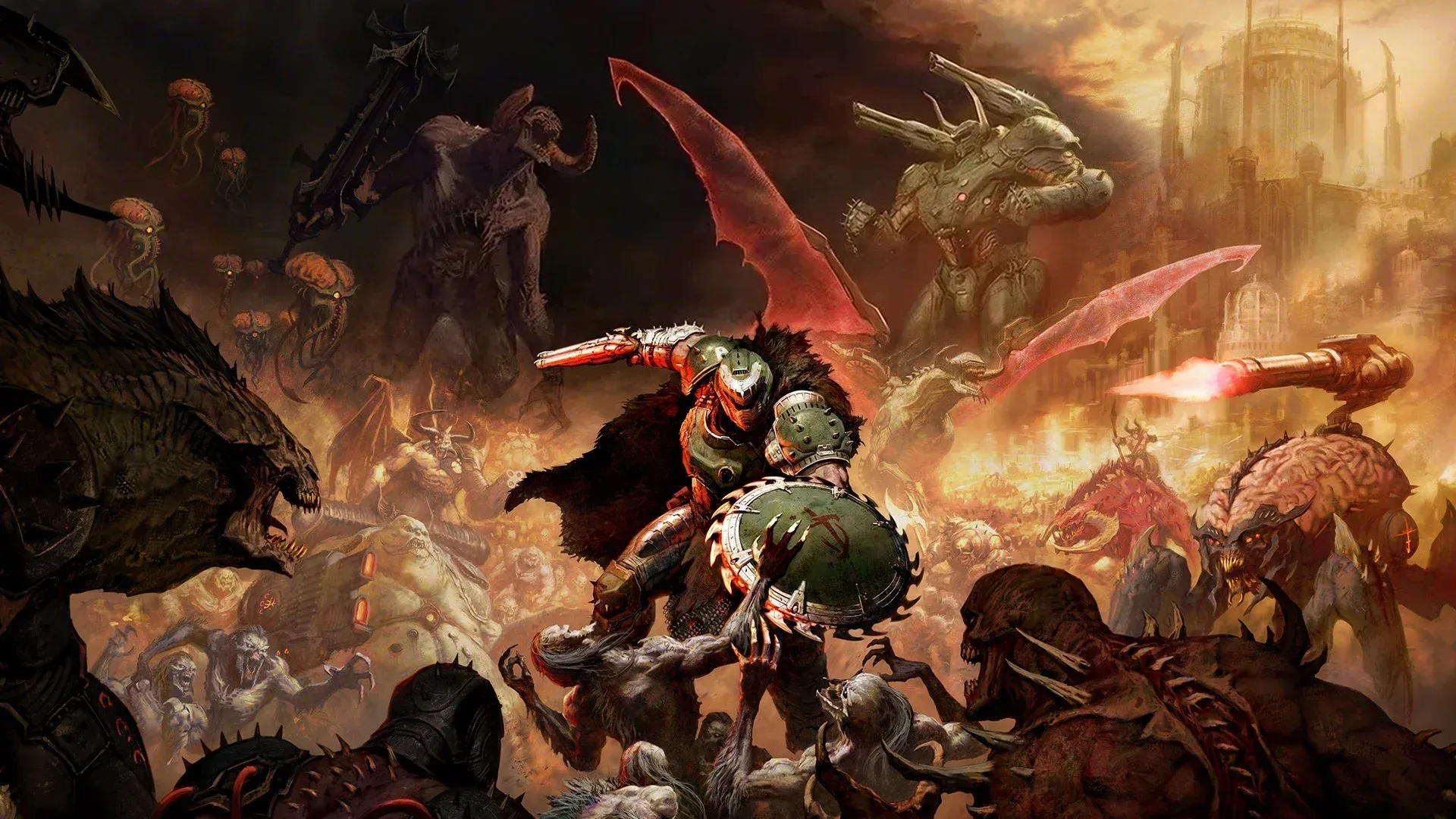
DOOM: The Dark Ages Revelations DLC Release Date
The Revelations DLC for DOOM: The Dark Ages drops July 7, 2026. Here's everything confirmed so far about new weapons, enemies, and story content.
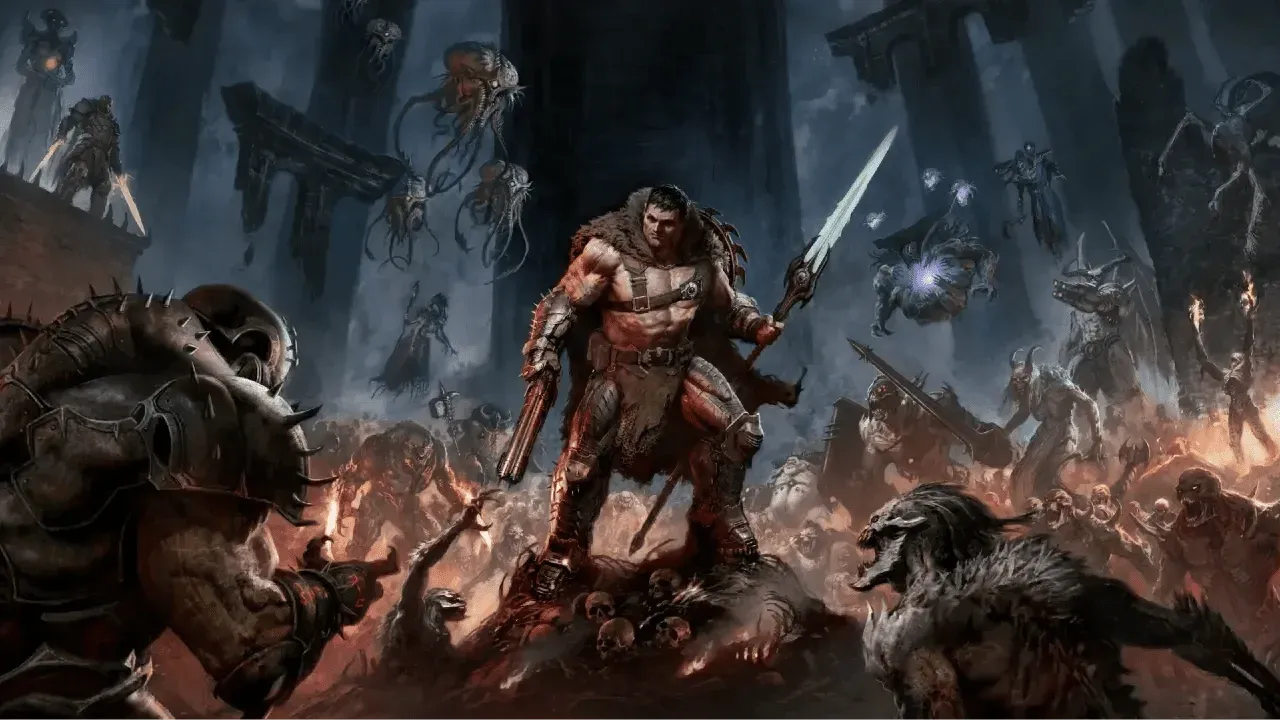
DOOM: The Dark Ages Revelations DLC Complete Walkthrough
Complete walkthrough for DOOM: The Dark Ages Revelations DLC covering Chapter 1, key enemies, and the Chain Spear bug fix.
Doom The Dark Ages Guide: Best Upgrade Paths and Weapon Builds
Master the best upgrades in Doom The Dark Ages with this guide covering early and late game priorities, weapon builds, and strategies for maximum demon-slaying efficiency.
If you own the Premium Edition of DOOM: The Dark Ages on Steam and just tried to launch the Revelations DLC only to hit a wall, you're not alone. As of July 7, 2026, a widespread issue is preventing Premium Edition owners from accessing the DLC they already paid for. The good news: there are several working methods to get it running, and none of them require you to spend another $20.
The root of the problem sits with Steam's servers rather than anything wrong with your game install. The Revelations DLC either fails to register in your library or the associated files don't get flagged correctly after the roughly 19 GB update rolls out. Bethesda has confirmed awareness of the issue and is working on a fix, but that doesn't help you right now.
Before trying anything else, do one quick check: restart Steam, then look for a pending update around 19 GB in your library. If that update is sitting there waiting, let it download fully. Once it completes, head into the game's DLC section and check whether Revelations now appears. For a chunk of affected players, this alone resolves the problem.
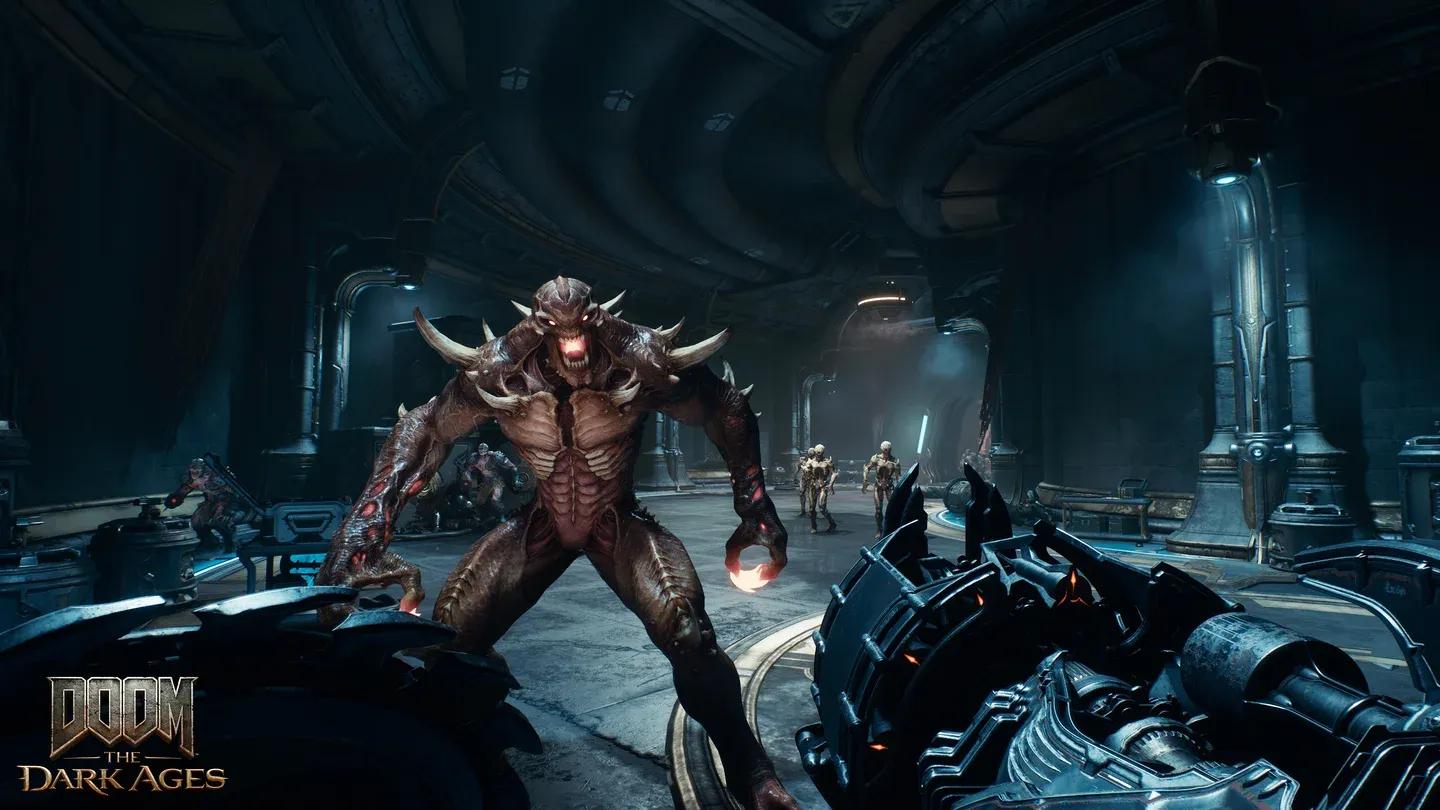
Check DLC in Steam library
Work through these methods in order. Each one takes a bit more effort than the last, so start simple before committing to a full reinstall.
Steam sometimes needs a full restart to register newly available DLC. Close Steam entirely (not just the window, check the system tray), reopen it, and wait. Steam may push a notification confirming that Revelations has been added to your library. If that notification appears, the DLC should be playable immediately.

Steam DLC library notification
This is the most reliable fix confirmed so far. Right-click DOOM: The Dark Ages in your Steam library, open Properties, navigate to Local Files, and run Verify integrity of game files. Steam scans your install and cross-references it against what you should have. If the DLC files are present but not recognized, this process flags them correctly and can trigger the registration. Missing files get redownloaded automatically.
If both methods above fail, a full uninstall and reinstall of the game is your nuclear option. Be aware this means downloading close to 100 GB of data from scratch. Only go this route if you've exhausted the other options and still can't access the DLC.
Once the DLC registers correctly, you get full access to the Revelations content plus the updated Ripatorium 3.0 maps. The Ripatorium updates are tied directly to the DLC, so they won't appear until the registration issue is resolved.
Absolutely. The Revelations DLC is included in what you already paid for with the Premium Edition, and Bethesda being aware of the issue means a proper fix is coming even if the manual methods don't work for you. The file integrity check resolves it for most players without any wait at all.
For everything else you need to get the most out of the game, check out the full DOOM: The Dark Ages guides collection. If you want to hit the ground running in Revelations, the best upgrade paths and weapon builds guide covers exactly what to prioritize. You can also get a full breakdown of what the DLC adds in the Revelations DLC release date and content guide so you know what's waiting once you're in.