
Enshrouded Sparkworks: How to Get the Tool and Build Your First Logic Circuit
Enshrouded (2024) added Sparkworks with its 1.0 release, and it changes what base building actually means in Embervale. Instead of static walls and decorations, you can now wire levers, pressure plates, and buttons to doors, traps, and enemy spawns through a 2D graph editor. The result is anything from a simple automatic door to a full dungeon with timed spike traps and secret passages. Here's everything confirmed about the system, how to get your hands on the Sparkworks Tool, and how to build your first working puzzle.
What is Sparkworks in Enshrouded?
Sparkworks is Enshrouded's building logic system, introduced with version 1.0. The core idea is straightforward: connect an input to an output, and your build responds to player actions. Pull a lever and a door swings open. Step on a pressure plate and a trapdoor drops underfoot. Keen Games describes it as a way to turn any base into an interactive adventure.
The system uses a 2D graph editor to configure those relationships. Inside the editor, you can set behavior rules, add conditions, and chain multiple connections together. The confirmed components include levers, buttons, pressure plates, and trigger zones on the input side, and doors, trapdoors, traps, and enemy spawns on the output side. Logic operators like NOT and OR gates, plus clocks for timed delays, let you build more complex circuits once you have the basics down.
Switchboxes serve as the visual hubs for the whole graph. You can rename connections inside them, hide boxes for a cleaner look, or use them as the central point to inspect any circuit at a glance.


How do you get the Sparkworks Tool?
Here's the short answer: complete the Contraptions and Mechanisms quest, which you receive from the Carpenter once he is sheltered at your base.
Step-by-step: unlocking the Sparkworks Tool
- Unlock and shelter the Carpenter at your base.
- Talk to him and accept the Contraptions and Mechanisms quest.
- Follow the quest marker to the Trapped Night Sanctum. The Carpenter believes the Ancients left tools and knowledge for building mechanisms inside one of their Night Sanctums.
- Enter the Night Sanctum and navigate through the trapped areas inside.
- Locate the chest containing the Sparkworks Tool and pick it up.
- Return to your base and craft the Sparkworks Workbench at the Carpenter.
- Place the Sparkworks Workbench in your base to complete the quest and earn 100 experience points.
Once the Sparkworks Workbench is placed, you can craft additional Sparkworks Tools directly from it. The tool also appears occasionally as random loot in chests, so keep an eye out while exploring.
What does the Sparkworks Tool actually do?
Equip the Sparkworks Tool and you can open the logic graph for any Switchbox or connected component within range. From there, you link inputs to outputs, set behavior rules, and configure delays or conditions. The tool is the only way to edit these circuits, so you need it equipped any time you want to modify a mechanism.
The graph supports the following:
- Inputs: levers, buttons, pressure plates, trigger zones
- Outputs: doors, trapdoors, enemy spawns, traps
- Logic operators: NOT, OR gates
- Timing: clocks for delays between trigger and response
The mistake most players make is trying to build a complex dungeon before testing a single connection. Start with one input and one visible output. Confirm the behavior works exactly as expected before adding a second trigger.
How do you build your first Sparkworks puzzle?
The best first project is a small room with one pressure plate and one door. Keep both in direct line of sight. The goal is to teach yourself how the input-output relationship behaves before you start chaining conditions.
Planning the room
Leave a temporary gap in the wall while you work. This lets you move between the entrance and exit without depending on an unfinished mechanism, which makes testing much less frustrating. Remove the gap only after the circuit works reliably.
Position the pressure plate on a clear approach to the door. Give enough space for a player to stop, look at the doorway, and understand what stepping forward will do. Keep decorations out of the walking route until the mechanism is stable.
Configuring the graph
Use the graph editor to connect the pressure plate to the door. Start with a single connection, then check the behavior options for those specific objects.
Pay attention to what happens when the input stops being active. A door that stays open after someone leaves the plate creates a different puzzle from one that closes immediately. Choose the behavior that matches your design intent, and build the room around what you observe.
| Component | Role in this design |
|---|---|
| Pressure plate | Input the player activates |
| Door | Output the player watches |
| Graph connection | Relationship you configure between the two |
| Behavior rule | Determines what happens when input stops |
Testing the mechanism
Walk through the room as a first-time visitor would. Approach the plate without using your shortcut, activate it, watch the door, then repeat from the far side. Check whether a player can leave the plate, reach the doorway, and return without getting trapped.
- Test one connection at a time if the result is unexpected.
- Check which objects the graph connects before changing any rule.
- Keep the exit visible while you establish the basic interaction.
- Have another player try the room without explaining the solution first.
A confused tester is useful feedback. If they cannot tell which door changed, improve the sightlines. If they understand the solution but cannot complete it, adjust the mechanism or route. Changing both at once makes the next test harder to interpret.
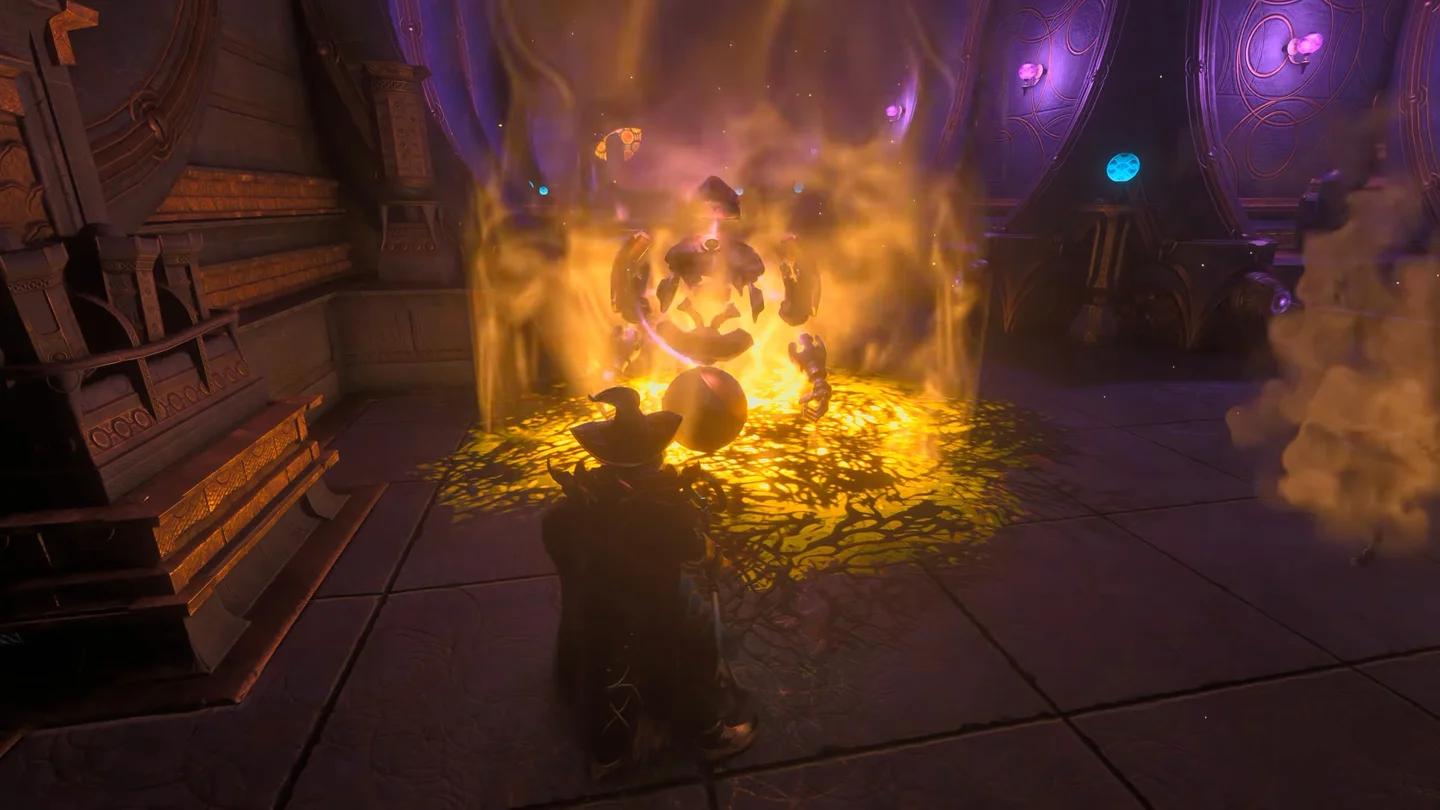
Pressure plate to door connection
What can you build beyond the first puzzle?
Once the basic door room works consistently, add one new idea at a time. Move the pressure plate off the main route so it requires exploration to find. Build a second room around a lever. Plan a trapdoor challenge with a clearly signposted approach.
Keep a working copy of the original room so you can compare new behavior against a mechanism you already understand. Sparkworks is designed to scale with your ambition, but the players who build the most impressive dungeons all started with a single reliable connection.
Adventure Sharing lets you distribute finished worlds to other players. Test trigger behavior and reset behavior thoroughly before sharing. A door that opens correctly once is different from an experience that behaves as intended across multiple playthroughs.
Frequently asked questions
Can you craft more than one Sparkworks Tool?
Yes. Once the Sparkworks Workbench is placed at your base, you can craft additional tools from it. The tool also drops occasionally from chests in the world.
Do you need the Sparkworks Tool equipped to use mechanisms?
No. Players interact with finished mechanisms normally without equipping the tool. You only need the Sparkworks Tool when you want to open and edit the logic graph.
Can you use logic gates in the first puzzle?
You can, but there is no reason to. Add NOT and OR gates only after the basic input-output connection works reliably. Complexity before stability produces circuits that are very hard to debug.
Does Sparkworks work in multiplayer?
Yes, and it is worth telling other players before you start modifying traps in a shared world. Test new mechanisms in a separate area first.
For deeper systems in Embervale, the full Enshrouded progression guide covers Flame Altar advancement, Survivor unlocks, and everything that feeds into a well-built base. If you are just getting started, the Enshrouded beginner's guide walks through the core survival systems before Sparkworks becomes relevant. For the complete collection of strategies covering every part of the game, the Enshrouded guides hub has everything organized by topic.