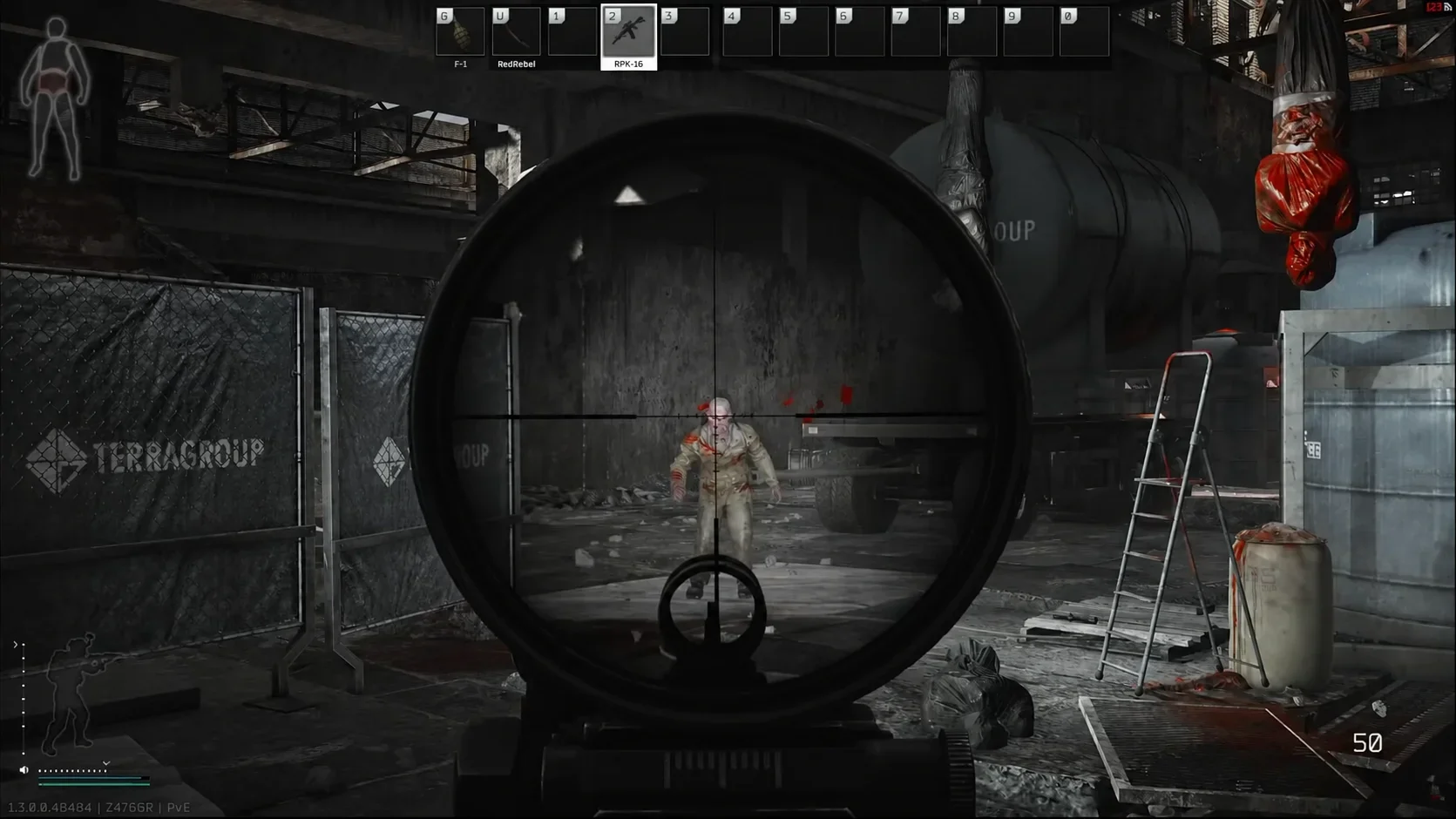

There are 17 active Escape from Tarkov codes to try in November 2026 for free weapons, Roubles, medical supplies, and collectibles.
The largest bundles include weapons and protective gear, while smaller rewards cover barter supplies or novelty items. Start with the codes for your mode, then choose bundles that fill gaps in your stash. The checklist below covers each current code, followed by redemption steps and expired codes to skip.
All active Escape from Tarkov codes
These are the current codes for November 2026. The reward column highlights what each bundle contains, so you can decide which ones to claim first.
| Code | Reward highlights |
|---|---|
| 1YEAROFESCAPING | Norinco QBZ-191 rifle, 150 rounds of 5.8x42mm DBP191, Black Division gear crate, briefcase with documents, metal fuel tank, water filter, and assorted supplies |
| 9GAG | HK 416A5 rifle, 640 rounds of M855A1, five 30-round magazines, two ammunition cases, JPC plate carrier, backpack, helmet, headsets, medical supplies, and grenades |
| EMBRACEPAIN | 14 injectors of various types |
| PLAYYOURWAY | Seven Tarko figurines |
| TARKOVHALLOWEEN | RPDN machine gun, two 100-round ammunition boxes, 300 rounds of 7.62x39mm HP, Bastion helmet, TV-110 plate carrier, ComTac V headset, backpack, two Grizzly kits, two Toolsets, and four F-1 grenades |
| UNDEADTARKOV | Two Benelli M3 Super 90 shotguns, 120 flechette shells, two plate carriers, two ULACH helmets, two ComTac V headsets, medical supplies, shotgun mounts, flashlights, and four RGD-5 grenades |
| INVEN | M1A rifle, 20-round magazine, M993 ammunition, FCPC V5 plate carrier, TC 800 helmet, ComTac V headset, balaclava, glasses, and 2 Day Assault Pack |
| WIPE | G36 and AKS-74U rifles, RBAV-AF plate carrier, Ronin helmet, magazine case, ammunition packs, and tactical earplugs |
| GAMESPARK | MDR rifle, backpack, chest rig, Trooper body armor, Ronin helmet, magazines, ammunition, prism scope, medical supplies, lighter, and toilet paper |
| ELVISVISTA | Elvisvista figurine and two silver Christmas tree ornaments |
| PAY2WIN | TOZ-106 shotgun, Blicky toy gun, Transformer bag, replica helmet, rye croutons, a slug, grenade fuze, and GP coin |
| LIGHTSOUT | Six energy-saving lamps |
| GOONSQUAD | 50,000 Roubles, expeditionary fuel tank, CALOK-B, two KEKTAPE duct tapes, two bolts, and sugar |
| SCAVYBOI | 50,000 Roubles, expeditionary fuel tank, CALOK-B, two bolts, two nuts, power cord, whiskey, and Alyonka chocolate |
| SBEUKOMAR | 50,000 Roubles, expeditionary fuel tank, CALOK-B, two corrugated hoses, Iskra ration pack, condensed milk, and a Slickers bar |
| PROMOCODE | Free gear bundle |
| BACKTORAID | Free loot bundle |


How to redeem Escape from Tarkov codes
You can activate codes through either the Battlestate Games launcher or the official Escape from Tarkov website. Both routes add rewards to the same account. Activating a code and collecting its items are separate steps.
Use the Battlestate Games launcher
The launcher route starts from the account menu in the top-right corner, beside your username and online status.
- Open the Battlestate Games launcher.
- Open the dropdown beneath your player name.
- Select Activate Code.
- Enter a code from the checklist, then select Activate.
A successful activation displays green confirmation text. You can enter your next code from the same launcher menu before opening the game to collect the rewards.
The launcher account dropdown
Use the official website
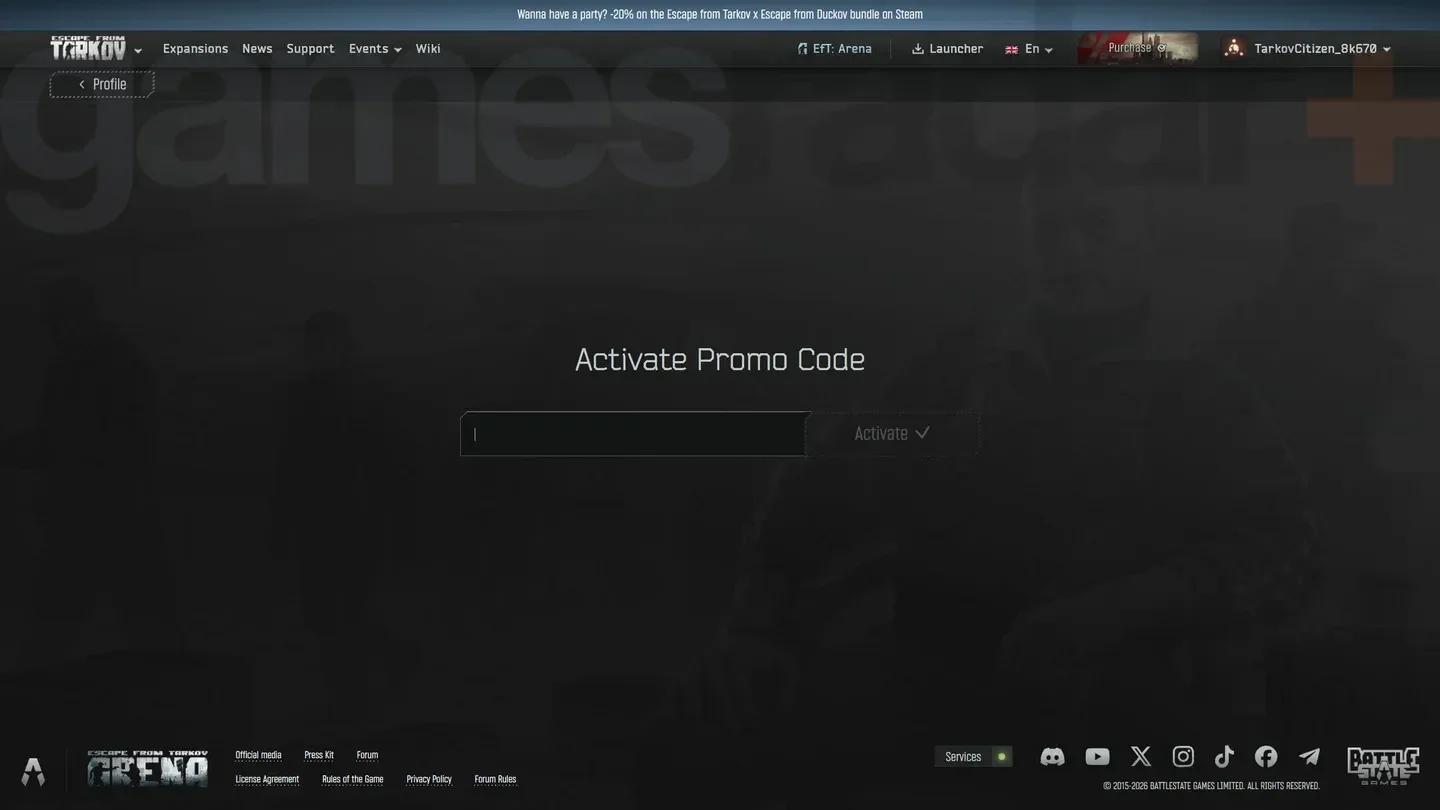
The website route uses your Escape from Tarkov account profile and its promo-code activation form. If you play through Steam, make sure your account is linked before redeeming there.
- Sign in to the official Escape from Tarkov website.
- Open your profile page.
- Select Activate Promo Code.
- Enter your chosen code and confirm the activation.
Use the account attached to your game. Website redemption does not remove the need to collect the resulting reward message in-game.
Collect your items from the messenger
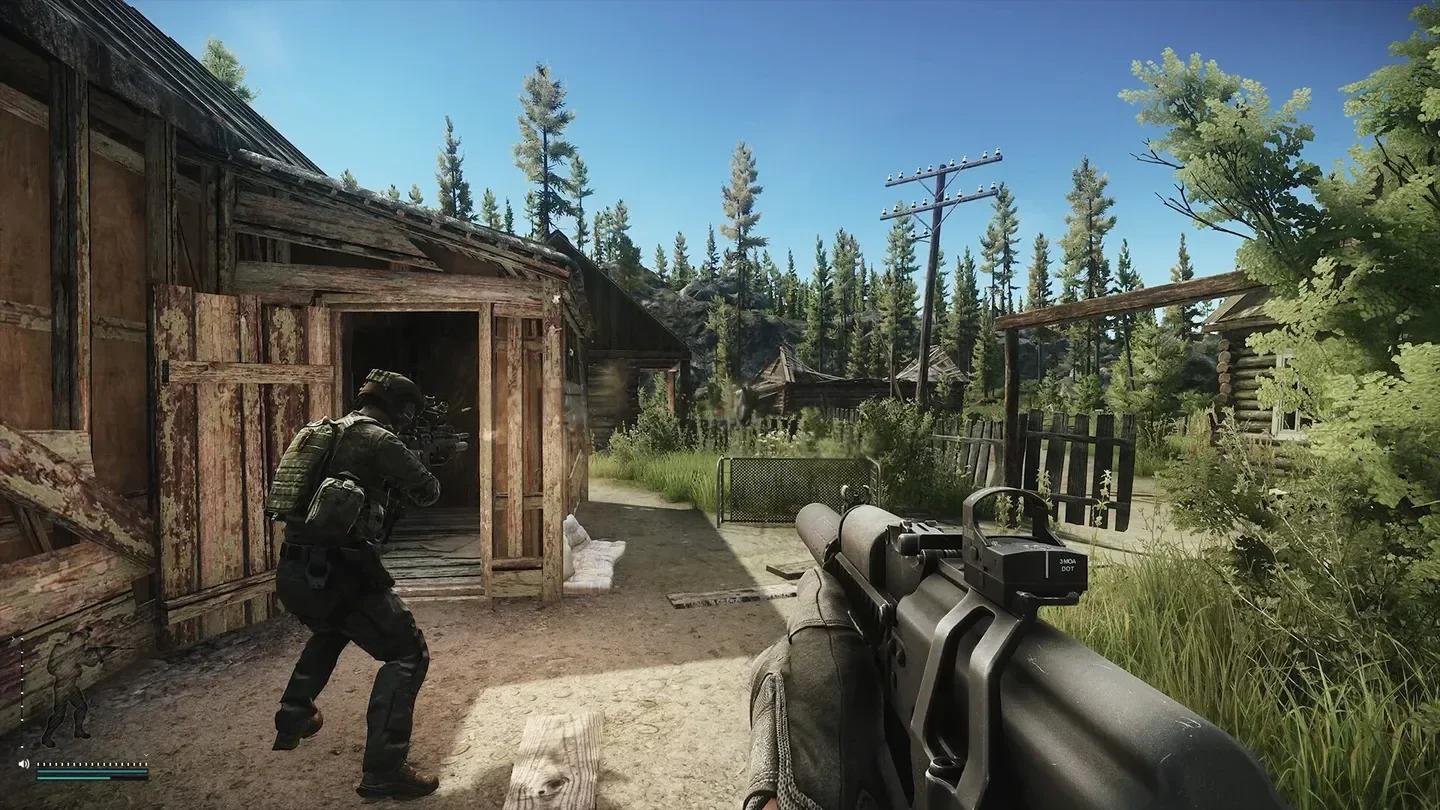
Launch the game and open the messenger tab at the bottom of the screen. Find the reward messages, then select Get to transfer their attached items into your stash.
If your stash cannot hold the entire delivery, you can return to the message and retrieve the remaining items later. Claiming several large equipment bundles can require more room than claiming lamps, injectors, or figurines, so check your free space before transferring everything.
Why an Escape from Tarkov code is not working
Use the response from the launcher or website to separate a rejected code from an accepted reward that has not reached your stash.
| Problem | What to check | Next action |
|---|---|---|
| The code is rejected | Codes are case-sensitive | Copy the exact uppercase string from the checklist and submit it again |
| An older code no longer activates | Its redemption window may have ended | Check the expired list below before spending more time on it |
| Activation succeeds, but the reward seems missing | The code may belong to another mode | Open the mode associated with that code |
| No unclaimed attachment appears | The reward may already have been collected | Check your stash and the relevant message before treating it as a failed delivery |
A missing reward does not automatically mean the activation failed. Check the delivery mode and message state first, especially when moving between PvE, PvP Zone, and seasonal PvP.
Expired Escape from Tarkov codes
Skip these retired codes. They no longer provide their former rewards:
- PVEPRESTIGE
- YYSTV
- AUTOMATON
- KANISTRA
- BITCOINS
- SPECIALDEAL
- SHKREKDIVISION
- SAMURAI
- BOATTRIP
- WILDHUNT
Do not assume an old loadout code remains usable because another code from the same event still works. Each redemption window can close separately.
Reward attachments in the messenger
Where to find new Escape from Tarkov codes
New codes often arrive alongside events, wipes, partner campaigns, and streams. Check Battlestate Games' official Escape from Tarkov X account, the official Discord server, and studio head Nikita Buyanov's social posts for new releases.