
Find a Fortnite creator’s shared code, enter it through Shop > Support-A-Creator, and wait for the check mark to confirm support.
Creator codes let your in-game purchases support the creator you choose. You can enter one inside Fortnite or through the web Item Shop.
Fortnite creator codes
Enter one of the codes below, or the code shared by your chosen creator. Check that the shop accepts your selection before purchasing anything.
| Code | Reward | Date Verified |
|---|---|---|
| Mattcarguy | No player reward | - |
| COACHPHILIP | No player reward | - |

How to find a creator’s code
Look for a Support-A-Creator code in the creator’s own shared content. Copy the code they publish instead of guessing from their display name.
Creator codes are not case sensitive. Capitalization will not change whether the shop accepts your entry.
If you want a place to level up, Fortnite XP map codes serve a different purpose. A Support-A-Creator code belongs in the shop and selects someone to support through purchases.
Find support at the shop footer
How to redeem Fortnite creator codes
Enter a code inside Fortnite
Use the in-game shop if you are already playing:
- Launch Fortnite.
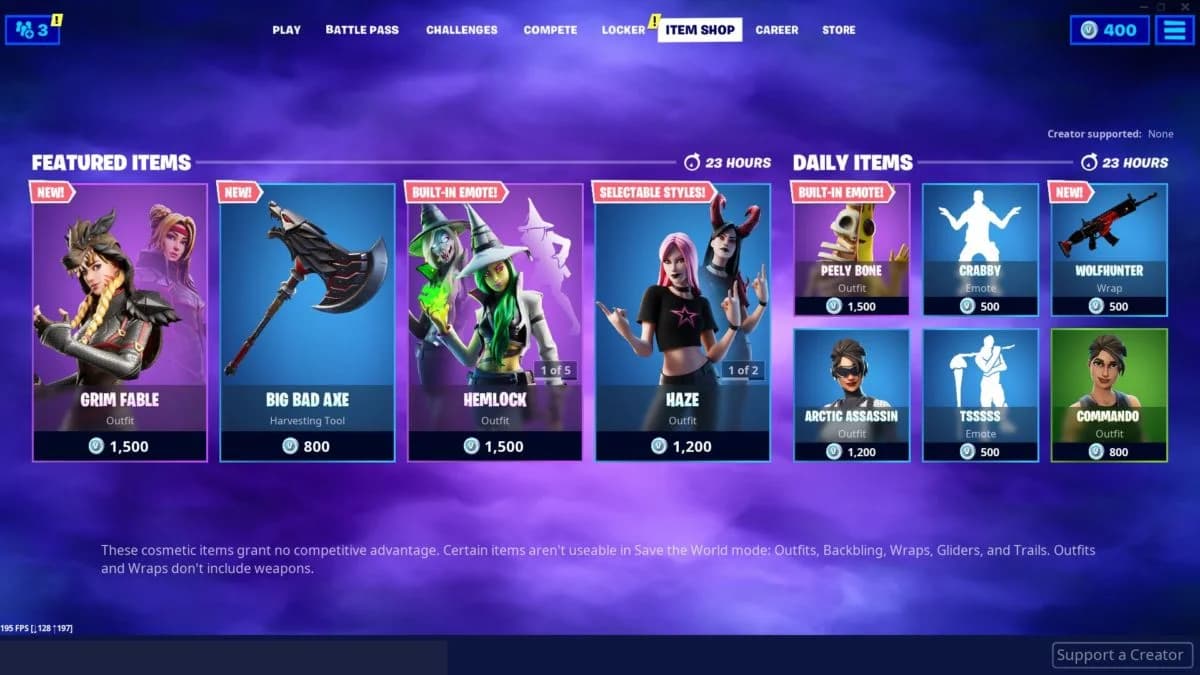
- Open the Shop tab.
- Select Support-A-Creator at the bottom of the screen.
- Enter your chosen Creator Code.
- Select Search and wait for the check mark confirming acceptance.
- Select Cancel to exit the entry screen.
Despite its label, Cancel is the exit step after confirmation. Once you close the dialog, the shop’s Support-A-Creator area displays your selected code.
Apply a code in the web Item Shop
You can also select a creator through Fortnite’s web Item Shop:
- Open the web Item Shop.
- Select the banner with the star.
- Enter the Creator Code.
- Select Apply, then select Close to exit.
The confirmation controls differ between the two interfaces:
| Where you enter the code | Confirm selection | Exit afterward |
|---|---|---|
| In-game Support-A-Creator dialog | Search, then wait for the check mark | Cancel |
| Web Item Shop star banner | Apply | Close |
Expired or inactive Fortnite creator codes
There are no expired or inactive creator codes in this list.
Why your selected creator disappears
Your Support-A-Creator selection clears every two weeks. A blank field does not, by itself, mean that the creator’s code has expired.
Before your next purchase, check the selected creator at the bottom of the shop. If the field is empty, enter the code again and wait for confirmation.