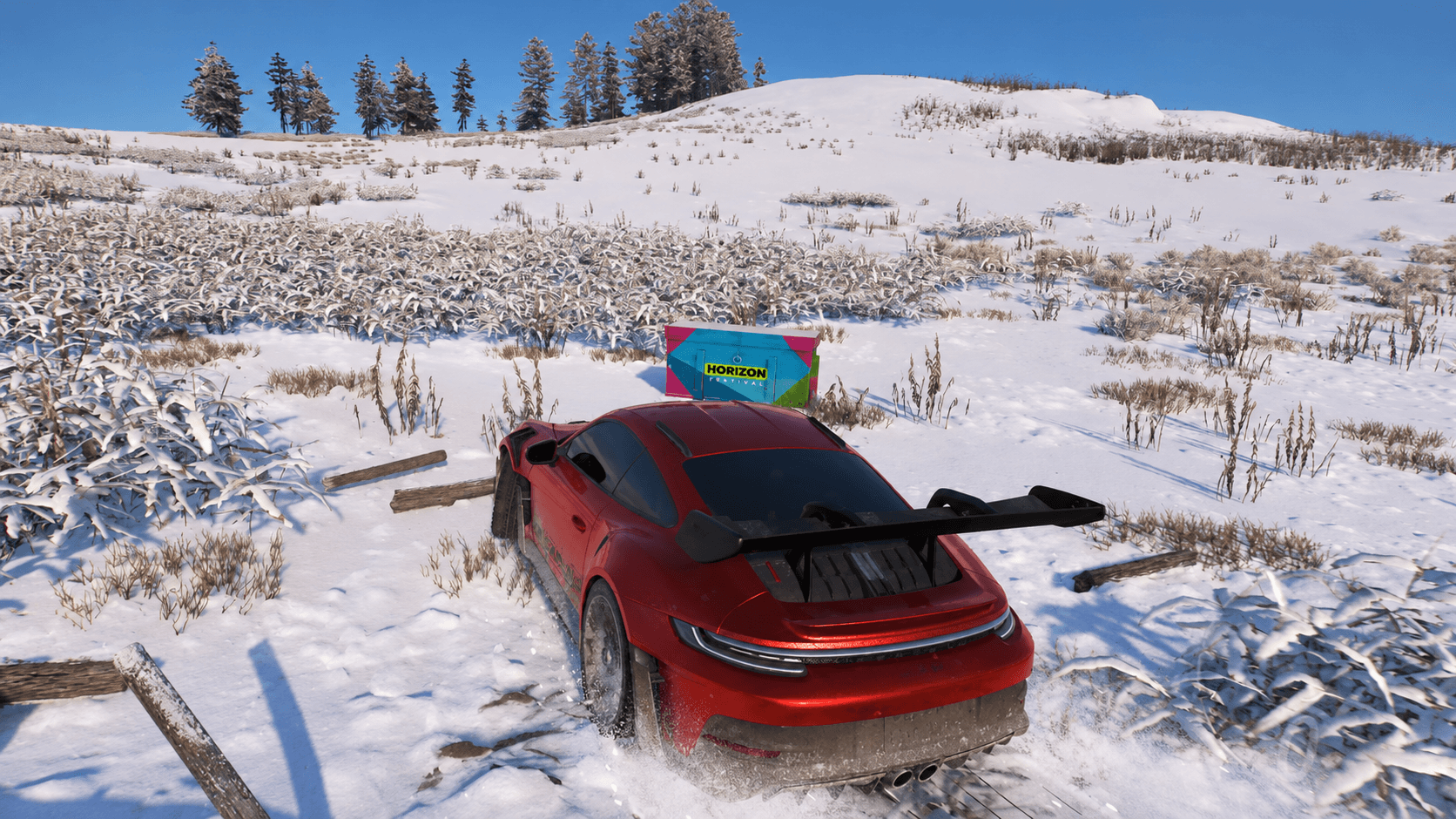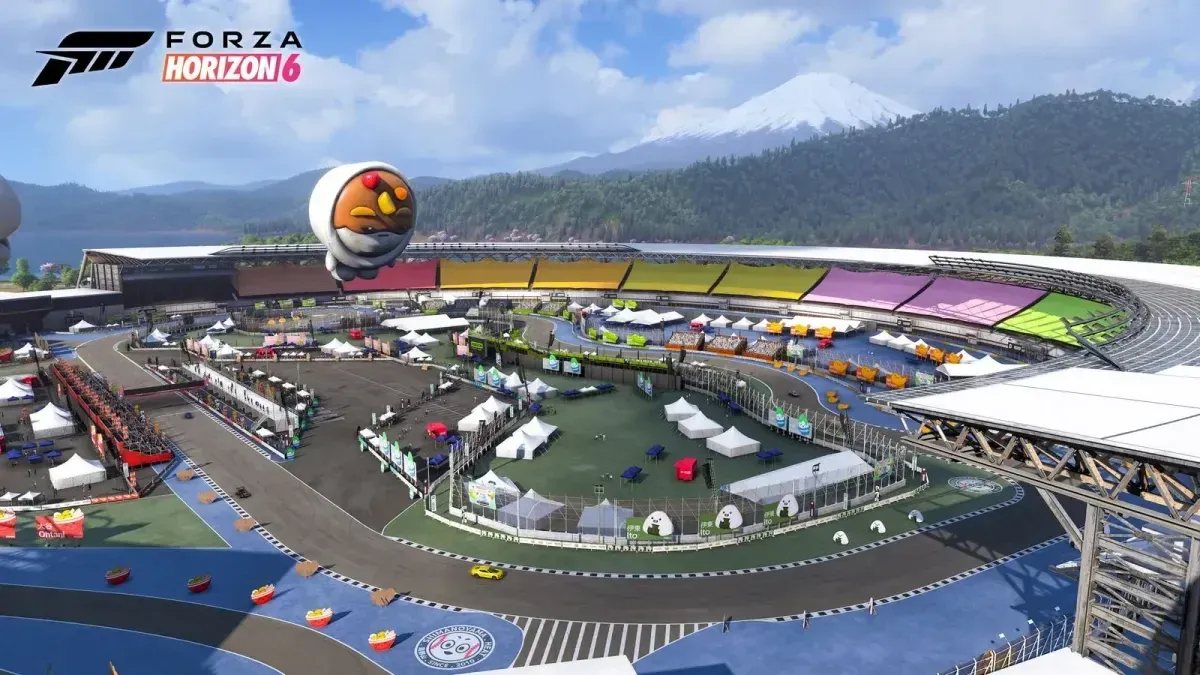

Forza Horizon 6 has a solid multiplayer setup, but getting your specific group of friends into the same session takes one extra step that the game doesn't spell out clearly. That step is the Convoy system. Think of it as a private lobby you control: you decide who gets in, how they get in, and what you all do once you're there. Here's exactly how it works.
How do you create a Convoy in Forza Horizon 6?
The Convoy menu lives inside the Online section of the pause screen, not on the main map or any shortcut you'd stumble across naturally. Once you know where to look, the whole process takes under a minute.

Online tab, Convoy section
Here's the full sequence:
- Pause the game and open the Online tab.
- Select the Convoy tab on the left side of the screen.
- You'll see two options: Join a Convoy or create your own. Choose to create one.
- Send invites to your friends from the list that appears.
- Your friends accept the invite and drop directly into your lobby.
That's the whole flow. No friend codes, no session IDs to copy-paste.


How many players can join a Convoy?
A single Convoy supports up to 12 players, including yourself. That's enough for a full crew across most race types and activities the game offers. The host counts toward that cap, so you can bring in 11 additional friends.
What privacy settings does a Convoy have?
This is where the Convoy system gets genuinely useful. Two distinct privacy modes control who can enter your lobby without a direct invite.
| Privacy Setting | Who Can Join |
|---|---|
| My Friends Can Join Me | Any in-game friend joins directly, no invite needed |
| Invite Only | Only players you personally invite can enter |
The My Friends Can Join Me option works best for casual sessions where your whole friend list is welcome to hop in. Invite Only is the right call when you want a controlled group, like a specific squad for a championship run, without anyone else dropping in mid-session.
How do you join a Convoy someone else created?
Joining is straightforward. Accept the invite your friend sends and you'll land directly in their lobby. From there you can jump into whatever race or activity the host has queued up.
If the host has set their Convoy to My Friends Can Join Me, you can enter without waiting for an explicit invite as long as you're already on their in-game friends list.
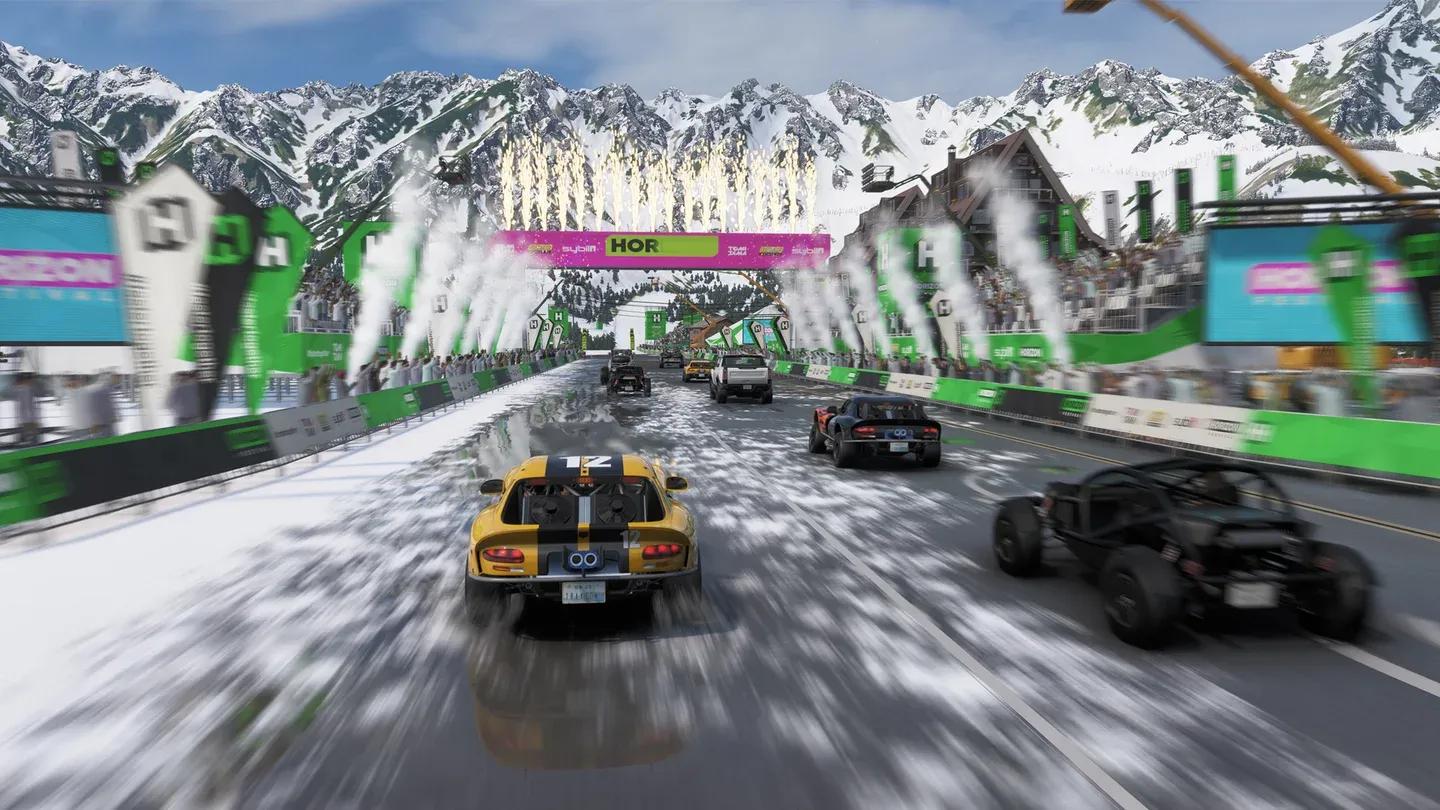
Up to 12 players per Convoy
Getting the most out of your Convoy sessions
Once your crew is assembled, the Convoy format opens up every multiplayer activity in the game to your private group. Racing together also gives you a reason to think about your car selection more carefully. If you're building out your garage to prep for group sessions, the Forza Horizon 6 car list guide covering every vehicle, class, and unlock method is worth reading before you commit to a specific discipline.
Credits matter too, especially when you're trying to keep up with friends who've been playing longer. A dedicated guide on earning Credits fast in Forza Horizon 6 covers the most efficient methods so you're not falling behind on car upgrades.
For everything else you need to get settled in the game, the full Forza Horizon 6 strategy guides collection has you covered from starter car picks to unlocking every vehicle in the roster.