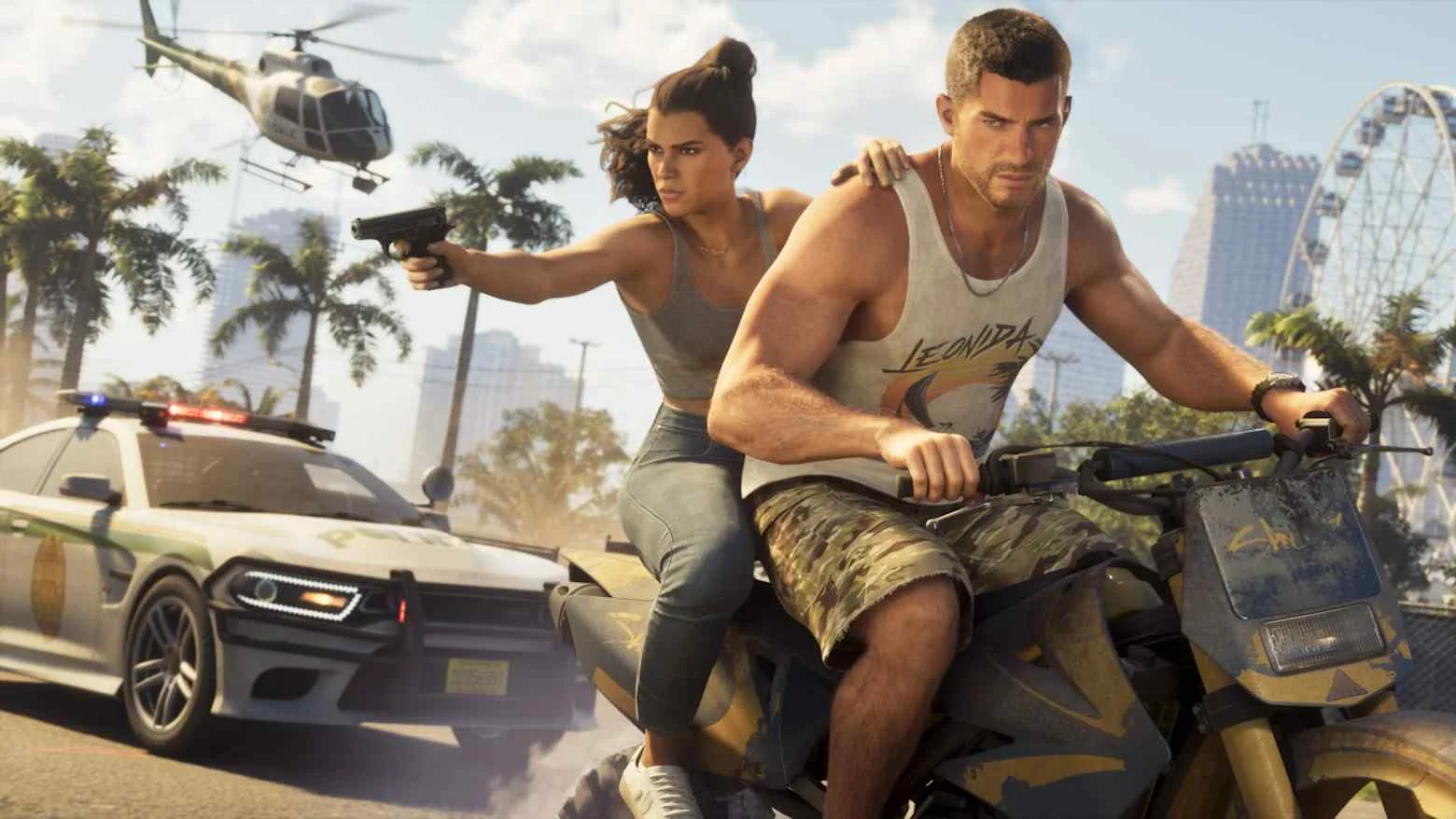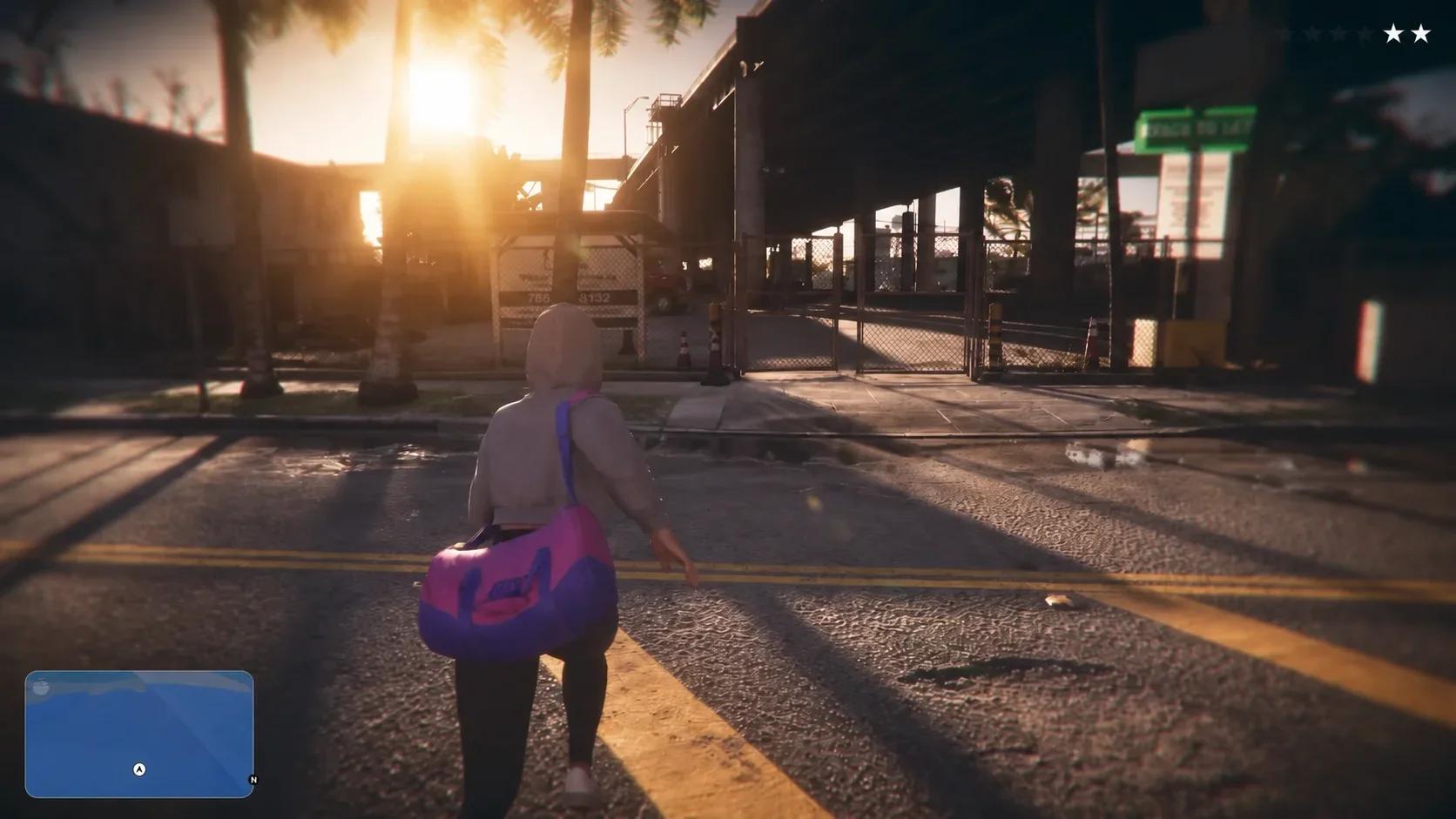

No, Grand Theft Auto 6 has no full first-person mode at launch, so you cannot switch normal exploration or driving to that perspective.
Rockstar focused development on third-person animations and character interaction. You can adjust the external camera and use limited first-person views for certain actions, but there is no persistent viewpoint like the one available in Grand Theft Auto 5. If you are trying to change how ordinary gameplay looks, the options to compare are the three third-person camera heights.
How to change the third-person camera
You can adjust the gameplay camera with a controller shortcut or select its height through the settings menu. Both methods change the external view of your character.

Use the controller shortcut
Compare the available heights while looking at the same scene. Keeping the surroundings consistent makes it easier to judge which framing you prefer. Choose the option that makes your character and nearby objects easiest for you to read.
Select a camera height in settings
The menu route lets you choose the third-person camera height directly through the camera settings.
- Open the in-game settings menu.
- Navigate to Camera.
- Find the third-person camera height setting.
- Select your preferred option.
If your concern is aiming or visibility, use the Grand Theft Auto 6 console settings guide to work through those adjustments separately. Camera height changes the framing, so judge it independently from how the aiming controls feel.
Which first-person views are available?
A first-person view used for a particular action is different from a full gameplay mode. The camera can show a weapon's aiming perspective or a phone interaction without letting you remain in that view afterward.
| Activity | Camera support at launch | What you can change or use |
|---|---|---|
| Walking and exploring | Third-person | Choose between three external camera heights |
| Driving | Third-person | No full first-person driving mode |
| Aiming certain weapons | Limited first-person view | Use a compatible weapon's aiming perspective |
| Looking at the cellphone | First-person presentation available | Adjust the phone presentation in settings |
Aiming with compatible weapons
Certain weapons support first-person aiming. Equip a compatible weapon and use your normal aim input. The camera enters first person while you aim, then returns to third person when you lower the weapon.
Weapon compatibility controls access to this view. Do not assume every gun supports it or try to activate it through the third-person camera-height setting. The aiming perspective belongs to that weapon action, not to your general exploration controls.
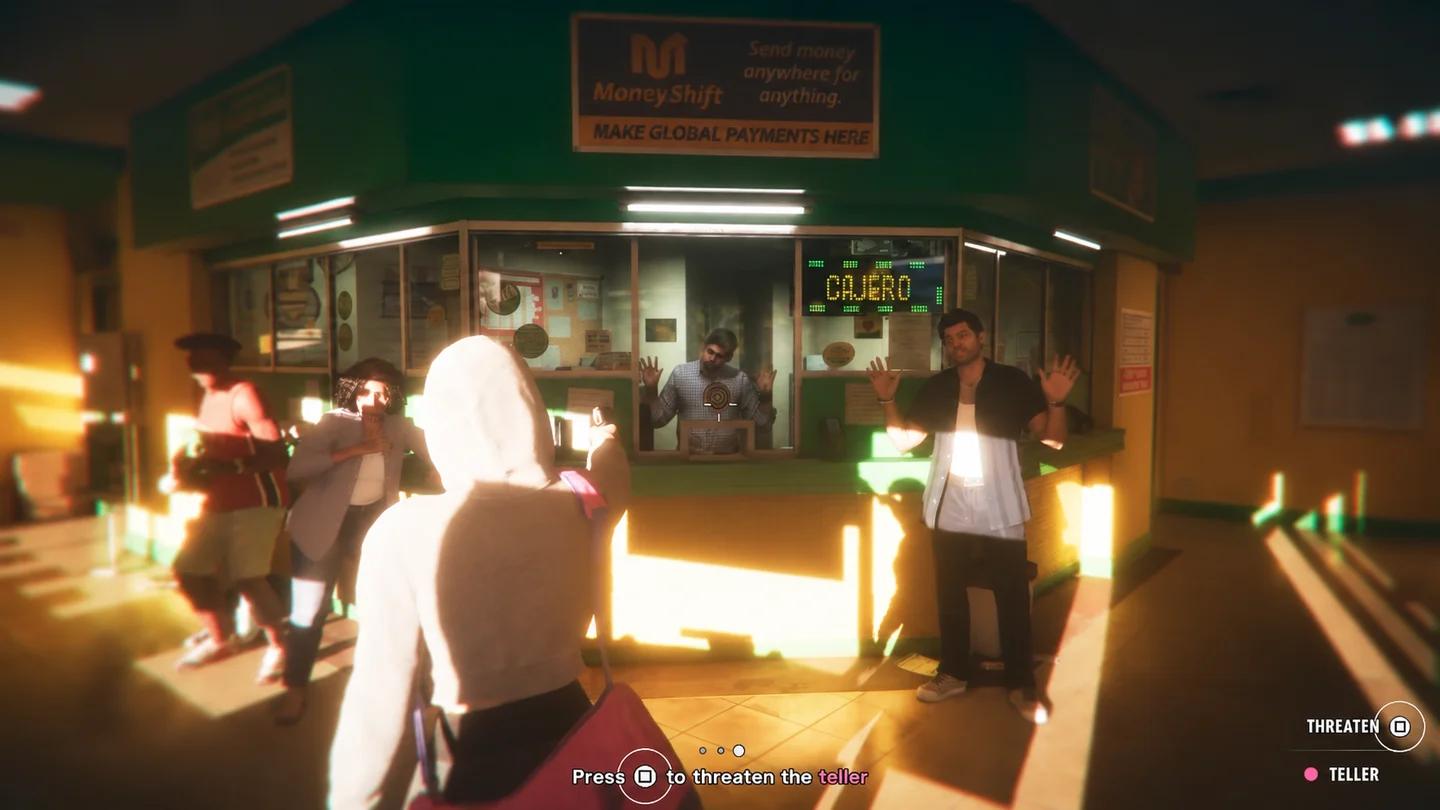
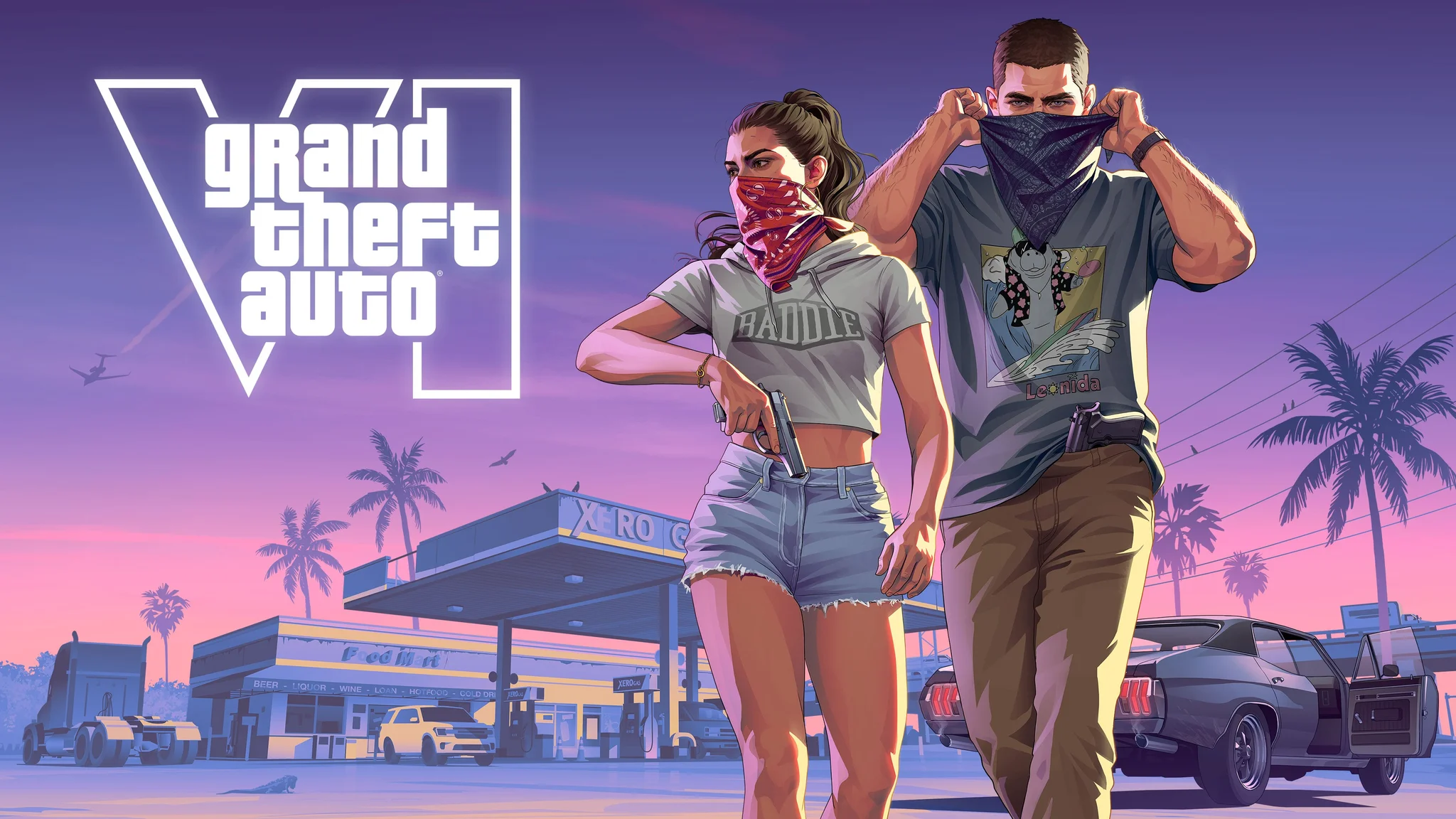
Lucia in Grand Theft Auto 6
Looking at your cellphone
The cellphone also has a first-person presentation, which you can change in settings. This controls how you see the phone during its interaction.
A phone screenshot therefore does not demonstrate a hidden mode for walking around Leonida. Check what the character is doing in the image before treating its viewpoint as a camera option for ordinary play.
How this differs from earlier Rockstar games
Grand Theft Auto 5 originally launched in September 2013 without a full first-person mode. The feature arrived with the enhanced PlayStation 4 and Xbox One release in November 2014, then reached PC in 2015.
Its first-person mode covers walking, driving, and combat from the protagonist's viewpoint. A screenshot from inside a car in that game shows a broader gameplay feature than an action-specific aiming or phone view.
Red Dead Redemption 2 took a different approach and included first-person play at launch. These games establish different release histories, not a fixed schedule for when Rockstar adds camera modes.
Will a full first-person mode arrive later?
Rockstar has not promised a full first-person mode for Grand Theft Auto 6 or announced a release date for one. Grand Theft Auto 5's enhanced release does not establish an update plan for this game.
If first-person play is essential to your purchase, make the decision around the launch camera options. A possible future update or another platform release is not a substitute for a feature you need before buying.