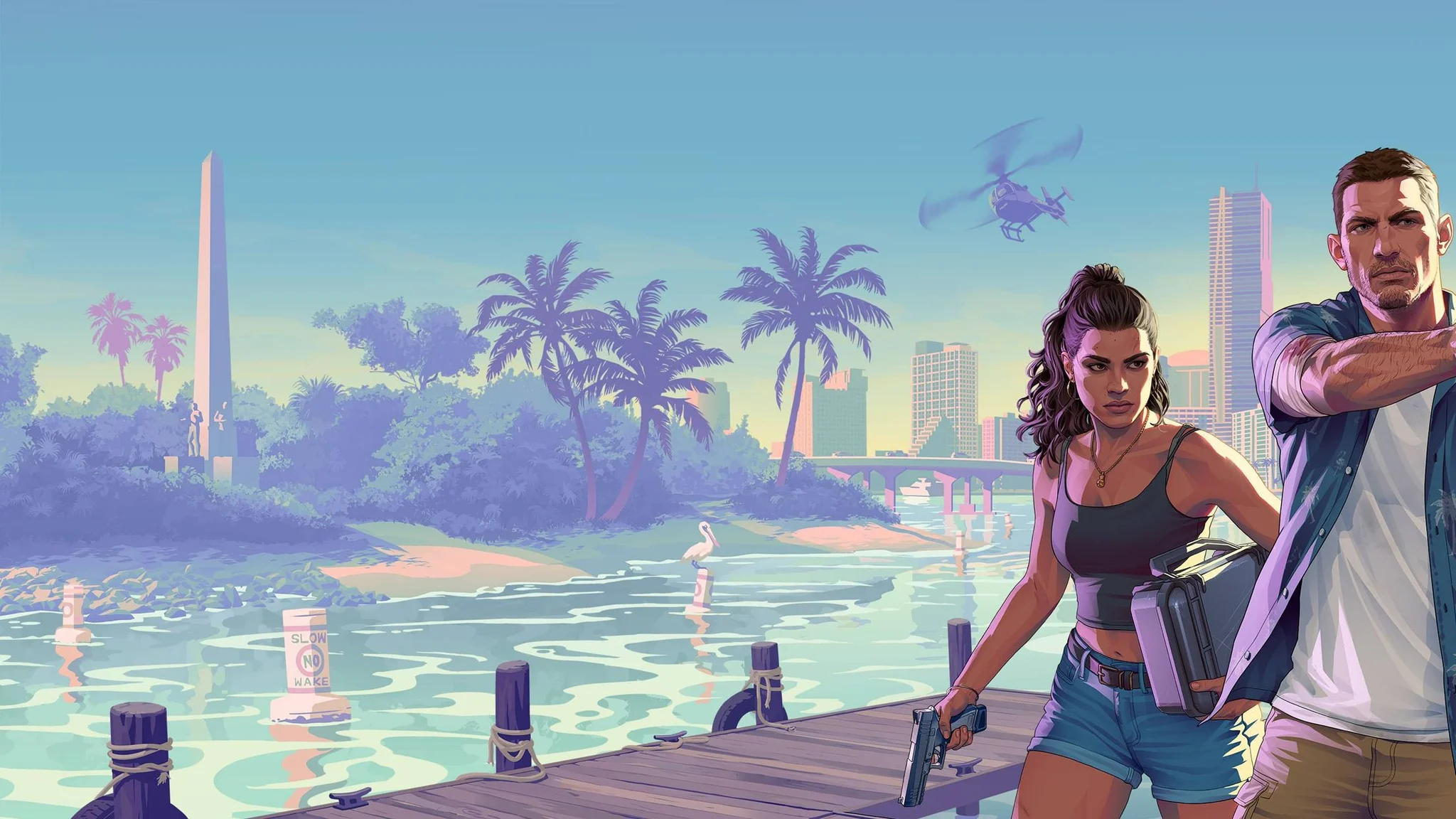

No, Grand Theft Auto 6 does not have a dedicated mission replay feature at launch, but you can revisit missions by loading earlier manual saves.
The useful decision comes before you finish a mission: which point in Jason and Lucia's story should you keep? Saving in advance gives you a route back to a favorite sequence or a choice you want to reconsider. Loading that file means returning to its stage of the campaign, not dropping a completed mission into your current progress.
Which option gets you back to a mission?
Your route depends on the saves you have kept and whether you want to repeat one sequence or explore a different story outcome.
| What you want to do | Which option to use | What you need to account for |
|---|---|---|
| Repeat a particular mission | Load a manual save from before it | A nearby save means less story to repeat |
| Return to an older part of the campaign | Load an earlier preserved file and play forward | You must complete the intervening story again |
| Explore a different mission outcome | Load a save from before the decision that influenced it | The relevant choice may happen hours before the mission |
| Play through the entire story again | Begin a fresh save | This starts a separate campaign run |
Grand Theft Auto 5's mission replay system does not carry over. Grand Theft Auto 6 also has no bronze, silver, or gold mission medal system, so there are no mission medal grades to improve through repeat attempts.

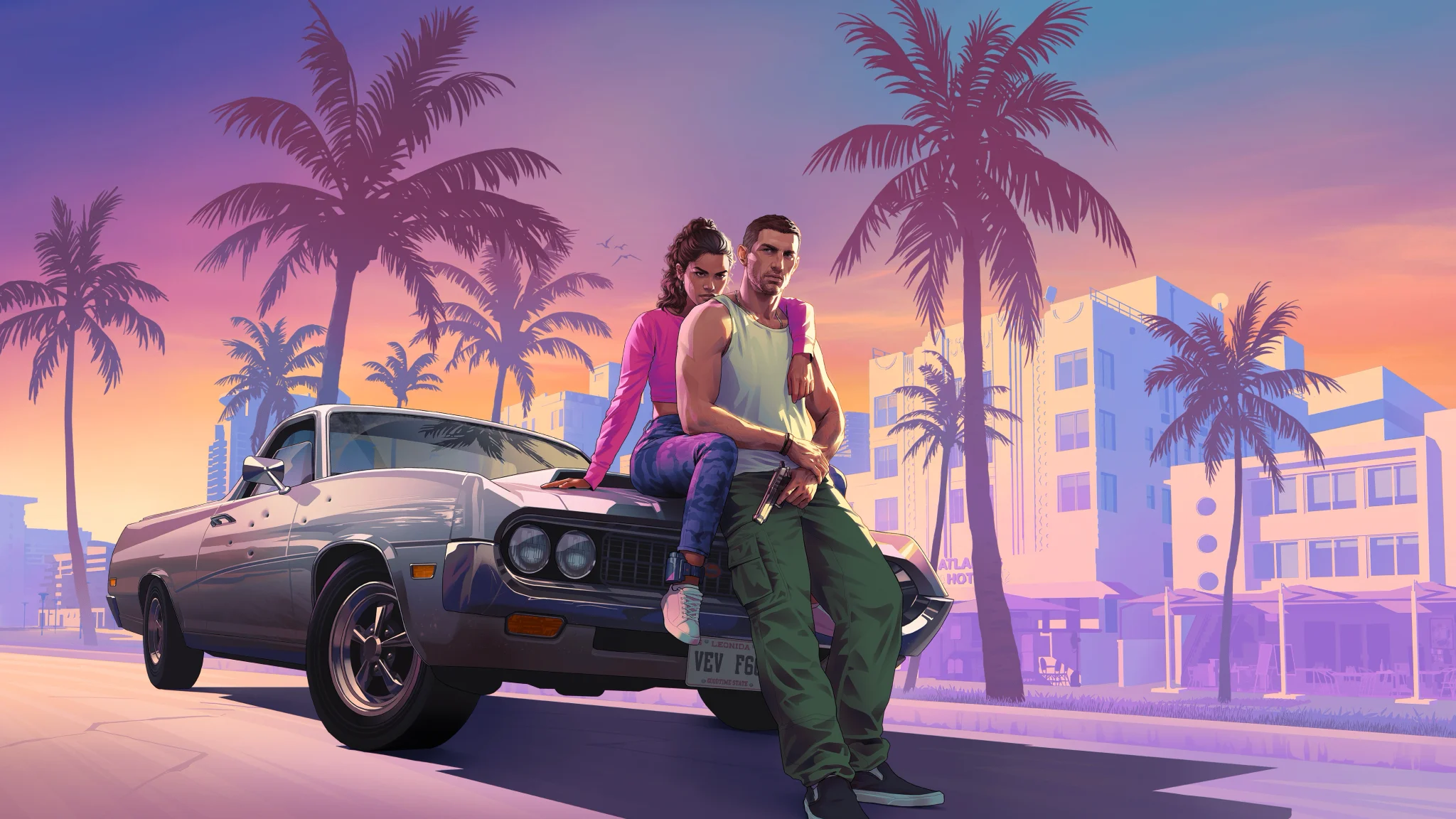
How to revisit a mission with manual saves
Protect your current progress first
Before loading an older file, save your current campaign progress in a separate manual slot. The Grand Theft Auto 6 save and load guide covers the saving process and how to choose the file you want to resume.
The game provides 15 manual save slots. Use separate slots for your ongoing campaign and any earlier points you want to keep accessible.
To return to a mission:
- Identify an existing manual save from before the mission you want to repeat.
- Preserve your latest progress in a different slot.
- Load the earlier file.
- Play forward until you reach the target mission, then complete it again.
Choose a save from the correct side of the mission
A file created before a mission lets you approach it again. A file created afterward preserves what follows it, not a way to rewind that completed mission. Saving immediately after a favorite sequence therefore helps you revisit the next stretch of the story, not the sequence itself.
If your closest suitable file is much earlier, there is no shortcut from that save straight to your target. Choose the latest file that still comes before the part you want to replay.
How should you organize your save slots?
Keep a mixture of broad story return points and saves near missions you particularly want to revisit. Filling every slot around the same sequence leaves the rest of the campaign harder to reach.
A useful arrangement has three purposes:
- Current progress: Your ongoing campaign, kept separate from older replay files.
- Story return points: Saves spread across the campaign, giving you access to different stages.
- Favorite sequences: Files made before particular missions or decisions you want to revisit.
Keep an external note describing each preserved file, using reminders such as current story or before the robbery. Pair those notes with the Grand Theft Auto 6 missions list when you need to identify where a file sits in the campaign.
Before replacing an older save, decide whether you still want access to that part of the story. Keeping only recent files is convenient for continuing your current run, but it removes your saved routes back to earlier missions.
Can reloading change a mission's outcome?
To explore another outcome, preserve a file from before the relevant decision and play forward differently.
Earlier decisions can affect later missions
Choices in Jason and Lucia's story can influence missions hours later. A heist, for example, can unfold relatively smoothly or become a messier operation depending on earlier decisions. Story choices also affect events beyond individual missions.
A save immediately before a mission may already contain the decisions that shaped it. You can repeat the sequence from that file, but changing your approach during the mission does not necessarily change the earlier conditions behind it.
Not every influence is obvious when it happens, which makes widely spaced saves useful alongside files kept immediately before favorite missions.
Separate replaying from solving an objective
If you are returning because an early objective was confusing, the Grand Theft Auto 6 main story guide covers early mission tasks and escapes. Check the objective before choosing an older file, so you know which stretch of the story you actually need to repeat.
Can you start again with New Game+?
Grand Theft Auto 6 does not have New Game+ at launch. To replay Jason and Lucia's campaign from its beginning, start a fresh save.
A main story playthrough can take 50 to 100 hours, depending on your playstyle. Use a fresh campaign when you want to revisit the story from the start or explore decisions your preserved files no longer let you reach.