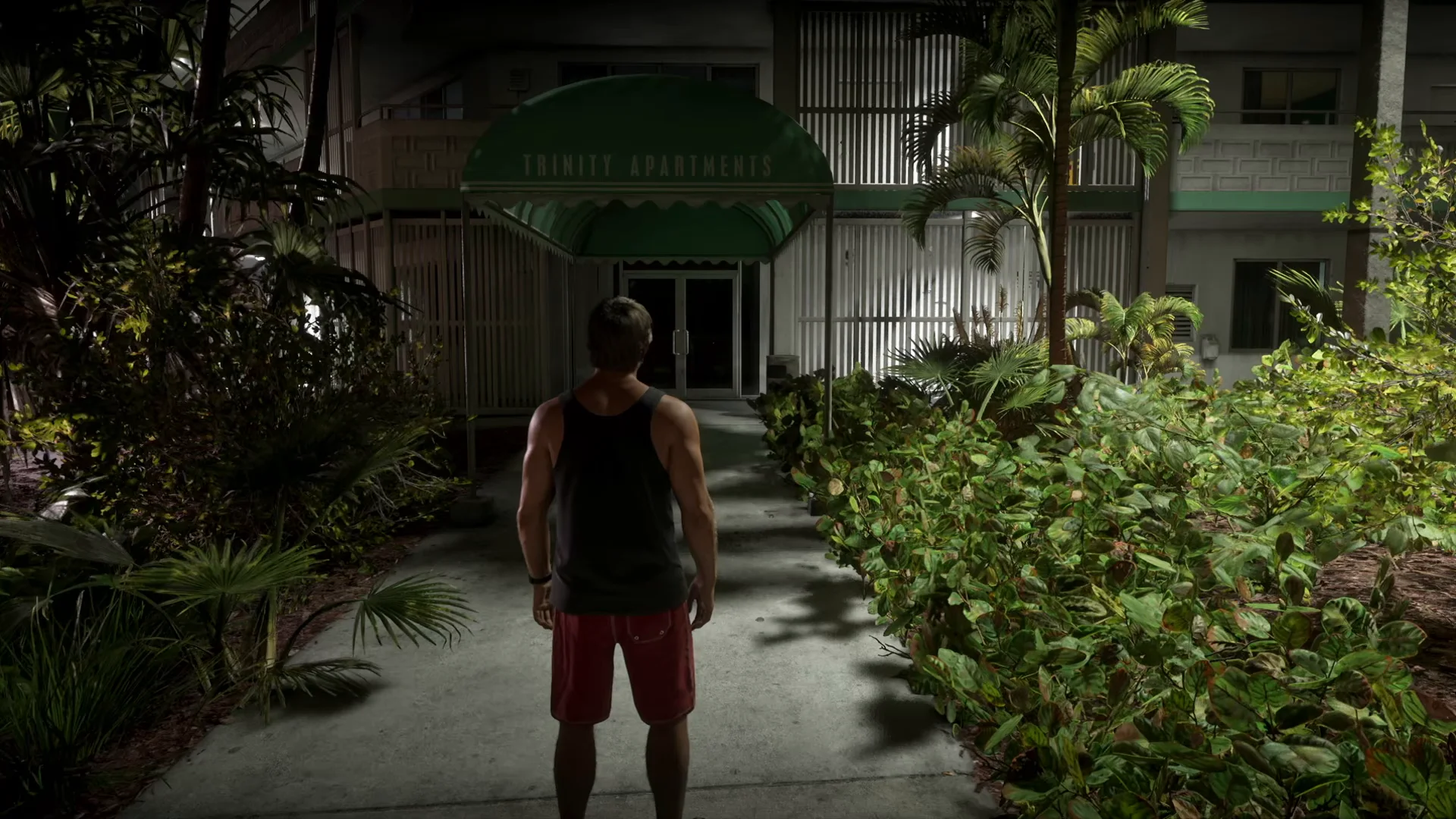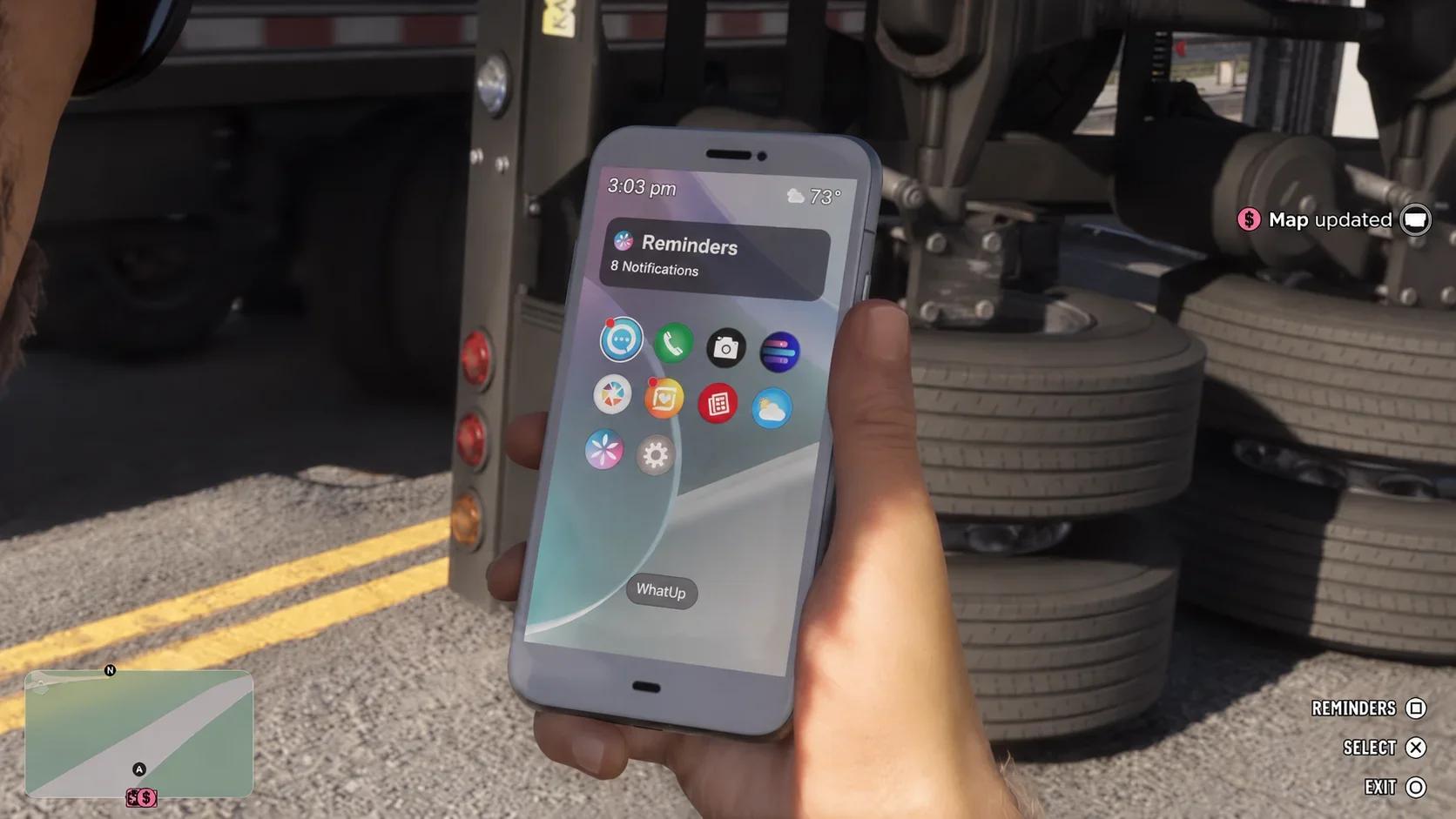

Grand Theft Auto 6 has 15 main phone apps covering communication, banking, transport, vehicle scanning, fitness, photography, entertainment, and local information.
Choose an app based on the problem you need to solve, whether that means finding transportation, reading a contact’s instructions, or assessing a parked car. Some services unlock through story missions, so a missing icon does not necessarily mean you have overlooked a download. Reminders and third-party plugins are separate phone features, not additional entries in the main app count.
Every phone app and their uses
| App | Main purpose |
|---|---|
| WhatUp | Text conversations and message attachments |
| Contacts | Phone numbers for characters and services |
| Camera | Photos and selfies |
| Gallery | Saved and received photographs |
| Snapmatic | Social posts, videos, profiles, and comments |
| News | Articles about events around Leonida |
| Weather | Current conditions and forecasts |
| Fitness | Physical development, nutrition, and workout tracking |
| On Demand | Podcasts, shows, and other entertainment |
| WAiNK | Vehicle information and scannable discoveries |
| BuckMe | Bank accounts, balances, and ATM locations |
| RydeMe | Paid rides and fast travel |
| Scooter Bros | Personal-vehicle delivery |
| Vice City Real Estate | Garage purchases and additional parking |
| Settings | Phone customization and third-party plugins |


How to open the phone and unlock services
Press D-pad Up to open the smartphone, use the D-pad to move between apps, and select the icon you need. Holding the same direction opens the WAiNK scanner shortcut instead.
You can use the Grand Theft Auto 6 phone while walking, driving, or riding as a passenger. You do not need to leave a vehicle just to access an app.
The main banking, transport, and garage unlocks follow these story milestones:
| App | Unlock milestone |
|---|---|
| BuckMe | Chapter 1, during “Buck Me” |
| RydeMe | Chapter 2 |
| Scooter Bros | Chapter 2, after completing “Moses” |
| Vice City Real Estate | Chapter 2, after “Daily Driver” |
Which app should you use for travel and vehicles?
Scooter Bros brings a registered personal car or bike to you.
RydeMe and Scooter Bros solve different problems
Use RydeMe when you want someone else to take you to a destination. Choose Ryde or Book Ryde, select Change Destination, and place a pin on the map. During the trip, you can interact with the driver or skip the journey to fast travel.
Its delivery price increases with distance and vehicle damage, so recovering a distant, battered vehicle costs more than requesting one nearby in good condition. Choose it when you want to continue in your own ride, not when you only need transport to another location.
WAiNK helps you assess a vehicle before theft
Point WAiNK at a vehicle before attempting to take it. The results identify its make and model and reveal whether it is locked, alarmed, or fitted with a tracker. Use those security details to decide whether that particular vehicle is worth approaching.
The Grand Theft Auto 6 car scanner also displays vehicle condition, resale value, the amount a fence will pay, and registration costs. Those figures help you compare taking a vehicle for cash with paying to keep it.
WAiNK also recognizes certain landmarks, locations, sculptures, and collectibles. A nearby scan notification can therefore point to an exploration discovery, not just another vehicle.
Vice City Real Estate expands your parking
Vice City Real Estate sells garages around Leonida. Buy additional parking when you want to keep more personal vehicles; the app does not let you purchase a home.
Completing “Daily Driver” also awards a free garage. Use that space before spending money on another property, unless you already need room for more vehicles.
Banking, messages, and character progression
BuckMe separates spending money from story savings
BuckMe shows your finances and includes an ATM finder that marks the nearest machine. You still need to visit an ATM to deposit physical cash; viewing the app does not move the money out of your pocket.
Your individual checking account handles payments. Use its balance when deciding what you can afford to spend on rides, deliveries, or other purchases.
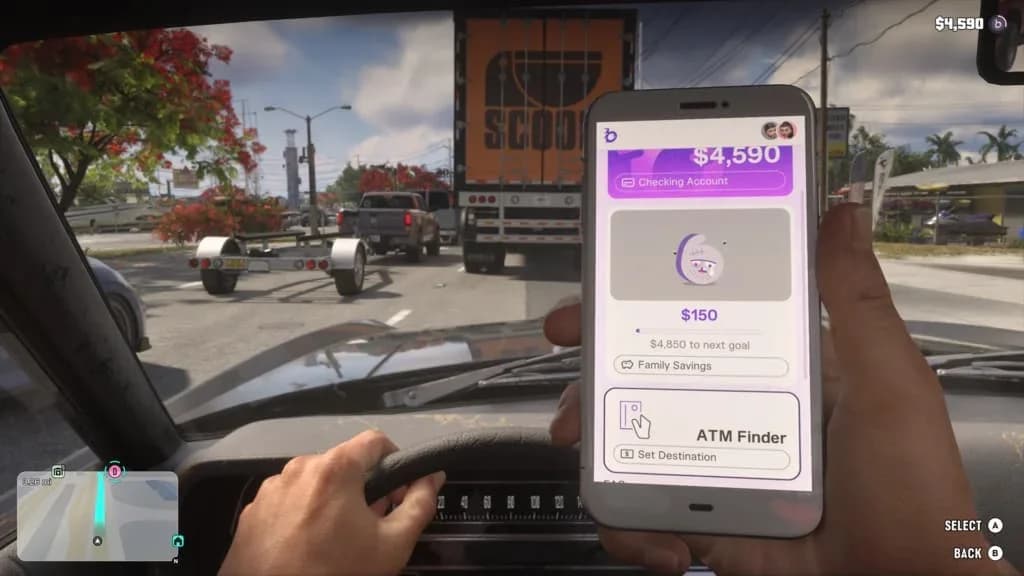
BuckMe account overview
WhatUp handles conversations, while Contacts handles calls
WhatUp marks unread messages with a red dot. Open messages containing coordinates to add their locations to your map automatically, and inspect attached photos when a contact sends visual information.
Messages between Jason and Lucia can influence their relationship. Conversations can also contain information about activities, locations, and opportunities, so an unread thread may offer more than character dialogue.
Contacts adds numbers as you meet characters and encounter services. Paradise Taxi can arrange transportation, while Joey can help with personal-vehicle repairs and delivery. Calling an acquaintance without a specific reason often reaches voicemail, so WhatUp remains the main place for ongoing conversations.
Fitness tracks the work behind your stats
Strength, cardio, and focus levels feed into the health, stamina, and focus stats within Grand Theft Auto 6’s gameplay systems. Completing the relevant activities improves those levels; opening the app lets you monitor that development.
The screen includes workout progression, your workout window, body composition, nutrition, and calorie balance. It also tracks sleep and tiredness, which affect how quickly your stats recover.
Use the workout window to judge when to train again, and pay attention when the app tells you to rest and recover. Focus can improve through activities including meditation, fishing, and basketball, so physical workouts are not the only route to progression.
Photos, social media, and local information
Camera and Gallery keep your pictures together
Camera supports ordinary photos and selfies, including selfies you can send to your partner. Its photography controls include zoom, a grid, lighting options, and filters.
Gallery stores the pictures you take and photographs sent to you, including mission-related images. You can revisit pictures, zoom in on details, and delete shots you no longer want. Return here when you need to examine a received photograph again.
Snapmatic lets you browse but not publish
Snapmatic contains posts, photos, videos, and updates from people around Leonida. You can follow accounts, read comments, and like posts to find them again later. Some posts point toward interesting locations and activities.
Jason and Lucia cannot upload their own posts. Taking a picture with Camera does not turn it into a public Snapmatic update, even though you can browse other characters’ content.
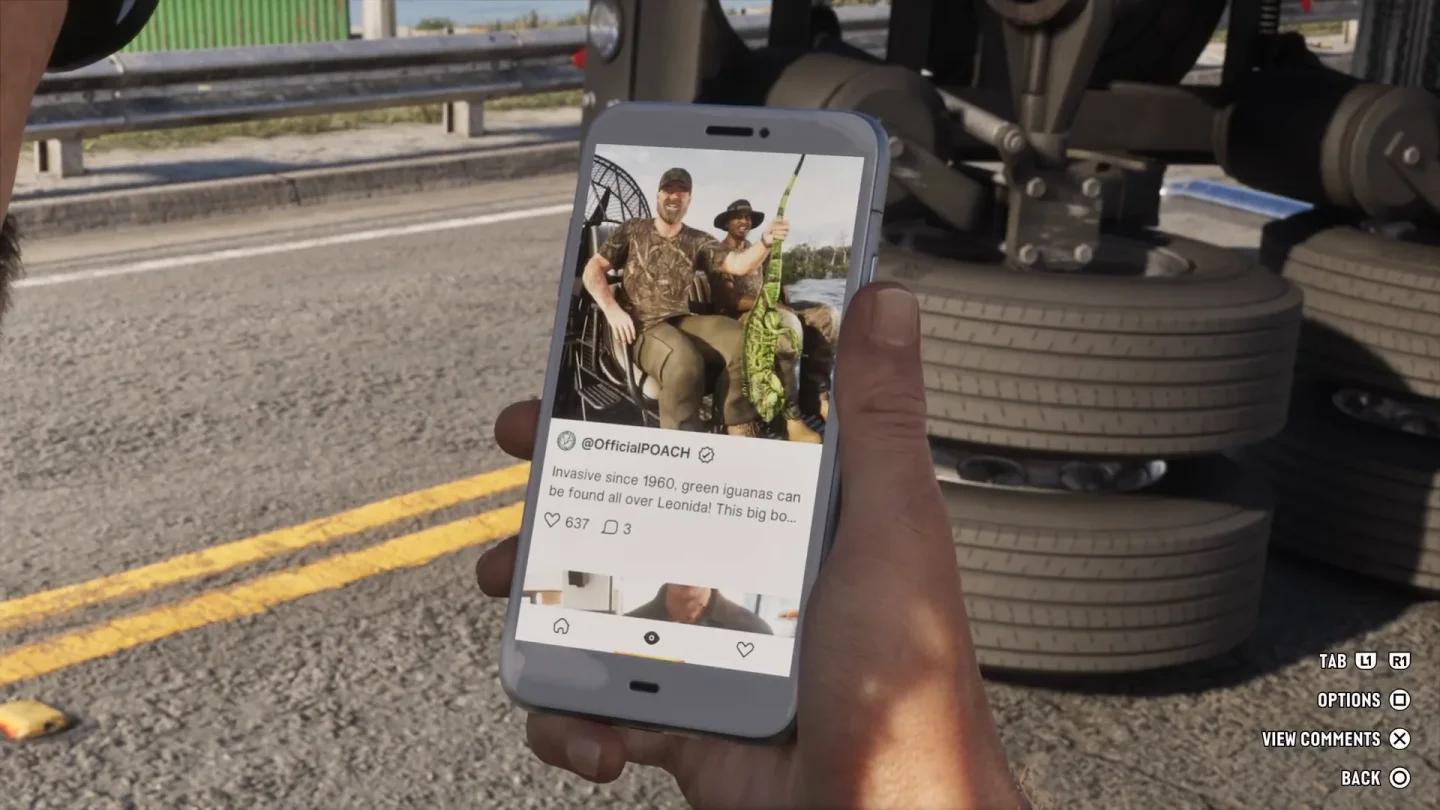
Snapmatic social media feed
News, Weather, and On Demand cover different needs
These apps are useful for understanding the world or choosing what to listen to while exploring:
- News: Read articles from in-game publications such as Weazel News, Vice City Horn, and The Leonida Journal. Coverage can include crimes involving your characters.
- Weather: View current conditions, hourly information, a two-day forecast, and sunset timing. Consult it before outdoor activities such as fishing if you want to avoid a storm.
- On Demand: Access podcasts, shows, and additional audio entertainment. Headphones let you enjoy audio while walking, without needing a vehicle radio.
Reminders, Settings, and third-party plugins
Reminders brings missed updates together
Reminders appears at the top of the phone and collects notifications about outstanding messages, missed calls, news articles, and recent Snapmatic posts. Open it when you return to the phone after an activity and want to catch up without visiting each feed separately.
Settings changes the phone and houses extra tools
Settings lets you change the wallpaper and ringtone. The Phone Display option also switches between the default presentation and a first-person phone view.
Story progression adds tools under Third-Party Plugins, including Cop Scanner and Key Cloner. The Cop Scanner provides information about police activity and nearby units, which can help you choose where to head during an escape.