
To complete Deposit Cash Into BuckMe in Grand Theft Auto 6, use any ATM as Jason to deposit pocket cash into his BuckMe checking account.
The task has no dedicated map marker, so it is easy to overlook while following the story. It pays no separate reward, but it is a mandatory objective required for 100% completion. You only need to make a cash deposit. Building Family Savings is a different task, with restrictions on how you can use the money afterward.
Unlock the deposit objective
Deposit Cash Into BuckMe becomes available after Buck Me in Chapter 1. You play as Jason Duval, and the starting region is Key Lento in Mariana County. Once the objective is available, you can complete it at an ATM elsewhere, too.
The Grand Theft Auto 6 Buck Me setup continues at home after the Fleeca visit. Open BuckMe and complete the initial $100 transfer from checking to Family Savings. That is part of setting up banking, not a required deposit amount for this ATM objective.
Finishing that setup adds both Deposit Cash Into BuckMe and Save for the Future to your Index. Follow the deposit objective first if you want to finish the ATM tutorial without working toward a longer savings goal.


Find an ATM and deposit your cash
Find the objective in your Index
Open the map screen and select the storybook icon to reach the story mission list. Find Deposit Cash Into BuckMe there. You do not need to drive around looking for a mission-start icon before using the banking tools.
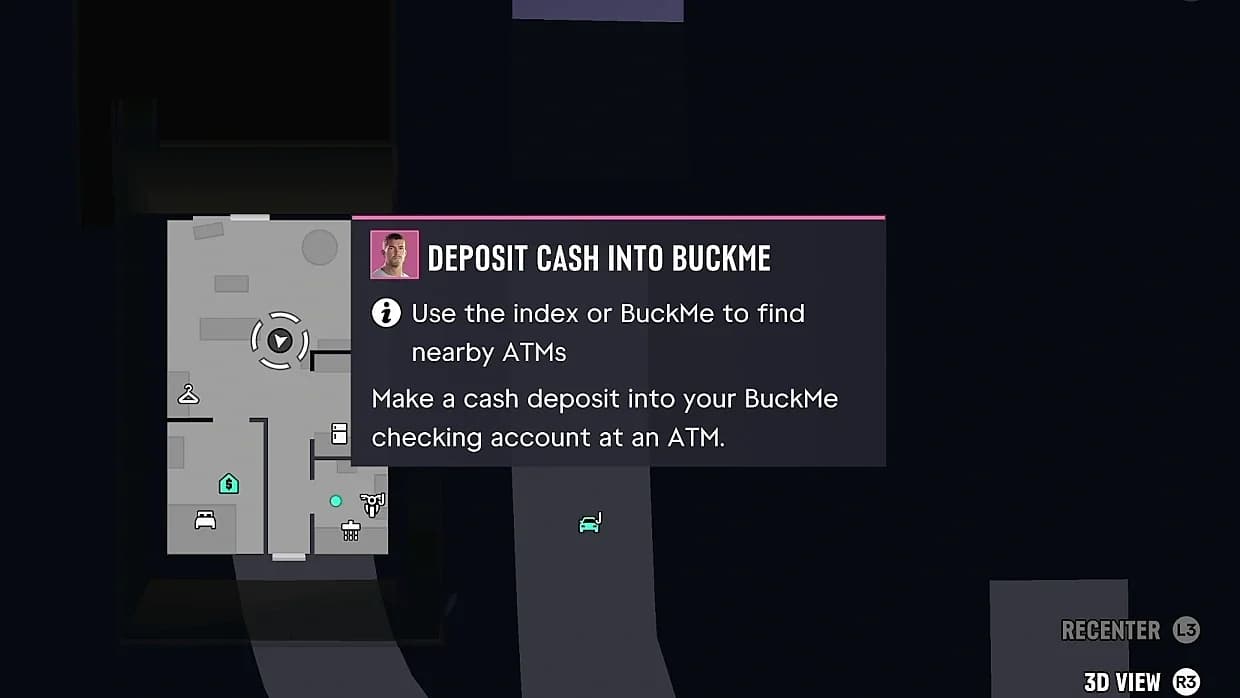
The story mission Index
Set a destination through BuckMe
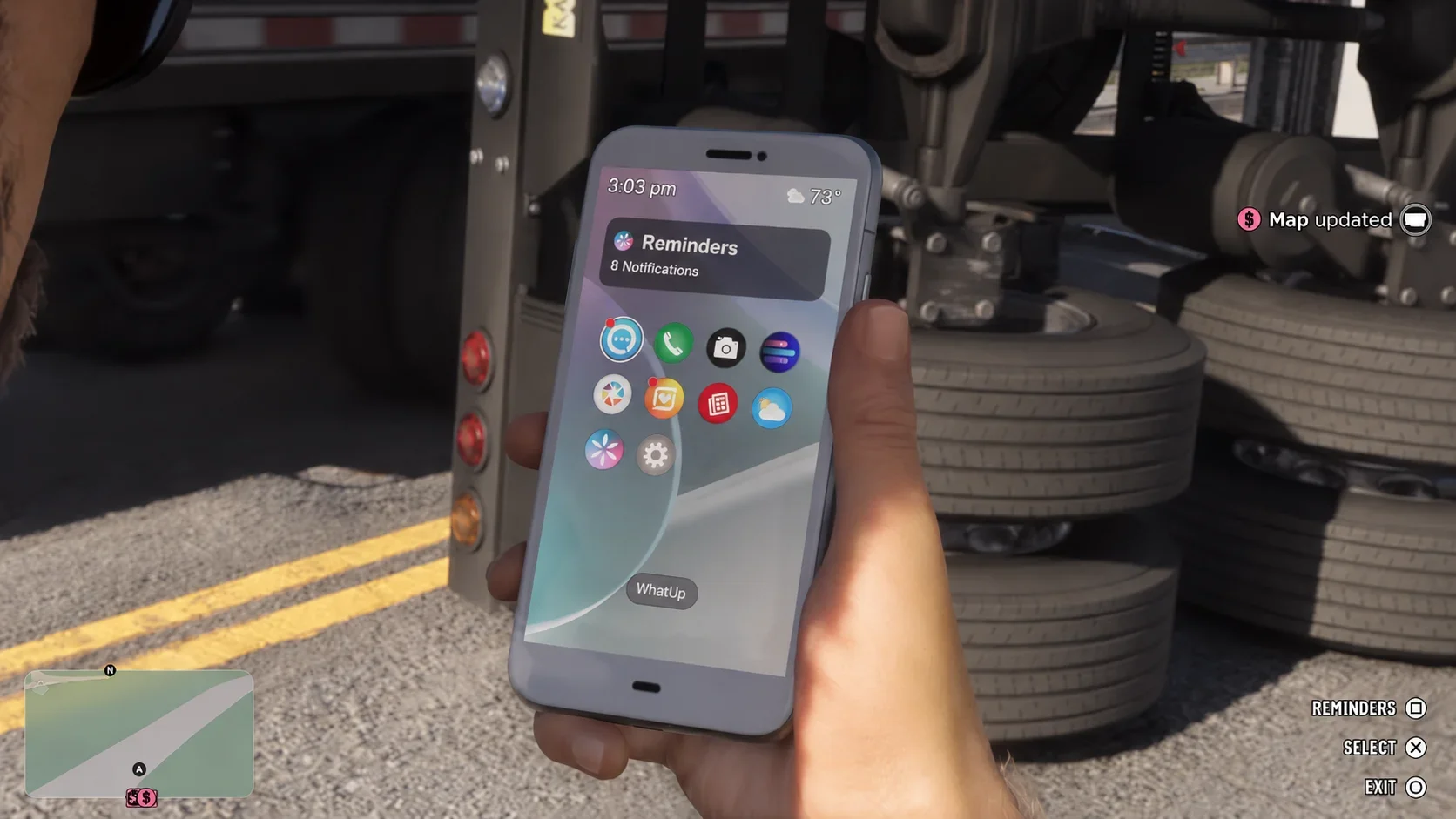
Press D-pad Up to bring out Jason's phone, then open BuckMe, represented by a purple B icon. Select ATM Finder, then Set Destination. The app marks the nearest ATM on your GPS.
There is an ATM close to Jason's house, making it a convenient option if you are still near home after the banking setup. You do not need to return to the Fleeca manager or repeat the account-opening conversation.
The phone handles navigation and digital transfers, but it cannot deposit physical cash. Travel to the machine marked by the app before trying to move money out of Jason's wallet.
Make the cash deposit
Interact with the ATM and follow its deposit prompts. Choose an amount from Jason's pocket cash, send it into his BuckMe checking account, and confirm the transaction.
A successful cash deposit completes the mission. The objective asks you to deposit some cash, so you do not need to empty your wallet or fill the account. Keep the destination in checking if you want the deposited money to remain available for ordinary spending and withdrawals.
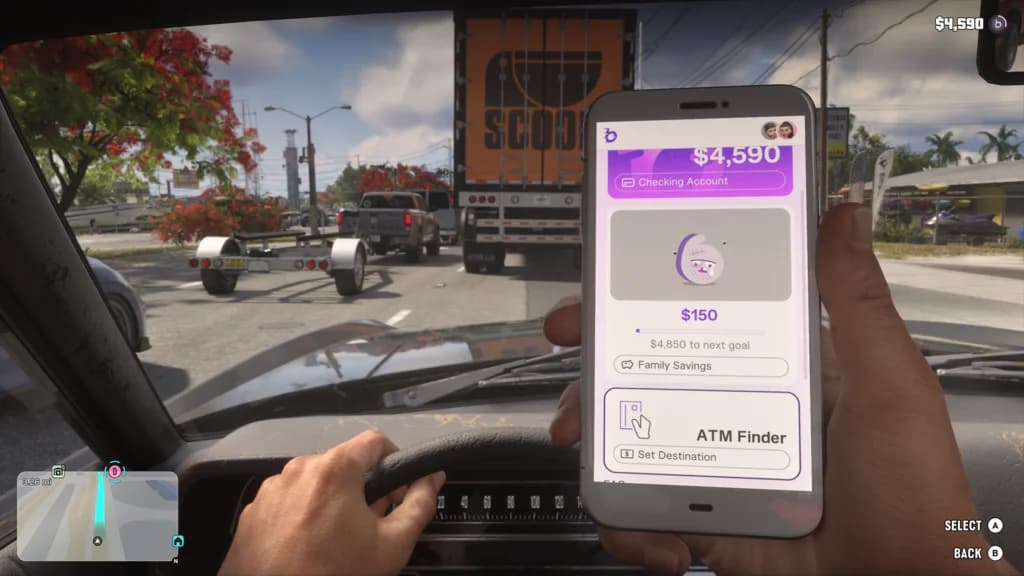
BuckMe's ATM Finder controls
Which account should receive the money?
The bank account system in Grand Theft Auto 6 separates carried cash, spendable digital money, and long-term savings. These balances serve different purposes, even though BuckMe connects them.
| Money location | Main use | Risk of losing it |
|---|---|---|
| Pocket cash | Physical money used for smaller purchases | All carried cash is lost if you are Wasted or Busted |
| BuckMe checking | Digital payments, larger purchases, and ATM withdrawals | Some money can still be lost on death, but the loss is smaller than with carried cash |
| Family Savings | Progress toward long-term savings goals | Saved funds are protected from loss |
Do you need to keep cash in your wallet?
You can leave your pocket cash at $0. When you carry no cash, purchases draw directly from BuckMe, so keeping physical money is not necessary just to continue shopping. Purchases costing more than $1,000 also use your BuckMe account.
Jason and Lucia can each carry up to $20,000 in pocket cash. Depositing larger earnings regularly reduces the amount exposed to a death or arrest without forcing you to commit those funds to savings.
Keep Family Savings separate
The phone's Buck Yourself command is a savings transfer. It moves money from checking into Family Savings, the long-term pool shared by Jason and Lucia. It is not the ATM cash-deposit function used for this mission.
Reaching savings milestones unlocks purchase discounts and increases your checking account limit. Save for the Future tracks that longer-term progress, but completing its savings goals is optional for story progression.
What can stop you from making a deposit?
A full checking account cannot accept another cash deposit.
Your checking account has reached its limit
Incoming payments are also held as pending transactions until there is enough room for them. Visiting another ATM does not bypass the account limit.
Spend some checking funds to create space, or transfer money into Family Savings if that account has room and you want to contribute to it. Spending is the option that frees checking space without committing more money to long-term savings.
Your checking limit can increase as you progress through the story and reach savings milestones. You do not need to work toward a particular upgraded account tier just to complete this deposit objective, provided your current account has room.
Jason has no pocket cash
Jason and Lucia have separate wallets and separate checking accounts. Cash carried by Lucia does not supply Jason's deposit, so use the money belonging to the character assigned to this objective.
If Jason's wallet is empty but his checking account has funds, you can withdraw cash at the ATM before using its deposit function. Choose an amount that fits within the account's available space, then complete the cash deposit into checking.