
Install the latest update, then try clearing your console’s cache if the weather bug in Grand Theft Auto 6 persists.
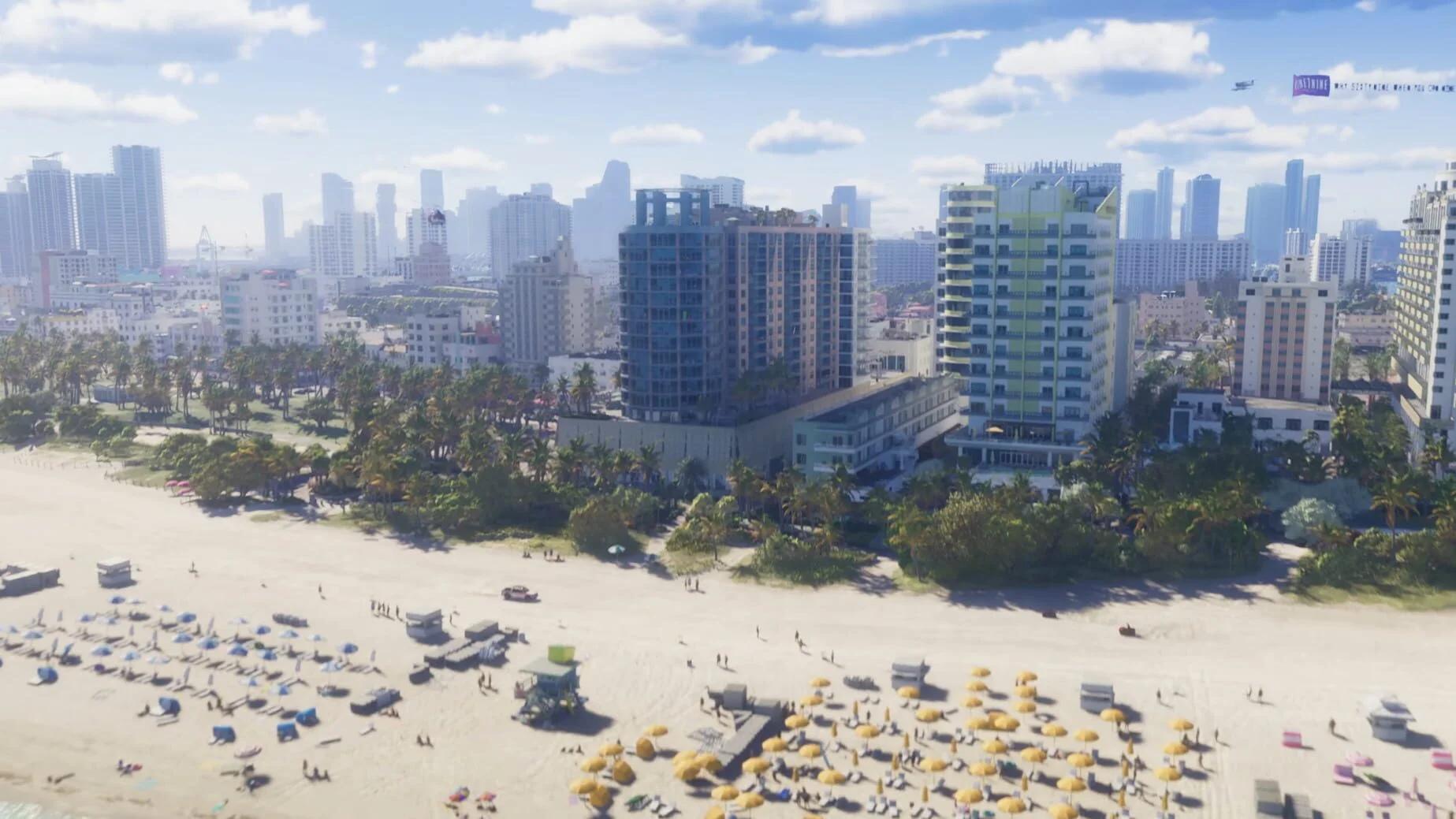
The problem leaves Leonida under sunny skies for extended stretches, with little rain or fog during ordinary play. Cache clearing is a reported workaround, not a guaranteed repair. The steps below cover PlayStation 5 and Xbox Series X|S, which use different procedures to clear the console cache.
Start with the weather patch
Rockstar’s November 23 update addresses weather remaining unchanged for extended periods. The patch is labeled 01.002.002 on PS5 and 1.0.2.2 on Xbox Series X|S. Install it before trying the manual workaround.
Some players still encounter the issue after updating. The patch addresses the bug, but it has not ended every report of stuck weather, a distinction also covered in the Grand Theft Auto 6 bugs and patch-status guide.
Choose the cache-clearing procedure for your console:
| Console | Cache-clearing method | What you need |
|---|---|---|
| PlayStation 5 | Select the system software cache option in Safe Mode | A controller connected by USB |
| Xbox Series X|S | Fully shut down the console and disconnect its power | Access to the console’s power cable |

How to clear the console cache
PlayStation 5: use the system software cache option
On PS5, the workaround uses Clear System Software Cache. You reach it through the Clear Cache and Rebuild Database menu, but rebuilding the database is not the procedure described here. Select the cache option inside that menu.
- Turn your PS5 completely off. Start from a fully powered-down console.
- Press and hold the console’s power button until you hear a second beep, which takes around seven seconds.
- Release the power button, connect your controller with a USB cable, and press the PS button.
- Select Clear Cache and Rebuild Database.
- Choose Clear System Software Cache.
- Once the PS5 returns to the home screen, launch Grand Theft Auto 6.
The USB connection is part of entering the maintenance menu, so have the cable ready before starting. After clearing the cache, return to your game and continue playing.
If you cannot get back into the game because it crashes, freezes, or fails to load, follow the Grand Theft Auto 6 crash and loading troubleshooting steps before returning to the weather issue.
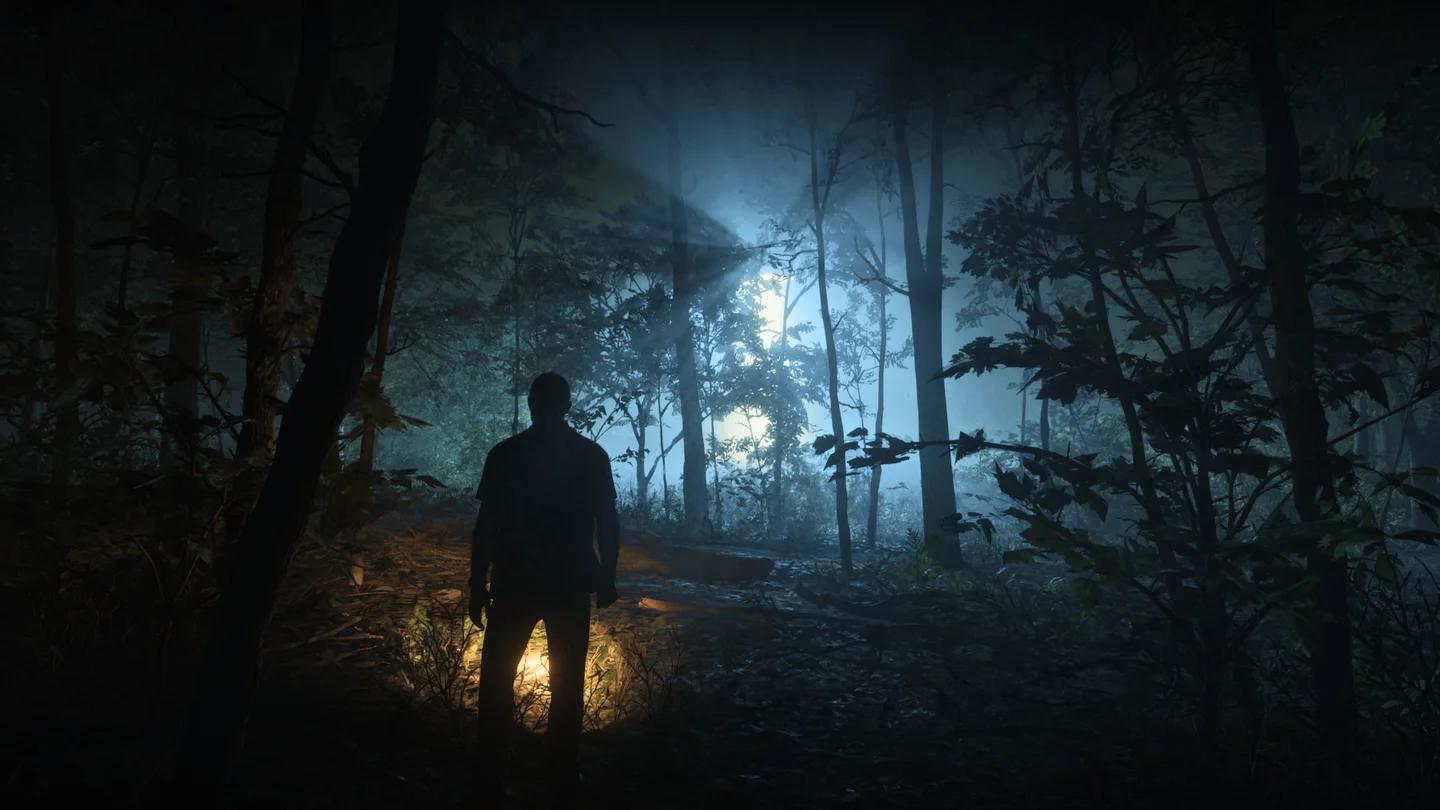
Foggy conditions in Leonida
Xbox Series X|S: shut down and disconnect the power
Xbox Series X|S uses a power-disconnection procedure for this workaround. Begin by shutting the console down completely, then unplug its power cable for the required wait.
- Press the console’s power button to shut it down completely.
- Unplug the power cable from the console.
- Leave the console unplugged for two minutes.
- Reconnect the power cable and turn the Xbox back on.
Launch Grand Theft Auto 6 again after the console starts. The Xbox method may help restore changing weather, but its result is not guaranteed.
What to expect after restarting
Rain and storms may not appear immediately
Rain, fog, and storms are part of the Grand Theft Auto 6 weather system. Clearing the cache aims to get conditions changing again; it does not select a particular forecast or summon a storm when you load your save.
If the weather remains stuck
If the game is updated and your console’s cache-clearing procedure has not helped, a further game update may be needed. Neither console method is a guaranteed fix for every affected player.
Treat cache clearing as a way to try restoring normal weather changes, not a way to force rain on demand. Continue playing after the restart instead of immediately repeating the procedure because the sky is still clear.