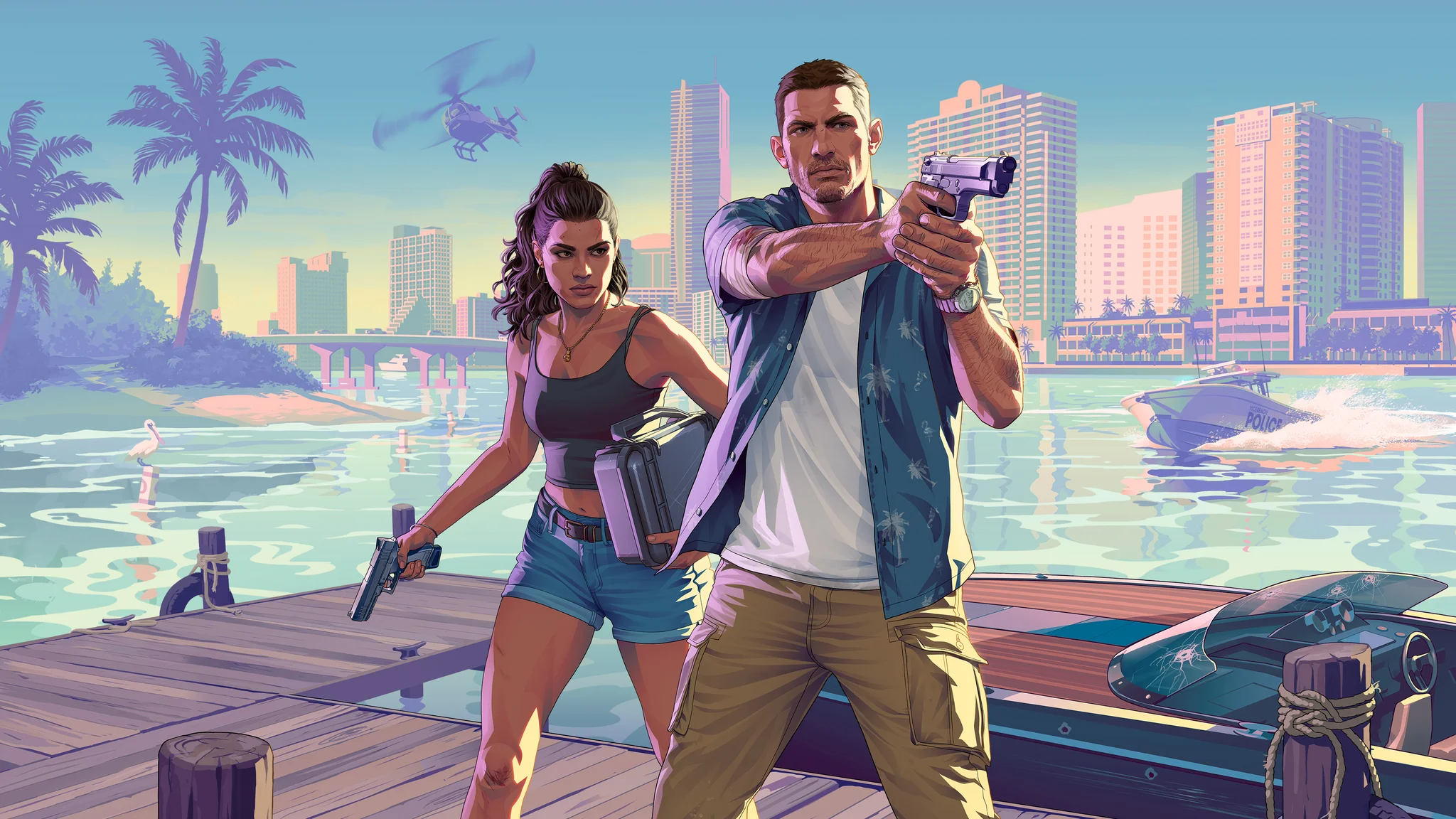

To get a bank account in Grand Theft Auto 6, play Chapter 1's Buck Me mission and visit the bank with Lucia. You cannot open an account before this story mission. The visit unlocks BuckMe, the phone app that handles your digital payments and banking. Your immediate priorities are making an ATM deposit and keeping everyday spending money separate from family savings. The walkthrough below covers the bank visit, your first deposit, and the follow-up savings task without going into later story events.
How to unlock BuckMe in Chapter 1


Reach the bank visit
Jason begins the game without a bank account and stores money under his bedroom floorboards. Once Lucia is back home, follow this sequence to reach the banking unlock:
- Complete the first delivery of Donnie's Packages.
- Take Lucia's call about setting up an account.
- Go to the bank with Lucia.
- Speak to the teller inside, then approach the manager by the desk.
The teller directs you to the manager, who takes Jason and Lucia through the account discussion. Continue through this conversation to reach the BuckMe setup.
Why the manager rejects your application
The Fleeca Bank manager refuses a conventional account because of Jason and Lucia's poor credit. He offers BuckMe instead, setting them up with accounts through the phone app. The refusal is part of the scene, not a failed attempt that requires another branch.
After setup, press D-pad Up during free-roam to open your phone, then select BuckMe. You can use the app to make payments, review your Transactions, and manage savings contributions.
How to deposit and withdraw money
Complete your first cash deposit
Setting up the account adds the Deposit Cash into BuckMe task. This introduces the route from physical cash to your digital spending balance:
- Open BuckMe on your phone.
- Use ATM Finder to locate a machine.
- Travel to the ATM and deposit some cash.
An ATM is very close to your home, so this first deposit does not require a long trip across Leonida.
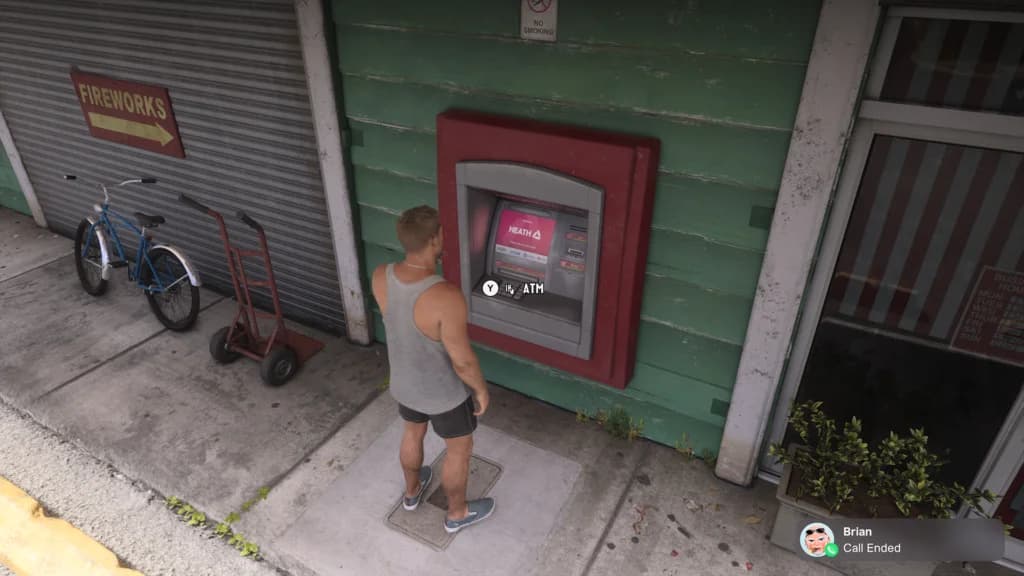
An ATM terminal in Leonida
Gas stations are common places to find ATMs. Banks also have machines outside, so Grand Theft Auto 6 bank locations provide other stops for deposits and withdrawals while you explore.
Withdraw cash for businesses that need it
You can also withdraw money at ATMs and banks. Use withdrawals to prepare for cash-only spending instead of carrying your entire reserve everywhere.
Strip clubs, for example, do not accept BuckMe payments. Keep the amount you intend to spend in physical cash before visiting one.
Should you keep money in cash, checking, or savings?
Your money is divided between Pocket Cash, your BuckMe checking balance, and the shared family savings fund. Choose where to keep it based on what you need to pay for next.
| Money type | What it is for | Limits and ownership |
|---|---|---|
| Pocket Cash | Physical purchases, accepted by most businesses for smaller purchases up to $1,000 | Jason and Lucia can each carry up to $20,000 |
| BuckMe Checking Account | Purchases over $1,000 and services that require digital payments | Each character has a separate account and balance limit |
| BuckMe Family Savings | Putting money toward the family's savings goals | A shared fund supplied by transfers from checking |
Use checking for purchases that require an account
The Checking Account balance is your digital spending pool. Certain weapons at Ammu-Nation require an account and cannot be purchased with cash, even when you have enough physical money to cover the price.
Carrying the maximum amount of cash is unnecessary for ordinary spending. Deposit proceeds from Grand Theft Auto 6 robberies before starting another risky activity, and withdraw the amount you plan to use.
How checking limits and upgrades work
Story progress unlocks checking account upgrades in Chapter 2, Chapter 3, and Chapter 4. BuckMe sends an in-game notification after the relevant mission. Upgrades increase balance limits, lower fees, and add account perks.
A full checking account cannot receive more money immediately. Incoming transactions remain pending until there is enough room for the full deposit, so a nearly full balance can also delay a payment that exceeds the remaining space.
How to complete Save for the Future
Fund the follow-up savings task
The Save for the Future task asks you to save $5,000 and transfer it to the family savings account. This is a follow-up goal, not the amount required to unlock banking. If the contribution would empty your spending balance, use Grand Theft Auto 6's early money-making options to build a reserve first.
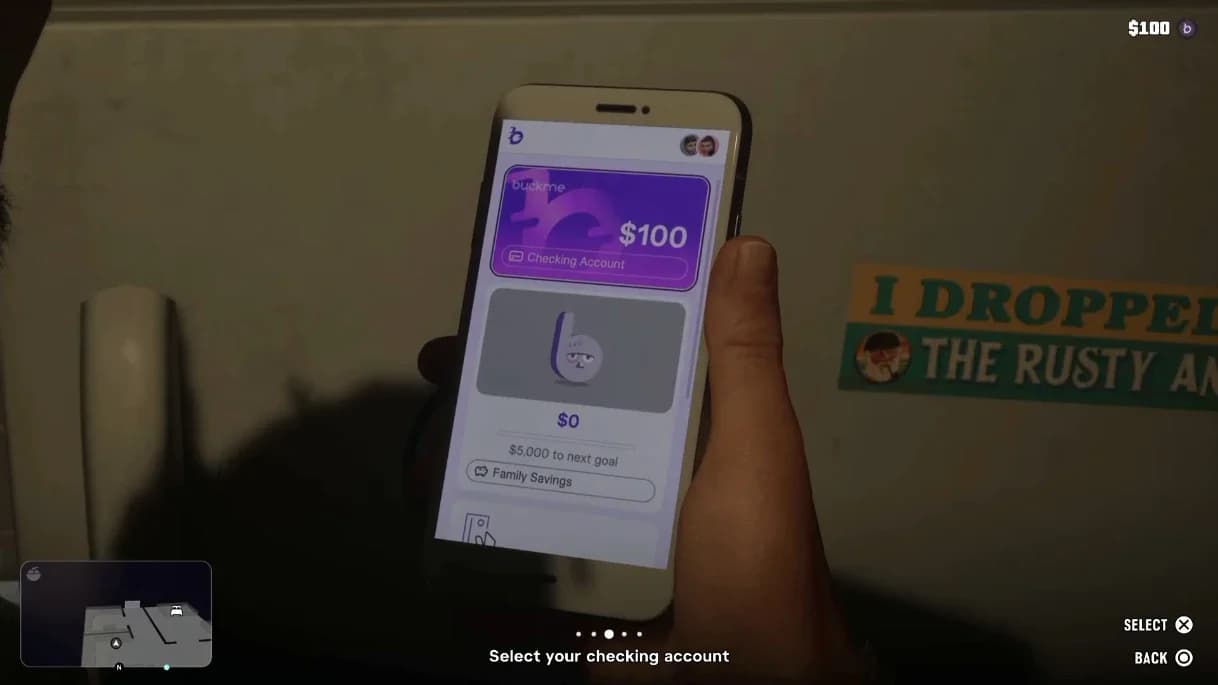
BuckMe Family Savings
To make a contribution:
- Open BuckMe on your phone.
- Access Family Savings.
- Transfer money from your checking balance toward the savings target.
Both characters can contribute to this fund, so you can work toward its goals using either Jason's or Lucia's money.
How savings expand later
Family Savings has its own balance limit, which increases through story progress in Chapter 2, Chapter 3, and Chapter 4. Larger saved amounts produce higher interest returns when that limit increases.
After the bank task, Cal also texts you four more locations for Donnie's Packages. Those give you another set of package objectives to tackle while working toward your next deposit.