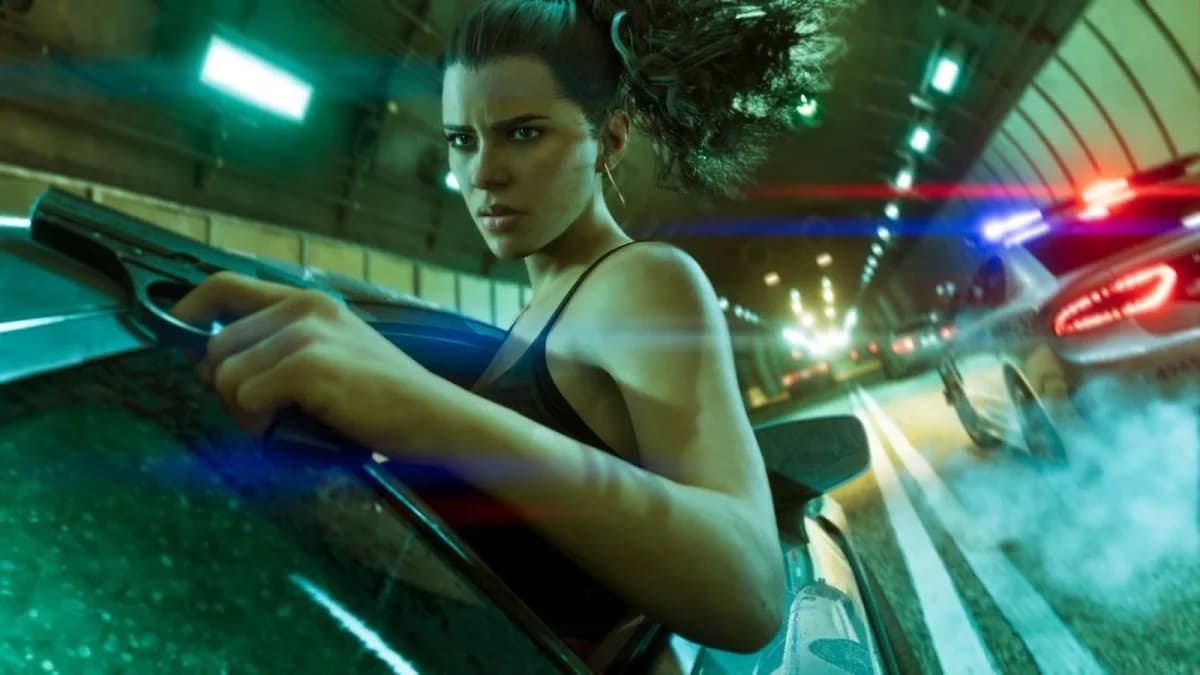

To switch guns in Grand Theft Auto 6, tap Triangle on PS5 or Y on Xbox while aiming.
This quick-swap shortcut switches between two equipped weapons. Choosing a specific carried gun uses the weapon wheel, while changing which guns you carry uses the loadout screen at a vehicle trunk or a gun-store weapon locker. Drawing or holstering your current gun is a separate action.
Choose the right weapon-switching method
Use quick swap when you want your other equipped weapon during a fight. Use the wheel when you want to make a deliberate selection, especially when you are carrying several weapons.
| Method | What you choose | When to use it |
|---|---|---|
| Quick swap | The other weapon in your equipped pair | You need to change guns while aiming |
| Weapon wheel | A specific weapon you are carrying | You want a particular pistol, rifle, or other carried weapon |
| Loadout screen | Weapons to add to or remove from your carried loadout | The gun you want is in storage |
| Draw or holster | Whether your selected weapon is in your hands | You want to put your gun away without selecting another one |

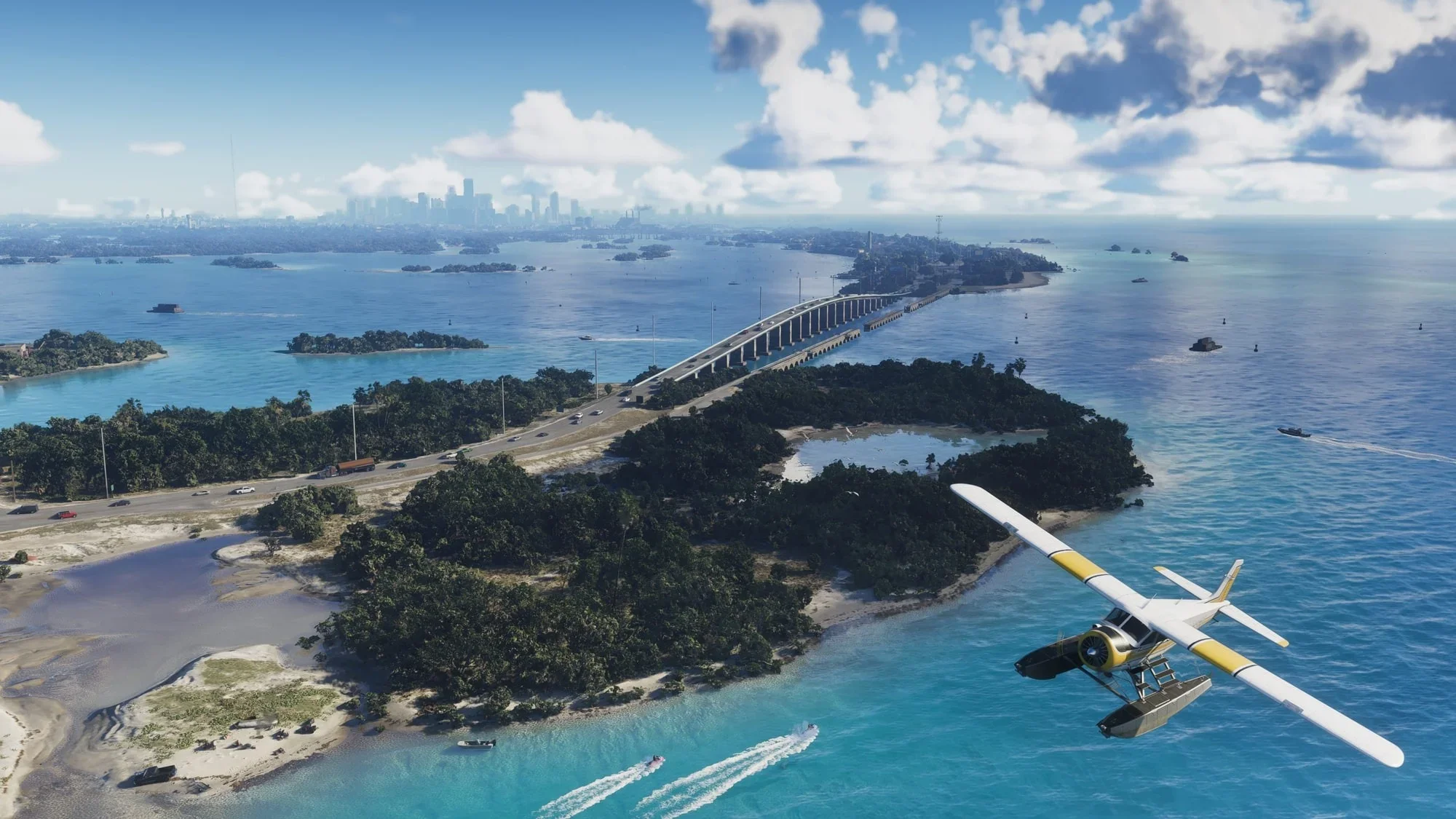
Select a specific gun on PS5
For manual selection, the Grand Theft Auto 6 weapon wheel and inventory system lets you choose from your carried weapons:
- Hold L1 to open the weapon wheel.
- Move the right stick toward the weapon you want.
- Release L1 to equip that selection.
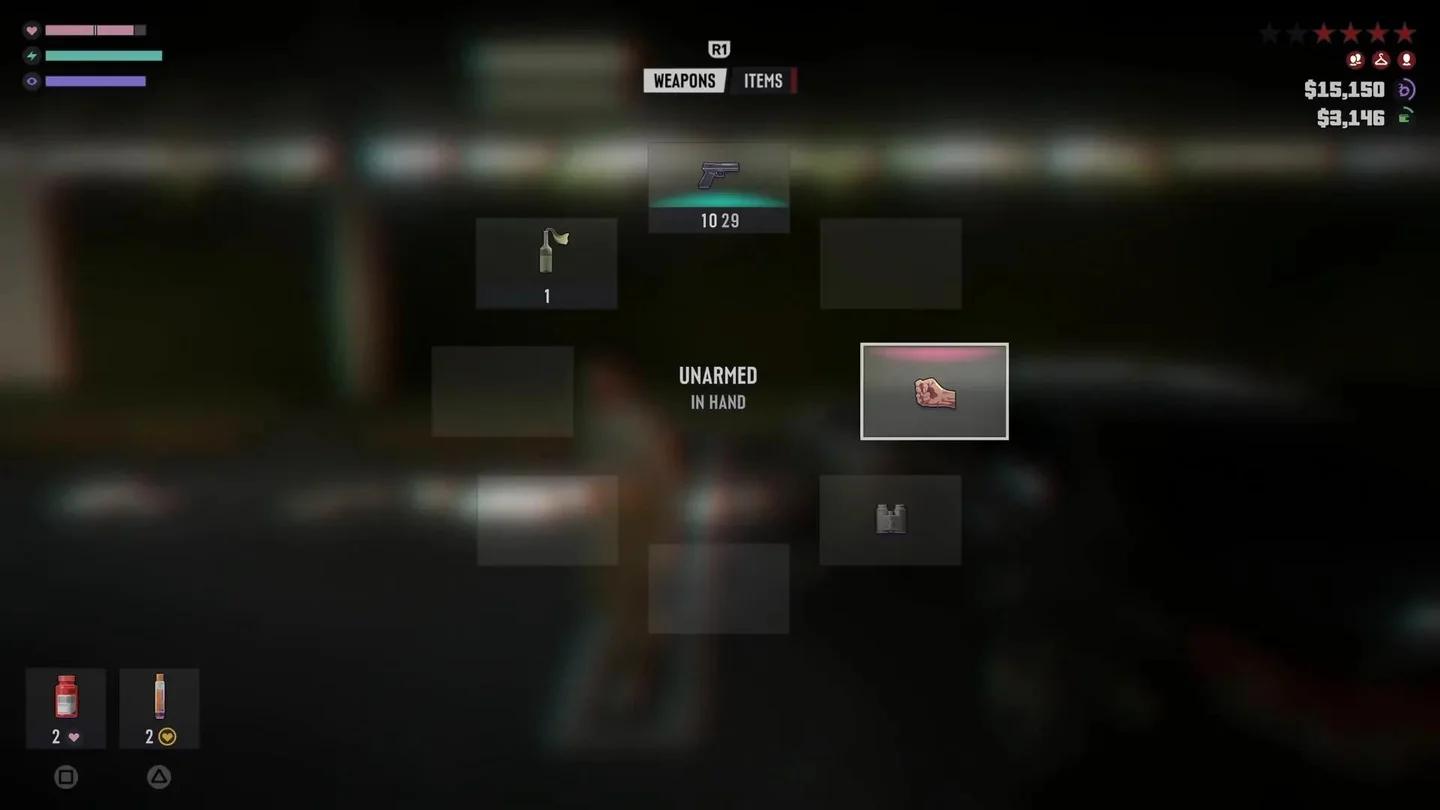
The carried-weapon selection wheel
Tapping is different from holding it. A tap draws or holsters the currently selected weapon. If you keep putting the same gun away and taking it out again, hold the button long enough to open the wheel before moving the right stick.
Add a different gun to your carried loadout
A stored weapon needs to be added to your loadout before you can select it in the field. Your vehicle trunk and gun-store weapon lockers provide access to loadout management.
Change weapons at your vehicle trunk
On PS5, go to the back of your car and open the trunk with Triangle. Then use L1 for the displayed Loadout option. This opens weapon management at the vehicle.
To add or replace a weapon:
- Move the right stick to the loadout slot you want to change.
- Look for a + on a slot where you can add a weapon.
- Use R2 to cycle through the weapons available for that slot.
- Leave the desired gun selected.
- Release L1 when you are happy with the loadout.
You can also change your default weapon from this screen. Set that choice while managing your loadout, then use the normal weapon wheel for selections while you are away from storage.
Use a gun-store weapon locker
Chuck's Tackle & Shot handles Grand Theft Auto 6 weapon buying and storage in one place. The Ammu-Nation distributor stocks guns, mods, ammo, and equipment, and has a weapon locker for managing your loadout.
Inside the shop, find the locker marked Manage Weapons and Loadout. Press Triangle on PS5 to access it and equip weapons there. This is an alternative when you do not have access to your car.
Lockers also let you recover owned weapons if you lose them. Blue weapon names indicate ownership. A found weapon that you do not own may be lost after an arrest, so do not treat every picked-up gun as a permanent addition to your collection.
Match each weapon to its loadout slot
Weapons use different loadout categories. Match Grand Theft Auto 6 weapons to the appropriate slot when choosing what to carry:
| Loadout category | Weapon example | Weapon type |
|---|---|---|
| Sidearm | Mahi Nipper .38 | Compact pistol |
| Sidearm | Duval Signature ES9 | Military pistol |
| Longarm | Hawk & Little Mediator | Tactical rifle |
| Longarm | Fortune & Son Gorse 425 | Stubby shotgun |
| Melee | Jason's Hunting Knife | Knife |
The loadout screen also supports a second optional sidearm. Select the relevant sidearm position and cycle its available choices to add another pistol alongside your main selection.
Put longarms away without changing your sidearm
Holstering your selected gun and storing your longarms are separate actions. Use the trunk's storage option when you want to stop carrying the larger weapons.
At your car on PS5, open the trunk and hold L1 to access loadout management. Use the Stow Long Arms option with Square to put those weapons away. You can keep your sidearms on you and conceal them with the normal holster control.