Pay 'n' Spray shops in Grand Theft Auto 6 repair and repaint vehicles, register cars you want to keep, and buy unwanted cars. There are 19 locations across five counties.
Start by deciding what should happen to the vehicle after your visit. A car you plan to keep needs a different service from one you only want to repair or sell. Registration also involves storage capacity and a vehicle-dependent fee, so finding the nearest shop is only the first step.
Where to find Pay 'n' Spray
Pay 'n' Spray locations appear automatically as you uncover the map. Look for an orange spraycan icon.
Open Map > Vehicles (the car icon) > Pay 'n' Sprays to filter the shops. This view lists their names, while the counter in the bottom-left corner tracks how many you have discovered.
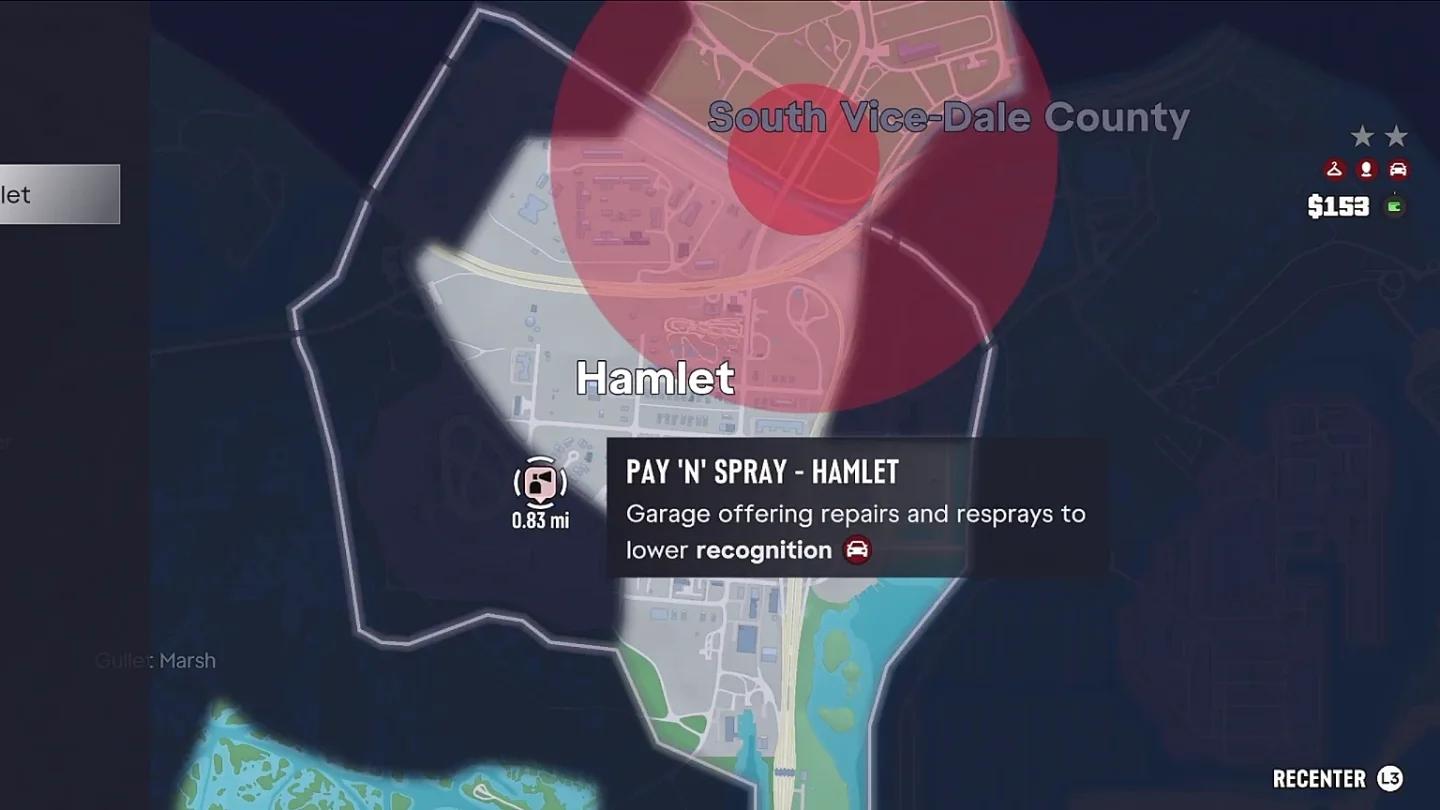
Pay 'n' Spray map locations

All 19 locations checklist
Use the table to match a shop name to its county. The entries are grouped geographically, not arranged as a driving route.
| Check | Location | County |
|---|---|---|
| [ ] | Southwind | Mariana County |
| [ ] | Key Lento | Mariana County |
| [ ] | Watson Bay | Mariana County |
| [ ] | Grassrivers | Mariana County |
| [ ] | Hamlet | Vice-Dale County |
| [ ] | Salton | Vice-Dale County |
| [ ] | West-Vice Dale County | Vice-Dale County |
| [ ] | Downtown | Vice-Dale County |
| [ ] | Balsero | Vice-Dale County |
| [ ] | La Perle | Vice-Dale County |
| [ ] | Stockyard | Vice-Dale County |
| [ ] | Waxman Island | Vice-Dale County |
| [ ] | Ocean Beach | Vice-Dale County |
| [ ] | Washington Beach | Vice-Dale County |
| [ ] | Waning Sands | Leonard County |
| [ ] | Port Gellhorn | Kelly County |
| [ ] | Ambrosia | Kelly County |
| [ ] | Grayson | Lummox County |
| [ ] | Millport | Lummox County |
If a name is missing from your discovered list, explore that part of the map. Use the county column to narrow your search instead of scanning every visible vehicle-service marker.
How to access its services
Bring the vehicle you want to service
You access Pay 'n' Spray services by driving the vehicle into the shop. Plan the visit around that vehicle, especially if you have just stolen something you want to keep.
- Choose a discovered Pay 'n' Spray and set a waypoint.
- Drive the car you intend to repair, repaint, register, or sell into the shop.
- Select the service that matches your goal.
- Review the charge or sale offer before completing the transaction.
If you are choosing a stolen car specifically for this trip, check its entry method and security before committing to it. The Grand Theft Auto 6 car-theft guide covers those decisions before you bring the vehicle to a shop.
Register a car you want to keep
Select Register to swap the vehicle's plates and keep it permanently. Taking a car for a drive does not automatically add it to your long-term collection.
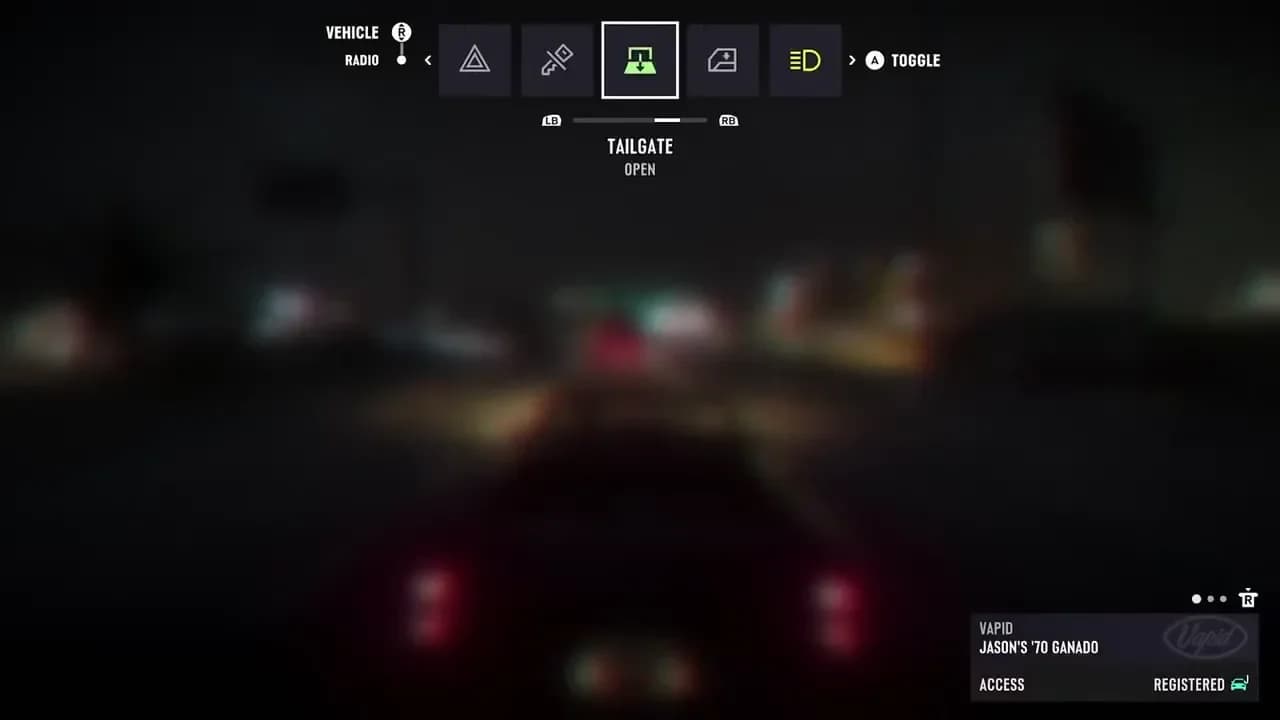
Vehicle registration at the shop
A Parking Space or Garage provides temporary storage for an unregistered car. Use that distinction when deciding whether you are merely setting a vehicle aside or adding it to your collection.
Choose what you want to keep before paying for registration. An interesting car is worth trying first; you do not need to turn every vehicle you enter into a permanent commitment.
Services and costs
Pay 'n' Spray handles several different vehicle jobs. Match the service to the problem before spending, and read the amount attached to your current transaction.
| Service | What it does | What to check about the cost |
|---|---|---|
| Repair | Repairs your vehicle | Review the repair charge for the car you brought |
| Respray | Changes the vehicle's color | Review the charge for the color change |
| Registration | Keeps the vehicle permanently | The fee depends on the vehicle's value |
| Vehicle sale | Sells a car for cash | Review the payout before giving up the vehicle |
Use a respray for vehicle recognition
Changing a vehicle's color prevents police from recognizing that vehicle. A respray therefore has a practical use beyond choosing a paint color you like.
Keep that purpose separate from registration. Use the color-change service when you need to change the car's recognizable appearance, and use registration when your goal is ownership. Do not choose one expecting it to perform the other's job.
Decide whether to keep the car or take the cash
Selling makes sense when you would prefer the money to the vehicle. Make that decision before buying services for a car you intend to hand over.
If registration is competing with other early purchases, compare vehicle sales with the activities in the Grand Theft Auto 6 early money guide. Work out which car you actually want in your collection before raising money to register it.
A registration fee tied to vehicle value also means you should not use the cost of one car as your budget for every future registration. Check each vehicle individually.
Restrictions to check before arriving
Check your vehicle capacity
If your capacity is full, you can sell a previous car directly at Pay 'n' Spray. Choose the vehicle you are prepared to give up before bringing in its replacement.
To expand your parking instead, press Up to open the smartphone and select Vice City Real Estate. You can buy more garages for additional Parking Spots.
Garage buying becomes available during a story mission, so it may not be accessible early in the campaign. Check whether you can make that purchase before planning around a larger collection.
Choose the right shop for upgrades
For generic vehicle upgrades, visit a Mod Shop. Specialist tuning requires the appropriate specialist shop, marked with a blue wrench icon.
Use Vehicles > Mod Shops in the map index when tuning is your goal. Picking the correct service category first saves you a trip to a shop that does not address the job you have in mind.
Protect the proceeds after selling
Cash in your wallet is lost if you are Busted or Wasted, while money in your BuckMe bank is protected. Keep that risk in mind after a vehicle sale; the Grand Theft Auto 6 money system guide explains the cash and bank balances.
BuckMe banking unlocks during Chapter 1. Once it is available, open the smartphone, select BuckMe > ATM Finder, follow the route to an ATM, and deposit the cash you want to protect before your next risky drive.