
To drive better in Grand Theft Auto 6, match your speed and steering to each vehicle, then tune controller settings for comfortable inputs. Start with a car you feel comfortable driving, and keep it while you learn the road.
Work on braking and cornering before trying to travel faster. Fuel, repairs, and vehicle security also need attention between trips, particularly when a stolen car could bring the police to you. Build a repeatable routine: control the car, keep it running, and avoid unnecessary trouble.
Driving controls

Start with a controller baseline
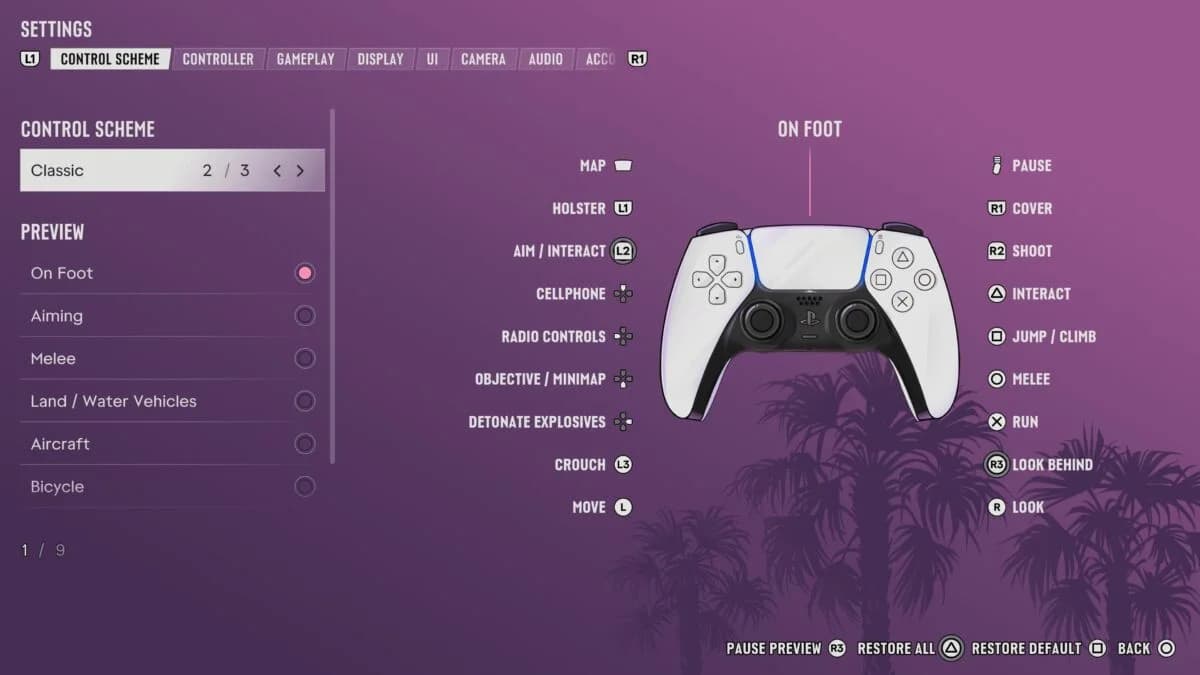
Open Settings and find Aim & Look Sensitivity, both stick deadzones, and Vibration & Haptics Strength. Use the following values as a starting point, then check whether they suit your controller.
Controller sensitivity settings
| Setting | Suggested starting value | What to check while driving |
|---|---|---|
| Horizontal look sensitivity | 5 | Whether looking sideways feels comfortable |
| Vertical look sensitivity | 5 | Whether vertical camera movement is easy to manage |
| Deadzone (Left Stick) | 2 | Whether steering inputs feel manageable |
| Deadzone (Right Stick) | 2 | Whether you can position the camera comfortably |
| Vibration & Haptics Strength | Reduce if distracting | Whether feedback interferes with your inputs |
The sensitivity entries concern aim and look inputs. Treat camera comfort separately from learning the car’s braking and steering. Adjust your Grand Theft Auto 6 console settings one group at a time so you can judge each change.
Consider the wider use of vibration before reducing it heavily. A strong pulse while exploring on foot can indicate something nearby worth scanning with Waink.
Know the vehicle shortcuts
The D-pad handles navigation and several car features. Pay attention to whether an action needs a tap or a hold.
| Input | Function | Useful detail |
|---|---|---|
| Tap D-pad Left or D-pad Right | Use turn signals | Signals are optional |
| Hold D-pad Left | Access vehicle features | Includes headlights and opening or closing the trunk |
| Hold D-pad Down | View nearby locations with time slowed | Mark a location to receive GPS directions |
Use the nearby-location shortcut when you need a service stop. You can identify and mark a nearby gas station without opening the full map.
Acceleration, braking, and cornering
Learn the car before pushing its speed
Use a clear stretch of road to learn how quickly the current vehicle gathers speed and how much room you need to stop. Acceleration, braking, and cornering differ between vehicles, so a familiar braking point may not suit your next car.
Practice a simple sequence:
- Build speed gradually. Give yourself time to observe the vehicle’s response instead of immediately driving as fast as possible.
- Slow down before the turn. Approach at a pace where you can follow the corner without a last-second correction.
- Finish the turn under control. Get the car pointed along the next stretch before building speed again.
If you repeatedly run wide at the same corner, lower your approach speed on the next attempt. Changing camera sensitivity is not a substitute for giving yourself enough time to turn.
Judge progress by clean corners and controlled stops. Keeping the car in good condition also means fewer repair bills between destinations.
Handling different vehicle types
Match your inputs to the steering response
A small car can feel responsive, while a truck or large SUV needs a different approach. Choose your practice vehicle for how comfortably you can control it, then adjust when you switch types.
| Vehicle type | Handling behavior | Recommended adjustment |
|---|---|---|
| Small car | Responsive steering | Start with small steering corrections and avoid repeatedly swinging between directions |
| Truck or large SUV | Less responsive steering | Approach corners more slowly and allow more time to establish your direction |
Do not assume that learning one vehicle teaches you every other vehicle’s stopping distance or acceleration. Check the particular car you are driving before attempting the same pace you used in the previous one.
Understand the first-person driving restriction
For Grand Theft Auto 6 first-person driving, press D-pad Up while in a vehicle to bring out your phone. You can drive in first person with the phone out, but this is not an unrestricted cockpit camera you can keep using independently of it.
If you're struggling with judging corners, keep your usual driving view while practicing. Compare camera views once you can follow the same stretch comfortably, so an unfamiliar view does not get mixed up with an unfamiliar vehicle.
Recovering from skids and collisions
Regain control before adding speed
After a skid or impact, return to a manageable pace before continuing. Get the car pointed along the road again instead of immediately trying to recover your previous speed.
Use the mistake to choose your next adjustment. A corner entered too quickly calls for a slower approach; trouble immediately after switching vehicles calls for another check of that vehicle’s response. Avoid changing the entire controller setup after one bad turn.
Choose a repair method
A gas pump can repair your car or motorcycle for a small fee, as well as serve as a refueling stop. Pump repairs are often cheaper than repairs through Scooter Bros, making a nearby station worth checking after a collision.
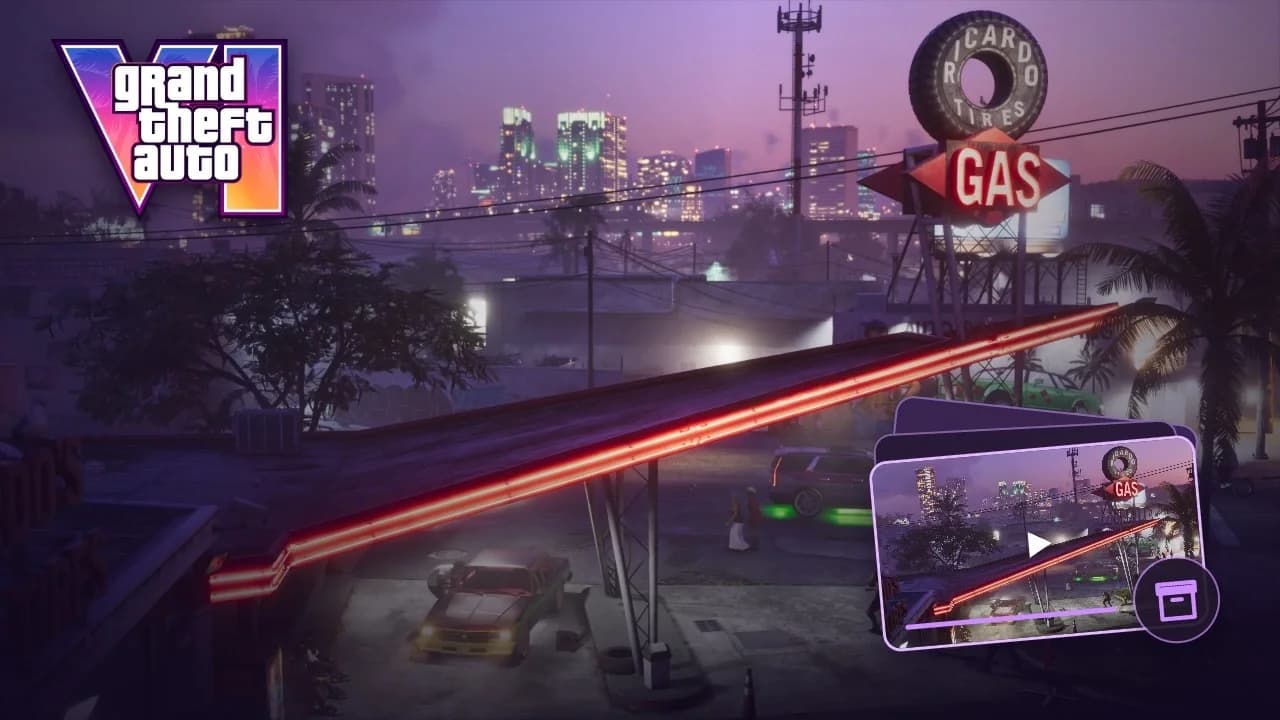
Gas station pumps in Leonida
The Scooter Bros phone app manages owned vehicles, lets you spawn them nearby, and offers repairs. It can also retrieve vehicles from police impound. These services cost money, so use the app when its convenience suits the situation instead of treating it as a free reset after every crash.
Scooter Bros Premium costs $12,500 and includes three free app uses every in-game day. Consider that upgrade once you can comfortably afford the upfront cost; individual service prices determine how quickly it saves you money.
Driving during pursuits
Check security before choosing a getaway car
Plan how you steal cars in Grand Theft Auto 6 around their security. An older, lower-profile car is the safer early choice than a newer vehicle with advanced tracking. Hold D-pad Up to use Waink on your phone and scan a car before committing to it.
Prepare your personal car for police attention
Keep spare outfits in your personal car’s trunk. Changing clothes can help you lose police attention, and clothing stores with changing rooms let you manage outfits and trunk clothing without returning home.
The trunk closes automatically when you drive away. You do not need to stop and shut it manually after accessing your supplies.
Defuse a one-star encounter when possible
A one-star wanted level can sometimes be cleared through conversation. Put your weapon away, hold L2 on PlayStation or LT on Xbox to focus on the officer, and choose the option to defuse the situation. Use that opportunity before turning a manageable police encounter into a vehicle chase.