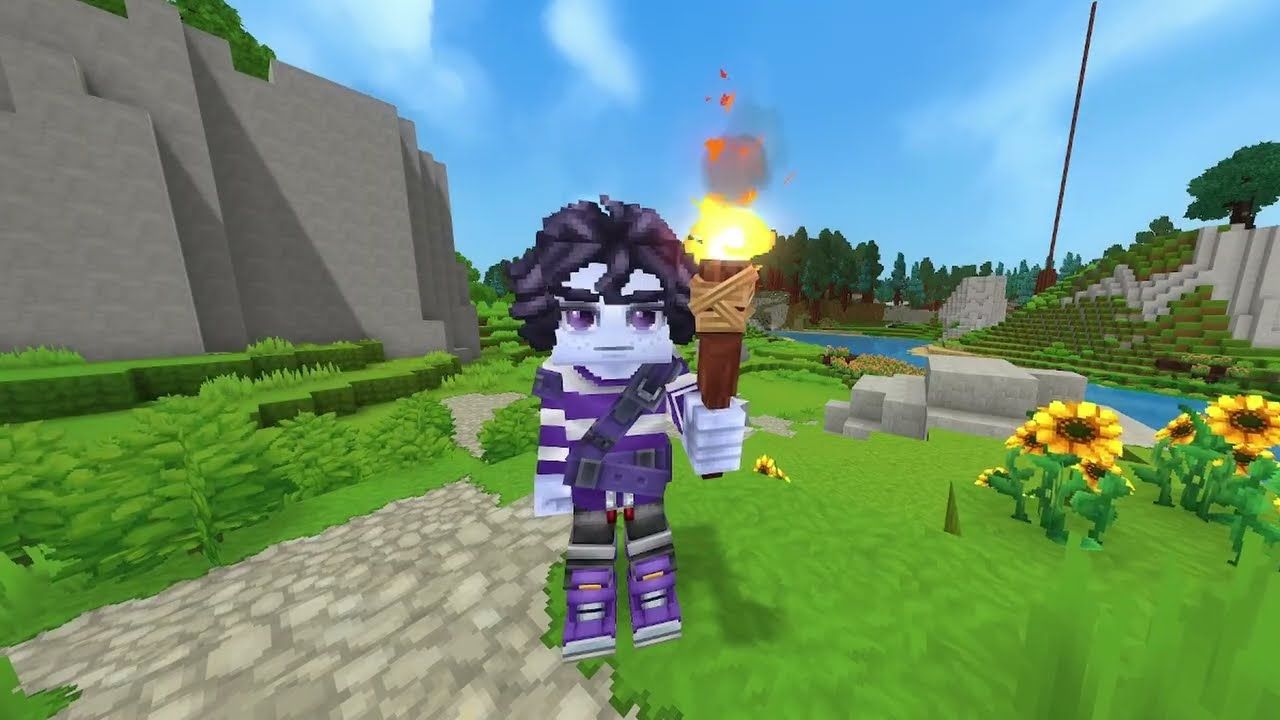
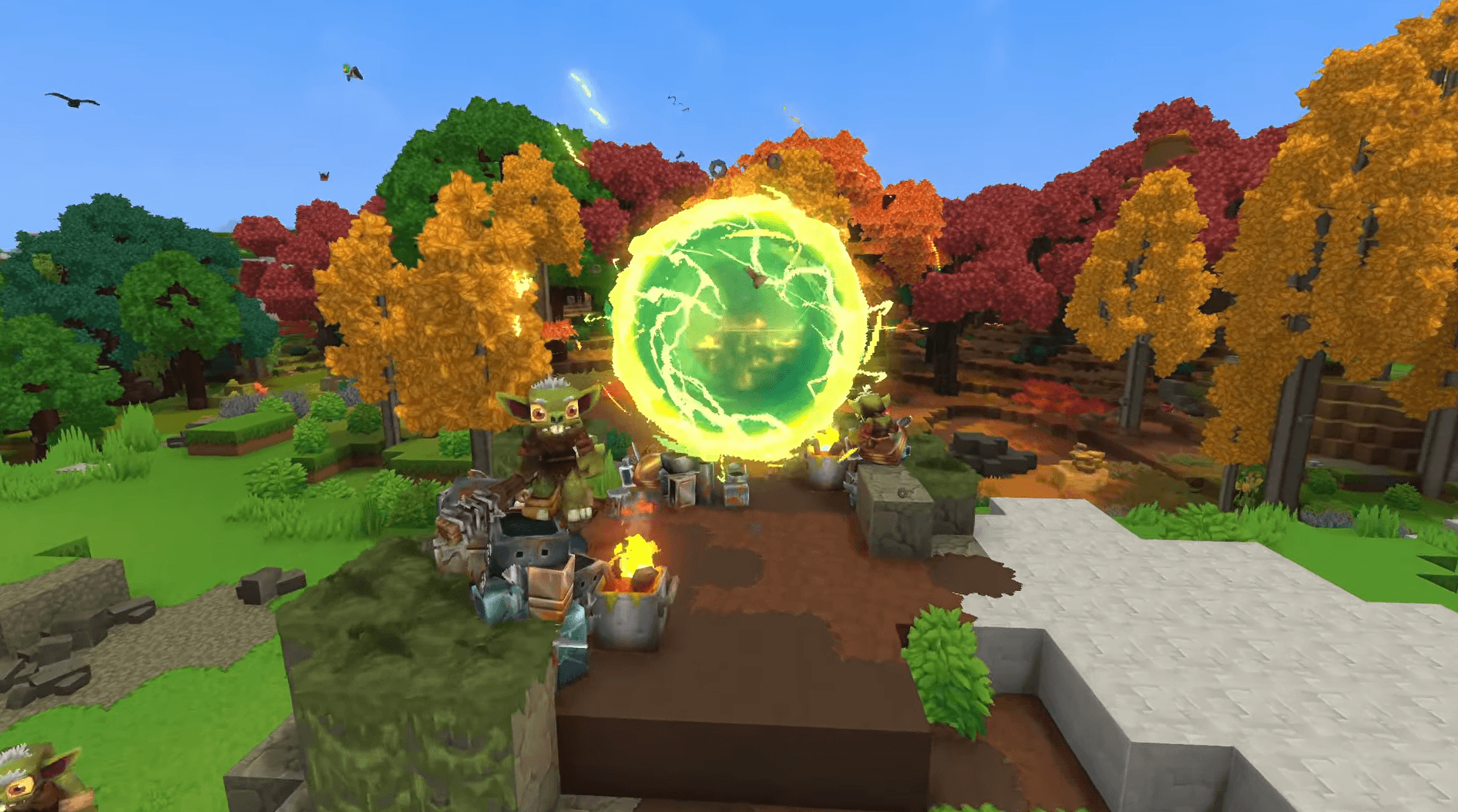
Playing Hytale with friends is one of the best ways to experience the game. Whether you want to invite a few friends into your personal world or join a server that stays online all the time, Hytale provides simple tools to get started.
How to Invite Friends to Your World
Inviting friends allows them to join your world directly, but only while you are playing.
Here's how you can invite your friends into your server:
- Load into your world.
- Press ESC to open the menu.
- Select Online Play.
- Turn Allow Other Players to Join to On.
- Set a password to keep the world private.
- Click Save to generate a Share Code.
- Copy the code and send it to your friends.
Your friends can join by entering the code from the Servers menu.

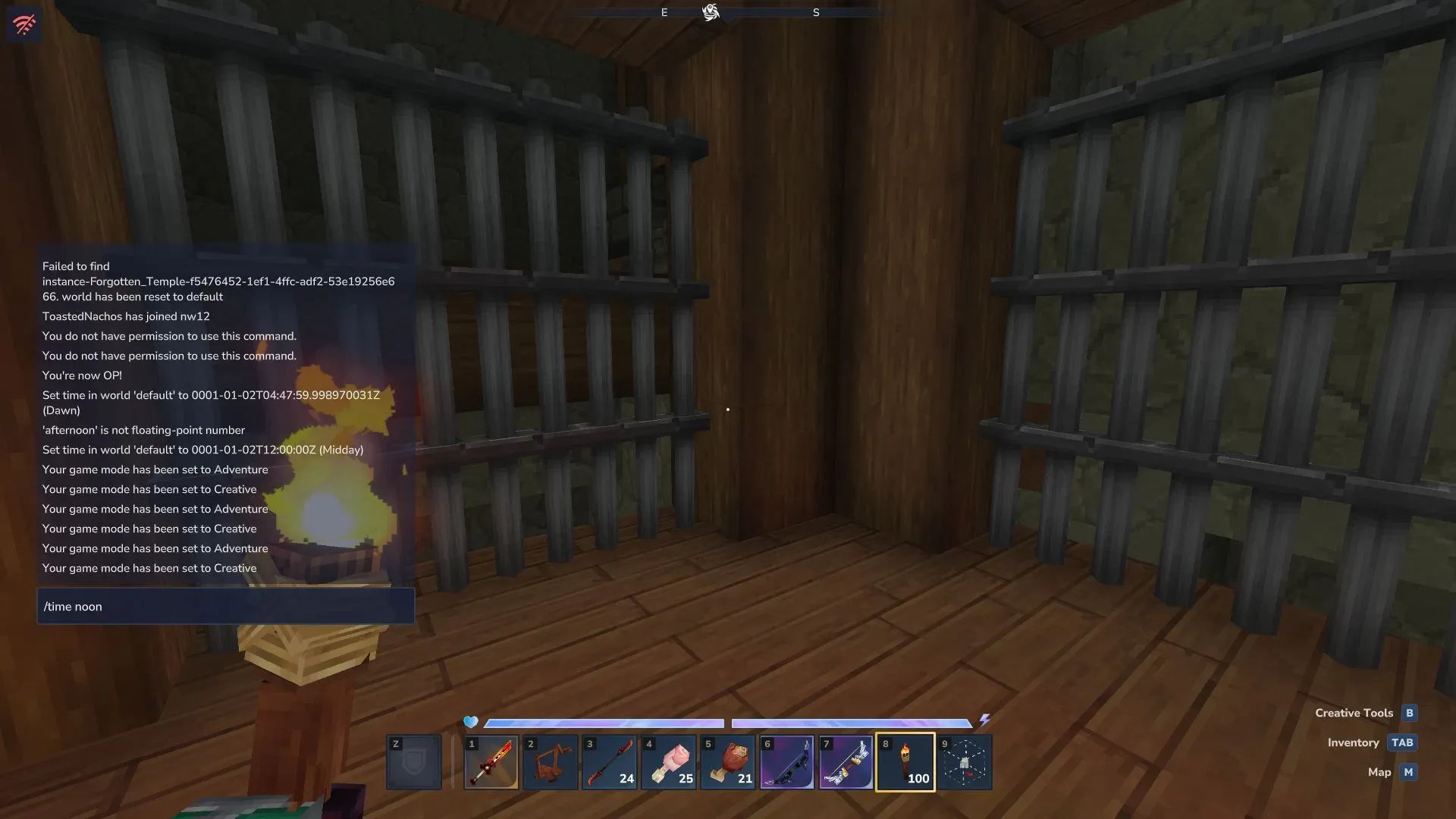
How to Join a Server
Servers allow players to access a shared world at any time, without relying on a host being online.
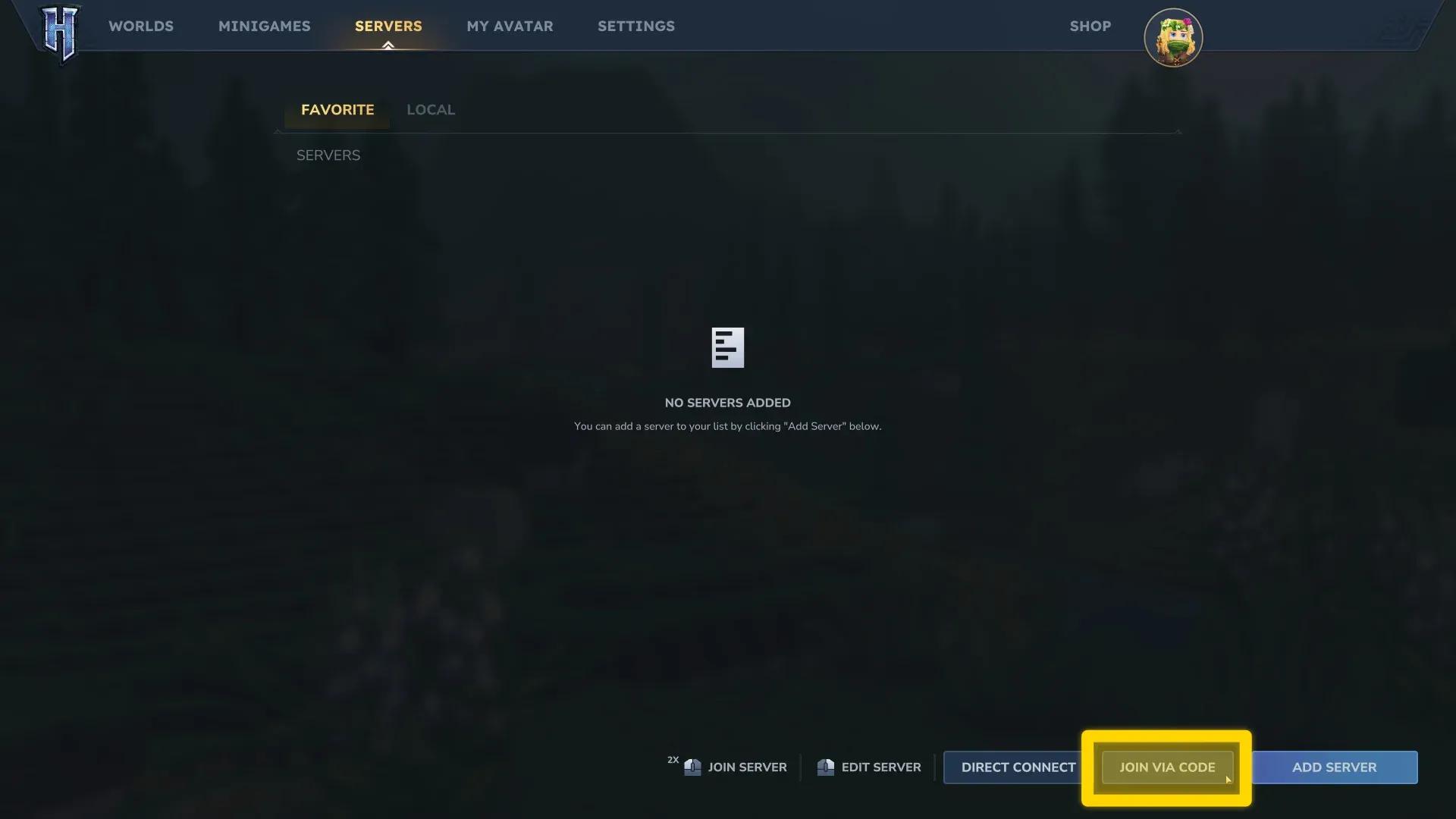
Here's how you can join in your friend's server:
- Open Hytale and sign in.
- From the Main Menu, select Servers.
- Choose Join Via Code to enter an invite code, or Direct Connect to enter a server address.
- Confirm and join the server.
Once added, the server will remain available in your Servers list for future sessions.
Creating and Hosting Multiplayer Worlds
To play with others, you must first create a world.
- Go to the Worlds page.
- Select Create World.
- Choose between Exploration or Creative.
| World Type | Purpose |
|---|---|
| Exploration | Survival-focused gameplay with progression |
| Creative | Building-focused gameplay with full access |
After entering your world, open Online Play from the pause menu to enable multiplayer and generate a Share Code.
For players who want a world that stays online at all times, dedicated servers are available. These require more setup and system resources, but they allow continuous access for all players.
If you need more help in Hytale, be sure to read our guide on how to obtain Light Hide and our farming guide for efficient crop management.