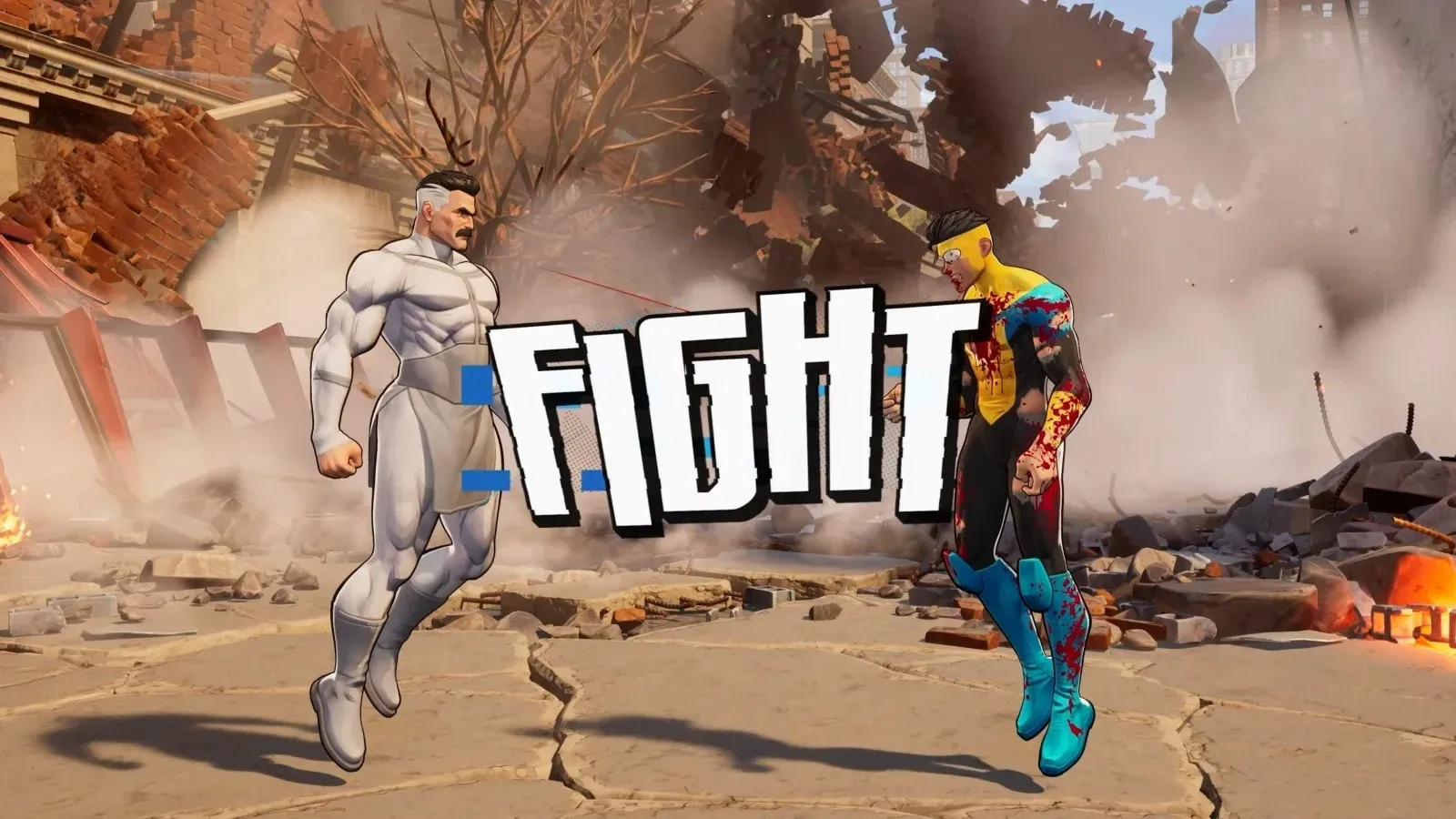


Invincible VS launched with a small but genuinely free cosmetic bundle attached to Twitch, and the process to grab it is simpler than most games bother to make it. No account linking, no paid subscription required for two of the three rewards. You just need 30 minutes of watch time on a Drop-enabled stream and a code redemption on the official site. Here's exactly how to do it, what you get, and what to watch out for.
What are the Invincible VS Twitch Drop rewards?
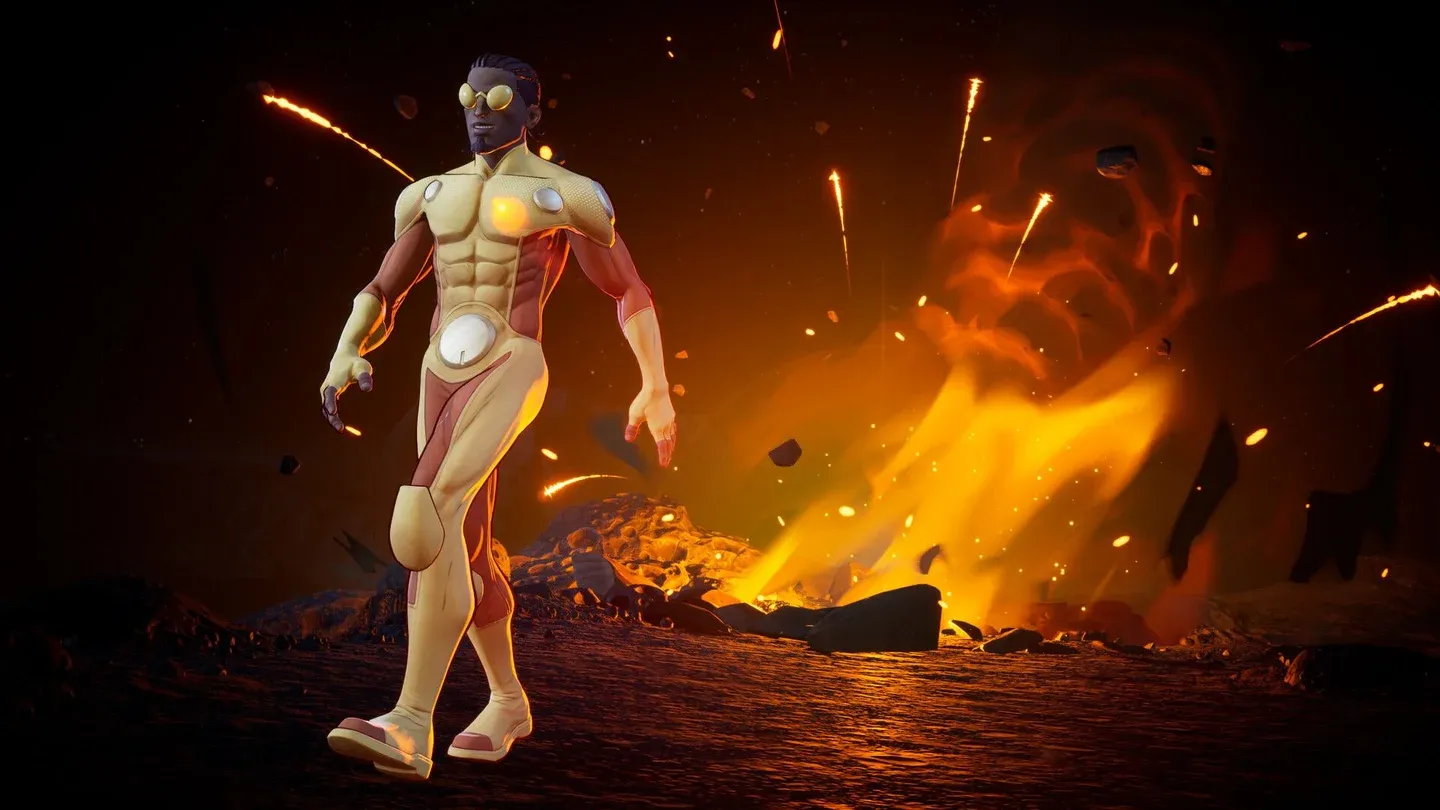
Skybound Games launched the Twitch Drops campaign on April 27, 2026, offering 3 exclusive rewards available from April 30 through May 27, 2026.
The Title and Background are the genuinely free ones. The Invincible Twitch Badge requires a paid subscription or a gifted sub to a streamer in the Invincible VS category. Prime subs don't count toward the badge, as detailed in the official FAQ on invinciblevs.com.
How to unlock the free Title and Background
The process splits into two stages: earning the drop on Twitch, then redeeming the code on the Invincible VS website.
Stage 1: Earn the drop on Twitch
- Log into your Twitch account (or create a free one if you don't have one).
- Go to the Invincible VS category on Twitch.
- Pick any streamer who has Drops enabled. The stream page will show a Drops indicator if it qualifies.
- Watch for a cumulative total of 30 minutes. You do not need to sit through it in one session; Twitch saves your progress across multiple viewing sessions.
- Head to the Twitch Drops inventory page at twitch.tv/drops/inventory and claim your drop. You will receive a code.
Stage 2: Redeem the code on the Invincible VS site
- Go to account.invinciblevs.com.
- Select Login in the upper right corner.
- Choose your platform: Xbox, Steam, or PlayStation.
- Sign in with your platform account credentials.
- Once signed in, select your account name in the upper right corner and choose Redeem Code from the dropdown.
- Enter the code from your Twitch inventory and hit Redeem. A confirmation message will confirm success.
- Launch Invincible VS. Both the Title and Background will appear in your collections, marked with a green dot.
Code redemption portal login
How to get the Invincible Twitch Badge
The badge works differently from the two in-game cosmetics. There's no watch time involved.
- Go to the Invincible VS category on Twitch.
- Select a streamer who is live in the category.
- Open their channel and select Gift A Sub (or subscribe directly).
- Complete the subscription. The Invincible Twitch Chat Badge will unlock automatically.
Prime Gaming subscriptions don't count toward this reward, as outlined in Skybound's official announcement. It has to be a paid or gifted subscription.
Are there any Invincible VS codes outside of Twitch?
There are no traditional monthly promo codes for Invincible VS the way many live-service games handle them. Any codes you find labeled as "Invincible VS codes" in search results are almost certainly for Invincible Showdown, a separate Roblox game, which causes a lot of confusion.
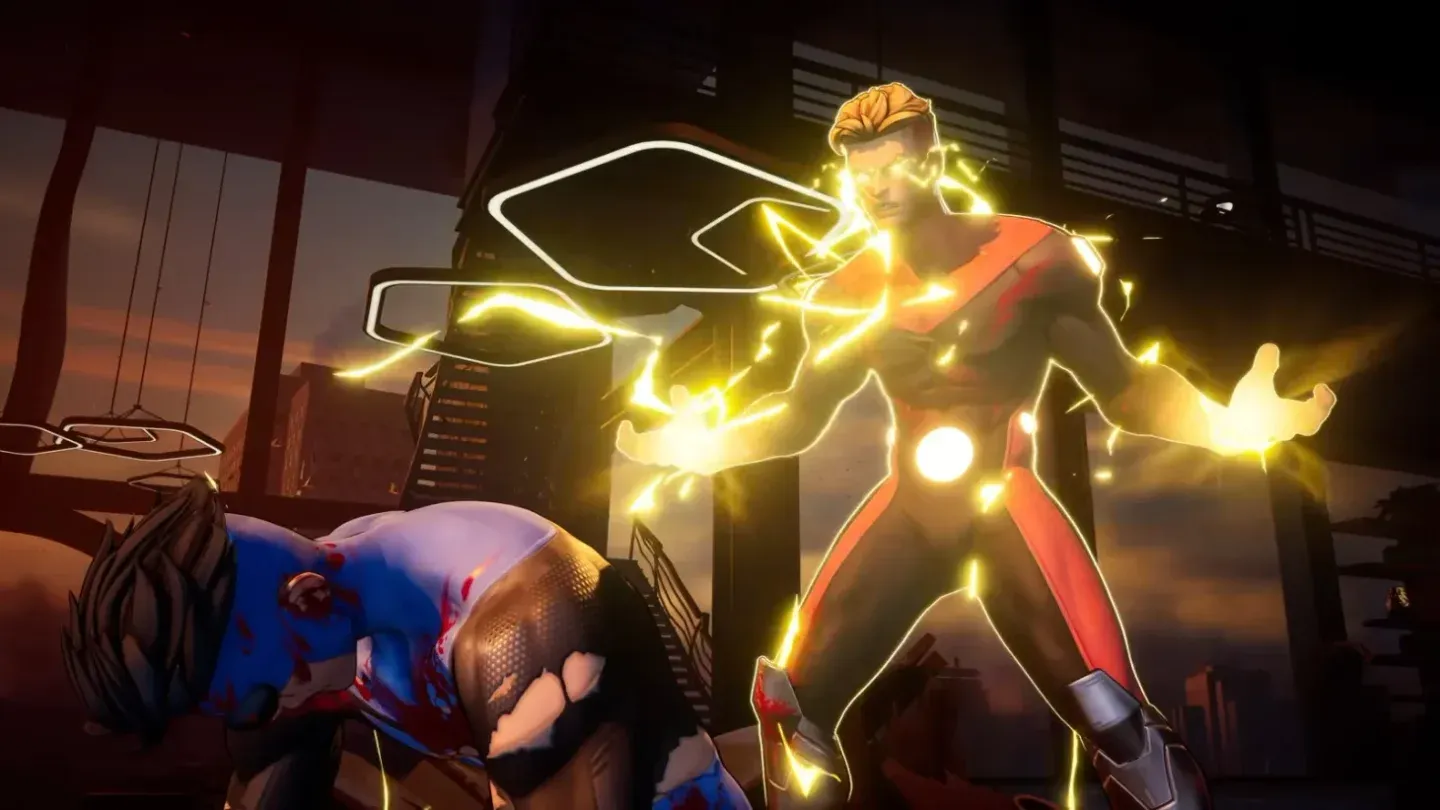
The one genuine exception is a Prince Street Pizza promotion. The American pizza chain has a tie-in with the game where ordering through one of their locations gets you a code for two exclusive Mark Grayson skins. The exact spend threshold wasn't publicly detailed as of April 30, 2026, and if you're outside the United States, this one is effectively out of reach.
Exclusive Mark Grayson pizza promo skins
Why isn't my Twitch watch time counting?
This is the most common problem people run into. Skybound's official FAQ documents a few specific causes:
- The stream you're watching doesn't have Drops enabled. This is the most frequent issue. Not every streamer in the Invincible VS category has Drops activated. Look for the Drops indicator on the stream.
- Your stream is muted or minimized. Twitch stops counting you as an active viewer if the stream is muted or running in a minimized tab. Keep it visible and unmuted.
- Your Twitch status is set to offline. Make sure your account is set to appear as Online.
- Cache issues. Log out of Twitch, clear your browser cache, refresh the page, and log back in.
What else is free in Invincible VS at launch?
Beyond Twitch, the Standard edition of Invincible VS includes Zero Suit Mark (with four color variants) as a pre-order bonus for anyone who pre-ordered. The Deluxe edition bundles four DLC characters, a Year 1 Character Pass, and several exclusive cosmetics at a higher price point.
Skybound has indicated that post-launch DLC plans depend heavily on how the community responds to the game at launch. The base roster sits at 18 characters, with four more confirmed as planned DLC additions.
For more gaming guides across every genre, browse more guides at GAMES.GG to stay current on what's worth your time.