

Madden NFL 27 gives you one of the more satisfying creative outlets in any sports simulation game: the ability to design your own franchise from scratch, then drop it into a real Franchise mode season. Team Builder lives outside the game itself as a dedicated web tool, meaning you do the creative work in a browser, submit your team online, and pull it into the game through the Creation Center. The process has a few specific requirements that trip people up, so this guide walks through every stage in the right order.
What do you need before you start?
Before opening the Team Builder site, confirm you have these five things in place. Missing any one of them will stop the process cold.
The upload limit per team is 5 MB, so keep custom logo files lean. Logos must be free of copyrighted material, offensive content, and personal information. If you upload your own artwork, remove the background so the image is transparent before uploading.
How to create your team in Team Builder
Head to the Team Builder site at ea.com/games/madden-nfl/team-builder using a desktop browser and sign in with your EA Account. Select Get Started, then Create. You will work through four tabs in sequence.
Brand
This is where your franchise gets its identity. Set the team name, hometown, logos, color palette, apparel brand, and fonts. You can pull from pre-made logo options or upload your own. Take your time here because the color choices carry through to the uniform and stadium sections.
Uniforms
Each uniform set lets you design the helmet, jersey, pants, and socks for home and away kits. Select the plus symbol to add additional uniform categories, such as alternates or color rush styles. Your apparel brand logo will appear automatically on the jersey based on the brand you selected in the Brand tab.
Stadium and field
Choose from six default stadium bases, then customize architecture, seating capacity, crowd, field surface, end zones, sideline benches, field logos, and field numbers. There is a lot here, so work through it section by section rather than trying to finalize everything in one pass.
Franchise (roster)
The Franchise tab is the most time-consuming section. This is where you review and edit the full roster, adjusting each player's appearance, physical attributes, skill ratings, abilities, and X-Factor assignments. If you want a fully custom squad, budget significant time here. If you just want the visual identity and are fine with default ratings, you can move through this section quickly.
Once all four tabs are complete, select Save, then Submit. An on-screen summary shows every choice you made. Confirm with Submit to finalize, or go back to adjust anything.
How to download your Team Builder team in Madden NFL 27
With the team submitted, switch over to the game.
- Launch Madden NFL 27 and go to the main menu.
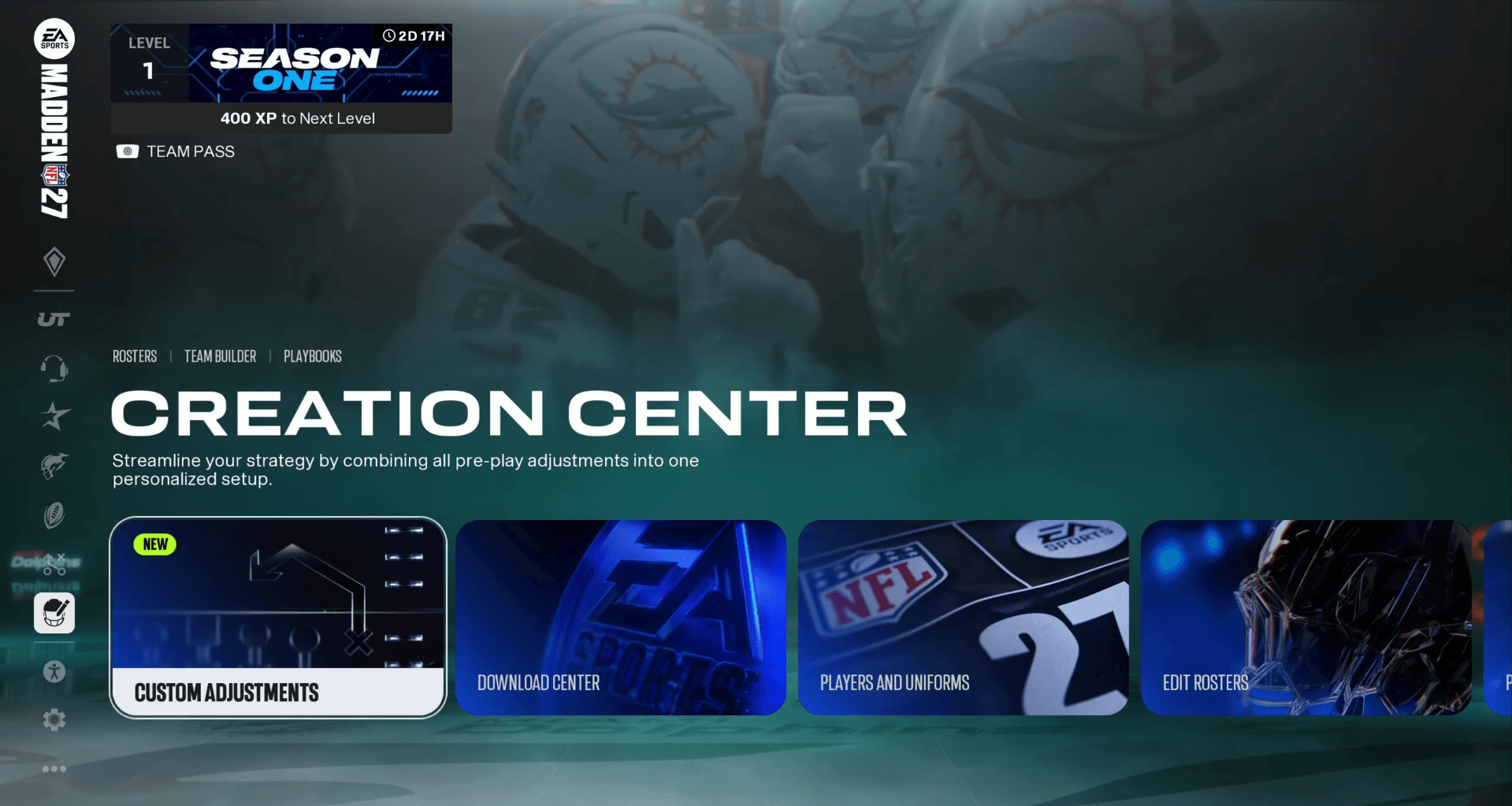
- Open Creation Center.
- Select Download Center and switch to the Teams category.
- Search for your team by name, or press Y on Xbox (or Triangle on PlayStation) and use Search by Username to pull up every team tied to your EA Account.
- Preview the team to confirm it looks correct, then select Download.
Once downloaded, the team appears under My Downloads inside the Download Center. If it does not show up, verify you are using the same EA Account that was connected when you built the team, check that you are on a desktop browser session that was not running at the same time as the game, and confirm the platform is one of the four supported options. If the path is correct and the team is still missing, check EA's service status before rebuilding the project.
How to use your Team Builder team in Franchise mode
With the team downloaded to your platform storage, you can now bring it into Franchise.
- From the main menu, select Franchise, then Enter Franchise.
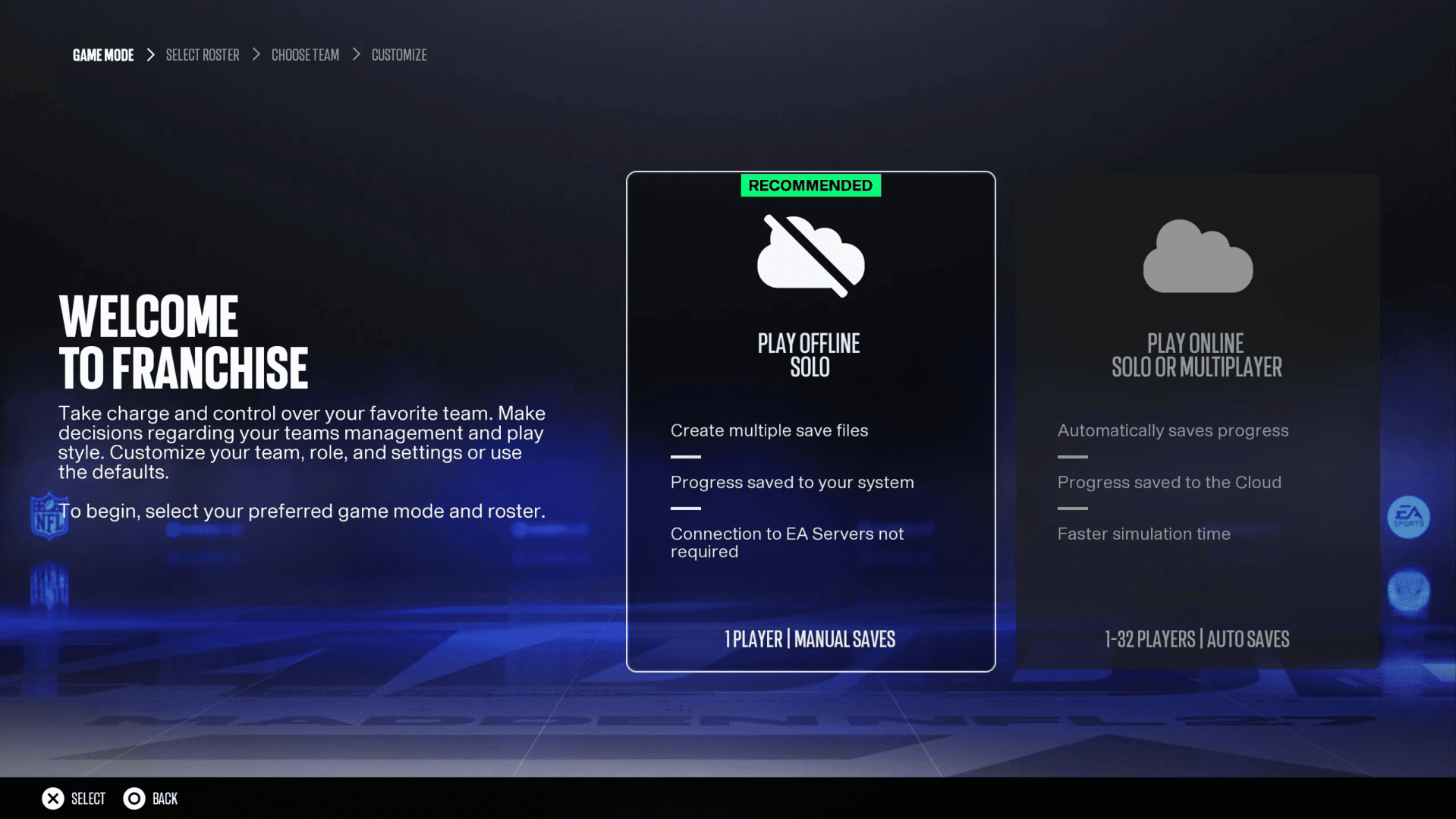
- Create or join an online league. Choose Play Online Solo if you want to run the league alone, or Multiplayer to invite others. Both options support Team Builder imports.
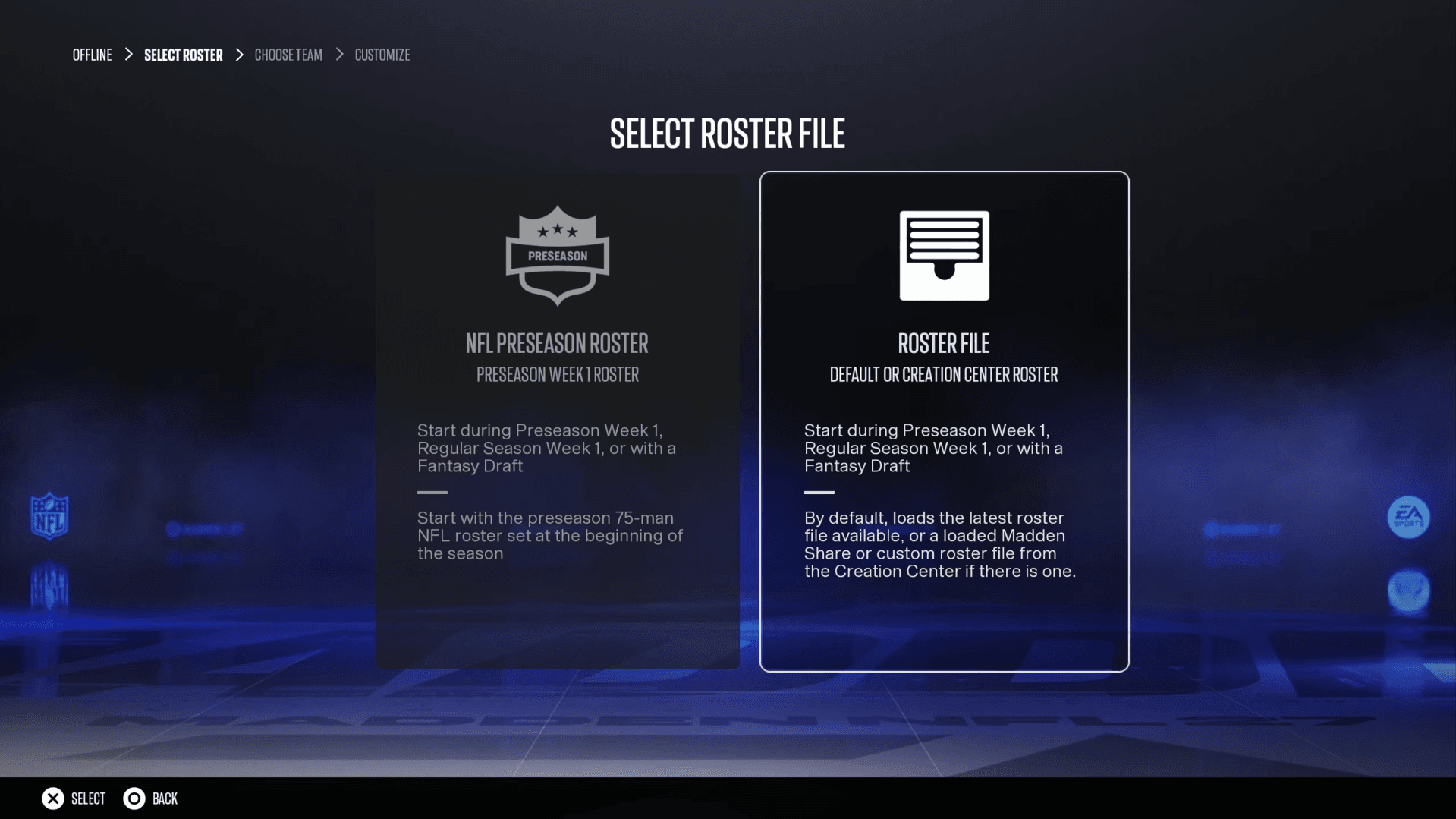
- Select Weekly NFL Roster or Roster File as your roster type.
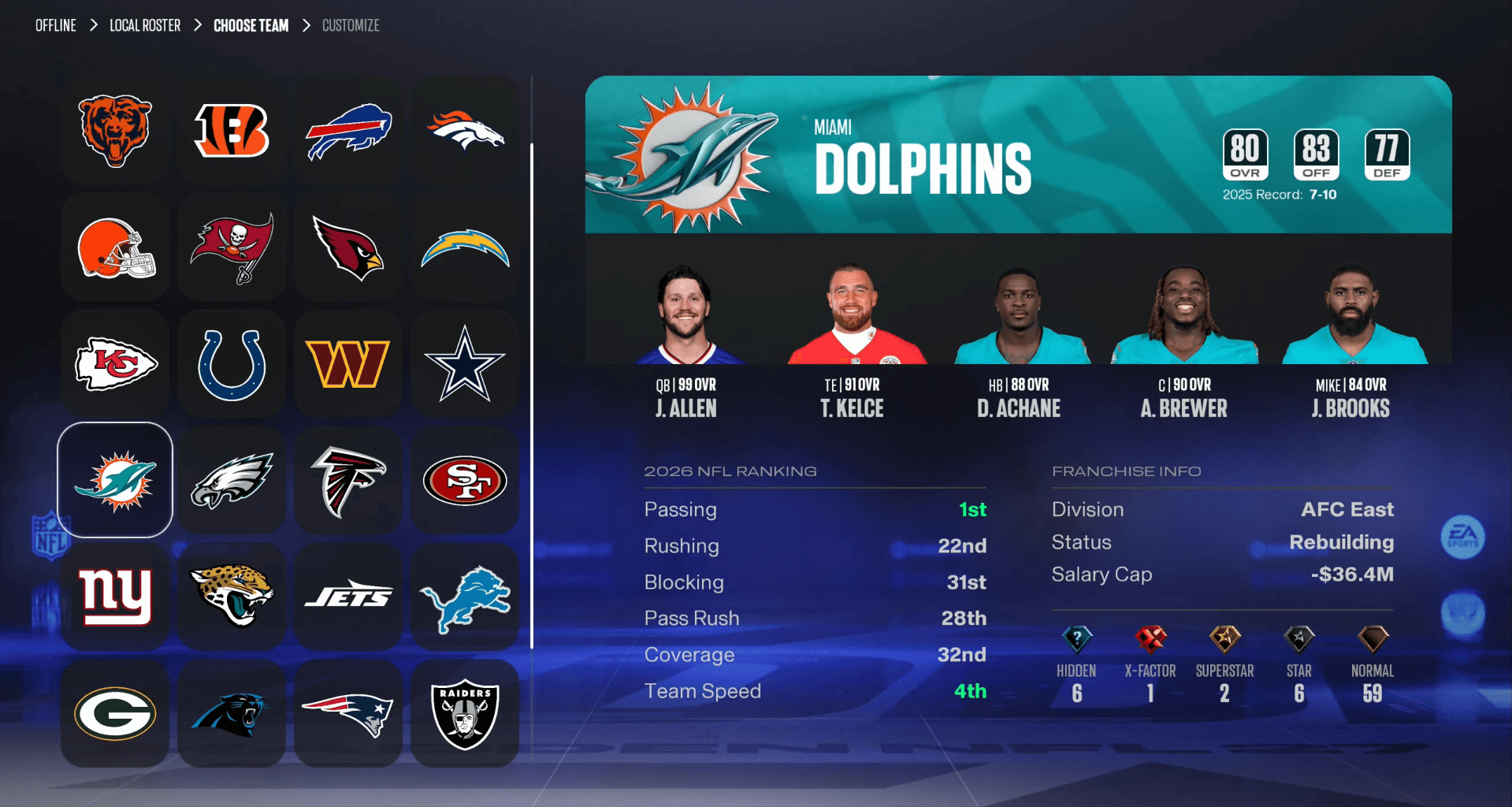
- On the Choose Team screen, highlight the NFL franchise you want to replace and press X on Xbox (or Square on PlayStation) to swap it with your downloaded Team Builder team.
- You can replace up to 32 NFL teams in a single league with Team Builder creations.
Once your team is in the league, everything from that point forward works like a standard Franchise save. Draft, trade, sign free agents, and manage your organization the way you normally would.
Troubleshooting: why is my team not appearing?
A few common issues come up repeatedly when players try to complete the import.
- Wrong EA Account: The account used to build the team must match the account linked to the platform where you are downloading. If you have multiple EA Accounts, this is the most common cause of a missing team.
- Simultaneous login: Being signed into both the game and the Team Builder site at the same time can interrupt the handoff. Sign out of one before using the other.
- Unsupported device: Building on a phone is not officially supported. Tablets with less than 8 GB of RAM may also have issues.
- Offline Franchise selected: The import option simply will not appear if you choose Play Offline. The league must be online, even if you are the only person in it.
- Moderation: Content that violates EA's Terms of Service will be removed before it can be downloaded. If a submitted team disappears, check whether any logos or player details triggered a content review.
For more tips on playing the game itself once your franchise is set up, the Madden NFL 27 beginner strategies guide covers offense, defense, and MUT roster building in detail.
For everything else related to the game, the full Madden NFL 27 strategy guides collection covers release windows, gameplay mechanics, and mode-specific tips across every part of the experience.