
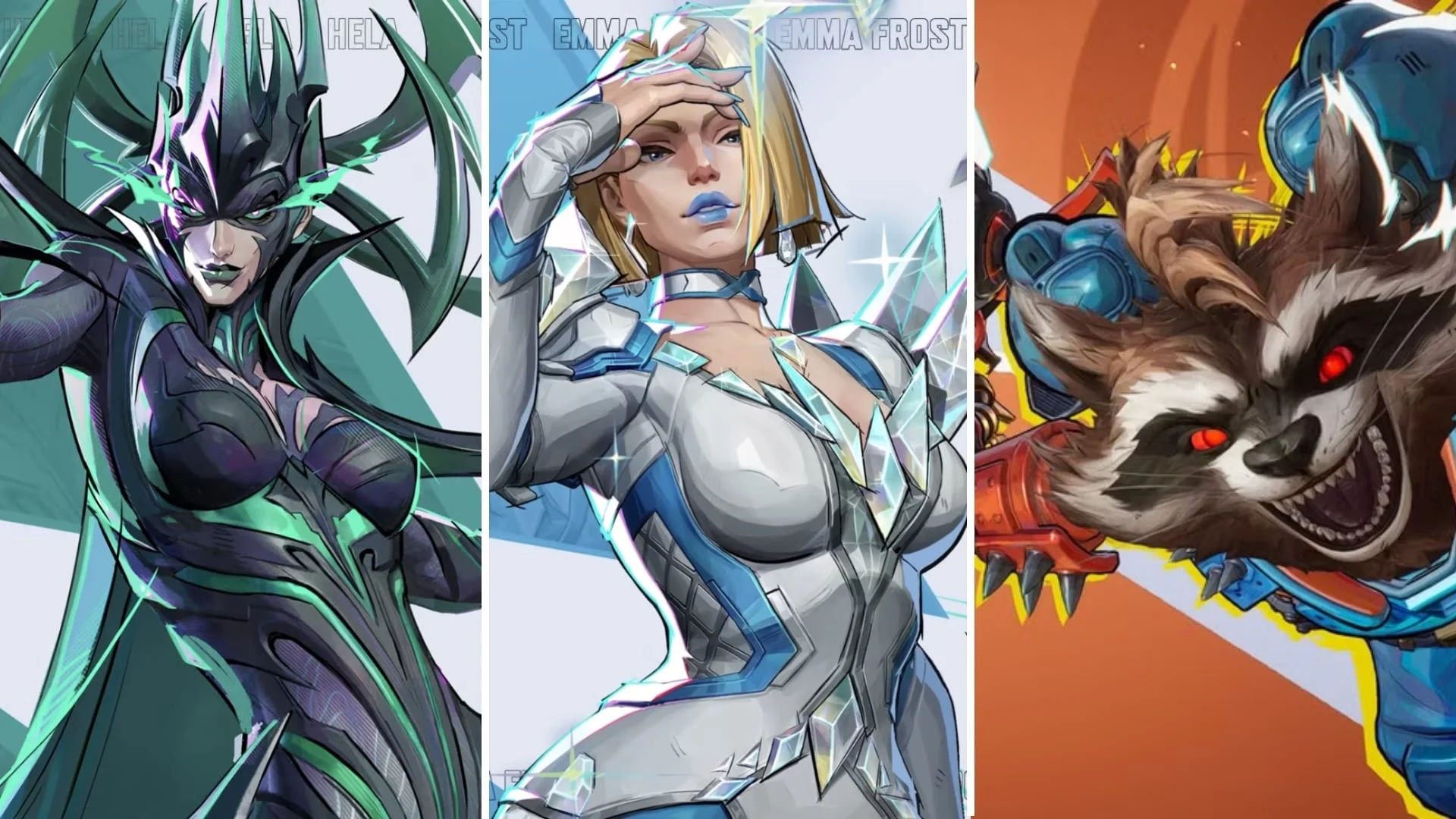
Log in to Marvel Rivals and visit Galacta Bot in Times Square to claim up to 1,900 free Units during the Anniversary Check-In Event.
The check-in is part of Rivals' Day 2026, the game's second-anniversary celebration. There are no extra missions to complete, but collecting the full reward takes multiple logins. Before planning a purchase, check the event dates and the currency breakdown: most of these free Units are limited-time currency, so you cannot save the entire reward indefinitely.
When does the Anniversary Check-In Event start and end?
The Version 20261119 patch notes set the following window for the Anniversary Check-In Event. Both times below are in UTC.
| Event milestone | Date | Time |
|---|---|---|
| Check-in opens | November 19, 2026 | 09:00 UTC |
| Check-in closes | December 11, 2026 | 09:00 UTC |
The update requires no server downtime. Install the patch before heading into the anniversary area; there is no scheduled maintenance wait attached to its release.

Plan for repeat visits
The reward set contains nine login rewards. You cannot collect the advertised maximum from a single visit, so make checking in part of your routine during the event.
Start early enough to leave room for the remaining rewards. Treat the closing time as the end of the claim window, not a date to begin collecting everything.
Where do you find Galacta Bot?
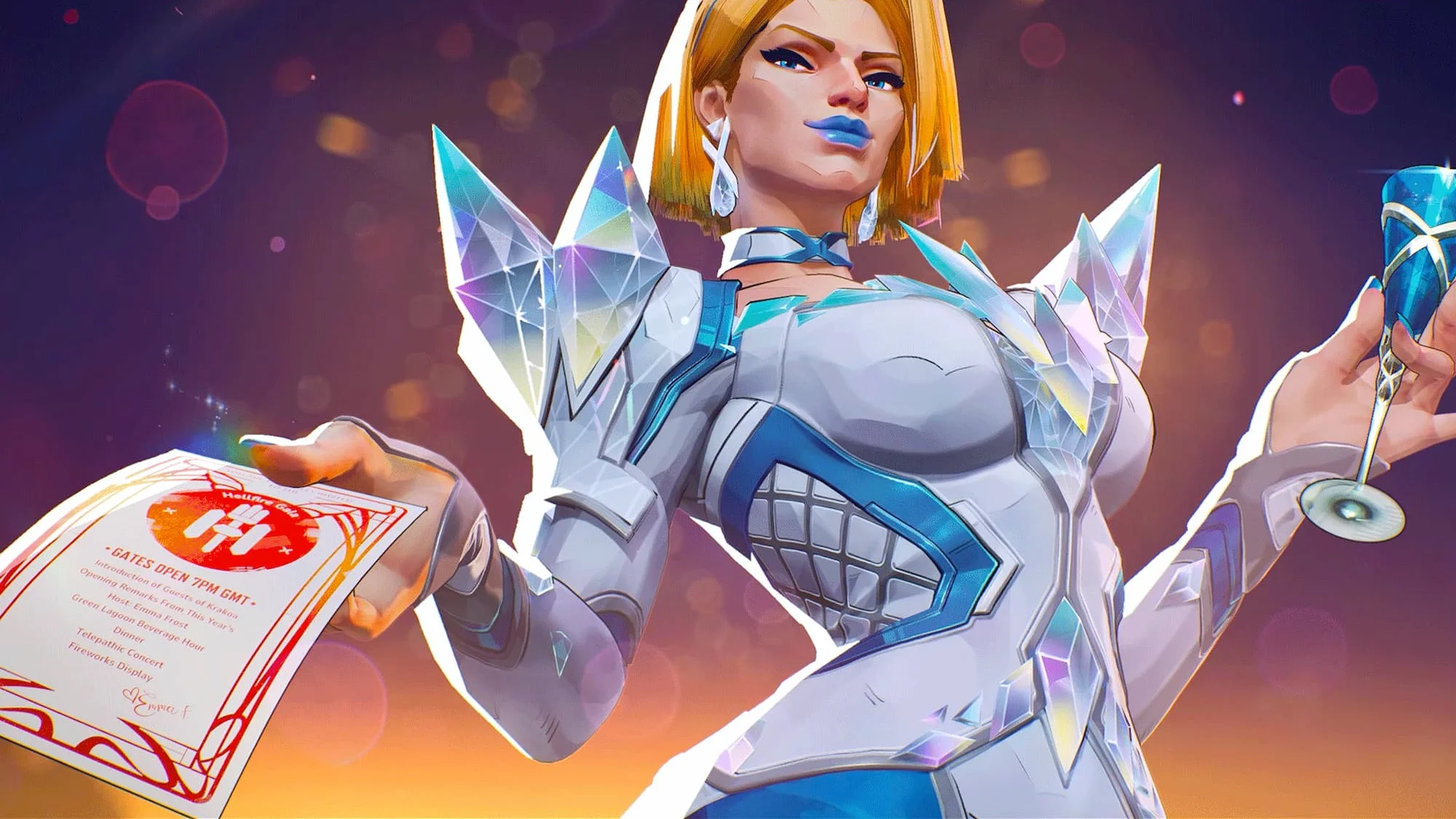
Galacta Bot is in Times Square. The anniversary update adds Galactic Center, a celebration area with a main stage, shops, and an arcade. Head into Times Square to find the check-in contact.
The bot handles the anniversary reward claim. This is an in-game visit, not the Marvel Rivals bundle code redemption process, so you do not need a redemption code to collect these Units.
How do you claim the anniversary login rewards?
After installing the update, use Galacta Bot to collect the available check-in reward:
- Log in during the event window.
- Enter Times Square.
- Visit Galacta Bot and claim your Anniversary Check-In reward.
- Return for the remaining login rewards during the event.
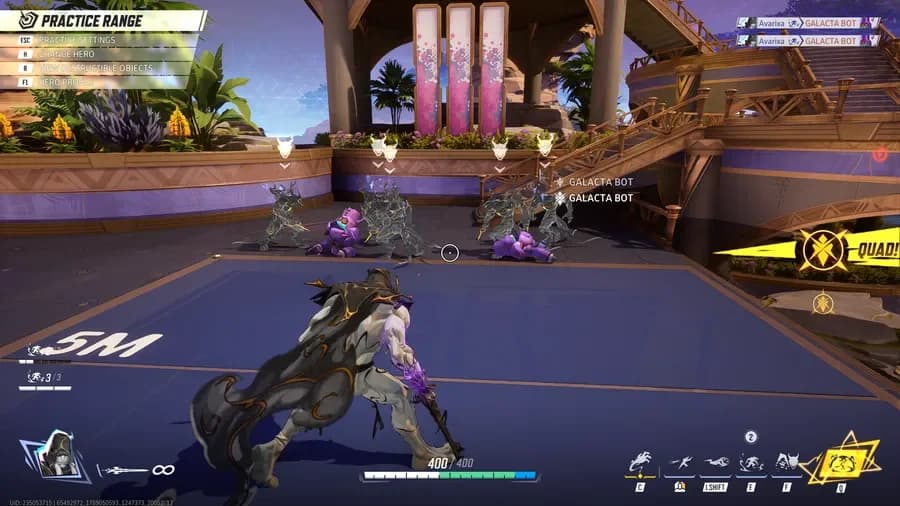
Galacta Bot in Times Square
Do you need to complete missions?
No extra missions are required. The check-in requirement is simply to log in and visit the bot. You do not need to finish a separate challenge list before claiming the available reward.
Keep this login reward separate from mission-based giveaways, such as the Marvel Rivals free Costume Coin. Those rewards have their own tasks; they are not prerequisites for Galacta Bot's check-in Units.
How many free Units can you get?
The check-in's maximum payout combines regular Units with a much larger limited-time allocation. Check the currency type when deciding how much to save and how much to spend during the celebration.
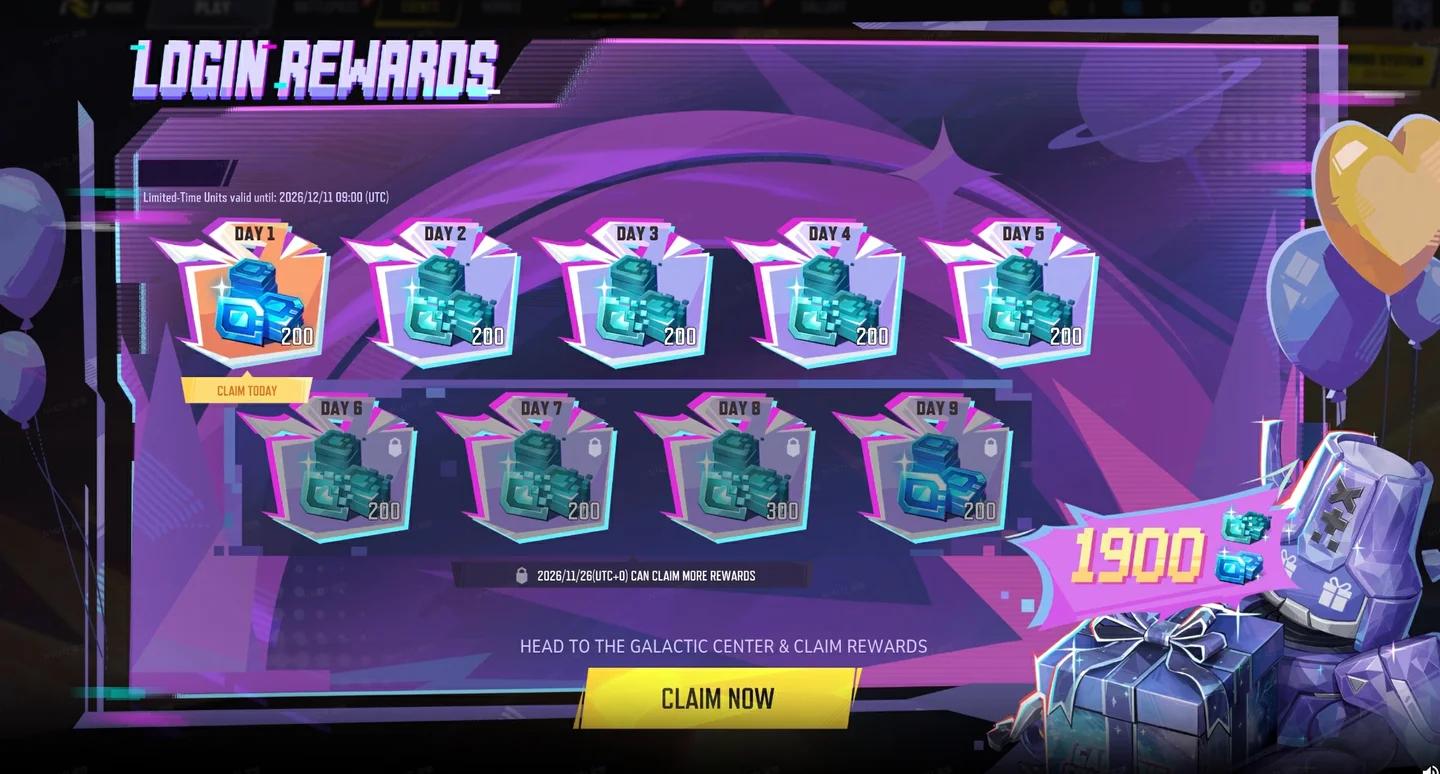
Anniversary check-in rewards
| Currency type | Amount | How to plan around it |
|---|---|---|
| Regular Units | 400 | Keep these for a later purchase if you prefer. |
| Limited-time Units | 1,500 | Choose a purchase before this currency expires. |
| Complete check-in reward set | 1,900 | Collect the full set of login rewards to reach this maximum. |
The temporary allocation makes up most of the payout. If you want to build a long-term currency balance, count the regular allocation separately instead of treating the full check-in total as permanent savings.
Why does the anniversary advertise up to 2,500 Units?
The larger figure covers several anniversary activities, not just Galacta Bot's check-in. Ghostworks Arcade starts on November 26 and offers another 400 Units. An additional 200 Units is scheduled through the December 6 anniversary activities.
Those later rewards bring the celebration's total to up to 2,500 Units. They are separate from the login reward set, so visiting the bot alone does not collect that larger amount.
What should you do with the limited-time Units?
Choose an intended purchase while you collect the login rewards. A temporary balance is useful for an anniversary purchase, but it cannot replace regular Units you want to keep for future store releases.
Can the check-in cover a full Pop & Win pool?
Pop & Win is a separate anniversary spending event featuring White Fox's Jade Majesty, Jeff the Land Shark's Noob Nibbler, and Rocket Raccoon's Retro Rocketeer. Its optional Emoji setting changes the prize pool and its maximum cost.
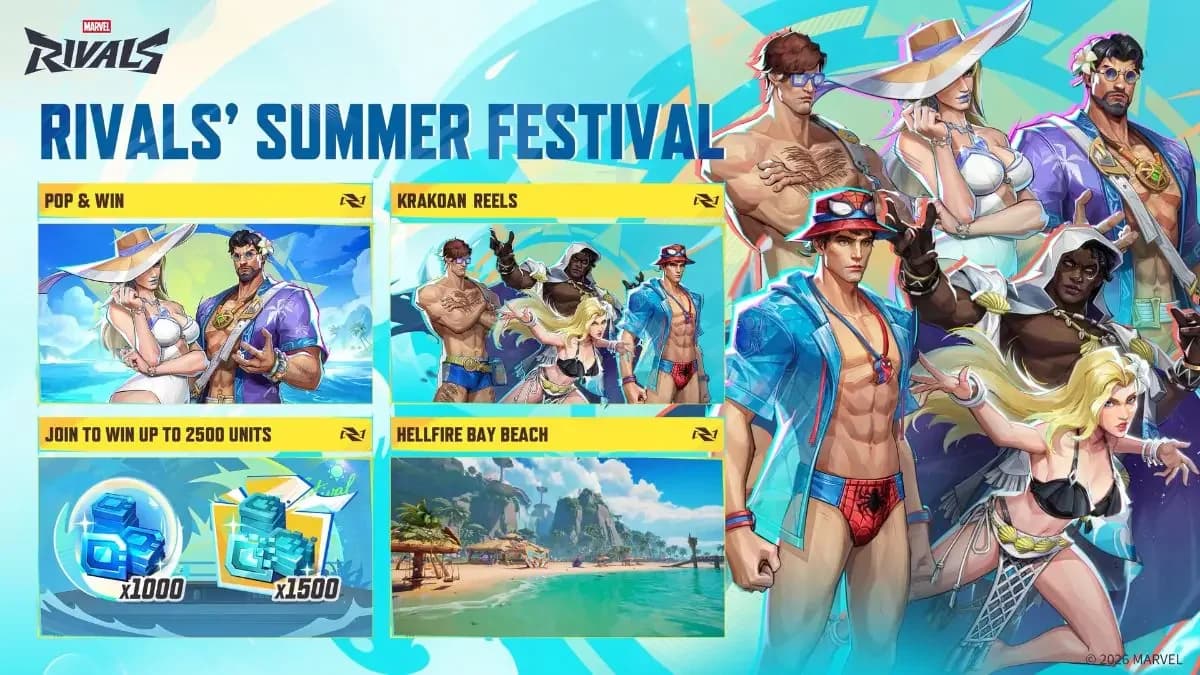
Pop & Win costume prize pools
Excluding Emoji reduces the pool to five balloons and caps its maximum total cost at 2,200 Units. If you budget for that maximum, the complete check-in reward leaves a 300-Unit gap. Do not assume the free login currency guarantees enough to clear a pool.
Choose whether to include Emoji before popping a balloon. The setting locks after the first pop, and linked costume pools share that setting and lock.
Pop & Win runs until December 18, 2026, at 02:00 UTC, later than the limited-time currency's expiry. Its longer event window does not extend the life of your temporary Units.