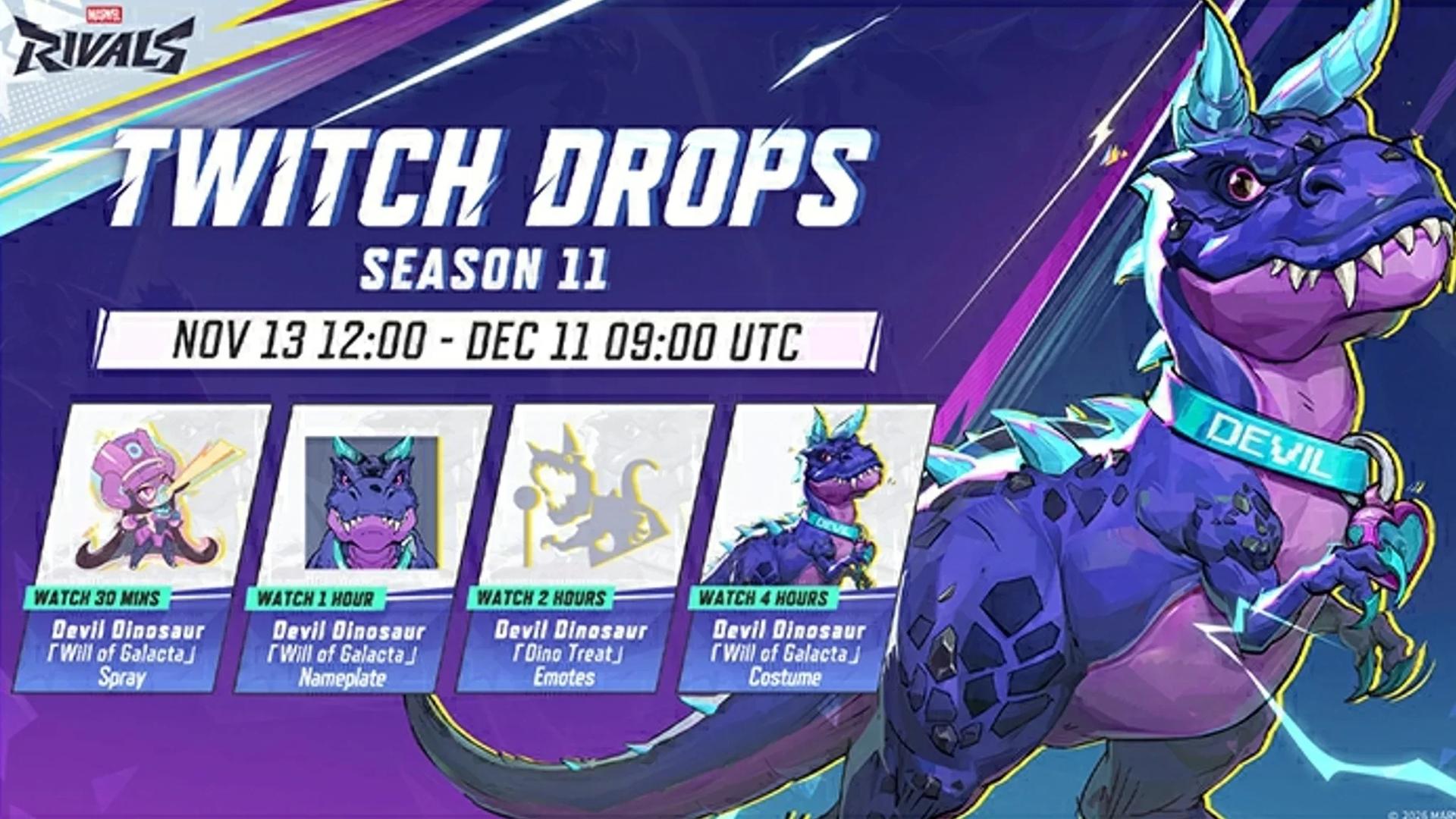

There are four Marvel Rivals Season 11 Twitch Drops for Devil Dinosaur: a spray, nameplate, Dino Treat emote, and Will of Galacta costume.
The costume takes four hours of eligible viewing, while the other cosmetics unlock at shorter milestones. All four are free, but your game account must be linked to Twitch before you start earning progress. After watching, you still need to claim the rewards and collect them in-game.
All Season 11 Twitch Drops and watch times
Use this checklist to track the four rewards in the Season 11 launch campaign.
| Reward | Total eligible watch time |
|---|---|
| Devil Dinosaur Will of Galacta Spray | 30 minutes |
| Devil Dinosaur Will of Galacta Nameplate | 1 hour |
| Devil Dinosaur Dino Treat Emote | 2 hours |
| Devil Dinosaur Will of Galacta Costume | 4 hours |
The milestones are cumulative. Completing the set takes four hours total, not the combined sum of every row. Earlier milestones sit within the viewing time needed for the final reward.
No Marvel Rivals Season 11 battle pass purchase is needed for the Will of Galacta costume. This outfit is earned through the Twitch campaign's viewing requirement.

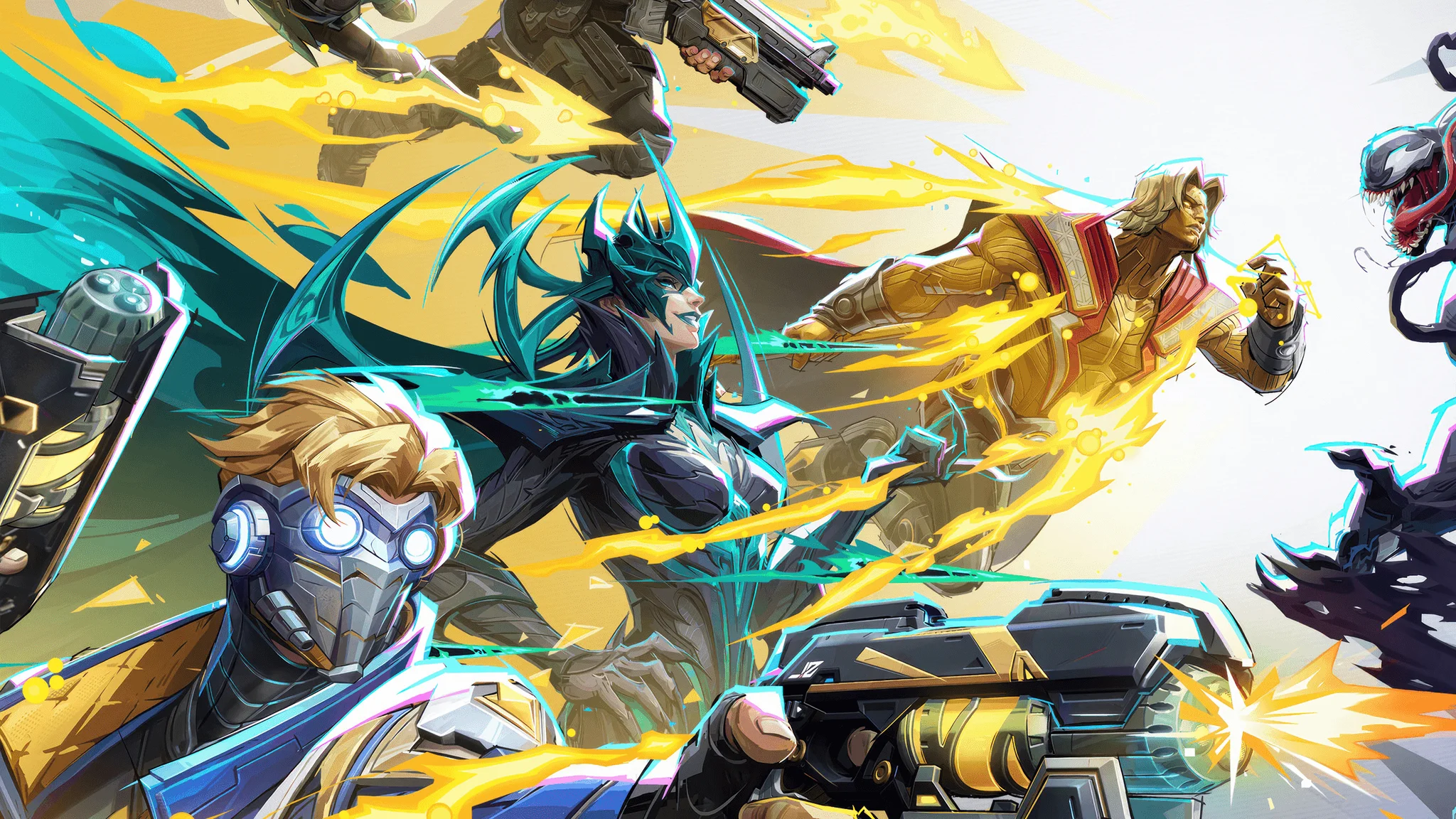
Choose your viewing target
If Dino Treat is your target, you can stop after the two-hour milestone. Reaching that emote leaves another two hours of eligible viewing if you decide to continue toward the costume.
Viewing does not have to be completed in one sitting, and an eligible stream can run in the background. Split the total across sessions if that fits your schedule, then check how much progress has counted before planning the next session.
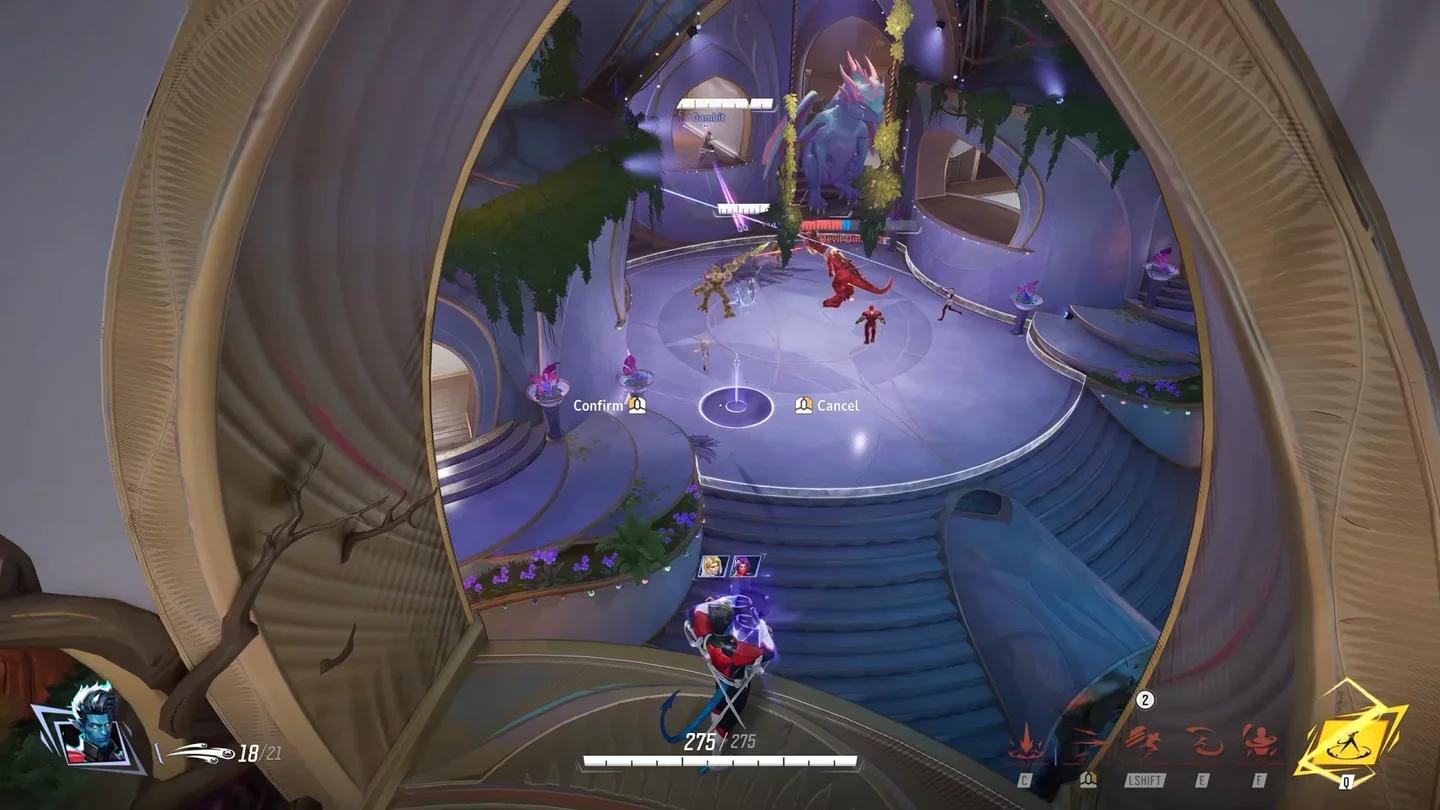
Devil Dinosaur's Galacta costume
When are the Season 11 Twitch Drops available?
This is the launch campaign for Season 11: Doomsday, and it opened on the day of the Marvel Rivals Season 11 release. Every reward in the checklist shares the same window.
| Campaign milestone | Date and time |
|---|---|
| Viewing begins | November 13, 2026, at 12:00 UTC |
| Viewing ends | December 11, 2026, at 09:00 UTC |
Finish your remaining watch time before the closing time. Starting early leaves room for a broadcast ending or your viewing session being interrupted, especially if you are working toward the costume from zero progress.
How to link your Marvel Rivals and Twitch accounts
Use the game account that should receive the cosmetics. The official Marvel Rivals Twitch Drops page offers Steam, Epic Games Store, Xbox, PlayStation, and NetEase Games sign-in options, so choose the account associated with where you play.
Connect the correct accounts
- Open the official Marvel Rivals Twitch Drops page.
- Select your platform and sign in to your game account.
- Check that the Twitch account currently signed in is the one you will use to watch streams.
- Select Connect beneath the Twitch icon.
- Select Authorize on Twitch's permissions screen.
Checking both accounts before authorizing is especially useful if your browser has saved several logins. The game account you select should be the one where you want the Devil Dinosaur cosmetics, and the Twitch account should match your viewing account.
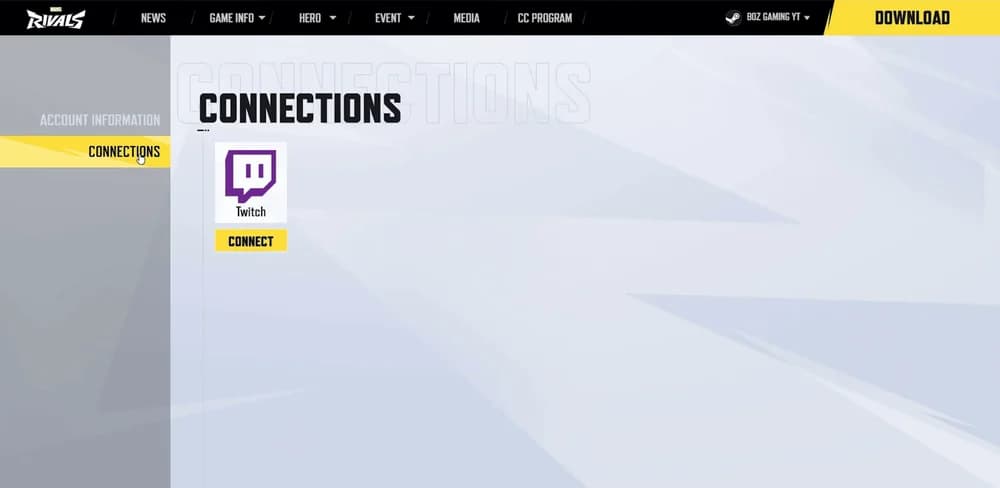
Marvel Rivals platform sign-in
Verify the connection
Open Twitch's Connections page and find Other Connections. Marvel Rivals should appear there after authorization. If you connected accounts during an earlier campaign, check this entry before assuming the connection still matches the accounts you currently use.
How to watch, claim, and collect the rewards
Choose a participating Marvel Rivals stream with Drops enabled. Channel size is not an eligibility requirement, so a smaller participating channel works too. Check participation instead of choosing a broadcast solely because it has a large viewer count.
Track progress in Drops Inventory
Open Twitch's Drops Inventory to see the campaign's recorded watch progress. Use that figure to work out how much viewing remains, particularly when returning after a break. Finding a Marvel Rivals broadcast and confirming that your campaign progress is increasing are separate checks.
When a reward becomes available, select Claim Now on its inventory entry. Check each reward as you reach its milestone, because completing the viewing requirement does not replace the claim step.
If progress is not increasing, first check that the broadcast is participating with Drops enabled. Then verify the account connection and confirm that you are watching through the Twitch account you authorized.
Collect the rewards in-game
Launch Marvel Rivals on the connected account and open your in-game inbox. Collect the rewards from the delivered message. Claiming an item on Twitch is not the final collection step, and delivery can take 24-72 hours.
Have the Angela and Cyclops Twitch campaigns ended?
Both earlier campaigns have ended as of November 16, 2026. Angela's Marvel Rivals Season 10.5 Twitch Drops ran from October 9 to November 6, 2026. The separate Ignite Stage 2 campaign, which included Cyclops' Will of Galacta costume, ended on November 15 at 09:00 UTC.