Minecraft on Nintendo Switch 2 is out today, October 27, 2026, and for most existing players the upgrade story is straightforward: if you bought the original Switch version digitally, you can grab the Switch 2 edition for free. If you own the cartridge, it gets a little messier. There are also three editions to pick between, a Minecoins wallet change that will catch people off guard, and a new default graphics mode that finally makes the portable version look like the rest of the game. Here is everything you need to know.
What editions are available and how much do they cost?
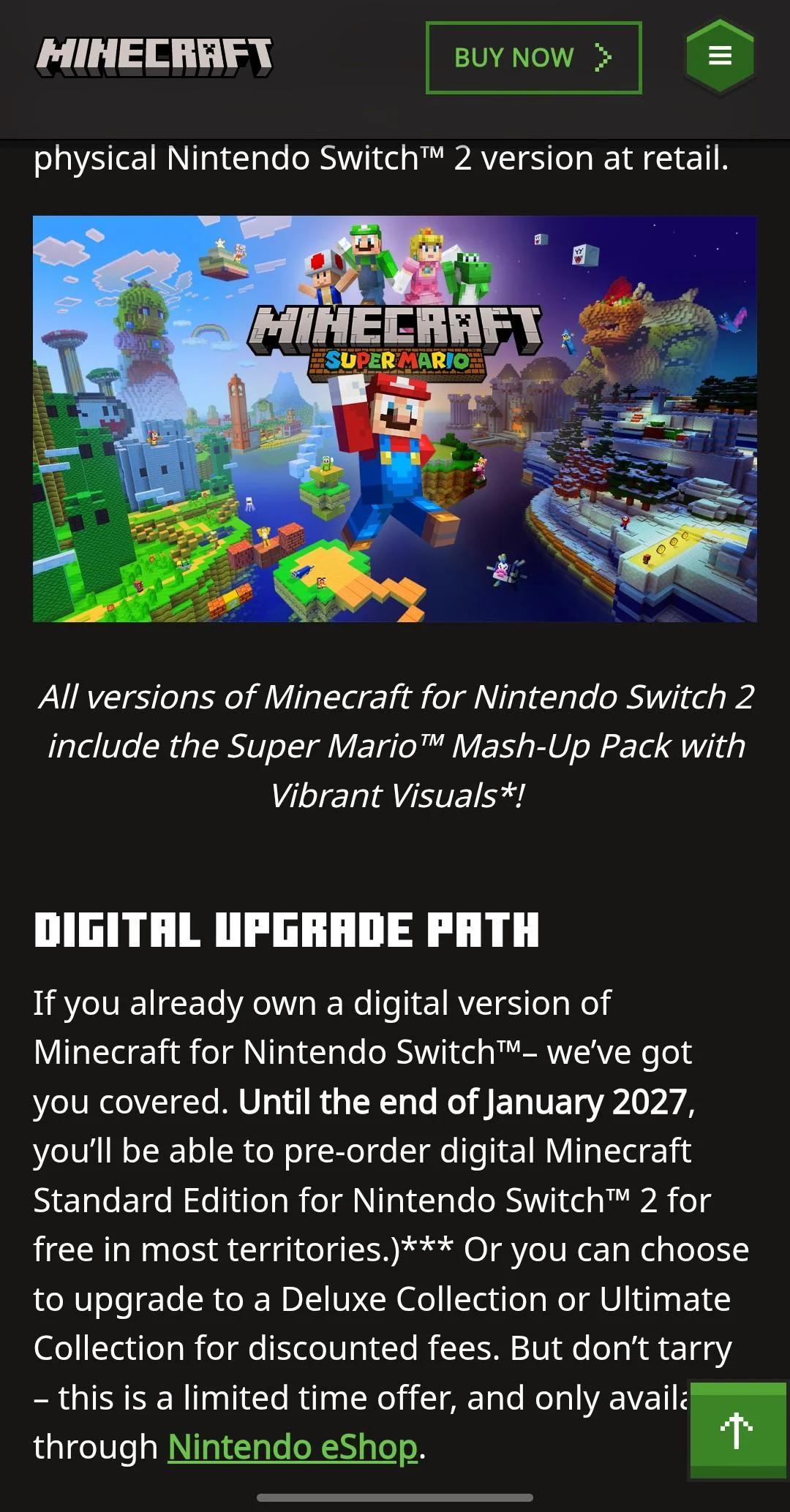
There are three digital editions on the Nintendo eShop, plus a physical Standard Edition at retail. All three digital versions include Vibrant Visuals and the Super Mario Mash-Up Pack, which remains exclusive to Nintendo versions of Minecraft.
| Edition | US Price | Extras |
|---|---|---|
| Standard Edition | $29.99 | Base game, Super Mario Mash-Up Pack, Vibrant Visuals |
| Deluxe Collection | $39.99 | Standard + Celebration Food, Rescue Dogs, Plenty O'Blocks add-ons, 3 Character Creator items, 700 Minecoins |
| Ultimate Collection | $49.99 | Deluxe + Decocraft, Weapons + Tools, 5 Character Creator items, 1,000 Minecoins |
The real decision is between Deluxe and Ultimate. The Standard skips the Character Creator items and Minecoins entirely, which makes it a harder sell at only $10 less than Deluxe. For a $10 jump from Deluxe to Ultimate, you pick up two more add-on packs, two extra Character Creator items, and 300 more Minecoins. If you plan to spend any time in the Marketplace, Ultimate is the cleaner buy.
The game is rated E10+ by the ESRB, covering Fantasy Violence, Users Interact, and In-Game Purchases.

How do you claim the free Switch 2 upgrade?
Here is the short answer: open the Nintendo eShop on your Switch 2 (or on nintendo.com), sign in to the Nintendo Account that owns the original Switch version, search for Minecraft, and open the listing marked Nintendo Switch 2. The Standard Edition should show as free. If it shows $29.99, you are either on the wrong account or you own the cartridge version.
The offer is available in most regions through January 31, 2027. Japan, Taiwan, and Thailand are slight exceptions, each charging a small token fee rather than zero. Digital owners can also choose to upgrade to the Deluxe or Ultimate Collection at a discount instead of claiming the free Standard. The discounts seen on the eShop are 75 percent off Deluxe and 60 percent off Ultimate, though Mojang has not published these as fixed official figures.
Once you are in the game, sign in with your Microsoft account to restore Marketplace purchases, Realms access, and cross-play friends.
Free upgrade claim on eShop
What do cartridge owners get?
Physical cartridge owners do not receive the free Standard Edition. Your cartridge will still run the original Switch version on a Switch 2 through backward compatibility, but you will not get Vibrant Visuals or any of the performance improvements.
There is a discount offer available. If you launch the Switch 1 cartridge version on a Switch 2 between October 27, 2026 at 9 AM PT and January 31, 2027 at 9 AM PT (11 AM CT on both dates), an in-game message appears offering the digital Ultimate Collection for Switch 2 at a discount. Mojang has not published the exact discount amount for cartridge owners. Boot the game on your Switch 2 after 11 AM CT today, check the actual price in that message, and decide from there.
The lack of a free path for cartridge owners has frustrated a portion of the player base. Whether the discount makes the upgrade worthwhile depends entirely on how much you play in handheld mode and whether Vibrant Visuals matters to you. Split-screen players should note that Vibrant Visuals is not available in split-screen regardless of edition.
What is new on Switch 2?
Vibrant Visuals
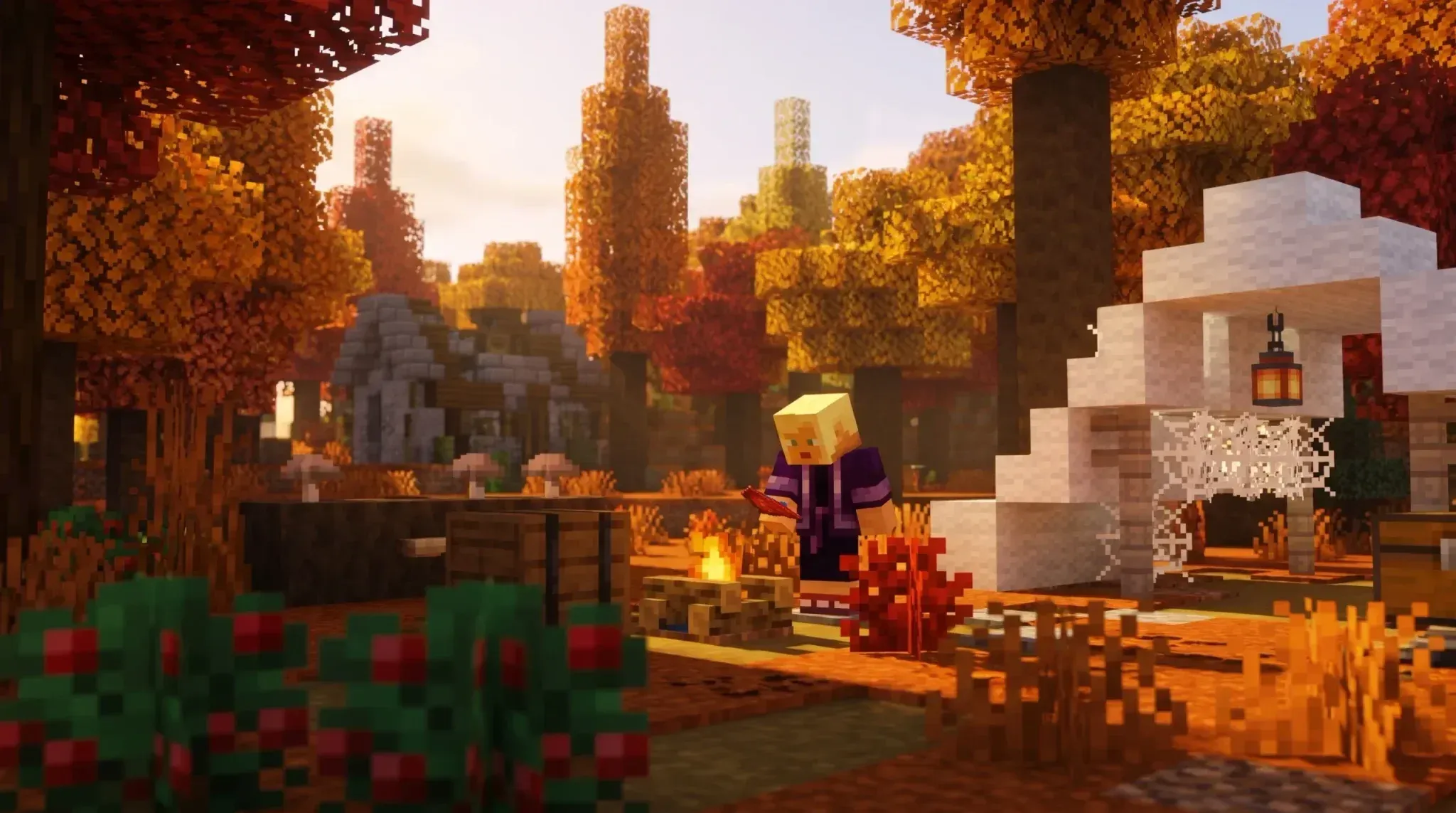
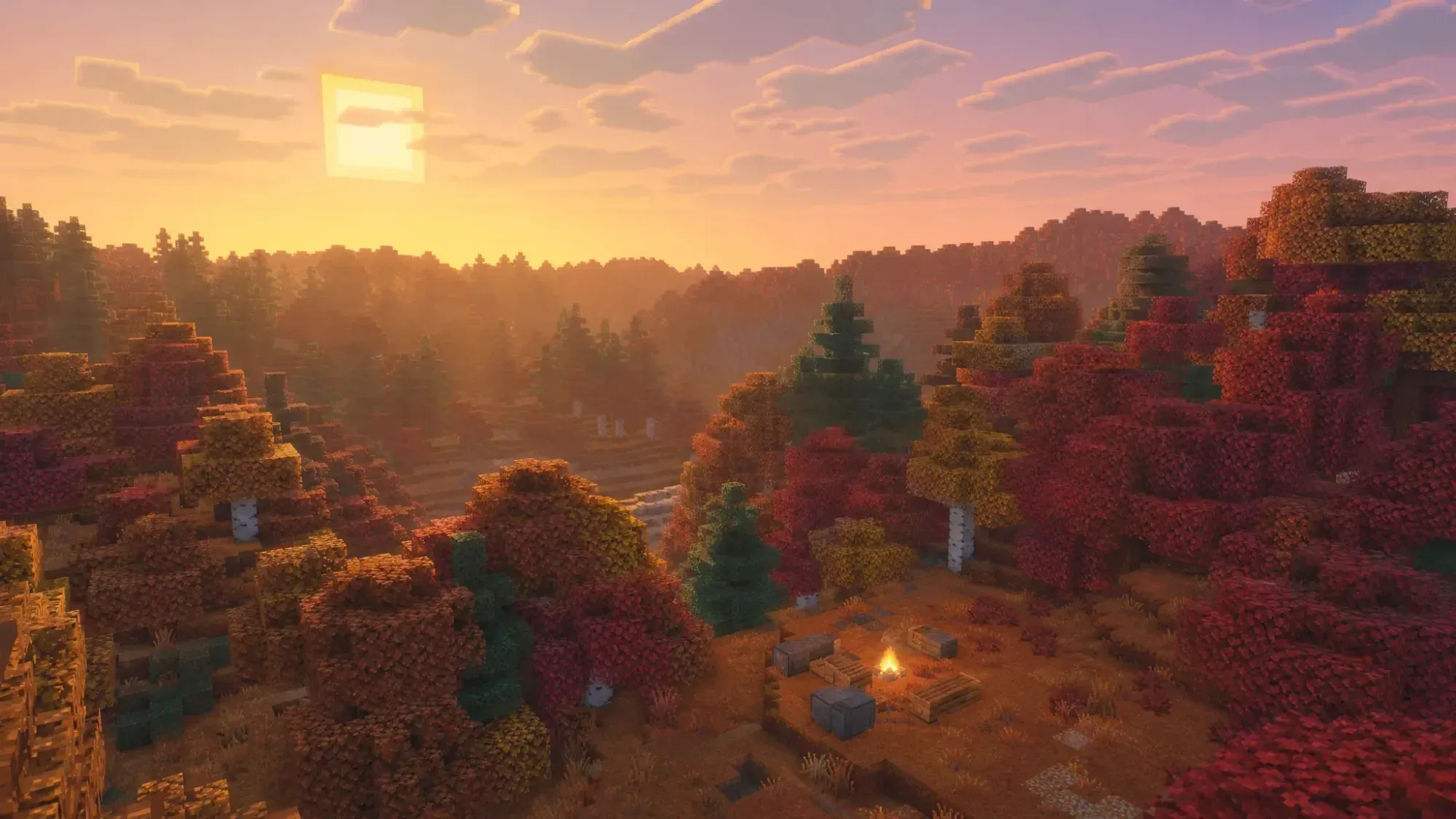
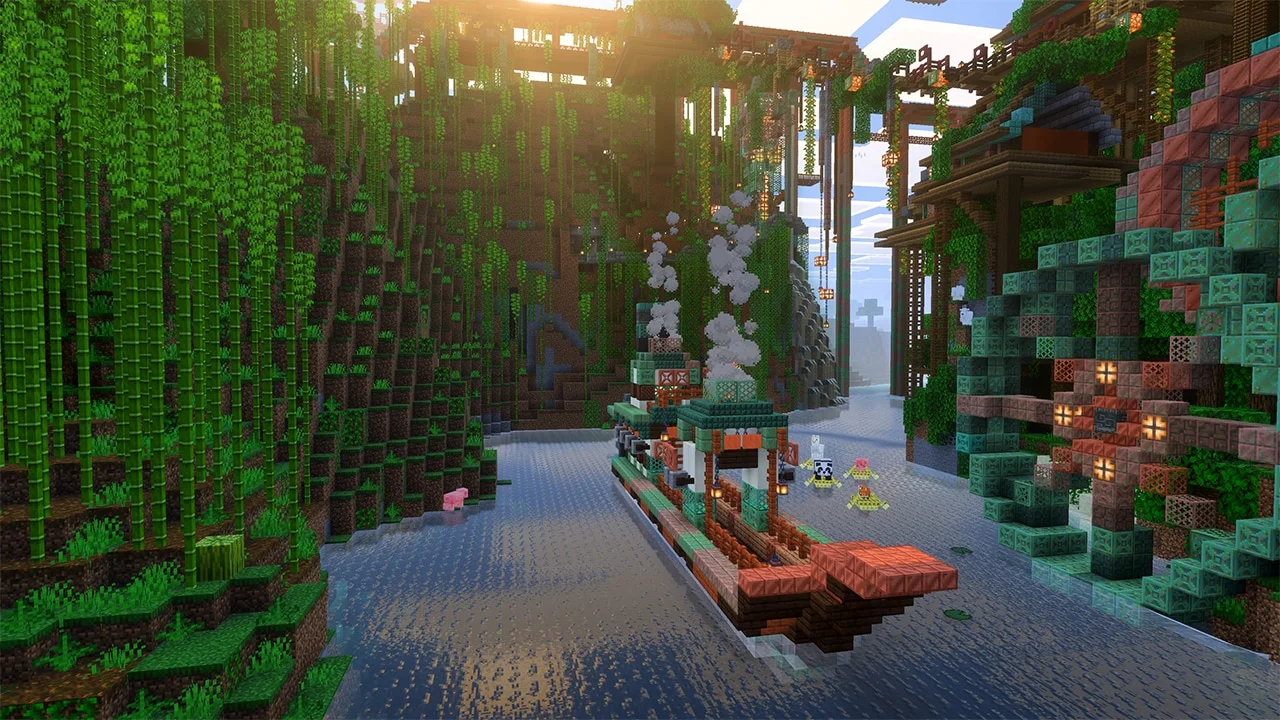
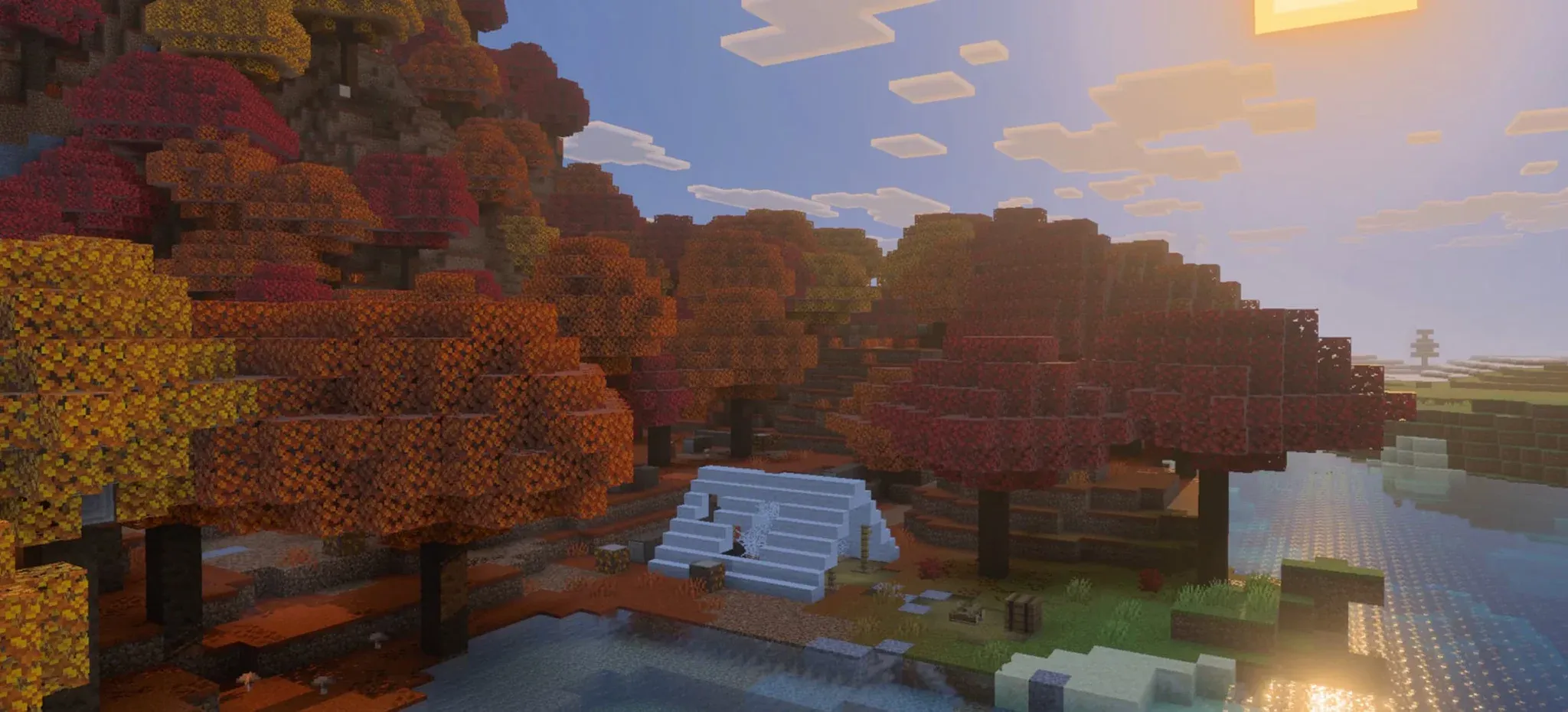
Vibrant Visuals is Mojang's major lighting overhaul, originally released in June 2025 alongside the Chase the Skies update. It never came to the original Switch. On Switch 2 it is the default graphics setting, bringing directional lighting, volumetric fog, shadows that shift as the sun moves, reflective water, and light scattering across lake beds.
The catch: Vibrant Visuals is not available in split-screen, and some Marketplace worlds and content also do not support it. If most of your Minecraft time is couch co-op, the screen will look closer to the classic style.

Vibrant Visuals in handheld mode
Super Mario Mash-Up Pack
Every edition includes the Super Mario Mash-Up Pack, which is a Nintendo-exclusive custom world featuring locations like Peach's Castle and Delfino Plaza, 15 music tracks, and 40 player skins based on the Super Mario series. On Switch 2 the pack is updated to run with Vibrant Visuals enabled.
Performance
Early reviews give the Switch 2 version 8 out of 10, describing it as a satisfying but not spectacular upgrade. The key improvements over the original Switch version:
- Load times and chunk generation are significantly faster
- The game targets 60 fps, with occasional drops depending on what is on screen
- Pushing graphics settings higher trades frame rate for a prettier picture, closer to 30 fps
- Touchscreen controls are available in handheld mode
One notable absence: Joy-Con 2 mouse mode is not supported at launch. The Switch 2's built-in mouse sensor in the Joy-Con 2 controllers does not work with Minecraft right now. Mojang has not announced whether it will be added in a later update. Do not buy expecting mouse support.
What is the Minecoins change on October 27?
This is the part of launch day most likely to catch players off guard. Mojang announced in September that starting October 27, 2026, the way Minecoins move between platforms on Nintendo devices changes permanently.
- Minecoins bought in Minecraft on a Nintendo device (Switch or Switch 2) after October 27 can only be used on Nintendo systems
- Minecoins bought on any other platform can no longer be spent on Marketplace purchases on Nintendo devices
- Minecoins you already owned before October 27 move to a Legacy Wallet, which never expires and is still cross-platform
- New coins bought on Nintendo after launch go into a separate Nintendo Wallet
When you make a Marketplace purchase on a Nintendo device, Legacy Wallet coins are spent first, then Nintendo Wallet coins. As an example from Mojang's own help documentation: if you have 1,000 Legacy coins and buy 500 new coins on a Nintendo device, your balance shows 1,500 total, and purchases draw from the 1,000 Legacy coins before touching the 500 Nintendo coins.
The practical takeaway: if you play Minecraft on both Switch 2 and another platform like PC or mobile, buy Minecoins on the non-Nintendo platform and spend them there. Coins bought on Switch 2 after today are locked to Nintendo hardware.
Marketplace items you already purchased are not affected by this change. Only the currency movement rules are changing.
Do your worlds and Marketplace purchases carry over?
Yes. The Nintendo eShop listing confirms that Nintendo Switch worlds can be carried over to Switch 2 so you can continue where you left off. Check the in-game prompts on first launch for the transfer steps, as Mojang has not published a separate walkthrough.
Everything tied to your Microsoft account follows you automatically:
- Marketplace purchases (skins, worlds, texture packs) are linked to your Microsoft account
- Realms live on Mojang's servers, not your console. Realms Plus gives you a private server for up to 10 friends
- Marketplace Pass or Realms Plus includes 150+ worlds, skin packs, and texture packs that refresh monthly
- Cross-play with PC, Xbox, PlayStation, and mobile still requires a Microsoft account
- Online multiplayer on Switch 2 requires a Nintendo Switch Online membership
Player counts on the eShop listing are 1 to 4 in split-screen on one system, 2 to 8 over local wireless, and 2 to 8 online. Switch 2's GameChat feature works alongside Minecraft once Nintendo Switch Online is set up.

Realms Plus server lobby
Should you upgrade?
Here is how to think about it based on your situation:
- Digital Switch 1 owner: claim it. It costs nothing, your worlds come with you, and the game runs and looks better. Just do it before January 31, 2027
- Cartridge owner: check the in-game discount message after 11 AM CT today. If you play handheld regularly, faster loading and Vibrant Visuals are a real improvement. If you mostly play split-screen, Vibrant Visuals is off anyway, so the gain is smaller
- PC, Xbox, or PlayStation player: owning Minecraft elsewhere does not unlock a free Switch 2 copy. The Switch 2 version is worth it if you want the Mario pack or a strong portable experience
- New player: the Standard Edition at $29.99 with the Mario world included is a reasonable starting point, especially for younger players getting a Switch 2 this holiday season
For everything else going on in the game right now, including the upcoming Minecraft 26.4 winter update with Ice Caves, Frozen Zombie, and new freezing crafting options, check our full Minecraft guides collection.
Frequently asked questions
When does Minecraft for Nintendo Switch 2 release? October 27, 2026 in the Americas, both digitally and at retail. Australia lists digital copies for October 28. Mojang has not announced an exact unlock time, but the upgrade offer starts at 9 AM PT (11 AM CT).
Is the Switch 2 upgrade free? Only for digital Switch 1 owners. Claim the Standard Edition for free on the Nintendo eShop through January 31, 2027. Cartridge owners get a discount offer on the Ultimate Collection instead.
Does Vibrant Visuals work in split-screen? No. Vibrant Visuals is not available in split-screen or in some Marketplace worlds and content.
Does Minecraft on Switch 2 support Joy-Con 2 mouse mode? Not at launch. Touchscreen controls are available in handheld, but there is no mouse mode or motion control option.
What happens to my Minecoins? Coins owned before October 27 move to a Legacy Wallet that never expires and is still cross-platform. Coins bought on Nintendo devices after October 27 go into a Nintendo Wallet and can only be used on Nintendo systems.