Minecraft for Nintendo Switch 2 launched on October 27, 2026, and the upgrade story is better than most players expected. If you own the game digitally on the original Switch, the new version is free. If you play on a cartridge, the situation is a little messier. And everyone who buys Minecoins on a Nintendo device needs to understand a wallet change that kicked in the same day. Here's the full breakdown.

Vibrant Visuals on Switch 2
What editions are available, and how much do they cost?
There are three digital editions on the Nintendo eShop, plus a physical Standard Edition at retail. Every edition includes the Super Mario Mash-Up Pack with Vibrant Visuals, which is exclusive to Nintendo versions of the game.
| Edition | US Price | What's included |
|---|---|---|
| Standard Edition | $29.99 | Full game + Super Mario Mash-Up Pack |
| Deluxe Collection | $39.99 | Standard + Celebration Food, Rescue Dogs, Plenty O'Blocks add-ons + 3 exclusive Character Creator items + 700 Minecoins |
| Ultimate Collection | $49.99 | Deluxe + Decocraft and Weapons + Tools add-ons + 5 exclusive Character Creator items + 1,000 Minecoins |
The Standard Edition is the cleanest buy if you play across multiple platforms, because the Minecoins included in the Deluxe and Ultimate Collections are locked to the Nintendo ecosystem after October 27 (more on that below). If Nintendo is your primary platform, the $10 jump from Deluxe to Ultimate is easy to justify: you get two more add-ons, two extra Character Creator items, and 300 more Minecoins.
The Standard Edition has an estimated file size of 1.2 GB. The game is rated E10+ by the ESRB, with Fantasy Violence, Users Interact, and In-Game Purchases descriptors.

How do you claim the free upgrade from Switch 1?
Here's the short answer: if you own Minecraft digitally on the original Nintendo Switch, the Switch 2 Standard Edition is free on the Nintendo eShop. The offer runs until January 31, 2027 in most regions.
Step by step:
- Open the Nintendo eShop on your Switch 2, or visit nintendo.com, signed into the Nintendo Account that purchased Minecraft for Switch.
- Search for Minecraft and open the listing marked Nintendo Switch 2.
- Confirm the Standard Edition shows as free. If it shows $29.99, you are either on the wrong account or you own the cartridge version.
- Claim it before January 31, 2027. It appears as a free pre-order before launch and becomes playable once the store unlocks.
- Sign in with your Microsoft account inside the game to restore Marketplace purchases, Realms access, and cross-play friends.
Digital owners can also upgrade to the Deluxe or Ultimate Collection at a discount instead of claiming the free Standard Edition. The exact discount amounts have not been officially published by Mojang or Nintendo, but reported figures put the Deluxe at 75% off and the Ultimate at 60% off for eligible accounts.
Two regional exceptions: Japan charges 100 JPY, Taiwan charges 30 NTD, and Thailand charges 25 THB for the Standard Edition upgrade instead of offering it free.
What do physical cartridge owners get?
Cartridge owners do not receive the free Standard Edition upgrade. Your cartridge will still run the original Switch version on a Switch 2 through backward compatibility, but you will not get Vibrant Visuals or the performance improvements.
There is a discount offer available. Launching the Switch 1 cartridge on a Switch 2 between October 27, 2026 at 9 AM PT and January 31, 2027 at 9 AM PT triggers an in-game message with a discounted price on the digital Ultimate Collection for Switch 2. Mojang has not published the exact discount amount, so the practical move is to boot the cartridge on your Switch 2 after 11 AM CT on October 27, check the actual price in the message, and decide from there.
The mistake most players make here is assuming backward compatibility gives them the upgraded version. It does not. You are still running the Switch 1 build, without Vibrant Visuals, without the faster chunk loading, without the performance gains.
What's new in the Switch 2 version?
Vibrant Visuals
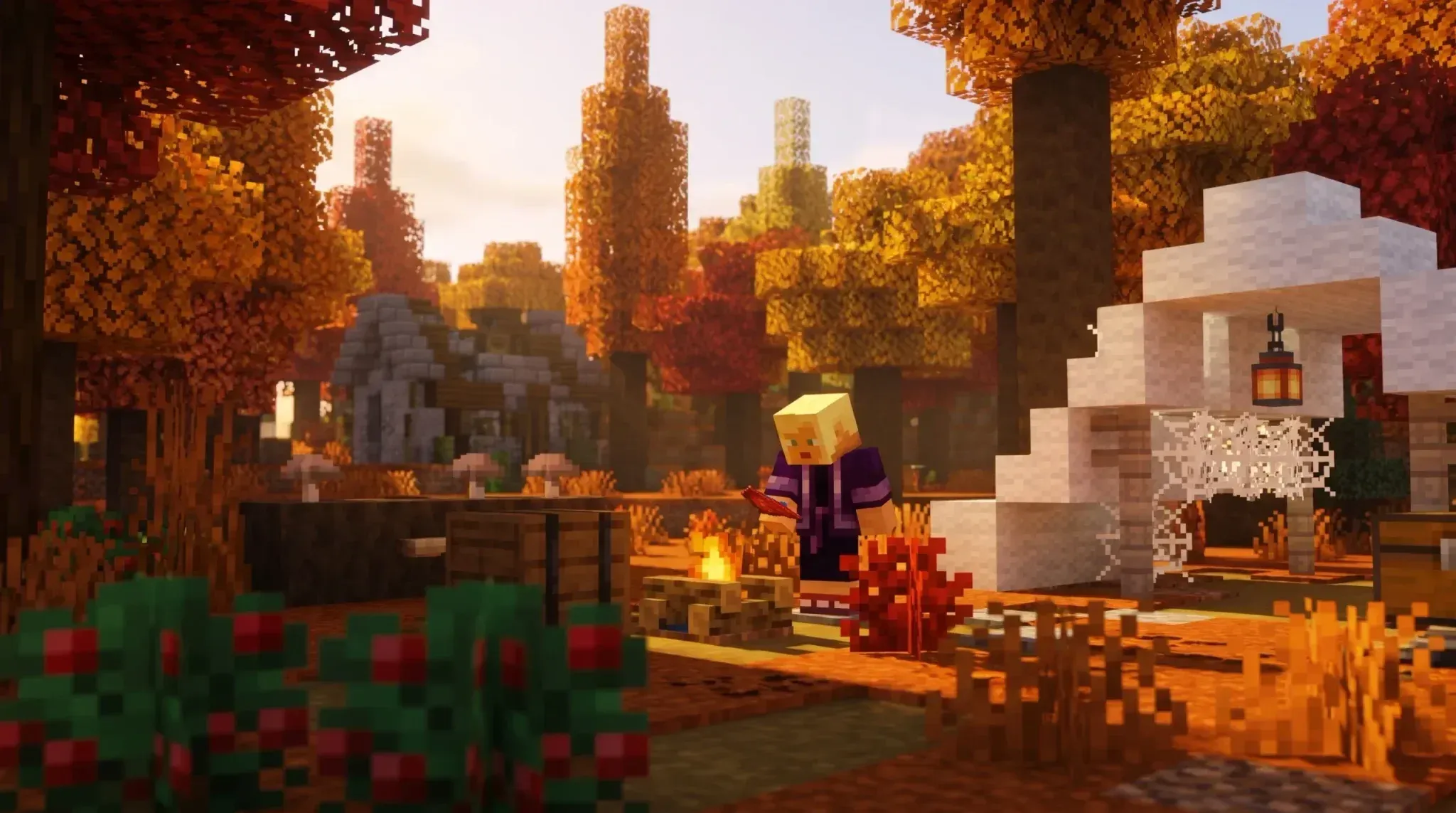
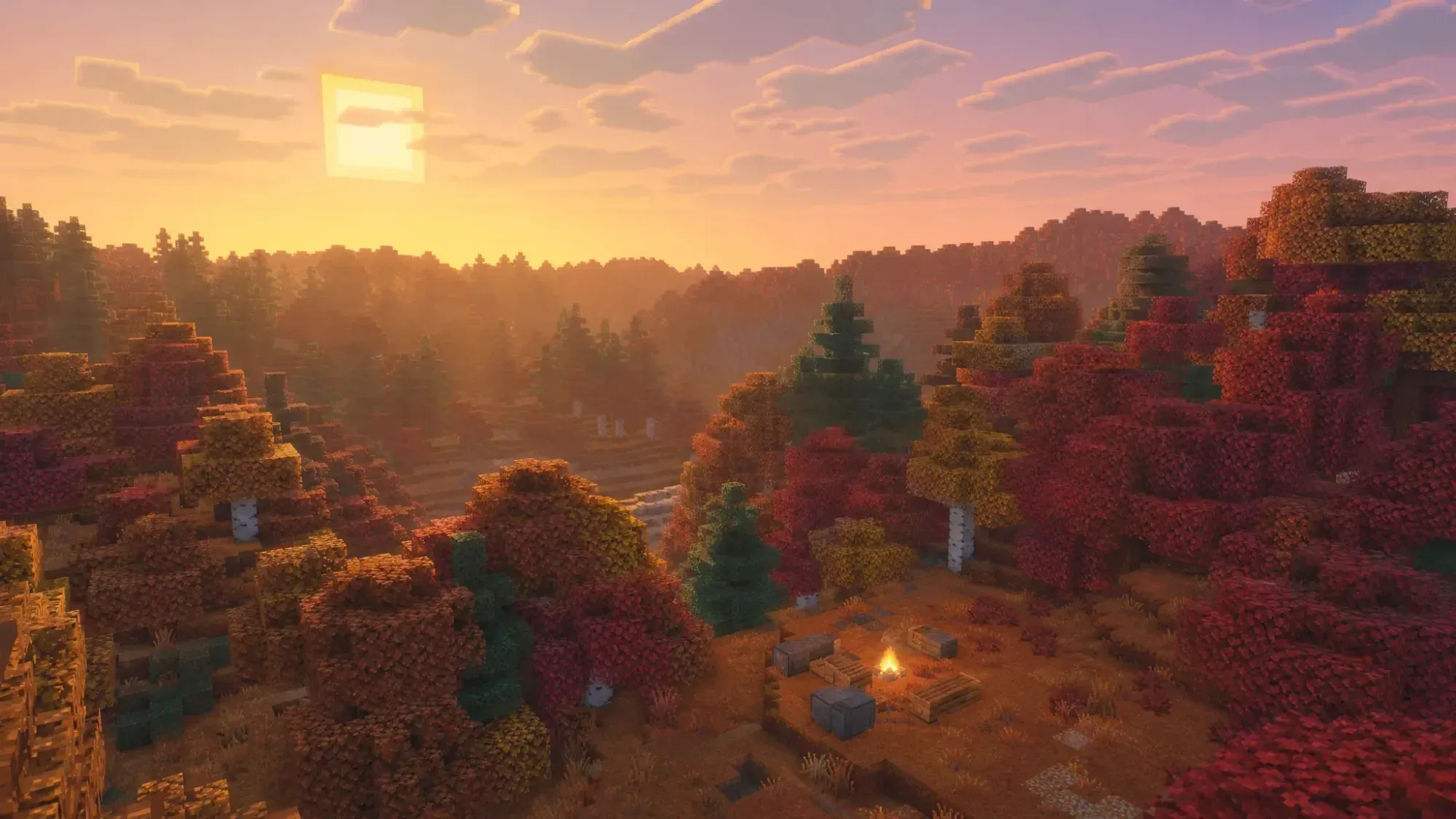
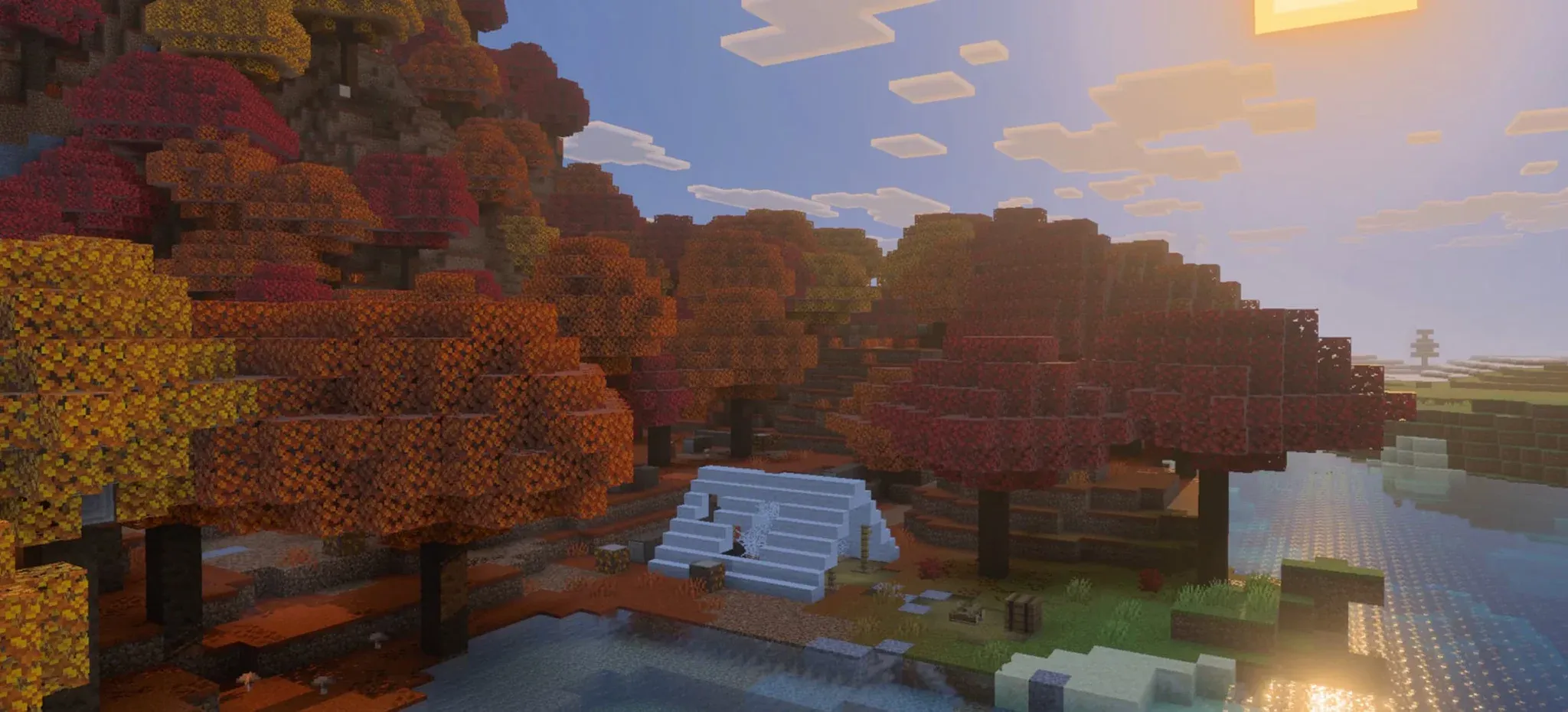
Vibrant Visuals is the default graphics setting on Switch 2. Mojang describes it as directional lighting, volumetric fog, shadows that shift as the sun moves across the sky, reflective water, light playing on lake beds, and clouds that stretch across the horizon. The original Switch never received this update.
The catch: Vibrant Visuals is not available in split-screen and does not work in some Marketplace worlds and content. If most of your sessions are couch co-op, you will still get the speed improvements, but the visual upgrade will not be present during those sessions.
Super Mario Mash-Up Pack, updated
Every edition includes the Super Mario Mash-Up Pack, a Nintendo-exclusive content pack featuring a custom Mario world with locations including Peach's Castle and Delfino Plaza, 15 music tracks, and 40 player skins. On Switch 2, it has been updated to run with Vibrant Visuals.
Performance
Load times and chunk generation are significantly faster than on the original Switch. The game targets 60 fps, with occasional drops depending on what is on screen. Raising graphics settings produces a prettier picture but brings the frame rate closer to 30 fps. Touchscreen controls are available for handheld play.
One notable absence at launch: there is no Joy-Con 2 mouse mode and no motion control option. Mojang has not announced whether mouse support will be added in a later update.

Vibrant Visuals water reflections
What's changing with Minecoins on Nintendo?
This is the part of the Switch 2 launch that catches players off guard. Starting October 27, 2026, Mojang changed how Minecoins work on Nintendo hardware:
- Minecoins purchased on a Nintendo device (Switch or Switch 2) can only be used on Nintendo systems.
- Minecoins purchased on any other platform can no longer be spent on Marketplace purchases on Nintendo devices.
- Coins you owned before October 27 move to a Legacy Wallet. They work across compatible platforms, never expire, and are spent first when you make a purchase.
- New coins bought on Nintendo after launch go into a separate Nintendo Wallet.
As a practical example: if you had 1,000 coins in your Legacy Wallet and then bought 500 coins on a Nintendo device after launch, your Marketplace balance shows 1,500. Purchases draw down the Legacy Wallet first, then the Nintendo Wallet.
Two things to act on now:
- If you play on multiple platforms, buy Minecoins on PC, Xbox, or mobile going forward, and spend them there. Coins bought on Switch after October 27 are stuck on Nintendo hardware.
- Check retail Minecoin gift cards before purchasing. Mojang warns that newer cards may not support Nintendo devices. The supported platforms are listed on the packaging.
Marketplace items you already own are not affected. This change only applies to how the currency moves between platforms.
How do worlds, Realms, and Marketplace purchases carry over?
Nintendo Switch worlds can be carried over to the Switch 2 version, so you can continue where you left off. Check the in-game prompts on first launch for the transfer process, as Mojang had not published a step-by-step guide at launch.
Everything tied to your Microsoft account transfers automatically:
- Marketplace purchases (skins, worlds, texture packs) are linked to your Microsoft account. Sign in with the same one on Switch 2.
- Realms live on Mojang's servers, not your console. Realms Plus gives you a private server for up to 10 friends.
- Cross-play with PC, Xbox, PlayStation, and mobile still requires a Microsoft account.
- Online multiplayer on Switch 2 requires a Nintendo Switch Online membership.
Player counts on the eShop listing: 1 to 4 on a single system (split screen), 2 to 8 over local wireless, and 2 to 8 online. Switch 2's GameChat system works alongside the game once Nintendo Switch Online is set up.
Which edition should you buy?
| Your situation | Recommendation |
|---|---|
| Own Minecraft digitally on Switch 1 | Claim the free Standard Edition before January 31, 2027 |
| Own the cartridge | Boot it on Switch 2 after 11 AM CT on October 27, check the Ultimate Collection discount, then decide |
| Play mainly on PC or other consoles | Owning the game elsewhere does not unlock a free Switch 2 copy |
| New to Minecraft on Nintendo | $29.99 Standard Edition is a solid entry point, especially with the Mario pack included |
| Want everything on one platform | Ultimate Collection at $49.99 offers the best value if Nintendo is your home |
The original Switch version always felt like the weakest port: short render distance, slow chunk loading, no shader support. The Switch 2 version addresses all three. For digital owners, there is no reason not to claim it. For cartridge owners, the calculation depends on how much you value handheld play with Vibrant Visuals versus the cost of a new digital purchase.
For more on what's happening in Minecraft right now, check out the Wilderness Bound update breakdown or browse the full Minecraft strategy guides collection for everything from biome exploration to loot hunting.