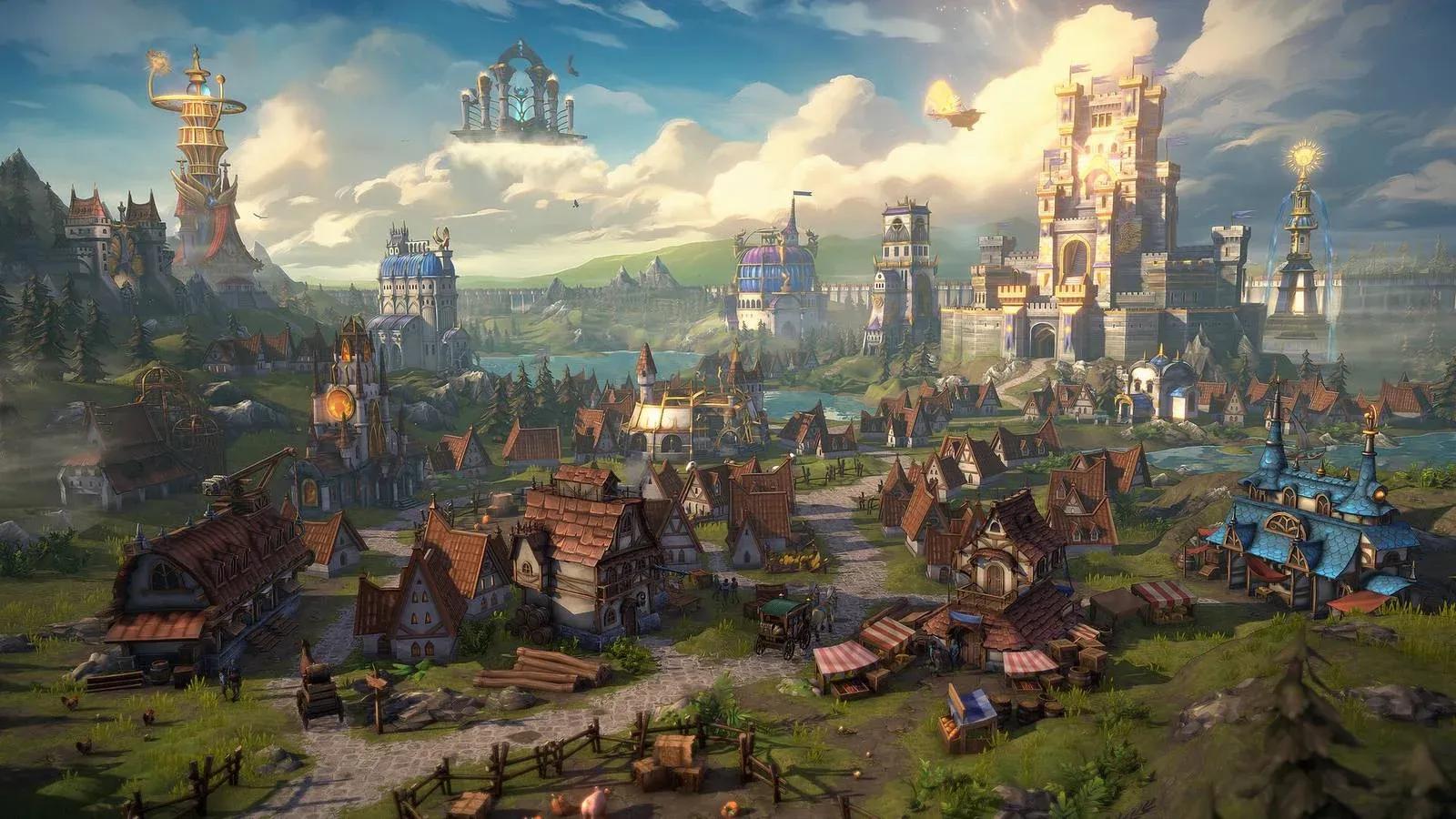

DLSS 5 in Heroes of Might and Magic 2 is possible, and it is the rare case where the frame rate does not matter. DOSBox runs the DOS version, dgVoodoo2 wraps the window into DirectX 11, a feeder fakes motion vectors, RenoDX hosts the add-on, and the official NVIDIA library repaints your castles. Tested on an RTX 5090 Mobile with a Core Ultra 9 275HX at around 10 fps.
Heroes 2 is turn-based, so 10 fps changes nothing about how you lose to the AI on Impossible. What changes is the art , and not always for the better.
What You Need
| Component | Its job in the chain |
|---|---|
| DOSBox 0.74-3 or DOSBox-X | Runs the DOS version of the game. |
| dgVoodoo2 | Wraps DirectDraw or Direct3D 9 into DirectX 11. |
| ReShade with add-on support | Injects the stack into dosbox.exe. |
| DLSS5-Feeder and motion vector shaders | Estimates motion and depth for a 2D map that has neither. |
| RenoDX DLSS 5 add-on | Adds the Neural Rendering panel. |
| NVIDIA neural rendering library | The official DLSS 5 model. |
| RTX 50 series GPU | Required by NVIDIA. |
Why DOSBox and Not fheroes2
The fheroes2 vs DOSBox choice comes down to control. fheroes2 is a great open-source engine, but it renders through SDL with its own pipeline, while the DOS route gives dgVoodoo2 a clean DirectDraw or Direct3D 9 target. Any Heroes of Might and Magic 2 Gold copy that ships the DOS version is the one you want.
Step 1. Wrap DOSBox
- Set output to ddraw in classic DOSBox or to direct3d in DOSBox-X.
- Copy DDraw.dll or D3D9.dll from the dgVoodoo2 MS x86 folder next to dosbox.exe.
- Add dgVoodooCpl.exe and dgVoodoo.conf to the same folder.
- Set the output API to Direct3D 11 at feature level 11.0.
- Start the game and confirm the dgVoodoo watermark.
A Heroes 2 DOSBox install needs no extra tuning since the game is light. The only dgVoodoo2 Heroes 2 trap is bitness , use the x86 files.
Step 2. Vectors, RenoDX, Library
- Install ReShade on dosbox.exe with add-on support and select DirectX 11.
- Add the 32-bit DLSS5-Feeder build and its motion vector shader pack.
- Copy the RenoDX DLSS 5 add-on next to the executable.
- Add the official neural rendering library from any DLSS 5 title, plus a standard DLSS upscaler file.
- Launch, press Home, open Add-ons and enable Neural Rendering.
The full instructions cover the remaining DirectX branches and the most common folder depth mistakes.
What the Model Does to Pixel Art
The model was trained on 3D scenes, and a hand-drawn adventure map confuses it. RenoDX results on 2D games are consistent: you get a ReShade-style filter, softer edges, and the occasional shadow under a tree that never cast one.
| Screen | What happens |
|---|---|
| Adventure map | Soft lighting and a mild smear on terrain tiles. |
| Castle screens | Buildings get extra shading and odd material guesses. |
| Combat | Units shift color with the preset and sometimes gain faces. |
| Interface | Gets repainted too, since nothing masks it. |
Nuances
- Keep Injection point on Output, because render-stage injection finds no geometry.
- Keep passes at x1, since extra passes darken the whole map.
- Pick Natural, because Default goes green and Cinematic goes purple at high strength.
- Leave Enable Upscaling off, because it flickers.
Who Should Bother
DLSS 5 turn-based games are the only genre where this chain is technically comfortable. If you own RTX 50 series hardware and a sense of humor, try one map. Otherwise keep the original sprites , they were drawn by people who knew what they were doing.
Source: Worst Guides Ever