
DLSS 5 in The Witcher 2 needs no DOSBox and no dgVoodoo2. RenoDX goes straight onto the DirectX 9 executable, a feeder supplies fake motion vectors, and the official NVIDIA library does the neural pass. We ran it on the older add-on build without multipass, on an RTX 5090 Mobile with a Core Ultra 9 275HX.
Short version: RenoDX, vectors, go. Long version below, because DirectX 9 never makes anything short.
What You Need
| Component | Its job in the chain |
|---|---|
| The Witcher 2 | The 32-bit DirectX 9 game itself, Enhanced Edition or not. |
| ReShade with add-on support, 32-bit | The proxy that loads first. |
| RenoDX DLSS 5 add-on, single pass build | The Neural Rendering panel. |
| DLSS5-Feeder and motion vector shaders | Fake motion and depth for a game that never had DLSS. |
| NVIDIA neural rendering library | The official DLSS 5 model. |
| RTX 50 series GPU | Required by NVIDIA. |
Step 1. Prepare the Game
The Witcher 2 Enhanced Edition ships its own launcher with graphics options. Two of them fight the add-on.
- Open the launcher configuration and turn off in-game antialiasing.
- Turn off Witcher 2 Ubersampling, since it renders several times per frame and the neural pass already costs enough.
- Save, launch once, and confirm the settings stuck.
Step 2. Install RenoDX on DirectX 9
- Create a host folder next to witcher2.exe, for example host32.
- Rename the 32-bit ReShade DLL to the d3d9 proxy name the game expects.
- Put the renamed proxy, the RenoDX add-on, the neural rendering library, and a standard DLSS upscaler file into that host folder.
- Use 32-bit builds of ReShade and the add-on, because the executable is 32-bit.
Step 3. Add the Vectors
- Copy the DLSS5-Feeder 32-bit add-on and its motion vector shader pack into the same host folder.
- Launch, press Home, open the Add-ons tab and find Neural Rendering , on DirectX 9 it may sit inside a combined panel.
- Press F6 to toggle it.
DLSS 5 DX9 games all follow this route. The complete instructions list the 64-bit variant and the folder layout for other engines.
Why the Old Library
This run used DLSS 5 without multipass , the earlier add-on build limited to a single x1 pass. Multi-pass modes sample one frame and ignore history, and on a DirectX 9 game with guessed vectors that means a fresh hallucination every frame. One pass keeps Geralt looking like Geralt, mostly.
| Setting | Starting value | Reason |
|---|---|---|
| Injection point | Output | The most stable stage without native DLSS data. |
| Intensity | Medium | Full strength repaints REDengine lighting entirely. |
| Preset | Natural | Default drifts green, Cinematic drifts purple. |
| Passes | x1 | The old build allows nothing else. |
| Enable Upscaling | Off | Unfinished and flickery. |
Nuances
- Skin, hair, and leather react the most , which is what the model was built for.
- Fast camera turns ghost, because the motion vectors are estimated.
- The UI and subtitles get repainted, so expect slightly smeared text.
- Spamming F6 leaks VRAM, so compare using the intensity slider instead.
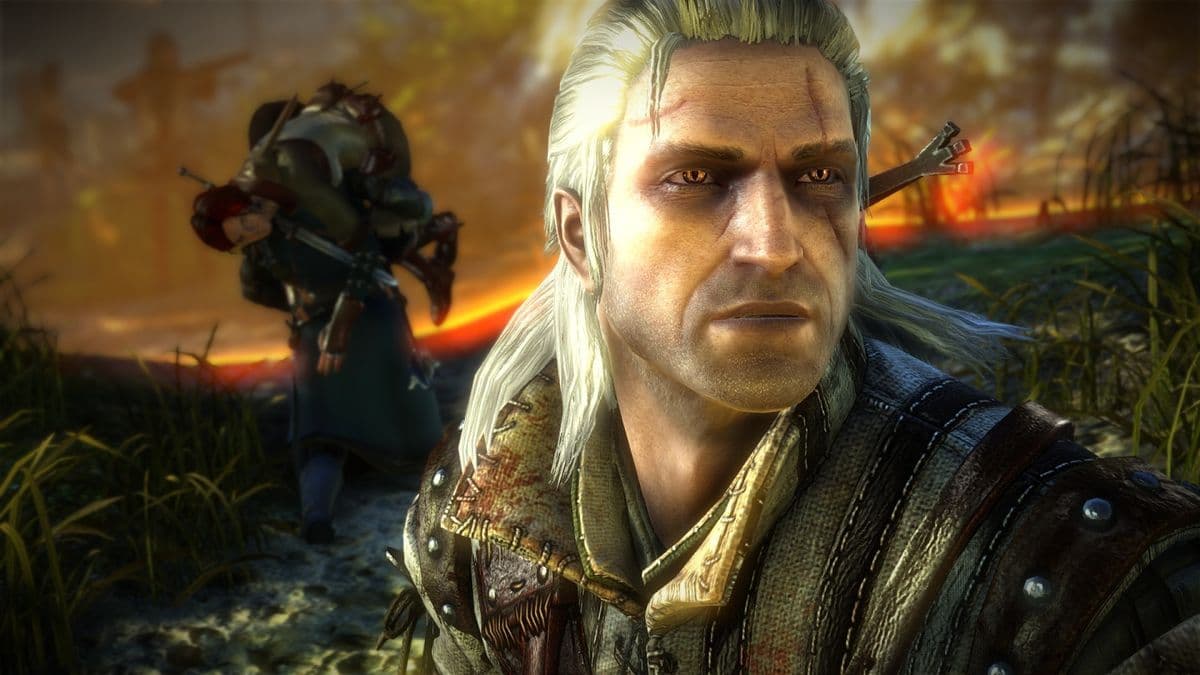
Of all the old titles tested, this is the most believable DLSS 5 neural rendering mod result. The Witcher 2 already has detailed faces for the model to work with. It is still a Witcher 2 graphics mod that eats most of your GPU.
Performance
Running The Witcher 2 on RTX 5090 Mobile hardware with the neural pass enabled lands near 10 fps , the same ceiling seen everywhere else. The model does not care about the age of the engine.