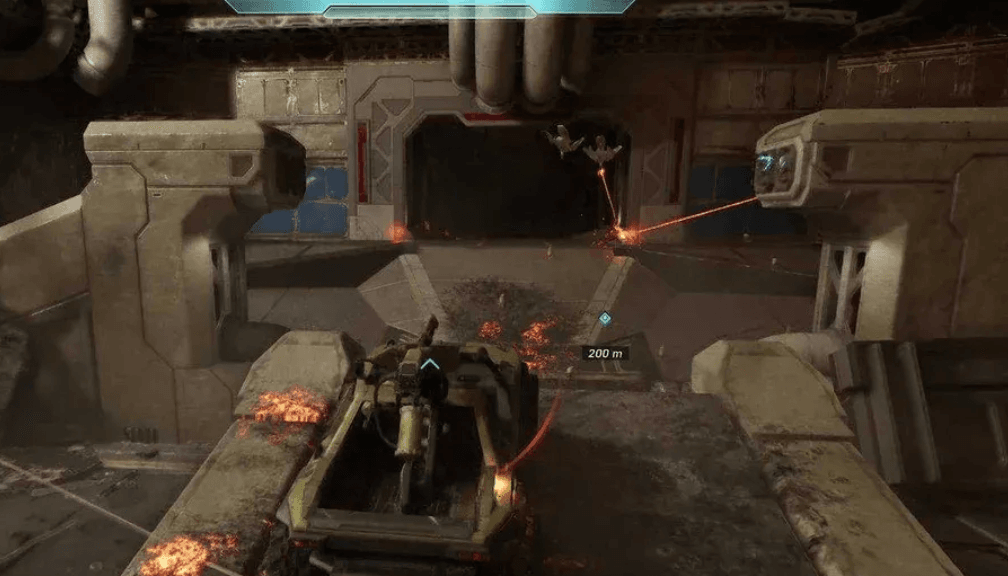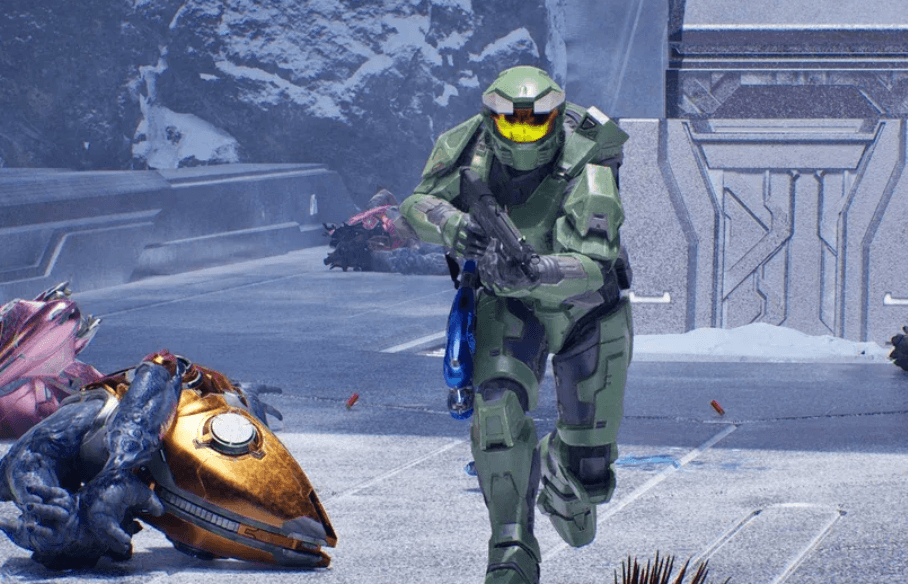

Motion blur has always been a divisive setting, but Halo: Campaign Evolved has managed to make it genuinely difficult to play around. Players running the game between 30 and 60 fps are reporting that even a small head movement turns the screen into an unreadable smear, and the footage circulating online backs that up completely.
What the blur actually looks like in practice
At 45-50 fps, the effect is described as downright horrendous. Fast movement, quick weapon swaps, and grenade throws all produce heavy trails that obscure what's happening on screen. This is not subtle cinematic blur designed to smooth out low frame rates. It's aggressive, wide-radius smearing that makes tracking enemies genuinely harder.
Here's the thing: even pushing the game up to 80-90 fps doesn't fully solve it. The blur becomes less severe, but it still interferes with fast shooting and quick camera turns. For a shooter game built around tight gunplay and precise aiming, that's a real problem.
The settings menu itself has also drawn some criticism. Despite offering a solid list of graphics options, most of them produce only minor lighting tweaks and shadow adjustments. The overall visual profile of the game changes very little regardless of what you toggle, which gives the whole settings panel a console-ported feel.


The fix is simple, but it shouldn't need to be
Turning motion blur off is straightforward: open the settings menu, navigate to the video tab, scroll down, and disable it. The improvement is immediate and significant. What's frustrating is that the default-on state of such an aggressive effect means players who don't dig into settings are experiencing a noticeably worse version of the game right out of the box.
For players trying to push frame rates higher to reduce the effect rather than disable it, upscaling is the obvious route. On Nvidia hardware, DLSS outperforms FSR 3.0 in both visual quality and performance gains. FSR Ultra, which samples from 67% of native resolution, is the only FSR preset that avoids the messy, distorted look of lower FSR settings. DLSS Medium and DLSS Ultra both deliver better results than their FSR equivalents in testing.
On AMD hardware, specifically the RX 9070, FSR performs more competitively and delivers solid frame rate bumps with acceptable visuals.
Before vs. after: what a settings tweak actually changes
The contrast between default settings and a few targeted changes is significant. Default configuration with motion blur enabled, screen shake on, and FSR Low produces a game that looks and feels muddier than it should. Disabling motion blur alone clears up the majority of the visual noise.
Players on high-end rigs who can sustain 100+ fps will notice the blur less, but even at those frame rates it remains a distraction. The effect scales down with higher frame rates rather than disappearing entirely, which suggests it's not purely a frame rate compensation tool.
What most players miss is that the screen shake setting compounds the blur problem during combat. Explosions and close-range firefights stack both effects simultaneously, which is where the visual confusion peaks. Disabling both together produces the clearest, most readable combat experience the game offers.
If you're just getting started with the game or ran into issues on launch day, the Halo: Campaign Evolved early access fix guide covers the technical issues that hit Premium Edition players at launch. For everything else, the full Halo: Campaign Evolved guide collection has you covered as more content and patches roll out.