The popular instinct to improve a gaming setup is to focus on the latest console, graphics card, or monitor. However, the equipment used throughout a gaming session often deserves attention first. Screen placement, comfortable audio, and easily accessible controls all influence the everyday experience. Matching gaming gear to the connected device, room, and routine offers a practical way to improve gameplay without treating new hardware as the primary goal.
For digital spending that complements an existing setup, Eneba offers a digital marketplace with US-region listings for a cheap PSN gift card. The card's region should match the intended PlayStation account. PlayStation gift cards can be redeemed to a user's account wallet on PS5 or PS4, through the PlayStation App, or in a web browser. The resulting balance can be used for eligible digital games, add-ons, and subscriptions.
Monitor Choices Begin With Fit
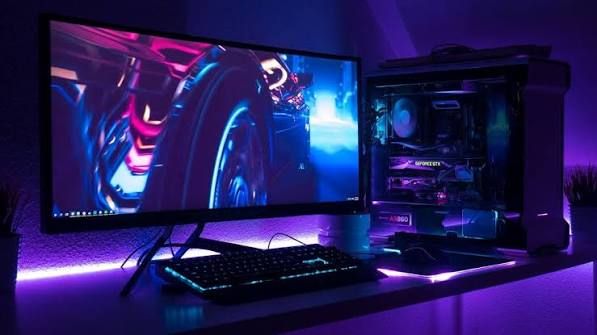
A gaming monitor should match the console or PC it will be connected to before its headline specifications become the deciding factor. Refresh rate and Variable Refresh Rate (VRR) are two display features that can influence the experience, but their usefulness depends on hardware compatibility and game support. Available desk space and viewing distance are equally important considerations because they determine how well the display fits into the room.
The PS5 supports refresh rates of up to 120Hz in compatible games when paired with a suitable display. However, purchasing a monitor with a higher maximum refresh rate does not mean every game will run at that rate. Performance depends on the game, console output, and display capabilities.
Variable Refresh Rate provides another example of why compatibility matters. On supported displays, VRR synchronizes the display's refresh rate with a game's changing frame output. This can help reduce screen tearing and make gameplay appear smoother when frame rates fluctuate. Before investing in a new monitor, players should check whether their existing display and gaming hardware already support the features they want to use.
Replacing a monitor is not always necessary to improve the viewing experience. The Occupational Safety and Health Administration (OSHA) recommends positioning a monitor directly in front of the user, with the top of the screen at or below eye level and a typical viewing distance of approximately 20 to 40 inches.
Screen angle should also suit the user's seating position. Positioning the display at a right angle to windows and other light sources can help reduce reflections, which may make images harder to see and contribute to eye strain and fatigue. These adjustments can improve viewing comfort without requiring an immediate hardware upgrade.
Everyday Gear Shapes Every Session
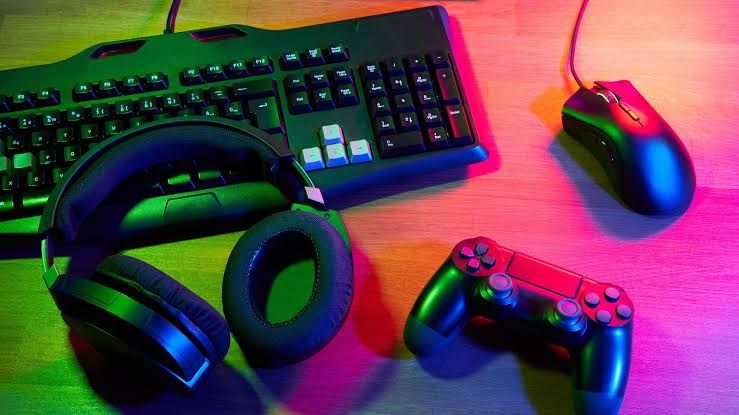
Gaming headsets deserve the same practical consideration as monitors. Comfort, microphone quality, and accessible controls affect the experience throughout regular use, particularly during multiplayer sessions where clear communication matters. Connection type also influences convenience, whether a player uses a desktop gaming setup or plays from a couch.
Listening habits are another important factor. The World Health Organization's safe-listening guidance highlights the importance of considering listening volume, duration, and exposure frequency. A headset should therefore be comfortable for its intended use while allowing players to manage audio levels responsibly.
Choosing between wired and wireless headsets largely depends on the player's routine. A wired model may suit a stationary desktop setup, while a wireless headset can offer greater freedom of movement. Built-in microphones and conveniently positioned controls can also simplify everyday use when they are compatible with the connected device.
Neither connection type is automatically the better option for every player. The practical choice depends on the available ports, device compatibility, preferred seating position, and how the equipment will be used.
Small changes to the surrounding setup can also make a difference. Keeping cables away from areas where people walk or move helps maintain an orderly gaming space, while frequently used controls should remain within easy reach. Adequate desk depth gives the monitor and peripherals room to sit comfortably, and thoughtful lighting can limit reflections that interfere with visibility.
These adjustments may appear minor, but they affect the experience repeatedly. A setup that supports comfortable positioning, accessible controls, and clear communication can make regular gaming sessions more convenient without requiring a complete equipment replacement.
Better Gaming Value Starts With Everyday Use
New hardware has a place when it addresses a genuine limitation, whether that means improving performance, adding compatibility, or replacing equipment that no longer meets a player's needs. However, a more considered approach begins with identifying which parts of the existing setup create the most friction.
A compatible monitor, sensible screen placement, and a comfortable headset provide a practical foundation for everyday gaming. Checking existing hardware capabilities and making small ergonomic adjustments can also help players get more value from equipment they already own.
Eneba complements this approach as a digital marketplace offering US-region PlayStation Network gift cards for players looking to purchase eligible digital content. As with any region-specific gift card, checking that the card matches the intended PlayStation account is essential.
Ultimately, improving a gaming setup does not always require buying the newest equipment. By focusing on compatibility, comfort, and the details that shape each session, players can make more informed spending decisions and improve their everyday gaming experience.