
Pillars of Eternity and Pillars of Eternity II: Deadfire now have PC controller support in public testing on Steam. Obsidian Entertainment announced the tests on November 4, 2026, allowing players to use a controller throughout both games, from character creation to the end credits.
Both RPGs already have console editions, but their PC versions previously lacked controller support. Deadfire's implementation builds on its console control scheme and extends to naval exploration and ship combat.
What you can play with a controller
The original Pillars of Eternity receives controller support in patch 1.3.10.0, while Deadfire's test build is patch 5.1.0.0. Controller play works in both Real-Time with Pause and Turn-Based Mode, so neither combat format requires mouse and keyboard input.
Radial menus provide access to abilities, spells, and party commands. Deadfire also uses action bars to access those commands and items, with button prompts displayed throughout the interface.
The controls cover exploration and the systems surrounding combat:
- Pillars of Eternity: Character creation, conversations, inventory management, crafting, enchanting, the Stronghold, and the world map support controller input.
- Pillars of Eternity II: Deadfire: Character creation, conversations, inventory management, and the world map are included, alongside sailing and ship battles.
Players can switch between a controller and mouse and keyboard at any time. The interface and button prompts change to match whichever input is being used.
Xbox and PlayStation controllers are supported, alongside Steam Deck and Steam Big Picture mode. Deadfire's patch notes explicitly list controller support on Windows, macOS, and Linux.
Both games also support the on-screen keyboard for naming characters and writing notes. Pillars of Eternity's fixes specifically address entering character names with the Steam Deck's on-screen keyboard.
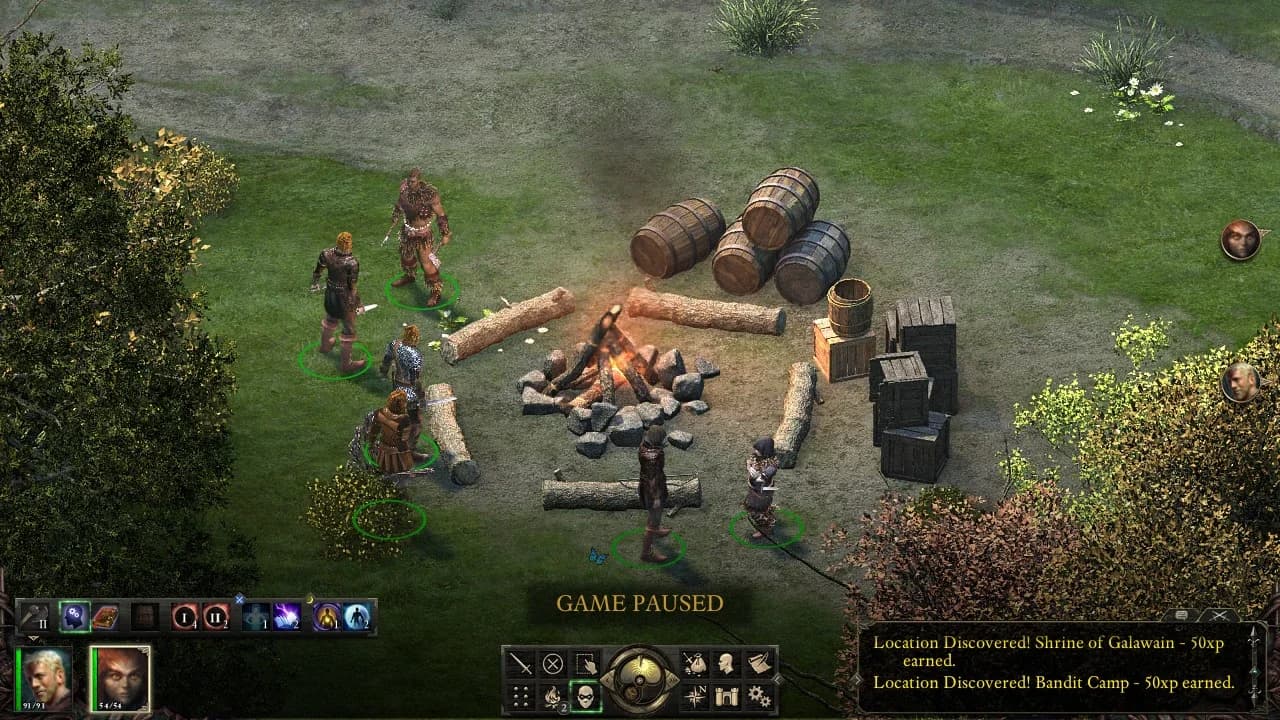
Controller commands in radial menus
The test builds include fixes beyond the controls. Deadfire's update enables completed-game save transfers from Pillars of Eternity and fixes failures when selecting Continue or Load Game from the title screen. The original game's patch fixes a problem that could leave a Barbarian stuck in an attack state, unable to end their turn, when Blood Thirst and Carnage triggered together.
How to join the Steam public tests
Steam players can opt into each game's test separately through its library settings:
- Right-click Pillars of Eternity or Pillars of Eternity II: Deadfire in your Steam Library and select Properties.
- Open the Betas tab, select the drop-down labeled None, and choose public_beta.
- Close the window and download the update. Launching the game should also trigger the download.
If the update does not appear, Obsidian's instructions say to restart the Steam client.
Set up Deadfire on Steam Deck
Obsidian also provides layout instructions specifically for Deadfire on Steam Deck:
- Open your Steam Library and navigate to Pillars of Eternity II: Deadfire.
- Select the controller icon on its library page, then choose Current Layout.
- Open Templates and select Gamepad with Joystick Trackpad. Choose Gamepad if the first option is unavailable.
- Select Apply Layout, launch the game, and check that the controller inputs work.
Obsidian is collecting reports, issues, and suggestions through its support service and official Discord. The studio will continue updating the public tests as it prepares the controller updates for a full release.