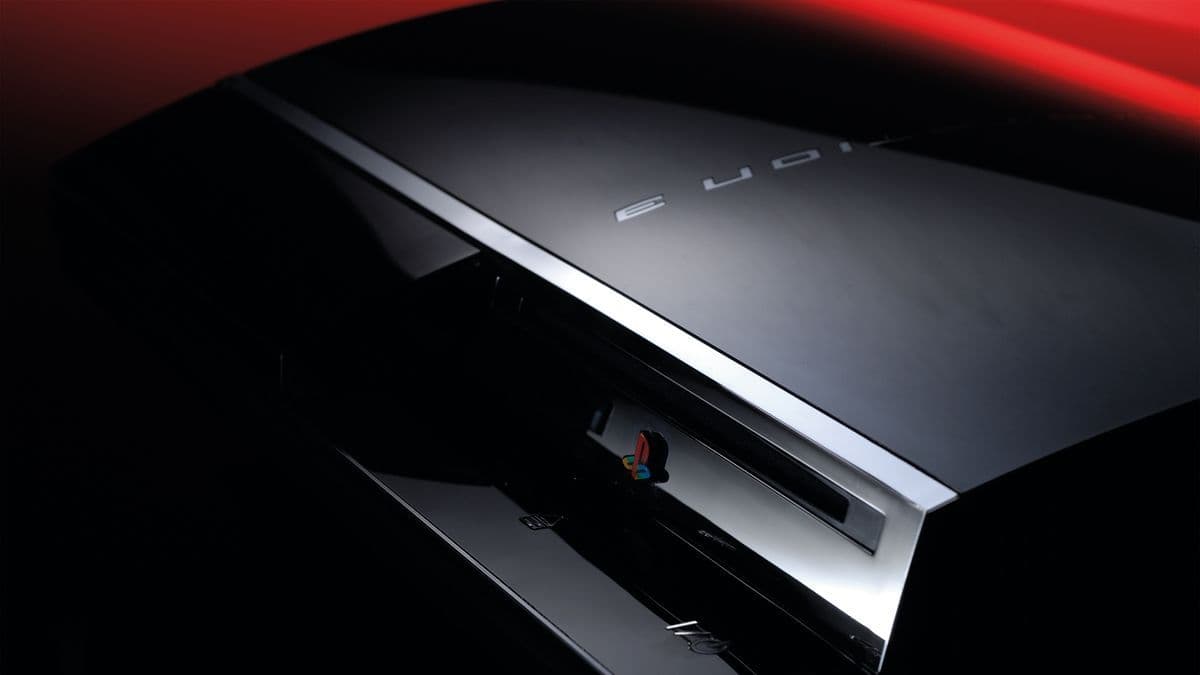

The RPCS3 team just announced something that PS3 collectors and game preservation fans have been waiting a long time for. You can now play physical PS3 game discs directly on PC through a compatible Blu-ray drive, no servers required, no ripping files ahead of time.
The announcement came from RPCS3's official X account, crediting developers digant73 and Megamouse for making it happen. The feature works across every platform RPCS3 supports: Windows, macOS, Linux, and FreeBSD.
What changed inside RPCS3
This wasn't a small patch. The team extended direct disc drive support that originally launched on Windows out to Linux, macOS, and FreeBSD in the same update. The announcement described it as "plug and play," which is mostly accurate with one important asterisk.
Package install times from physical discs were also optimized across all supported operating systems as part of the same update. So games that previously took ages to install from disc should load up noticeably faster now.
The one catch: disc drive compatibility
Here's the thing. Not every Blu-ray drive you own will work. PS3 game discs use a specific format, and RPCS3 requires drives that can actually read the disc's file structure. The team maintains a list of compatible Blu-ray drives on the RPCS3 quick start page, and you'll want to check that before buying anything.
If your drive isn't on the list, there's a quick way to test it: insert a PS3 game disc and see if you can browse the files. If you can, you're good. If not, you'll need a compatible model.
The first time you boot a disc, you'll also need to provide the disc's decryption key by placing it in a data/redump folder. After that initial setup, the emulator reads and decrypts the disc on the fly every time you launch it.
Why this matters beyond just emulation
Sony confirmed it will stop producing physical discs for PlayStation games in 2028. That decision has already stirred up serious frustration among players who see disc ownership as the only reliable way to preserve their libraries long-term.
RPCS3 adding physical disc support is a direct counter to that trajectory. Games released as far back as 20 years ago can now run from their original discs without depending on any external servers or storefronts that could shut down tomorrow. That's real preservation, not just archiving.
For anyone sitting on a shelf of PS3 games wondering what to do with them as Sony's digital-only push accelerates, this update is genuinely good news. If you're already running games through an emulator and want to optimize your setup, our PC performance fix guides cover common issues like crashes and frame drops that can affect emulated titles too.
RPCS3 has been quietly building toward broader compatibility for years, and this is one of the more meaningful additions the project has shipped. If you want the full setup walkthrough, the RPCS3 website has a dedicated quick start guide covering supported drives, input devices, PC requirements, and the full disc-adding process. Check the gaming guides section here at GAMES.GG for more emulator and PC setup coverage as it drops, including tips on getting the most out of your hardware with guides like the Division Resurgence PC emulator setup.