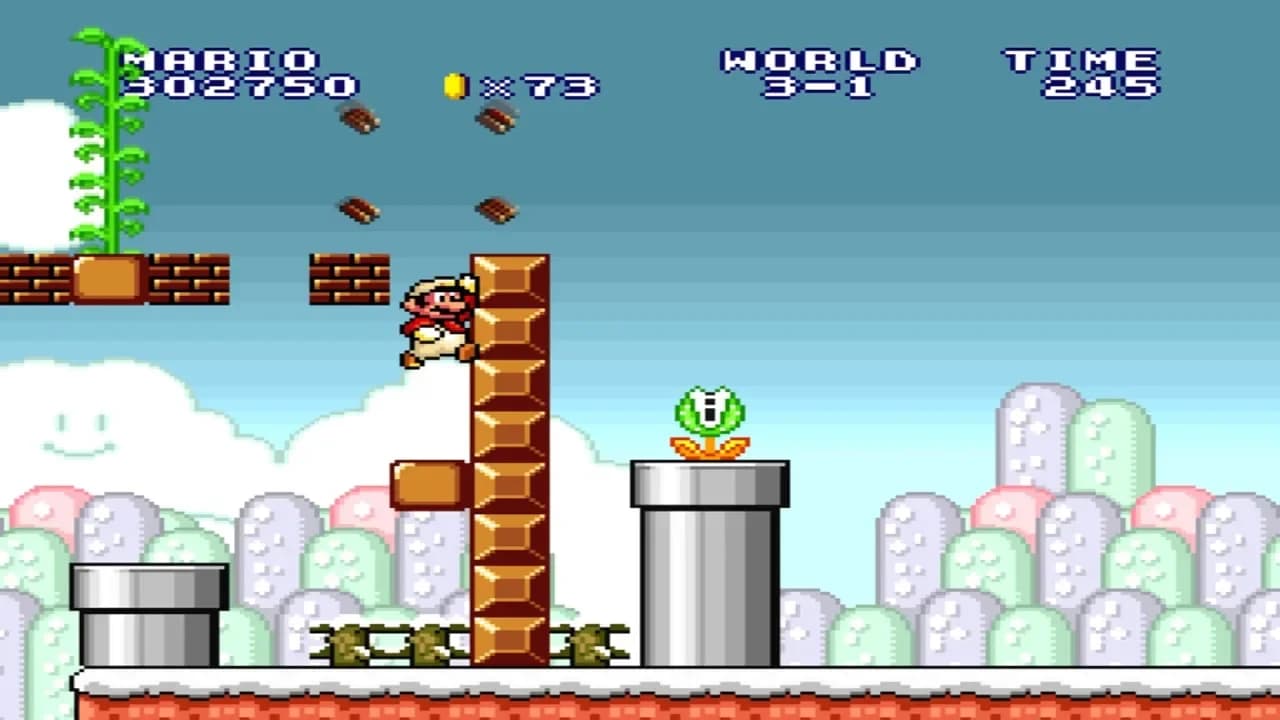

Super Mario All-Stars is now playable on PC through Darhkfox's free release, which first became public on November 5, 2026. The project supports all four games in Nintendo's SNES collection and has reached version 1.1.1.
Darhkfox distributes the application through GitHub, with builds available for Windows, Linux, Steam Deck, and Android. Alongside the collection, the release adds customizable controls, presentation options, and tools for revisiting individual levels.
Four games in the PC launcher
What you need to play
The download does not include Nintendo's game files. You need a compatible North American Super Mario All-Stars ROM, which the developer specifies should be dumped from an original cartridge.
On Windows, installation follows a short sequence:
- Extract the downloaded release archive.
- Launch the executable.
- Select the required ROM.
The original collection launched on SNES in 1993, bringing upgraded 16-bit visuals and sound to four earlier Mario platformers. All four are supported here:
- Super Mario Bros.
- Super Mario Bros.: The Lost Levels
- Super Mario Bros. 2
- Super Mario Bros. 3
New controls, audio tools, and achievements
Controls are fully customizable, with keyboard support and native support for PlayStation, Xbox, Switch Pro, and SNES controllers. You can configure the inputs around the controller you already use on PC.
Presentation settings include CRT effects and alternate color profiles. The application also supports RetroArch Slang shaders, including scanline and grid effects, for players who want a display treatment closer to older screens.
A built-in music player lets you listen to the collection's music separately. Version 1.1 introduced custom soundtrack support, additional launcher themes, and notifications for new versions. The most recent update also lets you adjust music and sound effects volumes independently.
The release includes 82 achievements, but its practice tools come with a restriction. Save states, rewind, fast-forward, and level selection are available, and using them disables achievement tracking. Players chasing those achievements need to leave those shortcuts unused.