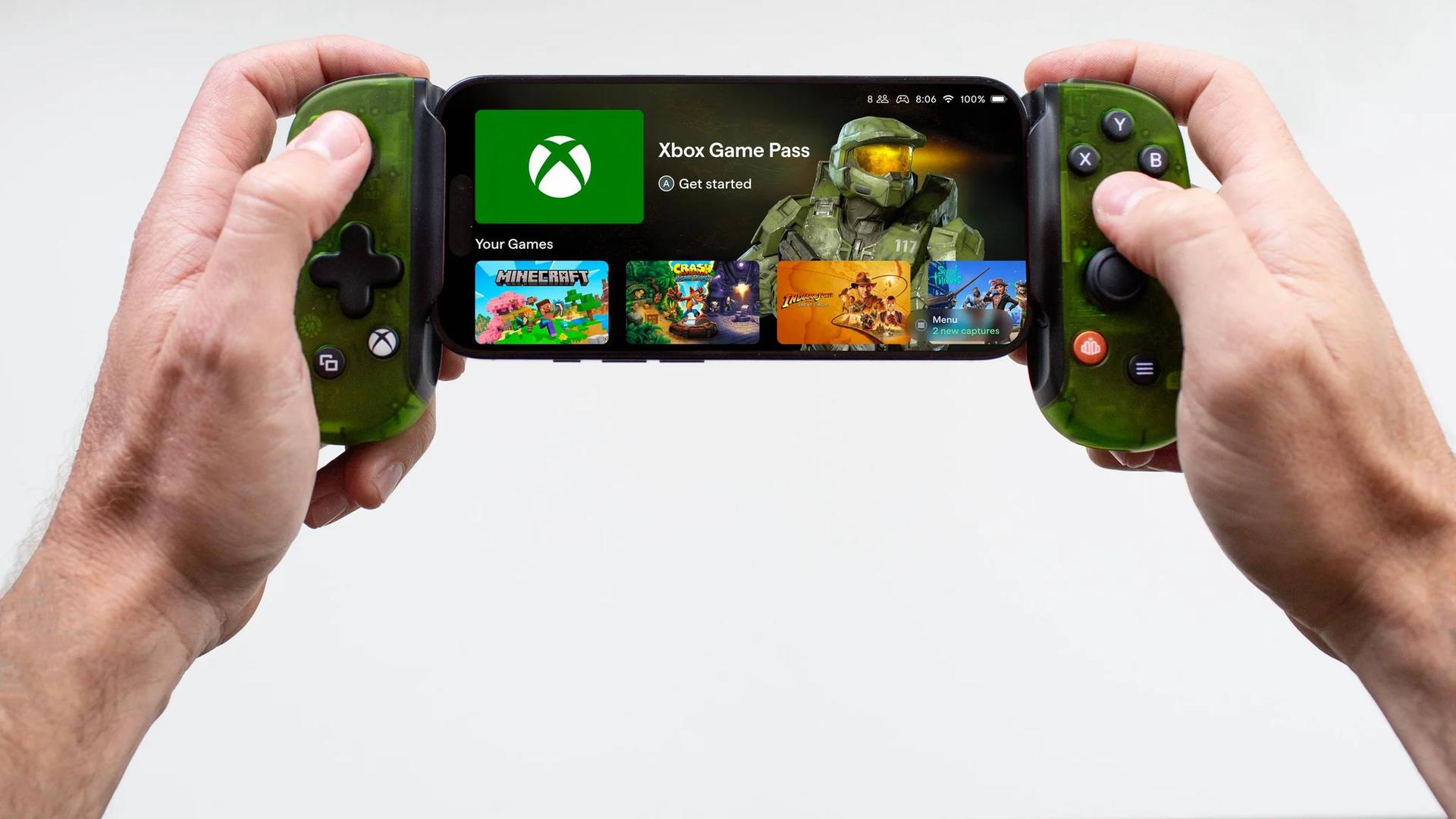

Xbox Cloud Gaming phone controls allow users to turn their mobile devices into virtual gamepads for smart TVs, a preview beginning for supported models on November 4, 2026.
The game stays on the television, while the controls open in the phone’s browser. Players do not need to install a separate phone app, and some games offer touch controls tailored to their gameplay.
Xbox Cloud Gaming already lets players stream console games to compatible smart TVs without owning an Xbox console. This preview removes the separate physical-controller requirement for supported sessions.
How to try the phone-controller preview
Setup begins in the Xbox app on a compatible television, using the latest supported smart TV experience.
Once the preview is enabled, follow these steps:
- Launch a supported cloud game without a physical controller connected.
- Select the option to use your phone as the controller for that session.
- Scan the QR code displayed on the TV to open the controls in your phone’s browser.
The QR code connects the phone to the session started on the TV. The preview does not require the Xbox mobile app to provide the virtual gamepad.
Where the phone preview works
The rollout covers countries where Xbox Cloud Gaming is available. Compatible televisions include certain Amazon, LG, and Samsung models, as well as other supported smart TVs.
Support is limited during testing. Not every television or cloud game works with the preview, so owning a TV from one of those manufacturers does not by itself establish compatibility.
The arrangement differs from Sony’s PS Remote Play app. Remote Play streams a game from a PS5 to the phone itself, where players use touchscreen controls. The official app does not let players use the phone solely as a controller while continuing to watch the game on their TV.
A separate Wi-Fi controller test
Phone controls are one of two Xbox Cloud Gaming input previews announced together. The second, cloud connect, lets the Xbox Nano Controller use Wi-Fi to connect directly to the cloud server running a game, instead of connecting to the television over Bluetooth.
Xbox says that direct connection can help reduce input latency. The benefit is presented as a possibility, not a guaranteed improvement for every session.
The cloud connect preview has narrower access than the phone-controller test:
- It is limited to players in the US.
- It currently requires an Xbox Nano Controller.
- It works with supported smart TV and web experiences, but not every cloud gaming experience.
Players can configure cloud connect through the Xbox beta app on Android or the Xbox Accessories app on PC. The PC setup also requires Xbox Insider enrollment. After setup, the controller connects to the player’s Wi-Fi network.
Microsoft is gathering player feedback during both previews. It has not announced a date for wider availability of the phone-controller feature.