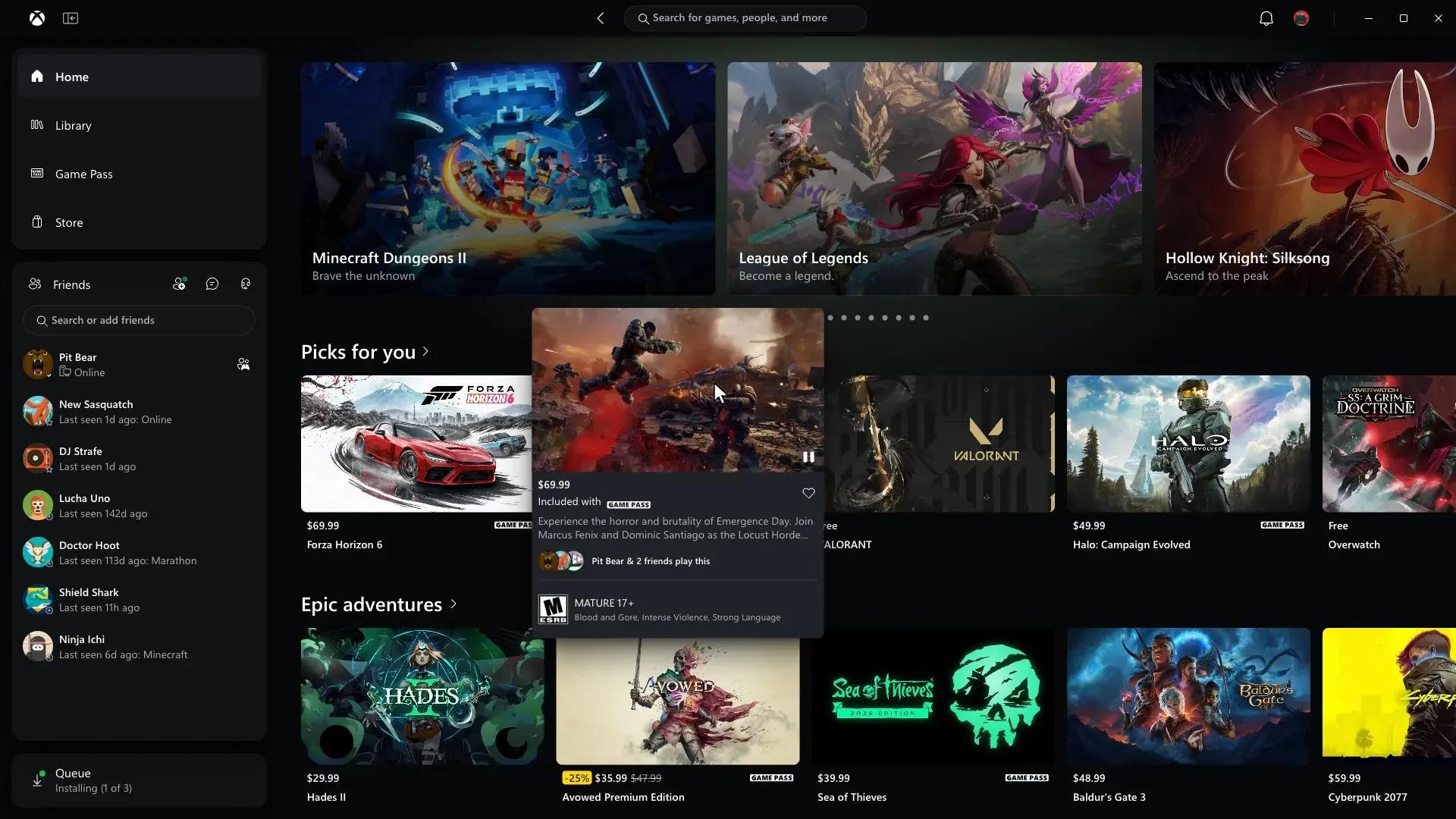

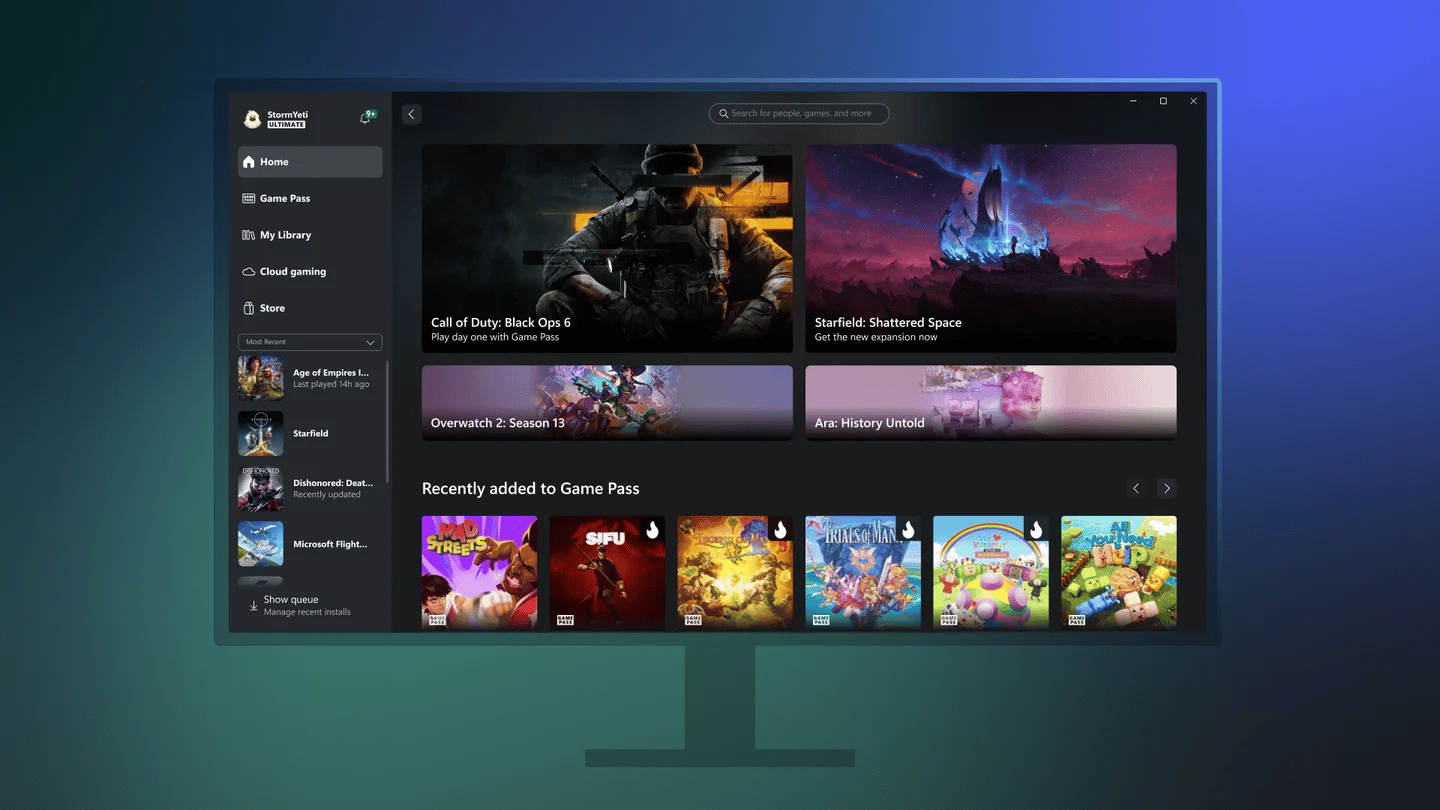
Microsoft began rolling out the redesigned Xbox PC app to Xbox Insiders, with launches up to 60% faster in its internal tests. The update also changes navigation, search, and access to social features.
What loads faster in the Xbox PC app
Microsoft's Xbox Wire announcement lists performance improvements beyond startup, covering the app's main browsing pages and the windows opened within its interface.
| App action | Microsoft's claimed improvement |
|---|---|
| Loading Home, Store, and Game Pass pages | Up to 50% faster |
| Opening in-app windows | Up to 65% faster |
Finding games and reaching friends
The redesign changes several parts of the app's everyday navigation:
- Search: Results now cover games, including installed titles and add-ons, as well as people, from one place.
- Friends: Friends and social features sit in the main navigation, providing access to what friends are playing, chat, and parties.
Microsoft has also refreshed game cards, Home, Settings, and animations throughout the app.
Cloud gaming gets a separate interface rollout
The Xbox Cloud Gaming web refresh has been in Insider preview since earlier this year. Microsoft is now expanding it to more players automatically over the next few weeks.
Its new Library tab brings together games that can be streamed, whether they are owned or accessed through Xbox Game Pass. Players can browse, sort, and filter using options including recently played, genre, and input type. The tab covers cloud-playable games in those groups, not every owned title.
Desktop mode uses more of the space on PCs and larger displays. Appearance settings include dark and light modes, plus five new high-contrast options designed to support different visual needs and preferences.
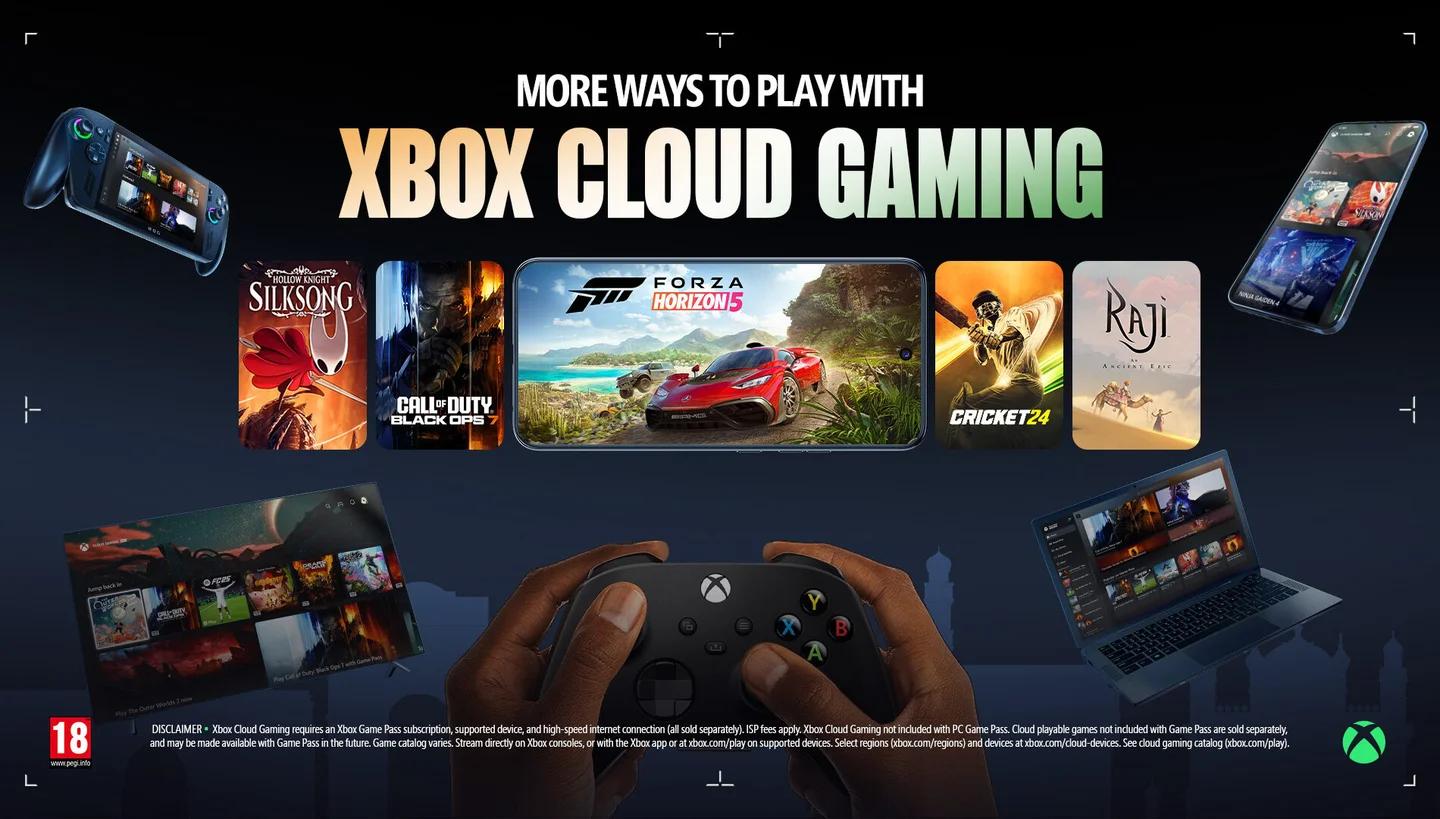
Cloud games in one Library tab
Microsoft is also starting to bring the refreshed design and navigation to cloud gaming apps on supported TVs and VR headsets. The company has not given a specific rollout schedule for those devices.
Xbox Cloud Gaming is not available in every country, so access to these streaming features still depends on regional service availability.
How to join the PC app preview
To try the redesigned PC app, join the Xbox Insider program on Windows:
- Download the Xbox Insider Hub on your Windows PC.
- Join the Xbox Insider program through the Hub.
Microsoft says player feedback will help shape future changes. Xbox's Asha Sharma described the update as “a meaningful improvement, with plenty more to do” in a post.
Microsoft has not announced a date for the redesigned Xbox PC app's general release.