Search games, articles, guides...CtrlK
Sign InGet Started

Get stable frames and low ping in Once Human with the right PC specs, graphics settings, and network fixes that actually work.

Written by Nuwel
Content Writer
See more GAMES.GG guides on Google
Add us as a preferred source and our guides show up first in your results.
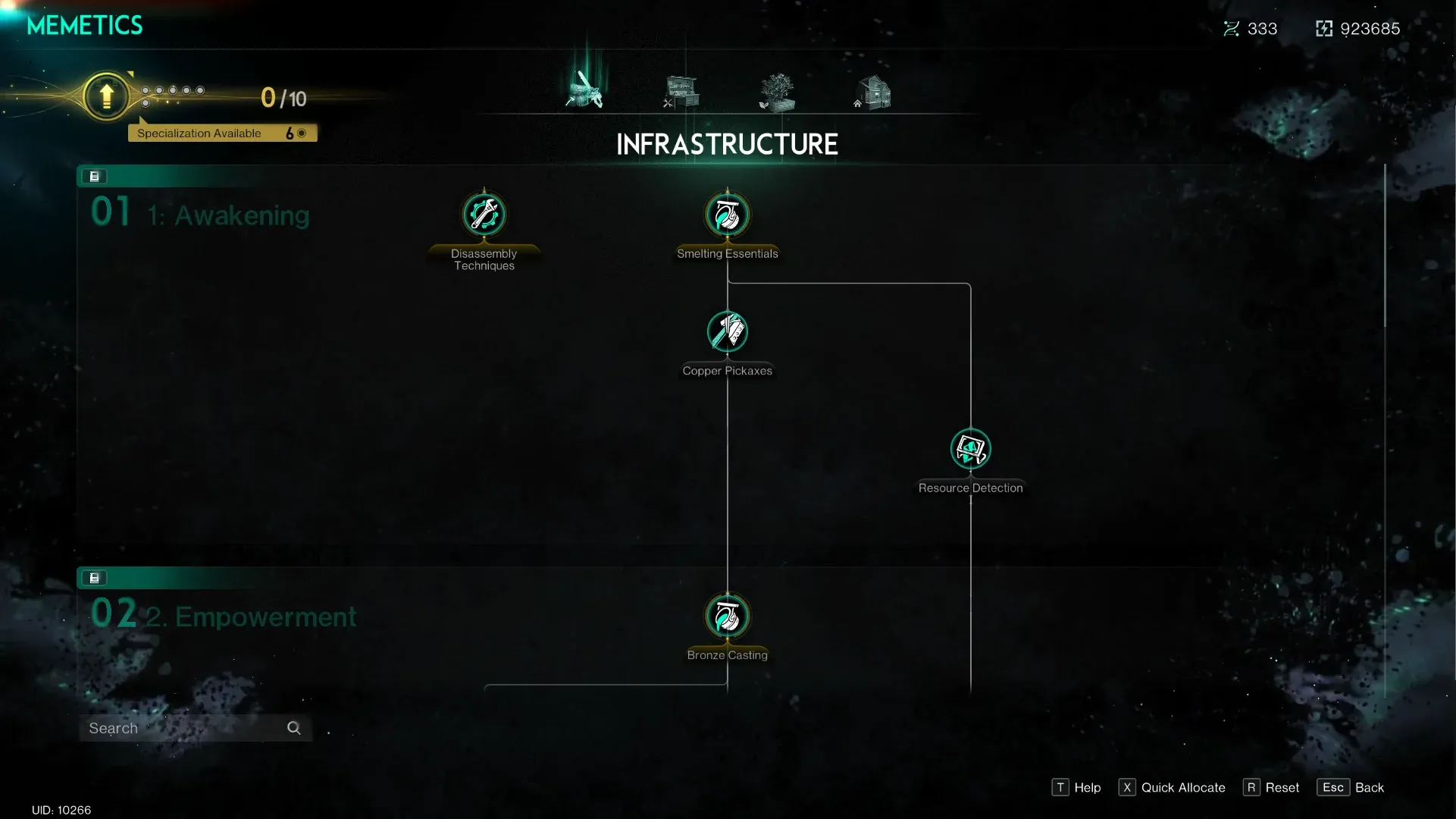
Once Human Memetics Guide: All Trees, Costs, and Unlock Order
Master Once Human's Memetics system with full skill tree breakdowns, Meme Point costs, and the smartest unlock order for every playstyle.

Once Human Beginner's Guide
Master Once Human faster with 18 essential tips covering base building, Deviants, Memetics, sanity, and server wipes.

Once Human Deviant Update Rundown
Everything you need to know about Once Human's Deviant Update 2.3.26, console beta on PS5 and Xbox, and the new Starchrom economy.
Once Human is a demanding open-world survival game, and the gap between a smooth session and a stuttering mess comes down to a handful of hardware and network decisions most players overlook. The game is currently PC-focused, which means you have real control over how it performs — but only if you know which settings actually matter and where your connection is losing packets. This guide breaks down system requirements, graphics priorities, and network fixes so you can spend less time troubleshooting and more time actually playing.
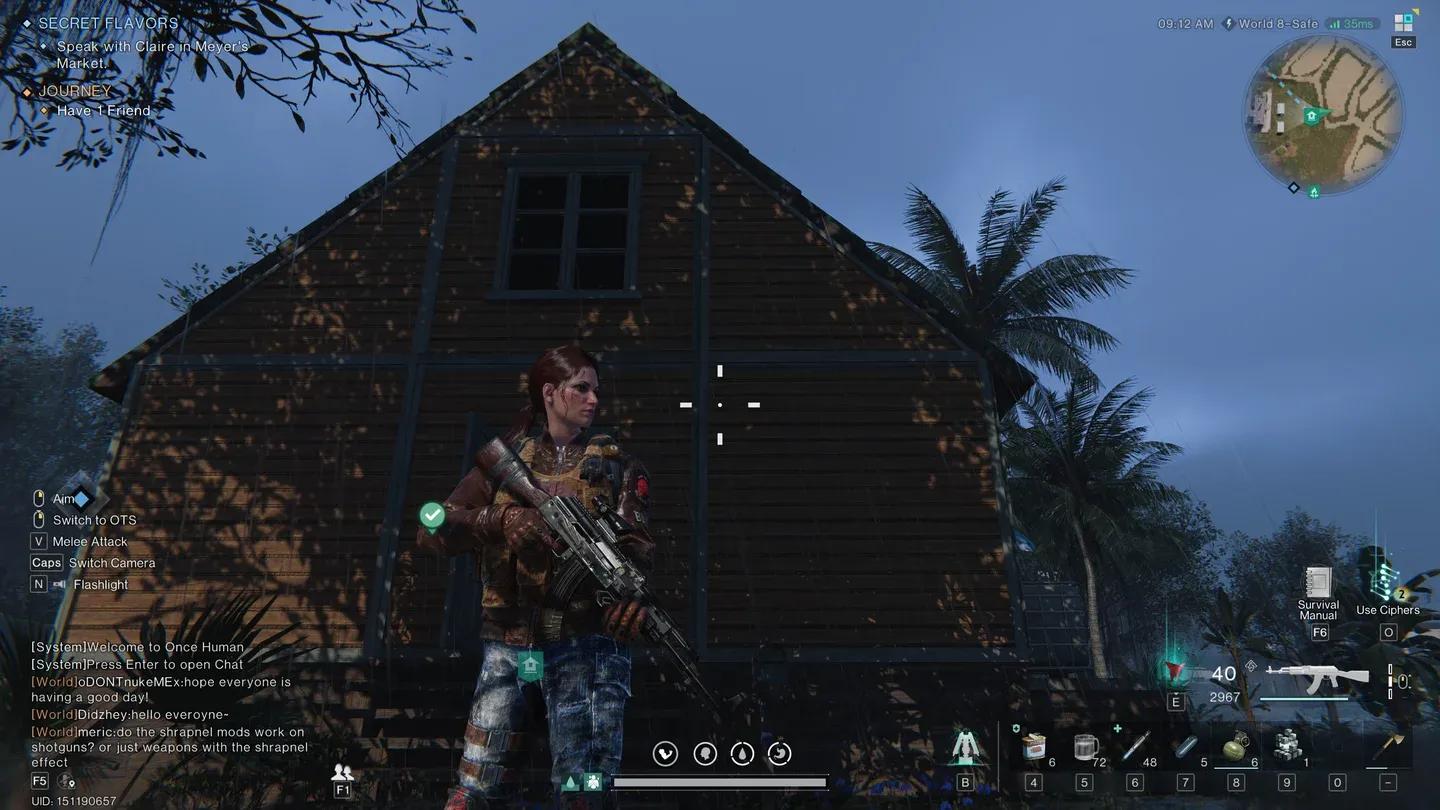
Once Human graphics settings panel
Once Human's baseline requirements call for a quad-core CPU at 3.0 GHz, 8 GB of RAM, a GTX 1060 or RX 580 GPU, and 50 GB of SSD storage. Your internet connection needs to sustain at least 10 Mbps to avoid constant hitching during multiplayer events.
For smoother performance, the recommended specifications step up considerably:
| Component | Minimum | Recommended |
|---|---|---|
| CPU | Quad-core 3.0 GHz | 6-core 3.5 GHz+ |
| RAM | 8 GB | 16 GB |
| GPU | GTX 1060 / RX 580 | RTX 2060+ |
| Storage | 50 GB SSD | 50 GB NVMe SSD |
| Internet | 10 Mbps | 25 Mbps+ stable |
The difference between minimum and recommended becomes obvious during large-scale events. Boss fights and territory wars push server traffic hard, and a system barely meeting minimum specs will struggle with frame drops and input lag.
Not all settings cost the same amount of performance. The most effective approach targets the heaviest settings first rather than sliding everything down at once.
Here is the order that delivers the best performance-per-sacrifice:
The goal is keeping visual clarity while reducing the load on your GPU during intense combat sequences. A 1080p image with clean textures and reduced shadows looks far better than a blurry mess with all settings at medium.
Once Human is a multiplayer survival game, so your connection quality shows up in ways that go beyond a simple ping number. Delayed hit registration and rubberbanding during combat are both symptoms of packet loss and routing instability, not just raw speed problems.
The most common network culprits are ISP routing inefficiencies, Wi-Fi interference, and background bandwidth consumption. Before blaming the game servers, check these first:
For players dealing with persistent instability, configuring Quality of Service (QoS) settings on your router lets you prioritize gaming traffic over everything else on the network. Pairing that with DNS optimization for faster domain resolution rounds out the local side of the fix.
As of the current release, Once Human is primarily a PC game. Cross-platform functionality between PC and consoles is not confirmed at launch, though the developer's long-term roadmap may expand platform support depending on adoption rates and technical feasibility.
The survival genre has seen titles like Fortnite and Genshin Impact expand to multiple platforms after establishing their PC foundations, so the pattern exists. For now, the player base is concentrated on PC, which keeps matchmaking pools unified and avoids the latency inconsistencies that mixed-hardware cross-play can introduce.
If console or cloud gaming versions do arrive, server region distribution will become a more complex issue. Different hardware architectures and network infrastructures across platforms tend to create uneven latency patterns, which is why developers typically stabilize one platform before expanding.
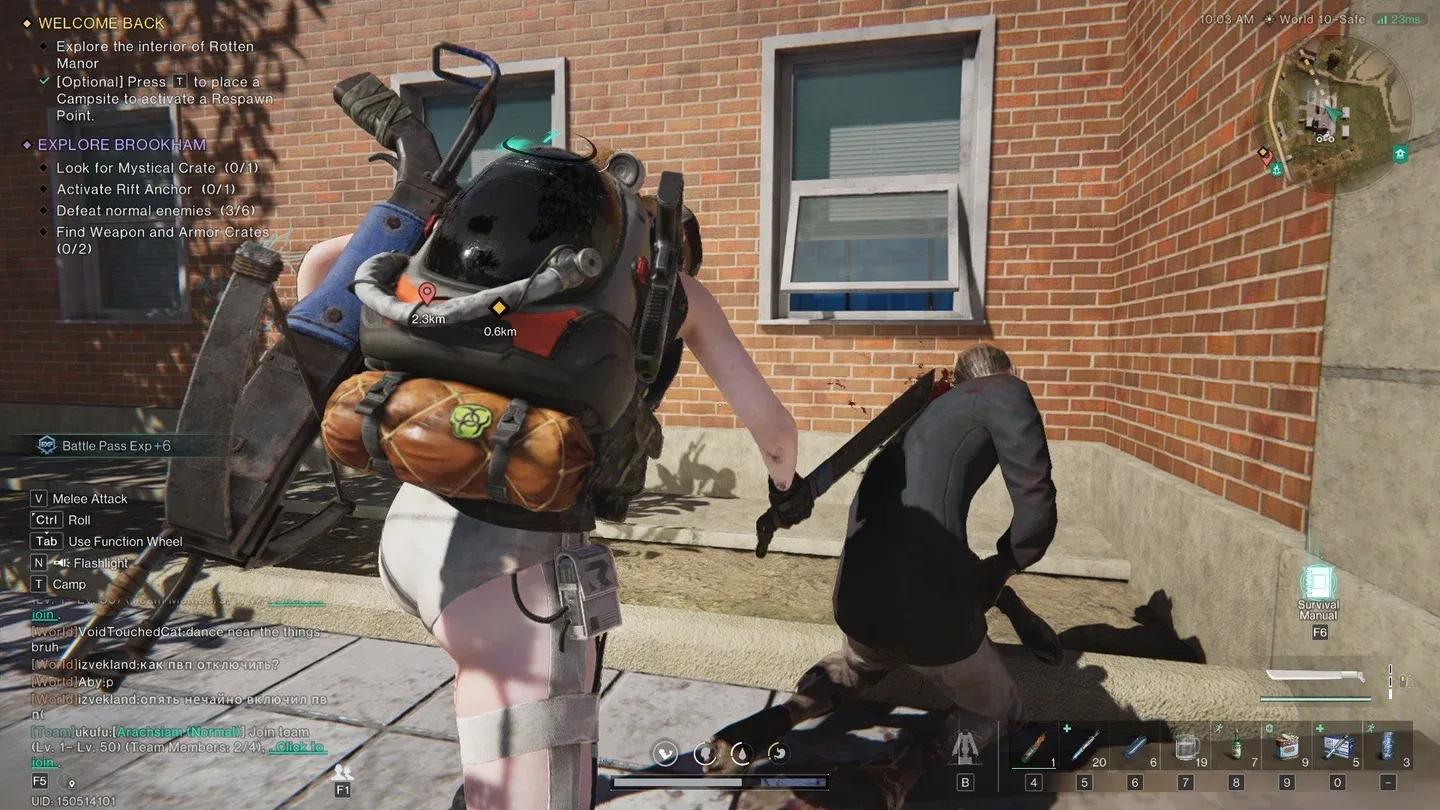
Co-op multiplayer session in progress
Your base ping is largely determined by physical distance to the nearest data center. The closer you are geographically, the lower your starting latency. However, routing inefficiencies from your ISP can inflate that number significantly even when a server is nearby.
Matchmaking quality also ties directly to server population density. When player counts are concentrated in specific regions, queue times outside those regions stretch out and server load becomes uneven during peak hours. Balanced regional distribution produces faster matchmaking and more consistent performance across time zones.
For players in regions with less server coverage, the practical fix is route optimization rather than hoping for new data centers. Rerouting unstable traffic paths can reduce the effective ping gap between you and a distant server.
Getting Once Human running well is a two-part problem: hardware settings and network stability. Nail the graphics priority order (shadows first, textures last), make sure your system meets the recommended specs rather than just the minimum, and address network issues at the router level before looking for external fixes.
The game rewards players who put in the setup work upfront. A stable 60 fps with consistent network performance changes how PvP encounters feel compared to a higher-spec machine that is dropping frames and packets during the moments that matter. For more guides covering survival games and performance optimization, browse the latest guides on GAMES.GG.