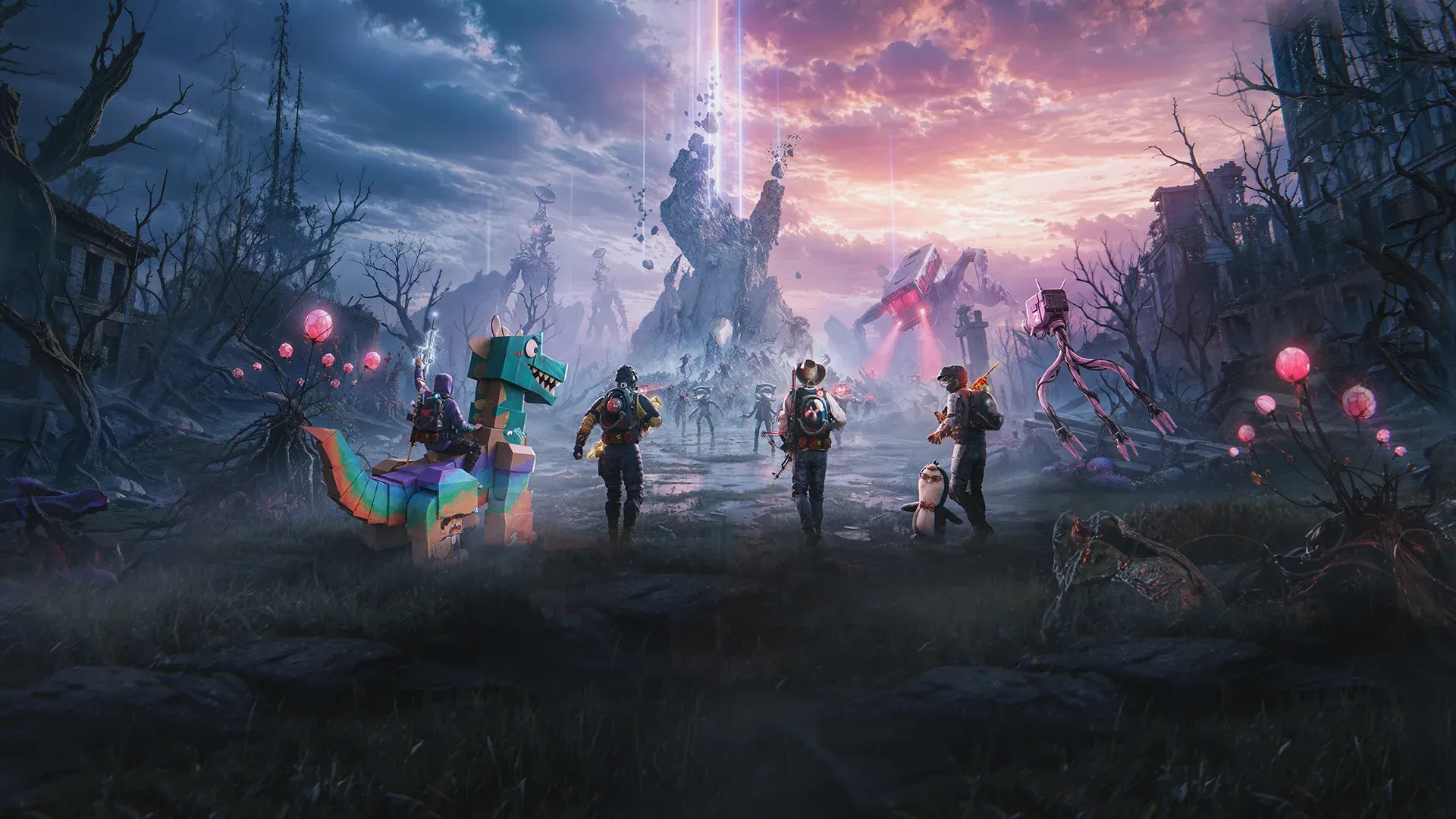


Once Human now supports full cross-progression across PC, PS5, Xbox Series X|S, and mobile, meaning the character you spent hours building on Steam can follow you to your couch. The process runs through a NetEase account and takes only a few minutes, but the order in which you do it matters. Get it wrong and you risk overwriting progress you cannot recover. Get it right and your characters, inventory, and cosmetics travel with you wherever you play.
What does cross-progression actually cover?
Before touching any settings, it helps to know what you are actually syncing. Cross-play and cross-progression are separate features. Cross-play lets PC, mobile, PS5, and Xbox players share the same session. Cross-progression syncs your own account data between those platforms after you link them.
Linking does not merge two separate accounts. If you have a PC character and a console character on different NetEase accounts, you cannot combine them into one roster. The system asks you to pick which account's data survives, and the other can be discarded. There is no undo.
Cross-region progression is also not supported. Once Human runs different regions on separate data centers, so two players on different regional servers cannot share progress regardless of platform.
How to enable cross-progression in Once Human
The steps below work in both directions: PC to console, or console to PC. The key is always starting from the account that holds the character you want to keep.
Step 1: Identify the right account before you start
Open Once Human on the platform where your main character lives. Confirm the login method, the NetEase account identifier, the server name, and the character name. Write these down. The most common cause of lost progress is logging into the console version first, accidentally creating a fresh character, and then linking the wrong account.
Also confirm which PlayStation Network or Xbox account you plan to use. Avoid linking from a shared family profile unless that is genuinely your long-term profile.
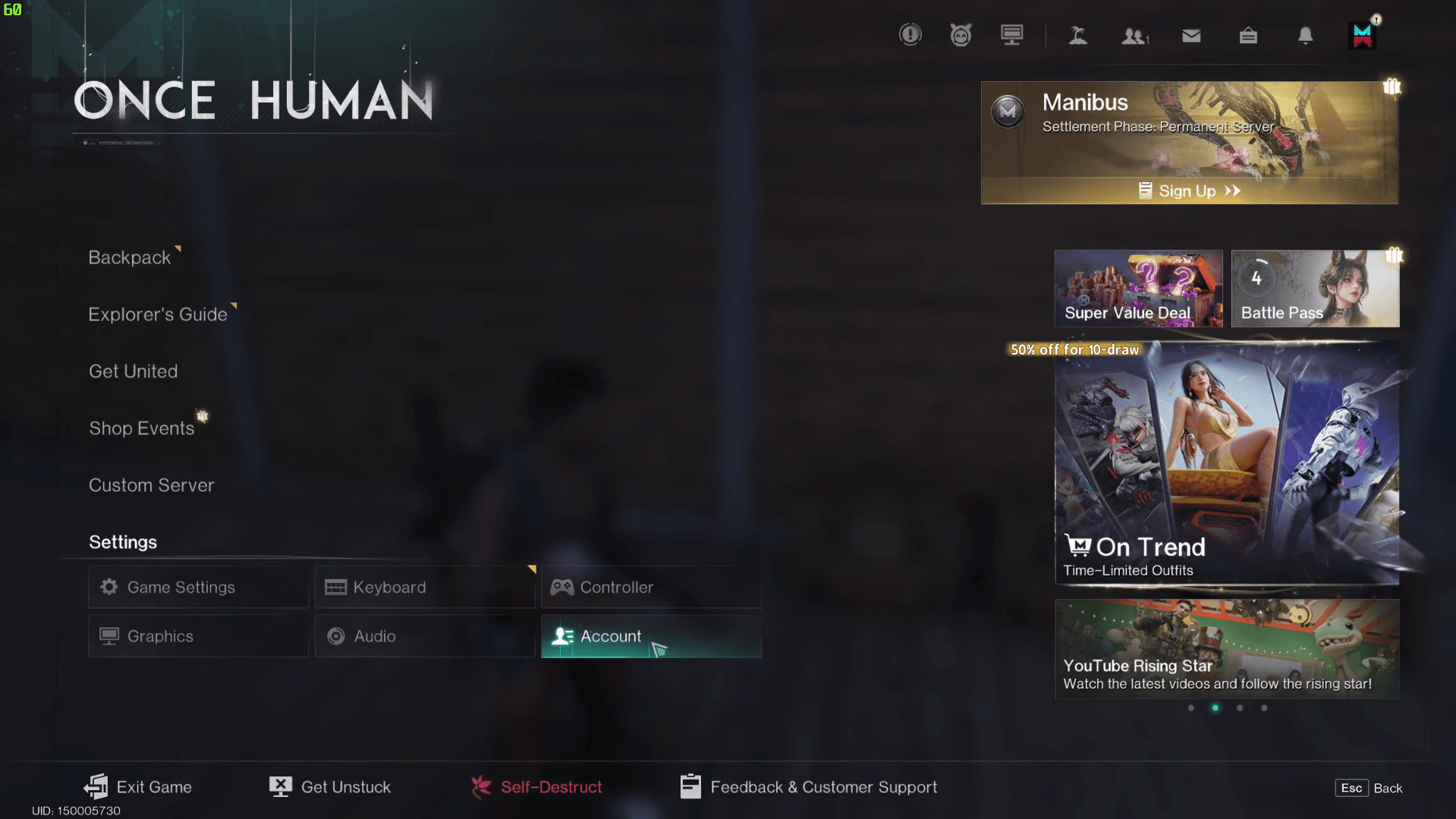
Step 2: Open Settings and go to the Account tab
Launch the game and open the Settings menu. Navigate to the Account tab. You can also reach this screen from the upper-right corner of the login screen before creating a new character, which is useful if you are setting this up on a fresh console install.
Once Human Cross-Progression Guide: How to Link PC & Console Accounts
Step 3: Sign in with your NetEase account
Enter your NetEase account credentials. This is the account that holds the character data you want to preserve. If you have multiple NetEase accounts, double-check you are signing into the correct one before proceeding.
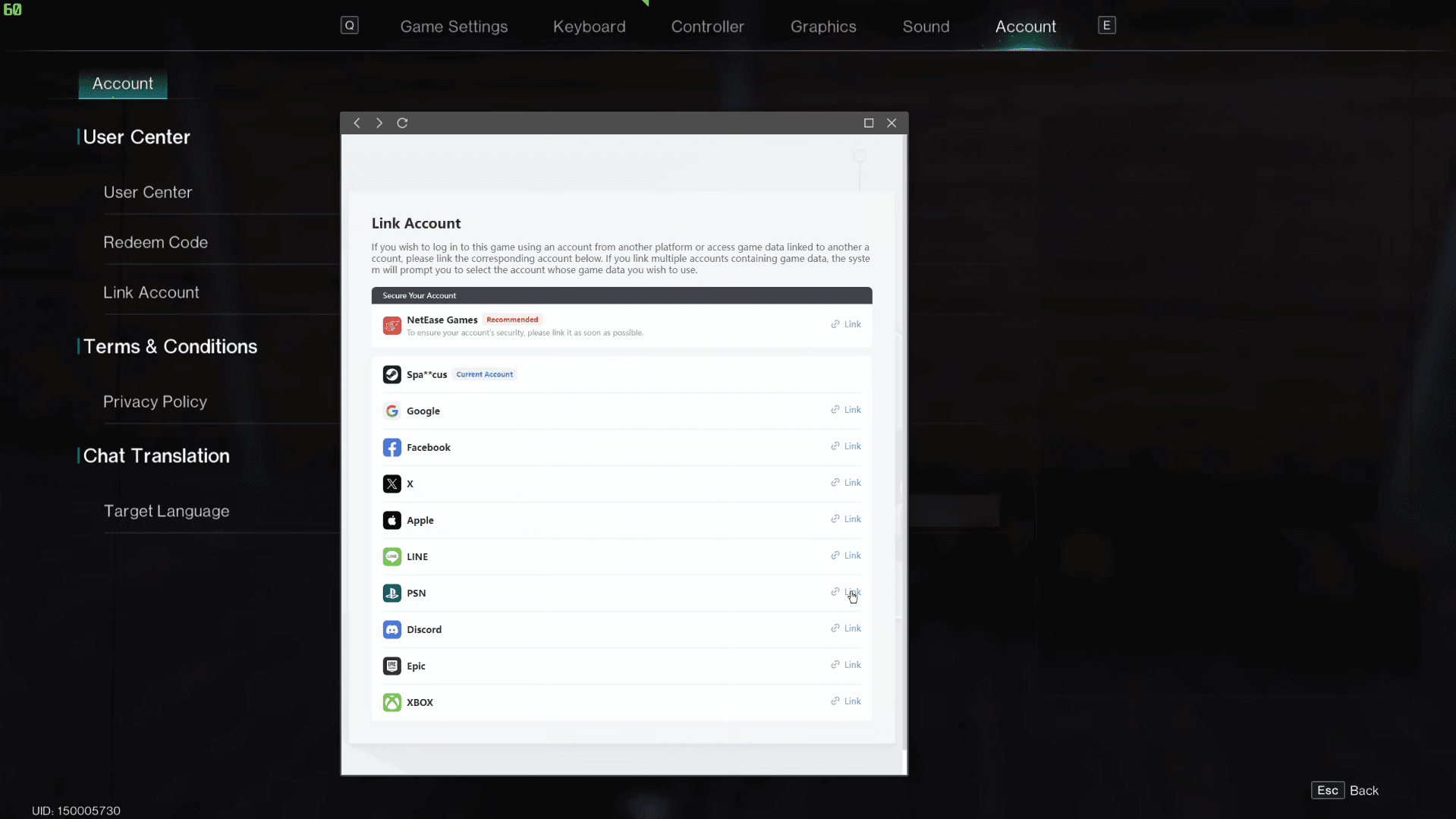
Step 4: Link your console account
From the NetEase account screen, select your Console Account to connect it. The process works either direction: you can link from PC or mobile to a console account, or from a console to a PC Steam account. Both paths produce the same result.
Once Human Cross-Progression Guide: How to Link PC & Console Accounts
Step 5: Read the confirmation screen carefully
If the screen offers both account creation and existing-account connection, read the full sequence before selecting anything. Choose the path that preserves your intended progress, then confirm. Once confirmed, the link is active.
How to verify the link worked
After linking, compare the account identifier shown on your console with the one you recorded on PC or mobile. Then enter the game and check the character name, current scenario, inventory, cosmetics, and currency balances. If the wrong profile appears, stop immediately before creating new progress or making any purchases.
To test cross-play, invite a friend using the in-game friend or team system and confirm you are both on a compatible server. A single failed invite does not mean cross-play is broken; check the server name, game version, and privacy settings before assuming there is a problem.
Servers, scenarios, and what cross-progression cannot fix
Linking your accounts does not override Once Human's server and scenario structure. Your character's scenario schedule, settlement state, and participation records are tied to specific servers. Cross-progression moves your progress to a new platform, but it does not reopen an expired scenario or change scenario timing.
Before joining friends on console, confirm everyone is on the same server or scenario. If the game provides an invitation or team code, use that rather than typing server names manually. Returning players should also verify whether their previous scenario is still active or has entered a settled phase.
For a full breakdown of what the latest update changed across scenarios and server structures, the Once Human Deviant Update rundown covers everything that shifted in patch 2.3.26, including the new Starchrom economy.
What about subscriptions and premium content?
The base game is free to play. You do not need PlayStation Plus or Xbox Game Pass just to access Once Human on console. That said, premium content including the Deluxe Season Pass, deviation skins, and character cosmetics is unlocked for players with an active Game Pass or PS Plus subscription.
Cross-progression covers game progress, not payment processing. Store purchases, wallet balances, and transactions follow platform-specific rules. After buying anything, verify whether the resulting currency or item appears correctly on your other linked platform before assuming the purchase transferred.
The console release also introduced a first-person perspective option alongside the existing third-person camera, plus a Quality Mode targeting 4K at 60 FPS and a Performance Mode targeting up to 120 FPS. None of this affects how linking works, but it does explain why the console version is more than a straight port of the PC build.
Getting the most out of your linked account
With cross-progression active, your time investment on PC carries real weight on console. If you are still working toward the level cap, the Once Human leveling guide covers the fastest XP routes and Memetic priorities to hit level 50 before the seasonal reset. For everything else, the full Once Human guides collection has you covered across builds, calibration, tech trees, and more.