
Aging in Paralives is on by default, and your Paras will cycle through all 8 life stages and eventually die unless you do something about it. If you want to freeze your household exactly as it is, the fix takes about 30 seconds inside the Storyteller settings. Here's exactly where to find it and what each option actually does.
How do you turn off aging in Paralives?
The setting lives inside the Storyteller system, which controls how your save behaves over time. You can access it in two places: right at the start of a new save, or at any point while playing.


Turning off aging during setup
When you finish the opening train sequence and create your Para, the game asks you to pick a Storyteller. The early access build offers two options: Maxence (the easier difficulty) and a second, more challenging Storyteller. After selecting one, click Customize Storyteller before confirming.
This opens the full settings panel. Look for the Time subheading, and you'll find Household Paras Age at the very top of that section. Toggle it off and your Paras will stay locked in their current life stage permanently.
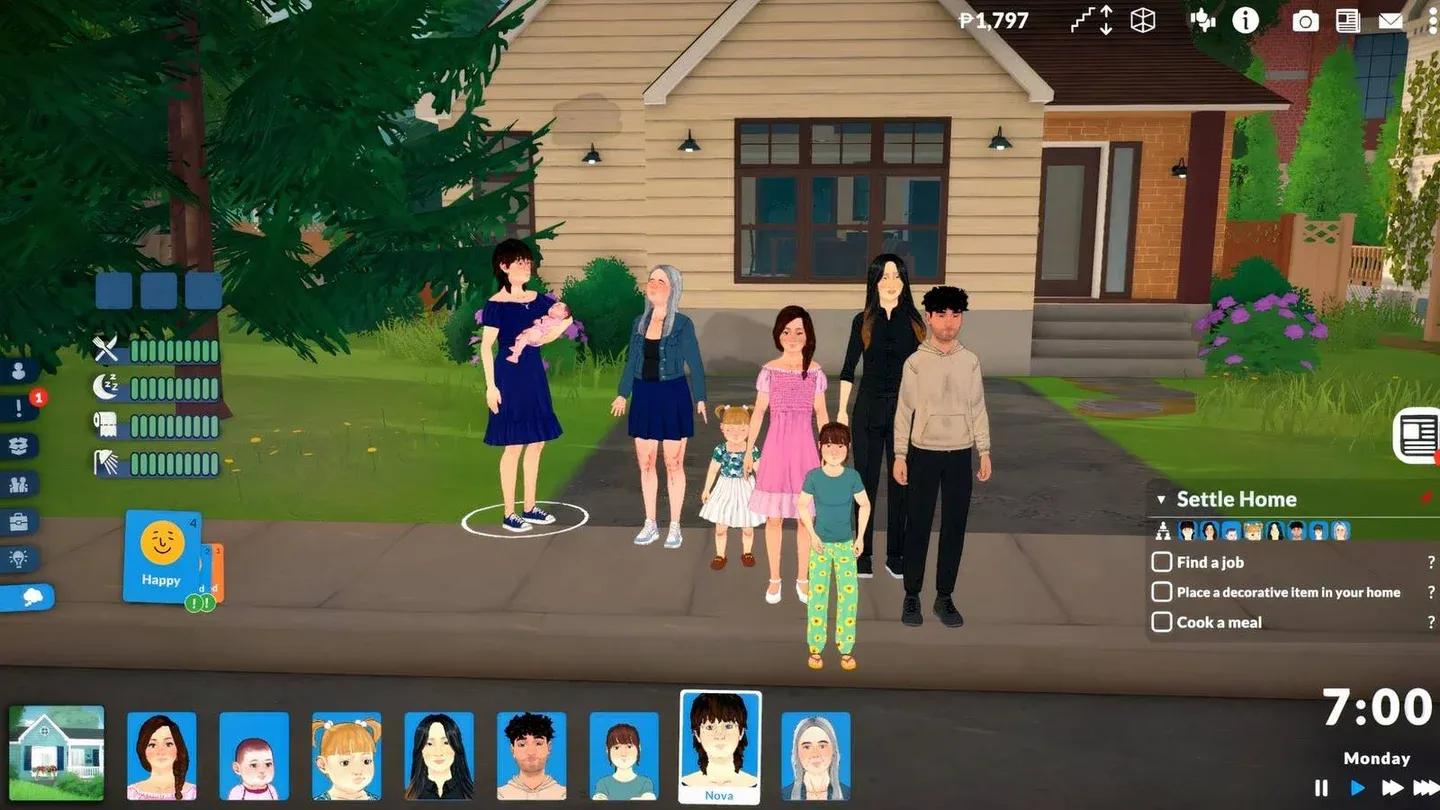
Storyteller aging toggle off
Turning off aging mid-game
Already in a save and forgot to disable it earlier? No problem. Click the three white dots in the top-right corner of the screen (or press Esc) to open the Options menu. Select Storyteller from the list.
This brings you straight to the Storyteller selector with your current settings already visible. Find Household Paras Age under the Time subheading and click the blue toggle to turn it off. The toggle turns black when aging is disabled, confirming the change is active.
What about Paras outside your household?
Here's something most guides skip: Non-Household Paras Age is actually turned off by default for every Storyteller. That means the Paras you don't control are already frozen in time from the start.
If you want the rest of the town to age alongside your household, you need to manually turn that option on. It sits directly below Household Paras Age in the same Time subheading, so it's easy to find once you're in the menu.
Can you adjust how long each life stage lasts?
Yes. If you'd rather keep aging active but slow it down (or speed it up), the Storyteller menu also lets you set life stage duration to Short, Normal, or Long. The difference between settings is significant, as shown below.
| Life Stage | Short (Days) | Normal (Days) | Long (Days) |
|---|---|---|---|
| Baby | 1 | 3 | 13 |
| Toddler | 2 | 4 | 17 |
| Child | 5 | 11 | 47 |
| Pre-Teen | 3 | 7 | 31 |
| Teen | 6 | 13 | 55 |
| Young Adult | 10 | 21 | 87 |
| Adult | 9 | 19 | 79 |
| Elder | 6 | 13 | 55 |
All values above are in-game days, not real-time hours. Young Adult runs the longest at 87 days on the Long setting, which gives you a lot of room to build a career and relationships before things move on.
Life stage duration options
All 8 life stages in Paralives
Paralives tracks Paras through 8 distinct stages from birth to old age. You can also choose which stage your Para starts in during character creation, so you're not locked into starting as a Baby.
- Baby
- Toddler
- Child
- Pre-Teen
- Teen
- Young Adult
- Adult
- Elder
Each stage has its own behaviors and interactions. Turning off aging freezes your Para at whichever stage they're currently in, so if you want a household of Young Adults, make sure they're all at that stage before you disable the toggle.
For more on managing your Paras' lives, check out the guide on how to cure viruses and illnesses in Paralives since your Paras can still get sick even if they never age. If you're looking to keep them busy, the art skill leveling guide is worth a read for building income through painting. Browse the full Paralives guides collection for everything else you need to get the most out of this indie game.