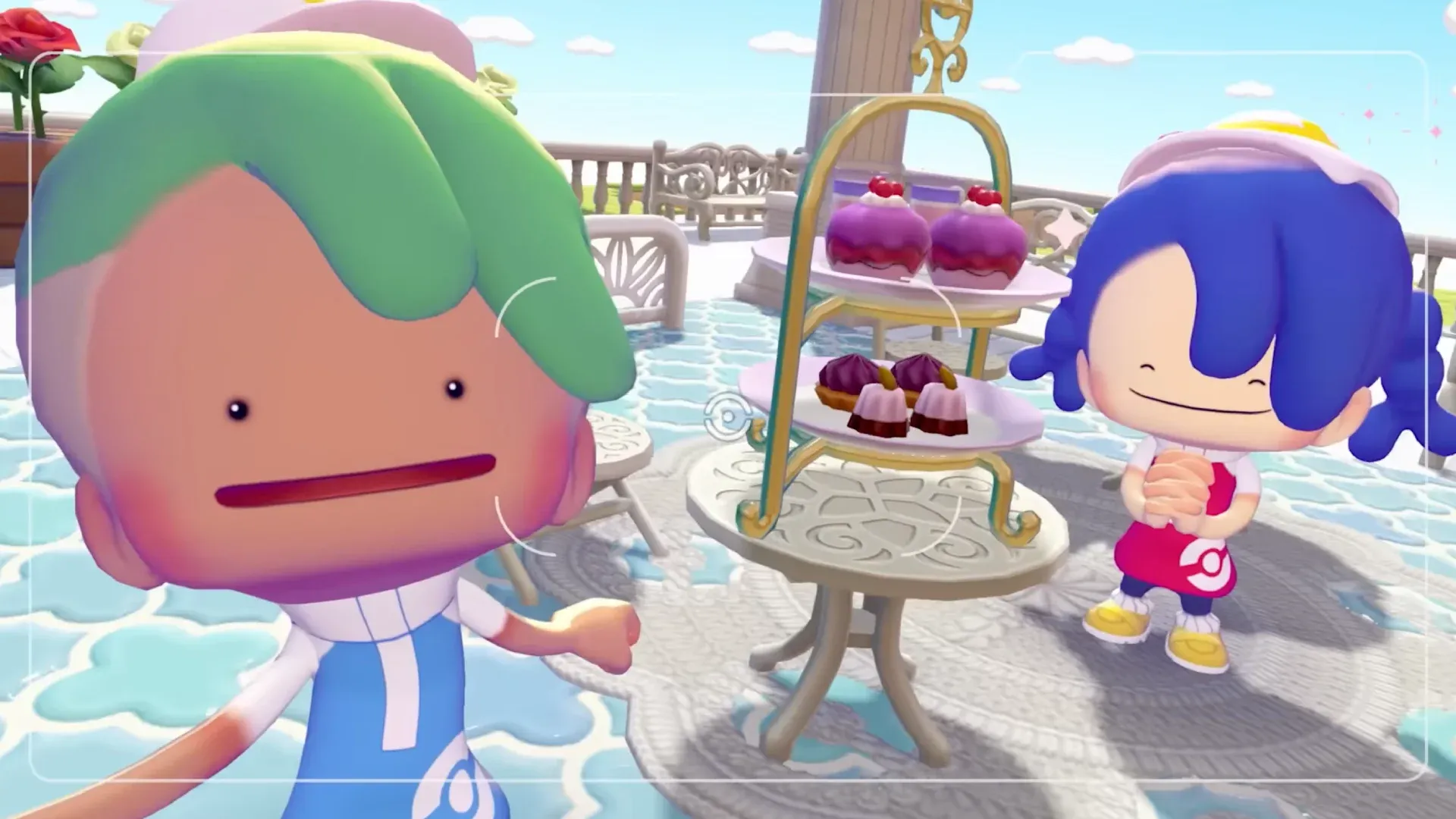


Pokemon Pokopia's camera system is one of its most charming features, but the Highlight Reel takes things beyond casual snapshots. These are scripted, one-time moments between your Pokemon and specific items or each other, and the game rewards you with exclusive photo frames for capturing them. Miss the notification, and that particular shot won't come back. Knowing exactly what to set up, and where, makes all the difference.
What are Photo Ops in Pokemon Pokopia?
Photo Ops are curated interactions that trigger under specific conditions as you build out your Pokopia community. When one is about to happen, a notification appears in the top right corner of your screen reading "Get your camera! A great photo op is happening nearby!" Press the - button on your left Joy-Con to pull out the camera immediately.
Once the camera is open, follow the on-screen arrows toward the interaction. A border will appear around the Pokemon at the center of the moment. Take the shot using the in-game camera (not your Switch's screenshot button), and if the framing is correct, the photo op title flashes on screen and the image gets filed into your Highlight Reel under the Collections menu (+ button, then the Collection treasure chest).
Each Photo Op only triggers once. After you capture it, that specific scripted moment won't repeat, though you can still photograph your Pokemon freely at any time.
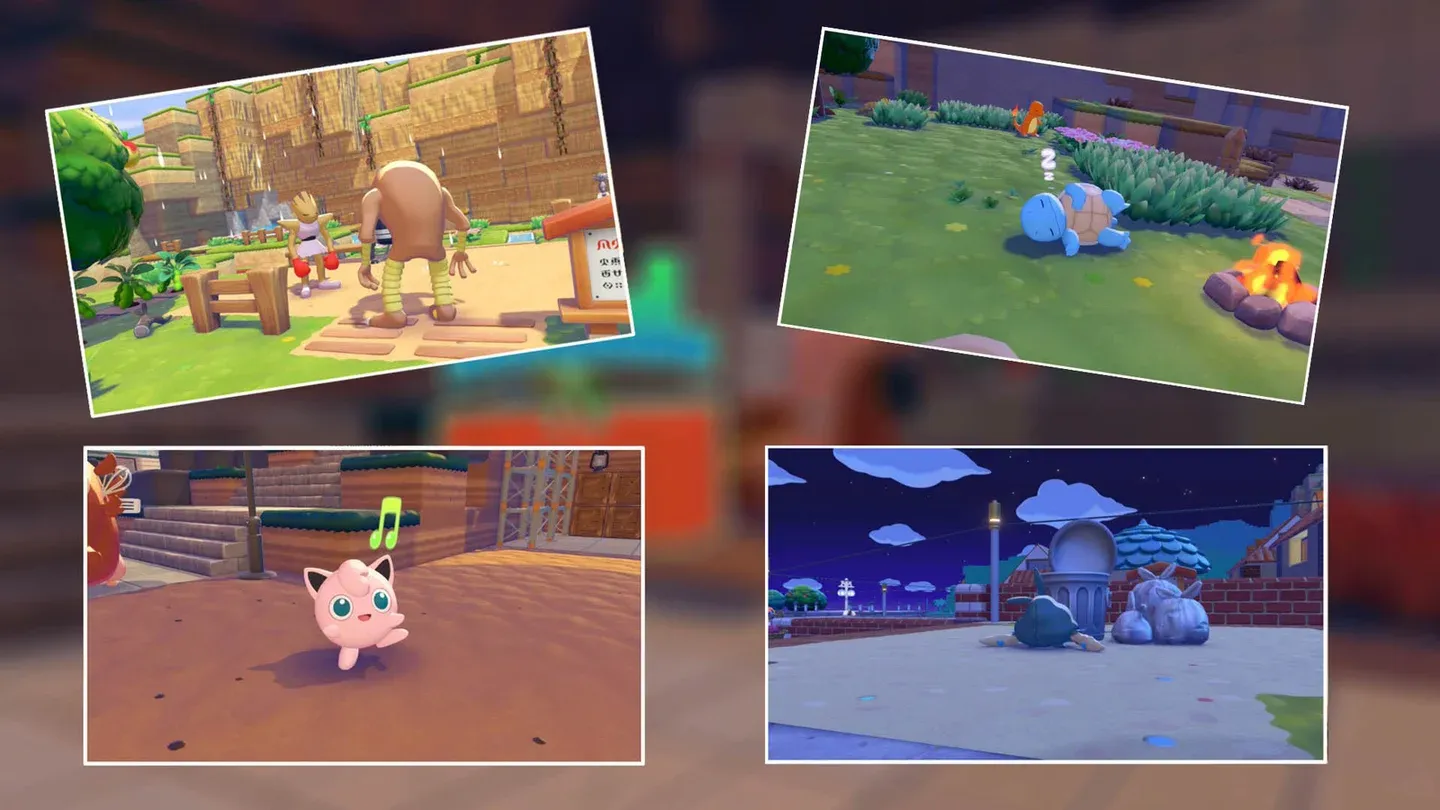
Photo op alert notification
How do you increase your chances of triggering Photo Ops?
You cannot force most Photo Ops to fire on demand, but you can stack the odds in your favor. The key is placing the relevant items throughout your habitats before the notification has any chance to appear. A campfire sitting in a Pokemon's habitat is far more likely to produce the "Toasty Warm by the Campfire" moment than one you haven't placed yet.
All Photo Ops and their requirements
The table below covers every confirmed Photo Op in the Highlight Reel, what you need to trigger it, and any rewards it unlocks.
Photo Ops that need specific setup
Some of these won't happen organically without deliberate preparation. Here are the ones worth planning around:
Open It Up, and— Boo!
This one requires the Boo-in-the-Box, a Lost Relic item classified as size (L). You need to find it first, then place it somewhere your Pokemon can reach and interact with it. The payoff is worth the effort: Vespiquen getting startled by a Gengar popping out is genuinely one of the funnier moments in the game, and it unlocks the Keep Out Photo Frame.
Greetings from Beyond the Grave
You need a Gravestone item placed in a habitat where Ghost-type Pokemon live. Gastly is confirmed to trigger this one. If you haven't built a Ghost-type habitat yet, this won't fire naturally.
Highlight Reel collection album
No, My Horns Are Better!
This requires both Heracross and Pinsir to be living in your Pokopia simultaneously. Both need to be in a position where they can interact with each other, and the game uses Graveler as a prop in their argument. Make sure both are housed before expecting this notification.
A Head Full of Blooming Flowers
This is story-locked. You cannot access this Photo Op until after completing the Bleak Beach storyline. Once that's done, Mosslax's flowers will eventually bloom and trigger the notification.
How to view your completed Highlight Reel
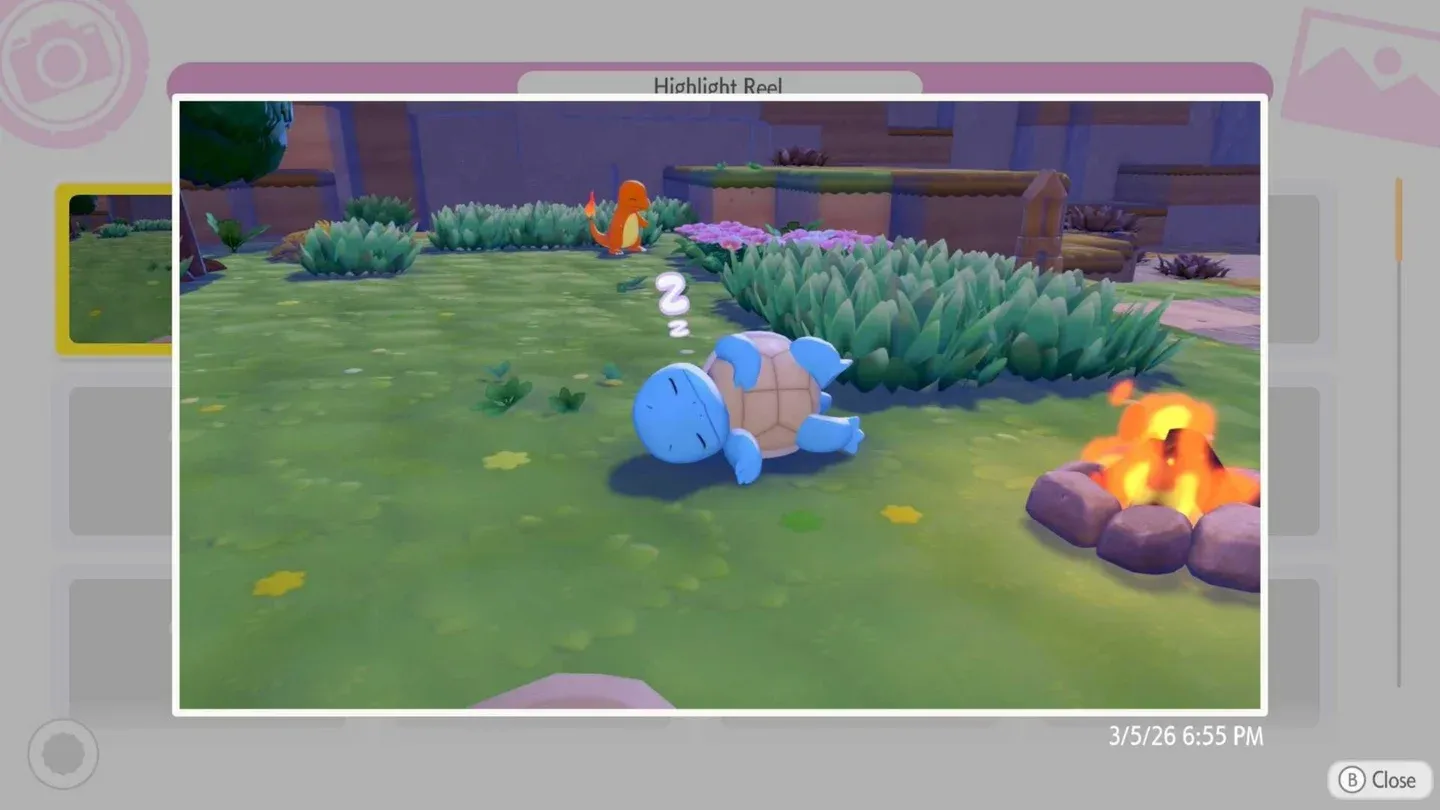
All captured Photo Ops are stored in the Highlight Reel section of your Collections menu. Press + to open the main menu, select the Collection treasure chest, then navigate to the Highlight Reel tab. Every photo taken through a Photo Op notification will have a pink camera icon in the bottom-left corner to distinguish it from regular snapshots.
Your in-game photo album does have a storage limit, but any photo can be exported directly to your Nintendo Switch's system gallery from within the album. This means you can clear space without losing your Highlight Reel shots permanently.
Tips for completing the full Highlight Reel faster
- Build diverse habitats early. The more varied your Pokemon housing, the more interactions you'll see. Campfires, perches, hot springs, and sprinklers should go in early.
- Don't ignore Lost Relics. The Boo-in-the-Box is a Lost Relic (L), meaning it's found out in the world rather than crafted. Keep an eye out for it during exploration.
- House rival Pokemon together. Heracross and Pinsir, Hitmonchan and Hitmonlee, Tinkmaster and Conkeldurr: these pairs need to coexist in your community to trigger their respective moments.
- Complete story beats. Bleak Beach and Rocky Ridges both gate specific Photo Ops. Progressing the main story unlocks them.
- Check your Highlight Reel regularly. Seeing what's already captured helps you identify gaps and figure out which items or Pokemon you're still missing.
For a deeper look at building the right habitats to support these interactions, the Photo Ops guide on IGN) covers confirmed examples for several of the trickier shots. You can also find more Pokemon Pokopia tips and other gaming guides at GAMESgg.