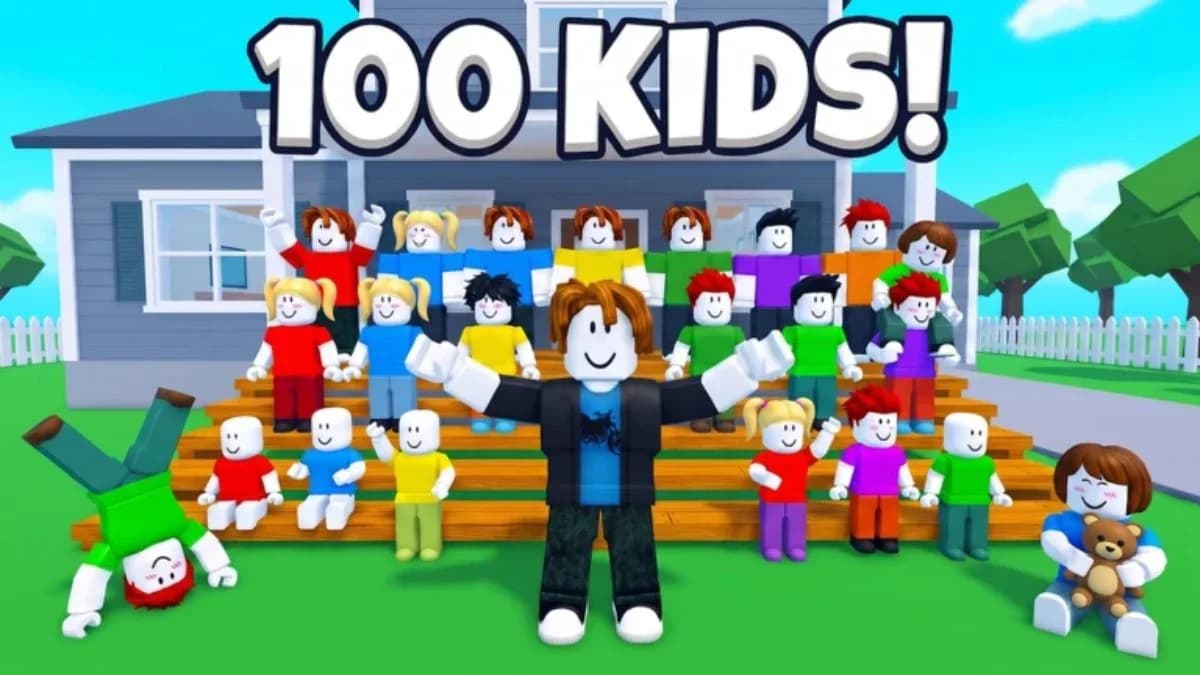

Start Raise The Biggest Family by adopting your first baby for free, meeting their needs, and saving Coins before adding more children. This Roblox family simulator has two separate expansion limits: adoption fees and your home's child capacity. A bigger house does not pay the next fee, and a full Coin balance cannot create an empty slot. Your opening goal is a household you can feed, clean, and entertain without spending the money needed for its next essential purchase.
Adopt your first baby
Follow the introductory objective from your starter house to the marked vehicle. Read the approval letter when prompted, then travel to the Adoption Center. Use the normal travel countdown while learning the route; paid time skips are optional.


Complete the adoption process
The Adoption Center uses a queue, check-in questions, a nursery visit, and an interview. Stay inside the queue marker until your turn advances. You can wait normally instead of spending Robux on Skip Line.
Complete the remaining steps in order:
- Answer the three-question adoption questionnaire using the displayed choices.
- Follow the employee's instructions into the nursery and meet your baby.
- Complete the three-question Adoption Interview.
- Return to the vehicle with your child and use the buckle-in interaction.
- Travel home, then choose a name in the naming panel.
Read each question as it appears. The prompts can vary, so memorizing a fixed answer sequence can leave you selecting an answer that does not fit the current question.
After arriving home, finish the first care objective before returning to the Adoption Center. Learning how to handle one child's needs is more useful than immediately doubling the number of prompts you must manage.
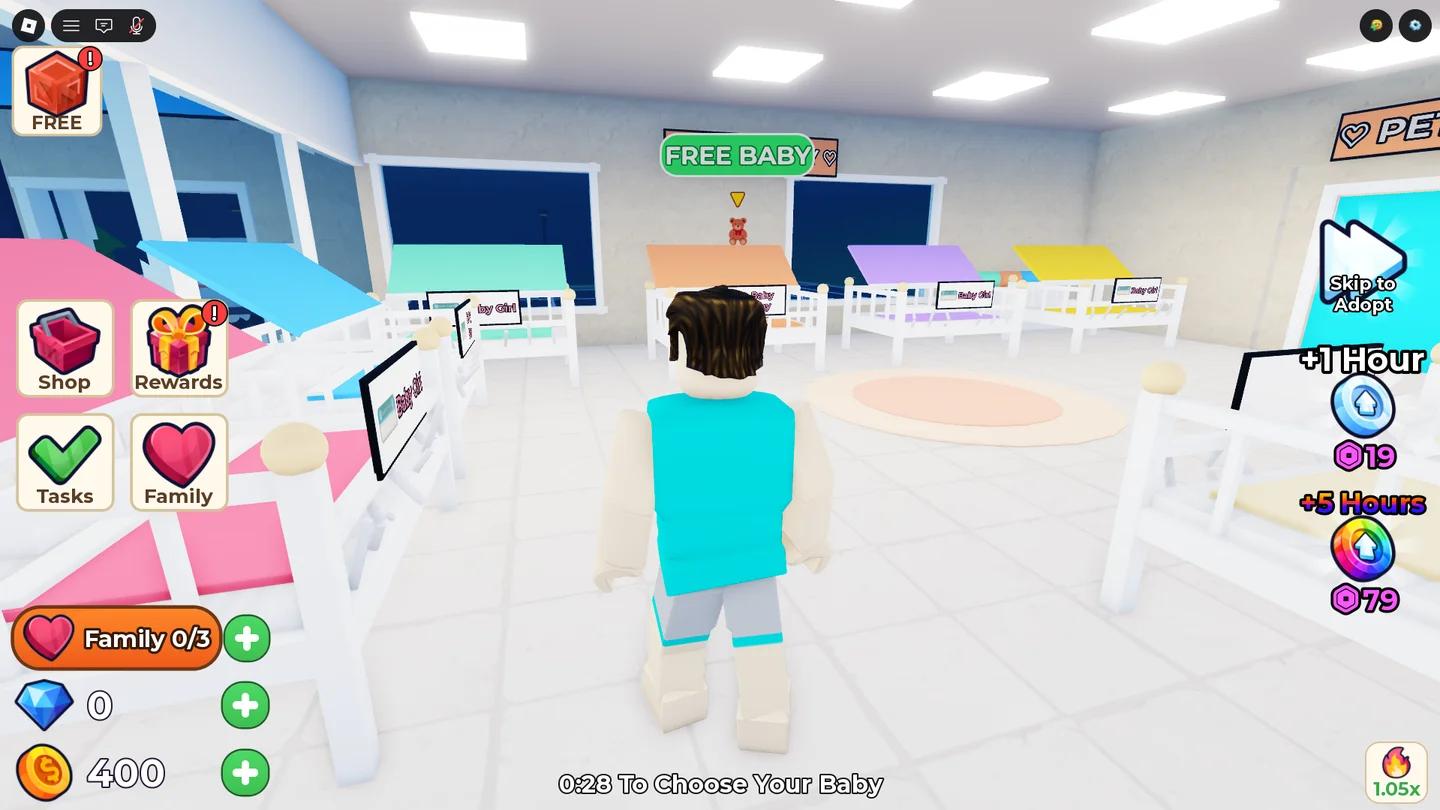
The Adoption Center interior
Set up care before decorating
Check the child's displayed need before choosing an item. Food, toys, sleep, and hygiene solve different problems, and the correct response changes as children grow.
Feed your baby with the Formula Station
Use a Formula Station to prepare a bottle, then follow the feeding interaction with your baby. Wait for the need or objective to update before repeating the action. The station has a cooldown, so repeated inputs do not replace waiting for it to become ready.
At Age 1, children unlock food prepared in the Kitchen. Check their current age when a familiar feeding routine stops matching the available prompts.
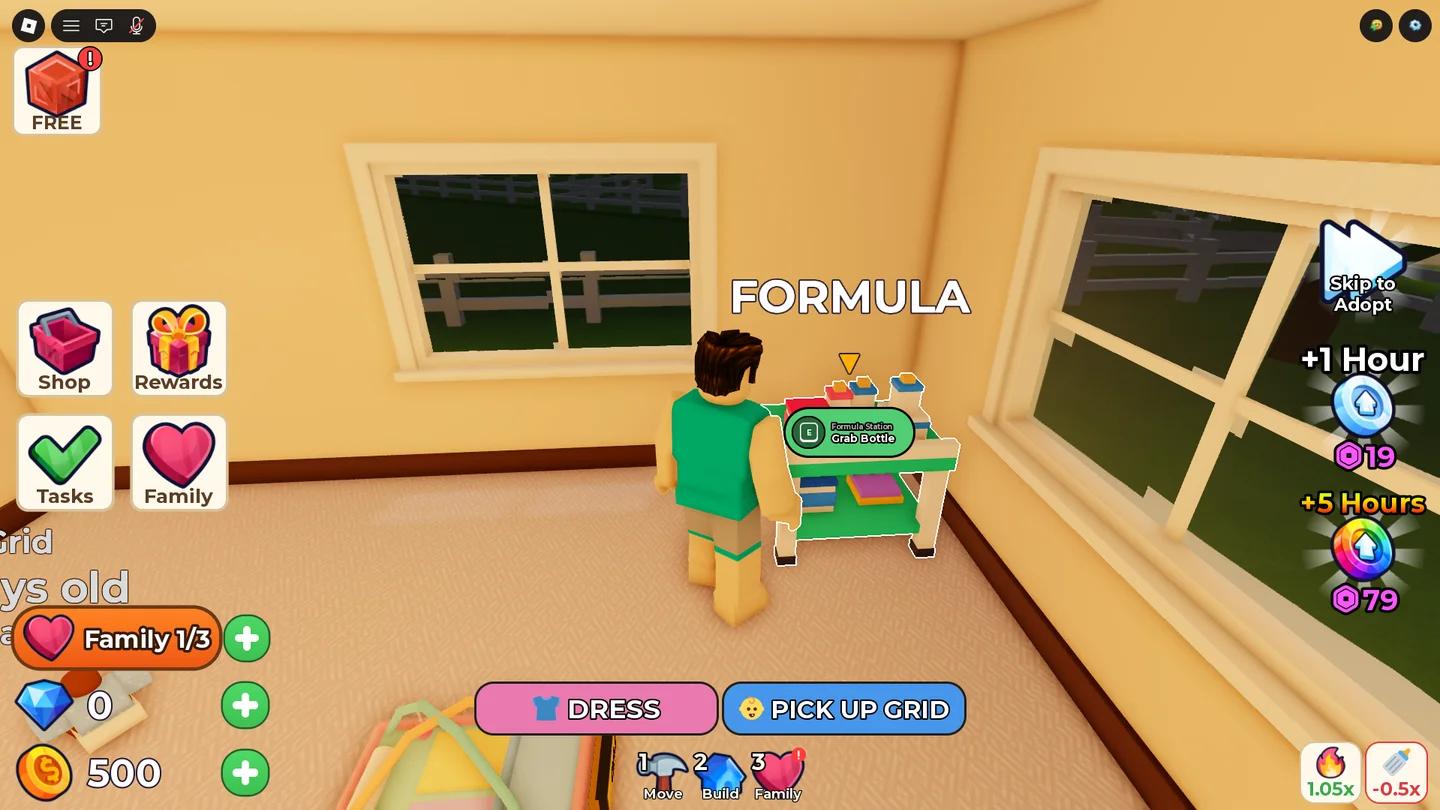
The Formula Station at home
Match each care prompt to its solution
The other needs require these responses:
| Displayed need | What to do |
|---|---|
| Happy | No care action is currently required. |
| Bored, younger children | Give them a toy from the Toy Box. |
| Bored, older children | Provide entertainment furniture. A Gaming Setup serves Teens and Adults. |
| Sleepy | On PC, hold E on the child to put them to bed. Use the displayed interaction on other devices. |
| Dirty | Use the Changing Table or take the child to the upstairs bathroom for a bath. |
| Sick | Take the child to the Hospital for treatment. |
| Homework | Help the child complete their homework at home. |
Babies also need cuddles. Do not assume that another bottle will resolve an attention prompt.
Buy useful furniture and keep it accessible
Follow the starter objective for the free Cradle before buying additional sleeping furniture. Prioritize the Formula Station and toys over decorative purchases, then add age-appropriate items as new needs appear.
At the Furniture Store, add the intended item to your cart and pay with Coins. Back home, use Build to place or reposition it. Leave the interaction side clear, and separate objects if their prompts overlap. Check that you can approach and use each station after placing it.
Earn Coins through tasks and a happy household
The early Try This objectives provide direction and Coin rewards. Follow the current objective, perform its exact action, and confirm that both the task and your balance update before moving on.
Complete starter objectives without overspending
These early objectives have the following payouts:
| Starter objective | Reward |
|---|---|
| Complete the clothing task | 100 Coins |
| Collect the free Cradle | 100 Coins |
| Adopt a second baby | 150 Coins |
Treat these as progression objectives, not an unlimited farming loop. Once an objective advances, its reward is not a reason to keep repeating the previous action.
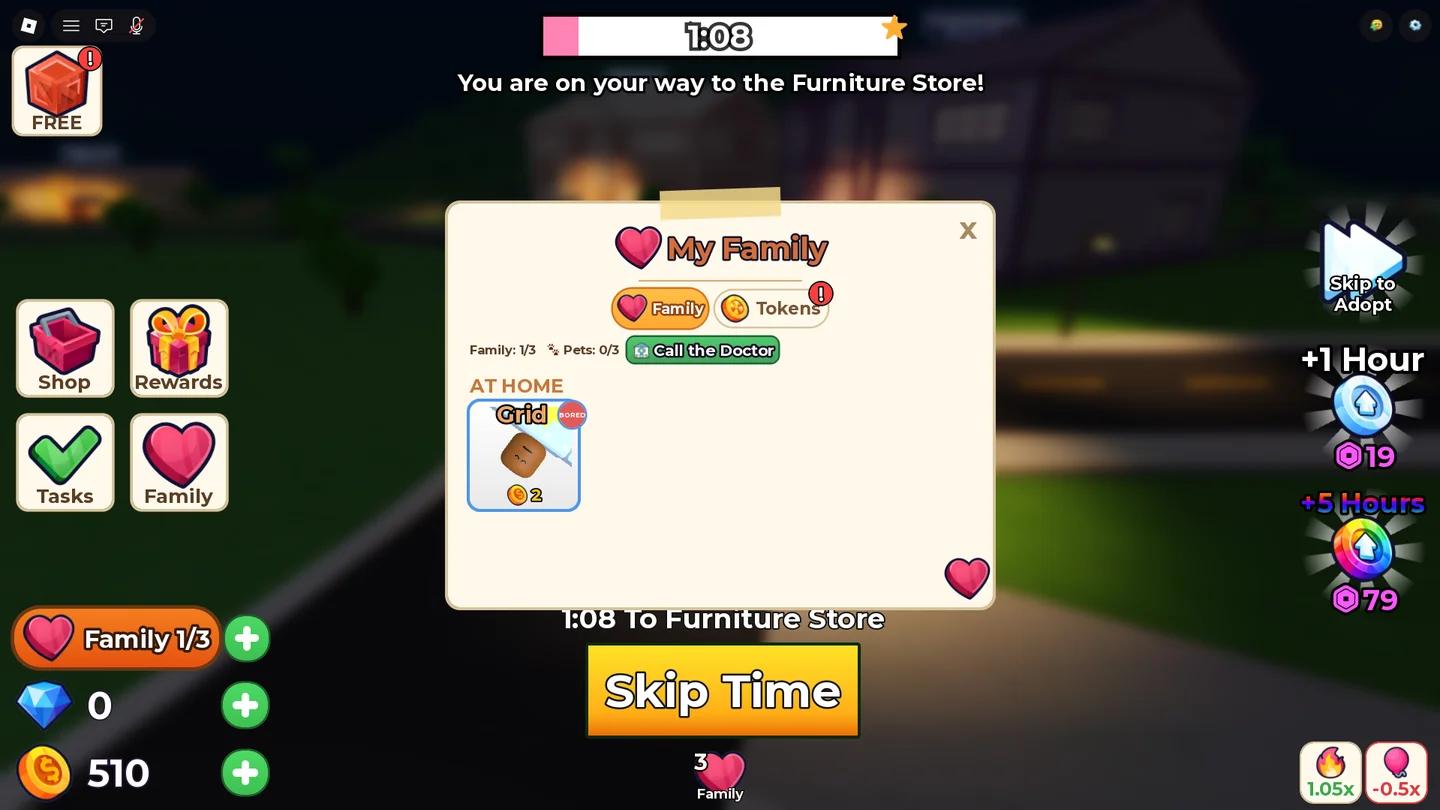
Try This starter objectives
Keep your regular income sources running
Open Tasks on the left side of the screen for Family Tasks. These reset daily and award Coins and Gems. Daily login rewards provide another source of currency on their listed reward days.
Your children also generate Coins passively. Happy children produce the maximum income, while unmet needs reduce their earnings. Clearing care prompts therefore supports your budget as well as your household routine.
Before spending a task payout, identify the next required purchase. Keep that amount reserved, and spend only the surplus on decoration. Coins needed for another adoption should not disappear into furniture that does not solve a current need.
Check fees and house capacity before adopting again
Every additional child requires an adoption fee, an open household slot, and a care routine you can maintain. Check those separately before making another trip.
Adoption fees increase with each child
Read the Adoption Center's fee board before confirming another adoption. The listed progression is:
| Adoption | Fee |
|---|---|
| First child | Free |
| Second child | 100 Coins |
| Third child | 300 Coins |
| Fourth child | 750 Coins |
| Fifth child | 1,500 Coins |
| Sixth child | 3,000 Coins |
| Seventh child | 6,000 Coins |
| Eighth child | 12,000 Coins |
The second-adoption starter objective pays more than that adoption's fee. If the objective is active, paying 100 Coins and receiving its 150-Coin reward leaves you 50 Coins ahead, excluding other spending. You still need the fee before completing the objective.
Upgrade only when you need another slot
Your Starter Home holds 3 children, so the second and third adoptions do not require a larger house. Watch the family counter to see how many slots are occupied.
Open house selection with the + beside the Family icon at the bottom left. Compare the upgrade price with its capacity before buying.
| House | Cost | Child capacity |
|---|---|---|
| Starter Home | Free | 3 |
| Cozy Cottage | 500 Coins | 4 |
| Family House | 1,500 Coins | 5 |
| Big Family House | 3,500 Coins | 6 |
| Dream Mansion | 8,000 Coins | 8 |
For example, expanding from three children in the Starter Home to four requires both the 500-Coin Cozy Cottage and the 750-Coin adoption fee. Budget 1,250 Coins before allowing for furniture or other purchases.
A house upgrade solves capacity, not care. If your current children already have unresolved needs, improve the furniture layout and routine before filling the new slot.
Use offline growth to plan your next session
Children continue ageing while you are logged out. You do not need to keep a server open solely to advance their age. Check the in-game Growth Chart to see which abilities are approaching.
Know what each milestone unlocks
These are the approximate unboosted milestones. Compare them with the current chart before planning around a specific unlock.
| Milestone | Approximate time from adoption | New ability or change |
|---|---|---|
| Baby | Starting stage | Needs bottles and cuddles. |
| Toys | 5 minutes | Can interact with toys. |
| Age 1 | 30 minutes | Can eat Kitchen food. |
| Toddler | 1 hour | Can walk with you. |
| Age 3 | 4 hours | Can use stairs and no longer needs diapers. |
| Age 5 | 12 hours | Can attend school. |
| Teen | 2 days | Can wash independently. |
| Adult | About 7 days | Can work and cook. |
| Age 20 | About 11 days | Can help the family. |
Growth changes which jobs you must handle directly. Recheck each child's age and available interactions when you return, especially before buying furniture for an earlier stage.
Save Growth Tokens for an unlock you understand
Growth Tokens speed up age progress, and a +1 Hour Growth Token can appear in daily rewards. Read the token confirmation and the next milestone before using one. Save it if you cannot identify which new ability you want it to unlock.
Before logging out, finish immediate care prompts and note each child's age. On your next visit, compare their progress and adjust the routine to their new abilities.
Fix stalled prompts before paying for a skip
If an interaction appears stuck, reread the newest objective, move closer to the marked object, and rotate the camera. Reselect the intended child if several family members are nearby. Touch and controller players should follow their displayed action instead of copying a PC key prompt.
For a queue that stops advancing, step out of the marker and enter it again once. Rejoin if it remains stuck. Do not repeat purchases while the server is processing an action; wait for the result before spending again.