Search games, articles, guides...CtrlK
Sign InGet Started
Every Witcher 3 PC console command explained: god mode, money cheats, fast travel, spawning, and how to enable the debug console.

Written by Larc
Content Writer
See more GAMES.GG guides on Google
Add us as a preferred source and our guides show up first in your results.
The Witcher 3 Remastered Guide: All Romance Options & How to Unlock Them
All 7 romance options in The Witcher 3 explained, from Triss and Yennefer to Shani, Keira, and beyond.
The Witcher 3 Remastered Guide: How to Romance Yennefer
Lock in Geralt's relationship with Yennefer using the exact dialogue choices across two key quests in The Witcher 3.

The Witcher 3 Remastered Twitch Drops: All Rewards & How to Claim
Claim free Roach cosmetics in The Witcher 3 Remastered by watching 90 minutes of Twitch streams before October 27.
The Witcher 3: Wild Hunt has a fully functional debug console on PC that most players never touch. Whether you want to skip the grind for crowns, test a build at max level, or just spawn a pack of drowners in the middle of Novigrad for fun, the console has you covered. Every command covered here works on the PC version, including the Remastered 2026 update, and was verified against the current build.
The console is not active by default. You need to edit one config file before it works.
Here is the exact process:
That is the full setup. No mods required, no third-party tools.
Commands fall into a handful of categories. Here is the complete breakdown.
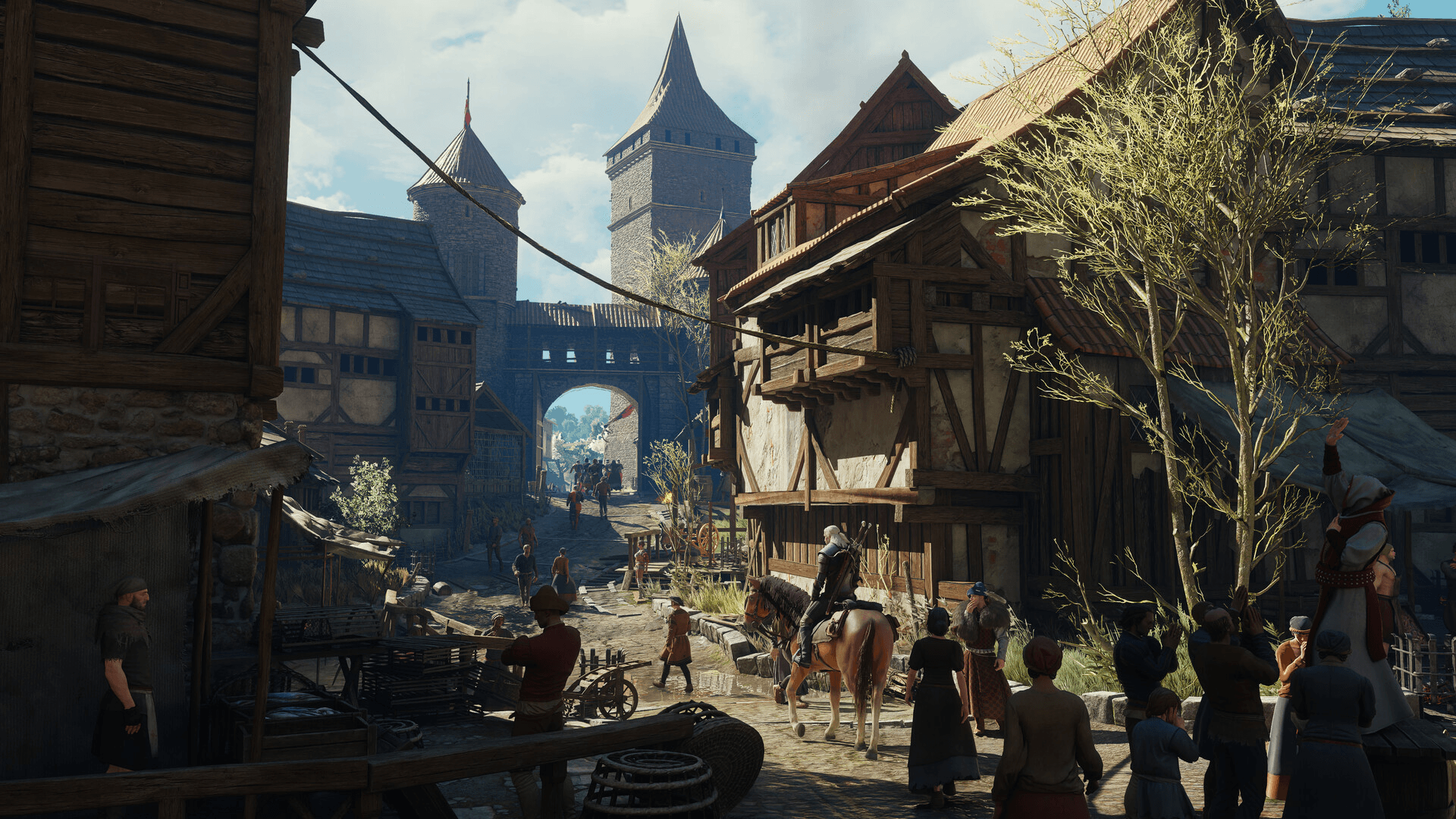
The Witcher 3 Cheat List: All PC Console Commands
| Command | Effect |
|---|---|
| addmoney(Amount) | Adds the specified number of crowns to your wallet |
| additem('Item code',Amount) | Adds any item by its internal code |
| witchcraft | Adds one of every item in the game to your inventory |
| Command | Effect |
|---|---|
| god | Toggles invincibility on or off |
| healme | Instantly refills Geralt's health bar |
Both god and healme are the most-used commands in the list. god is a toggle, so entering it a second time turns invincibility back off.
| Command | Effect |
|---|---|
| setlevel(Level) | Sets your character to a specific level |
| levelup | Raises your current level by one |
| addexp(Amount) | Adds a set amount of experience points |
| addskillpoints(Amount) | Adds skill points directly to your pool |
| learnskill(SkillCode) | Unlocks the specified skill; enter it again to rank it up |
| Ciri | Switches the playable character to Ciri |
| Geralt | Switches back to playing as Geralt |
The setlevel and addskillpoints combination is particularly useful for testing builds without replaying the early game. Pair it with learnskill to slot specific abilities immediately.
| Command | Effect |
|---|---|
| AllowFT(1) | Enables fast travel from any location on the map |
| gotoNovigrad | Teleports you directly to Novigrad |
| gotoSkellige | Teleports you directly to the Skellige Isles |
| gotoKaerMorhen | Teleports you directly to Kaer Morhen |
| Command | Effect |
|---|---|
| killall | Kills every enemy currently engaged in combat with you |
| spawn('Name',Quantity,Distance,Hostile) | Spawns a named NPC or monster near your position |
The spawn command is the most flexible in the list. You define the creature name, how many to spawn, how far away they appear, and whether they are hostile.
| Command | Effect |
|---|---|
| makeitrain | Toggles stormy weather at your current location |
| mule | Toggles unlimited carry weight |
| toggledebuglabels | Shows each item's internal name, tags, and abilities on hover |
toggledebuglabels is genuinely useful beyond just cheating. If you are trying to find the exact item code for an additem command, hovering over items with debug labels active reveals the internal names you need.
A few things will save you from frustration:
Yes. The debug console works on the Remastered PC version the same way it did on the original. If you just picked up the game through the free upgrade for existing owners, the general.ini edit is all you need. The file path and the activation line are unchanged.
The console does not carry over to Xbox or PlayStation regardless of which version you own. That limitation has not changed.
For more guides covering builds, quests, and the Remastered content, the full Witcher 3 strategy guide collection has everything you need in one place.