
WARDOGS Limited Mode restricts vendor purchases to early-to-mid-season gear, while all cash and progression you earn carry into other modes.
Choose it when you want to advance without facing the full endgame equipment pool. Added in Season 3, the mode changes which purchases are available, not whether your matches count toward progression. Before switching from standard play, check your planned ammunition, armor, vehicles, and deployables against its restrictions.
What vendor items are available in Limited Mode?
Limited Mode keeps the vendor focused on equipment typically available early to mid season. It is an equipment ceiling, not a fixed loadout handed to every player. You still choose what to buy within the mode's rules and your progression.
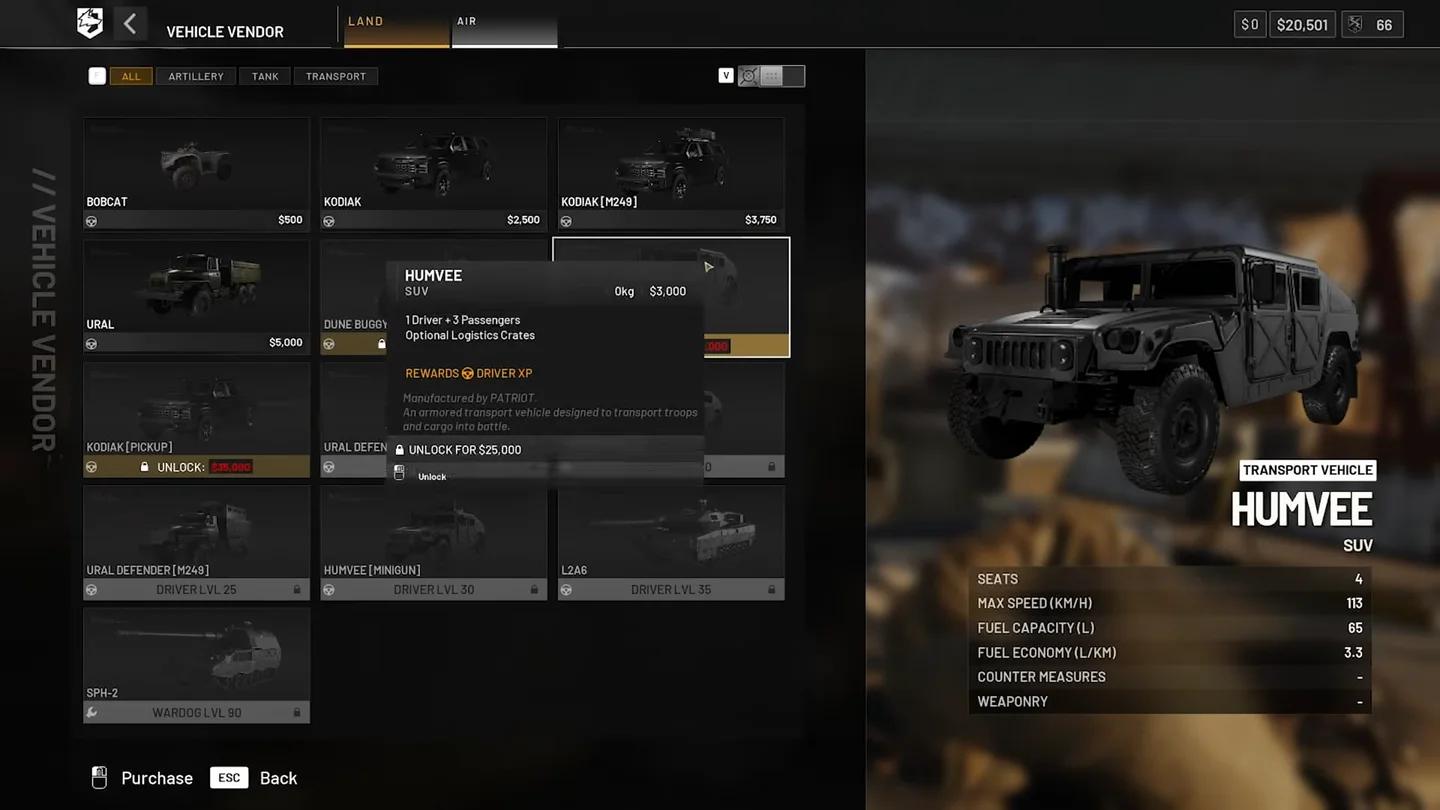
WARDOGS Vehicle Vendor
The Season 3 patch notes introduce the excluded purchases as examples. Treat those exclusions as firm restrictions, but do not assume they form a complete inventory of everything the vendor can or cannot sell. Check the particular item your setup needs before committing to it.

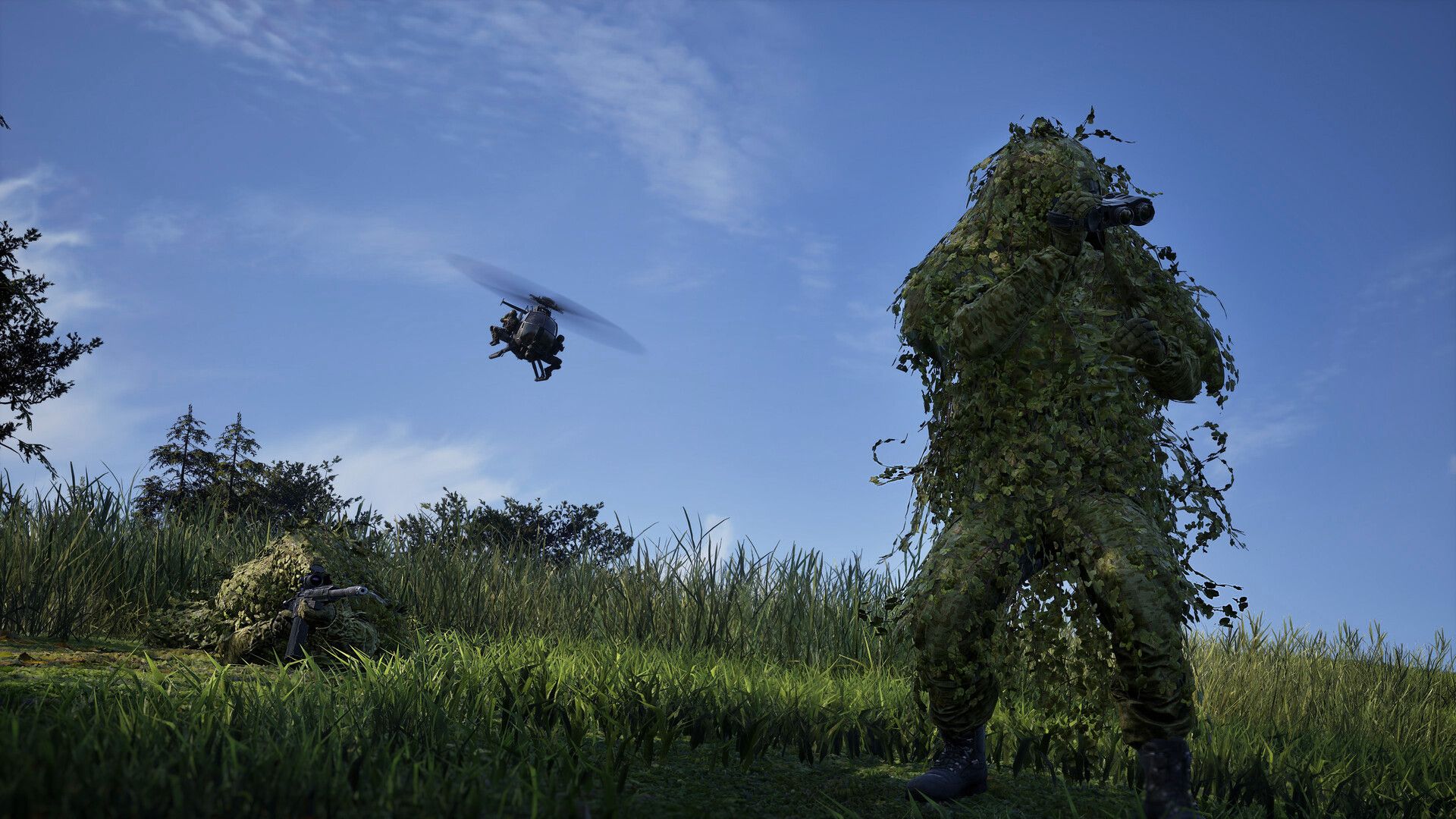
Does unlocking an item override the restriction?
No. Progression access and mode availability are separate checks. Reaching an unlock does not make that purchase available on a server whose vendor excludes it.
When adapting a build from the WARDOGS loadout guide, check its purchases individually. A standard-mode build that depends on restricted ammunition or equipment needs changes before it fits Limited Mode.
Which ammo and armor are excluded?
Hollow Point (HP) and Armor Piercing (AP) ammunition are unavailable. Armor stops at Level 2, removing Level 3 and Level 4 purchases from the vendor.
| Purchase | Standard mode | Limited Mode |
|---|---|---|
| Hollow Point ammunition | Available through progression | Excluded |
| Armor Piercing ammunition | Available through progression | Excluded |
| Level 3 armor | Available through progression | Excluded |
| Level 4 armor | Available through progression | Excluded |
For an infantry setup, start with FMJ ammunition and armor no higher than Level 2. The armor limit is a maximum, not a requirement to buy the highest permitted protection for every deployment.
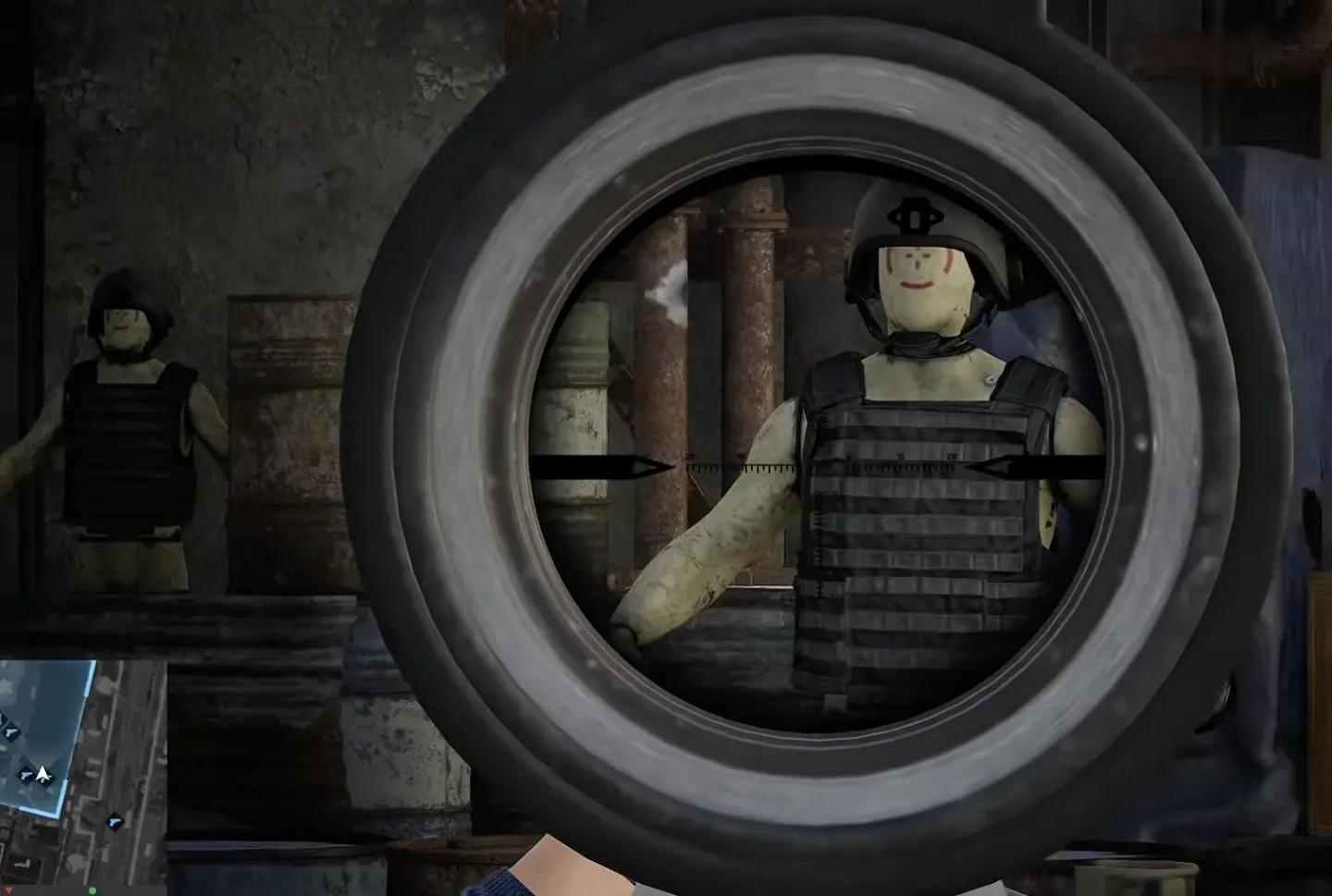
Level 2 armor equipment
Does this make everyone's equipment equal?
The restrictions remove specific ammunition and protection upgrades from the purchasing pool. They do not give every player an identical weapon or loadout, and they do not remove differences in experience.
Use the mode to avoid these endgame equipment advantages, not as a promise of equally skilled opponents. Player-level restrictions are a separate server setting.
Which vehicles, emplacements, and mines are unavailable?
Limited Mode excludes attack vehicles and several named deployables. If your standard setup depends on buying a vehicle or establishing a heavy emplacement, check this part of the rules before choosing the server.
| Category | Excluded purchases |
|---|---|
| Vehicles | Attack vehicles |
| Emplacements | CIWS, Stingray, MG Nest, and Drill Rig |
| Mines | Anti-tank mines |
The MG Nest is one of the named exclusions, so a plan built around purchasing that emplacement needs to change. The same applies to each of the other entries in the table, regardless of whether you have unlocked it elsewhere.
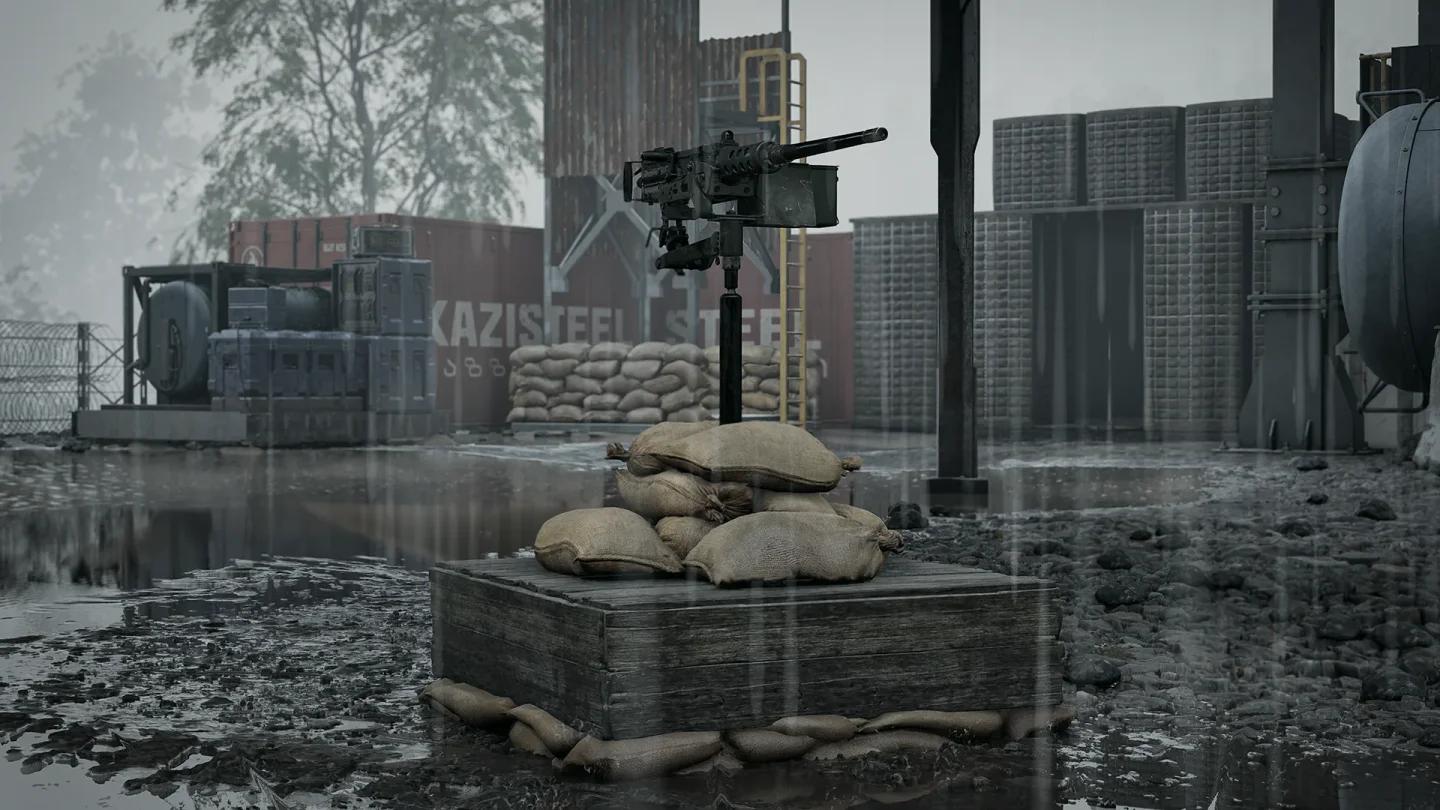
The MG Nest emplacement
Is every vehicle or explosive banned?
The vehicle restriction is no attack vehicles, not a blanket statement that every vehicle is removed. Likewise, the patch notes name anti-tank mines; that does not establish a ban on every explosive.
Keep the categories precise when checking a loadout. Do not discard an entire equipment category because one purchase is excluded, or assume an unlisted purchase is available without checking the vendor.
Does cash and progression carry into other modes?
Yes. Cash, XP, and progression earned in Limited Mode carry over to other modes. You can spend time here and move into standard play later without treating those matches as a separate progression track.
Budgeting still matters because a shared balance does not make vendor purchases free. The WARDOGS money guide covers earning cash and keeping loadout costs under control when you decide what to fund next.
How Season 3 role unlocks fit your progression
Season 3 also introduces multi-track unlocks. Armor, backpacks, tactical vests, and parachutes can be unlocked through every role track, so you do not need to switch roles solely to reach those shared item categories.
Roles still reach some related equipment earlier than others:
- Assault gets armor earlier than the other roles.
- Medic gets tactical vests earlier.
- Support gets backpacks earlier.
These are season-wide progression changes. Choose a role you enjoy, then check whether the particular item you are working toward fits the mode you intend to play. An unlock can remain useful for standard play even when Limited Mode excludes its purchase.
Why choose Limited Mode when joining late in the season?
BULKHEAD designed Limited Mode for players who want fewer endgame power items and fairer engagements, including players joining later in a season. Its vendor ceiling prevents the listed high-tier purchases from entering the match through that vendor, even when established players have progressed far enough to unlock them.
Choose standard play if your immediate goal is to use those endgame purchases or learn to counter them in the full equipment pool. Limited Mode is the alternative when you want to keep progressing without making those items part of the match.
Catch-up bonuses are a separate system
Season 3 adds an XP catch-up bonus and extended vendor discounts for low-level players. These increase week by week as the season progresses and apply per role, helping players with less time reach midgame items and key counters to endgame equipment.
The catch-up system helps progression; Limited Mode limits match equipment. Neither replaces learning the cash, loadout, and role systems covered in the WARDOGS beginner guide.
How to find the right Limited Mode server
The server browser identifies Limited servers and includes a filter for them. Open the browser, use the Limited filter, and check the listed server settings before joining. Use the Community browser when looking for community-hosted matches.
Limited, Hardcore, and Low Level mean different things
These labels describe different restrictions. A gear-capped match is not automatically a beginner-only match or a reduced-information match.
| Server label | What it changes | What to check |
|---|---|---|
| Limited Mode | Purchasable vendor equipment | Whether your planned purchases fit the restrictions |
| Hardcore | On-screen information and vehicle perspective | No killcam, a reduced HUD, and first-person vehicle views |
| Low Level | Player entry | Whether your level meets the server's entry requirement |
Low Level caps are set per server. Read the current listing instead of assuming every Limited server uses the same cutoff, or has a player-level cap at all.