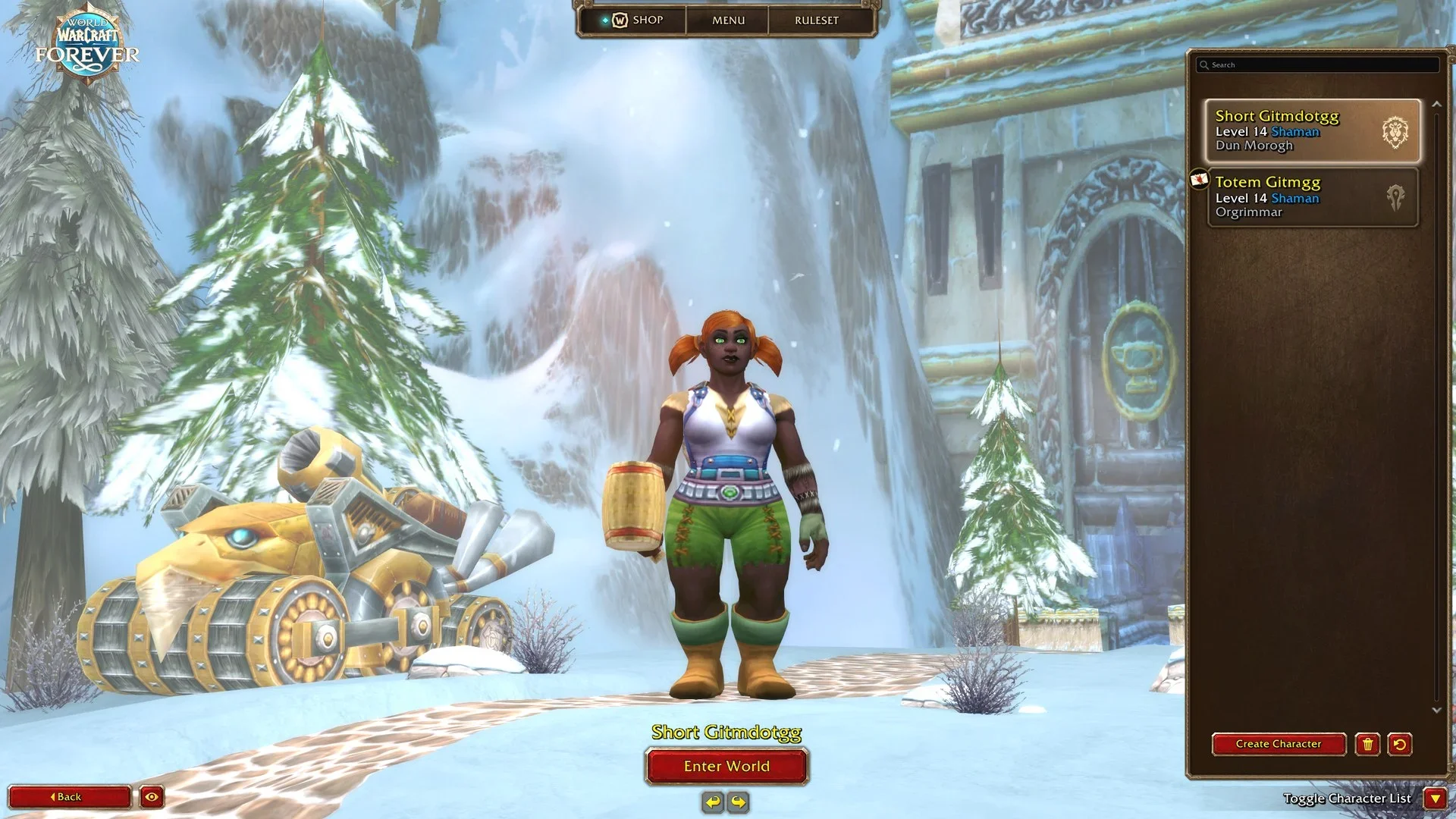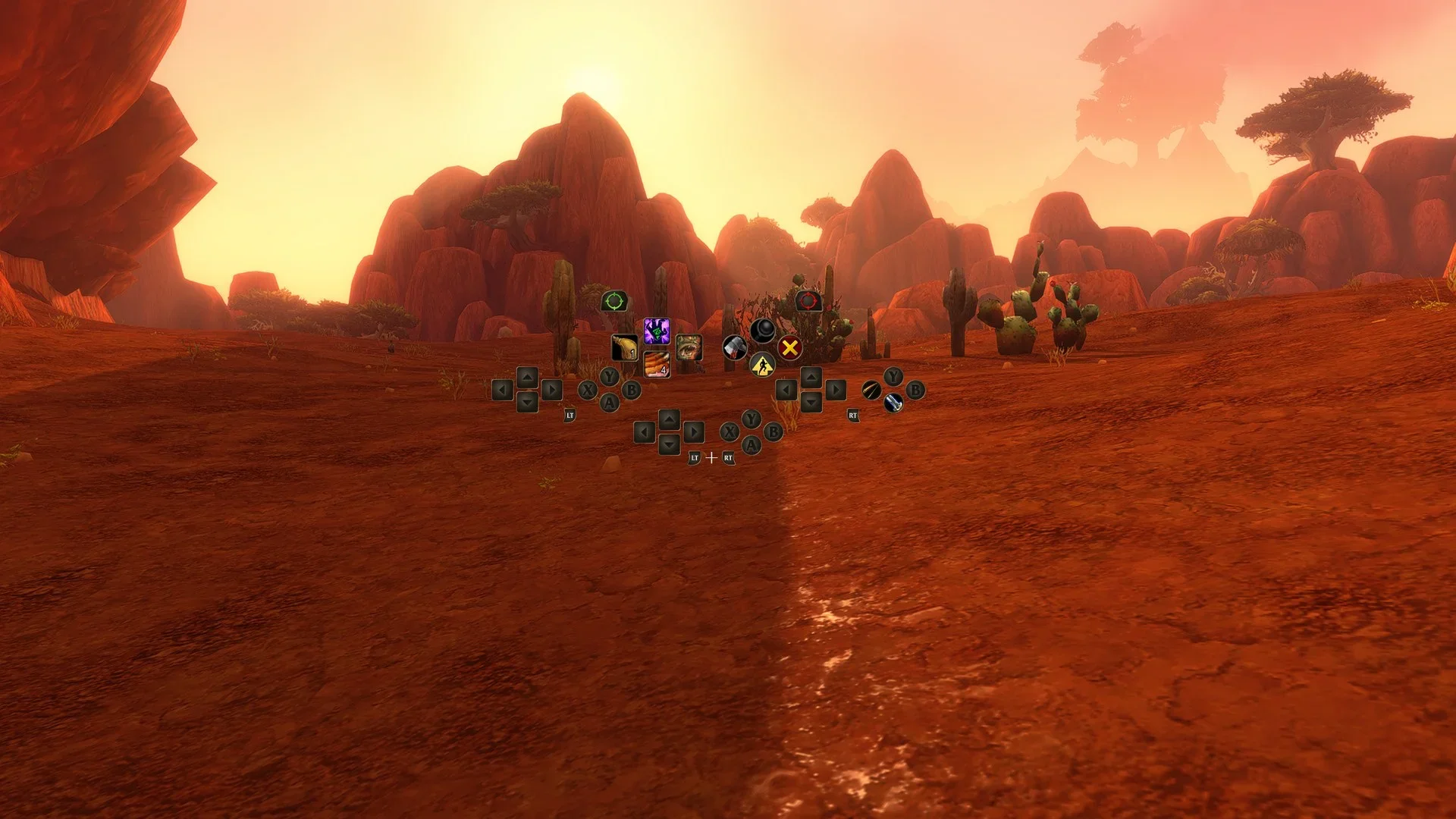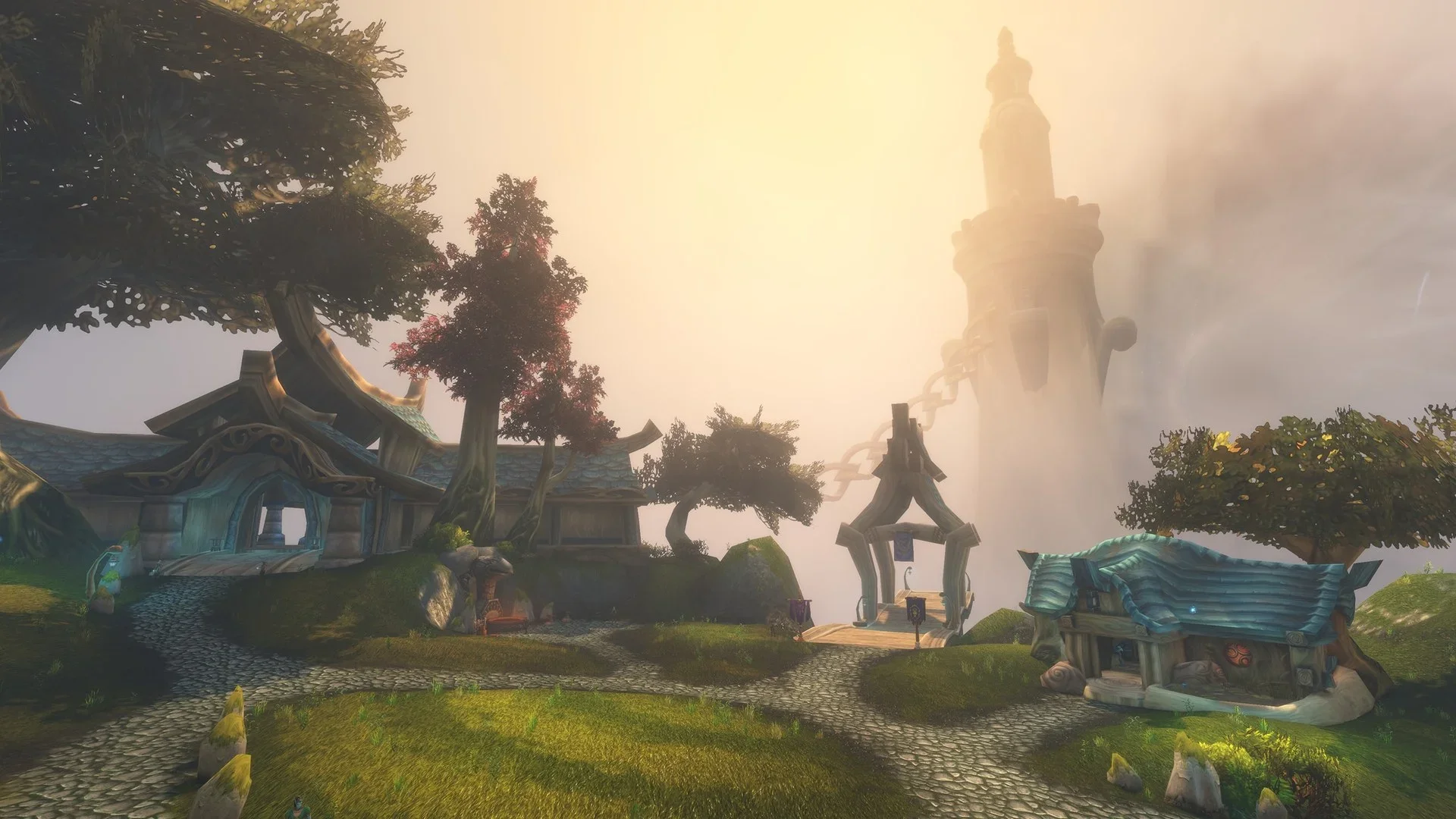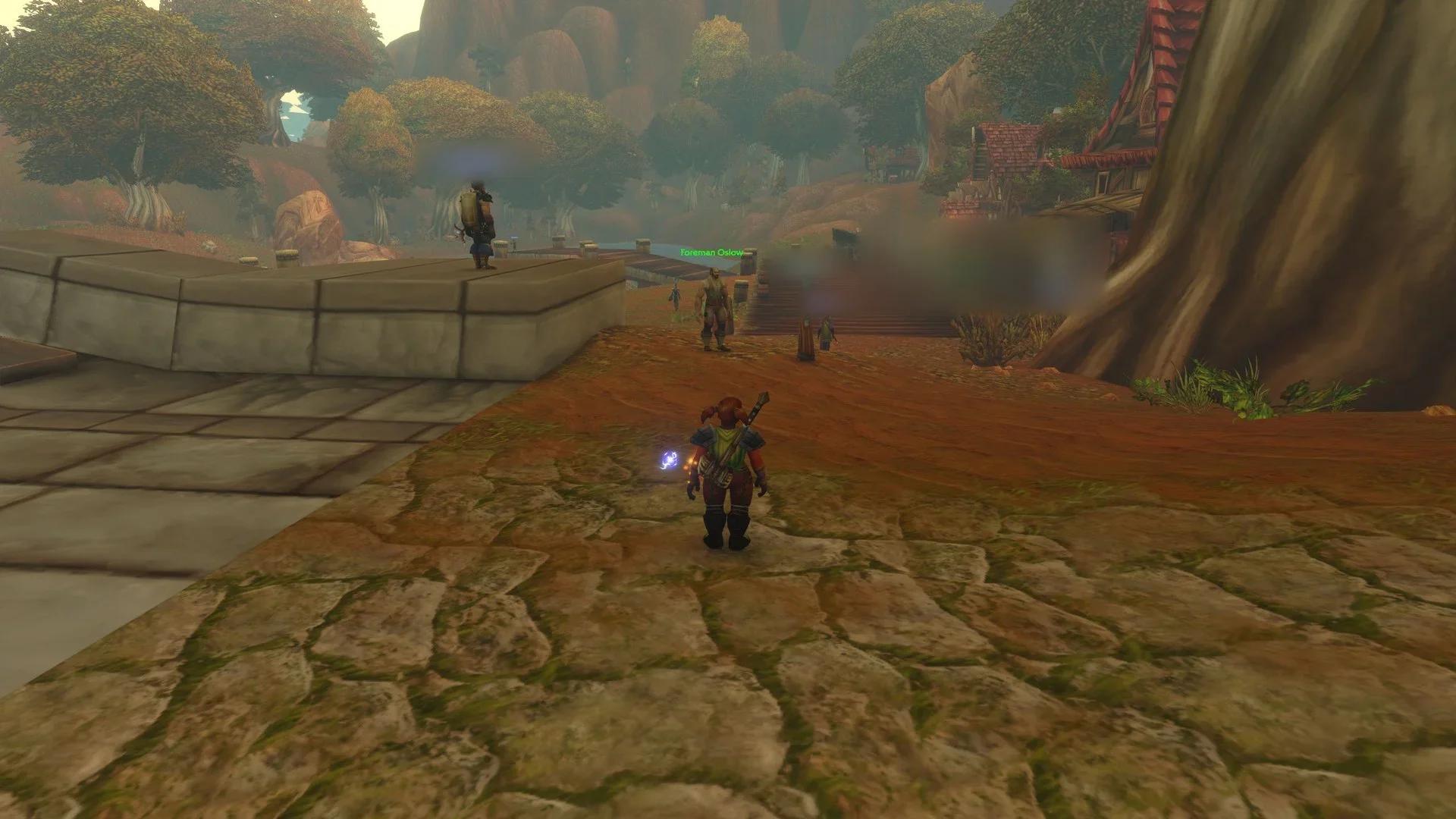

The best graphics settings for WoW Forever keep Render Scale at 100% and drop Secondary Lighting, Compute Effects and Shadow Quality one level below the top. Those three run Forever’s new lighting, fog and shadows, and their highest levels cost the most frames for the least you can see. Keep textures and view distance high, cap your FPS at your monitor’s refresh rate, and raise Gamma a little if the game looks too dark.
Key takeaways
- Lower Secondary Lighting and Compute Effects first. Pushing them to the top cost 40 to 60 FPS in beta tests.
- Leave Render Scale at 100% until last. There’s no DLSS, only an old version of FSR, so low scales get blurry fast.
- Brightness and Gamma are in Advanced graphics. Raise Gamma in small steps if dark zones are hard to read.


Where are the graphics settings in WoW Forever?
Press Escape, choose Options, then pick Graphics under System on the left. The page has three parts. Display covers resolution, Render Scale, VSync and Camera FOV. Graphics Quality has the Base Game Quality slider and every setting under it. Advanced has the frame rate limits, the upscaling options, Brightness, Gamma and Bloom Intensity.
Graphics Quality has two tabs, Base and Raid and Battleground. So you can give big group fights lighter settings, which is worth doing before you start raiding. Nothing changes until you click Apply, and Ctrl+R shows your FPS.
What are the best graphics settings for WoW Forever?
Start from this table on a mid-range PC, then change one setting at a time in a busy capital.
| Setting | Best setting | Why |
|---|---|---|
| Render Scale | 100% | The biggest lever, so save it for last |
| Secondary Lighting | Good | The heaviest new option |
| Compute Effects | High | Runs the new fog and mist |
| Shadow Quality | Good or High | The top levels cost far more than they show |
| SSAO | Good | Stops inns and corners looking flat |
| Texture Resolution | High | Cheap if your card has the video memory |
| View Distance | 8 to 10 | The fog hides the far edge, so it costs little |
| Liquid Detail | High | The new water barely costs anything |
| Spell Density | Essential | Cuts the glare from other players’ spells |
| Projected Textures | On | Turning it off can hide ground effects in fights |
| Bloom Intensity | Below the default | It starts at maximum and washes out bright zones |
| Max Foreground FPS | Your refresh rate | A steady number feels smoother than a jumpy one |
In Forever, the top level of a heavy setting rarely looks much better than the one under it, and one step down gives you a big chunk of frames back. On a strong card you can push Secondary Lighting and shadows to High. I’ve actually got my graphics set to ultra, and I even bought a new 27-inch monitor just to make WoW look better, but if you’re short on frames, the top levels are the first thing to give up.
Which settings cost the most FPS in WoW Forever?
Secondary Lighting and Compute Effects cost the most FPS in WoW Forever, with Shadow Quality next. Forever’s updated visuals rely on a compute shader feature, which is why Blizzard dropped support for older graphics cards at launch.
Two beta tests on high-end PCs agree. On a Ryzen 7 9800X3D with an RTX 4070 Ti Super, Secondary Lighting lost up to 50 FPS between High and Ultra. Compute Effects went from 229 FPS on High to 178 on Ultra at the Auberdine harbour in Darkshore.
A second test, on an RX 9070 XT at 1440p, put Secondary Lighting at 50 to 60 FPS between its lowest and highest levels. Compute Effects cost about 40 FPS between High and Ultra High, Shadow Quality about 25 and SSAO about 10.
These are single-scene beta readings, so yours will differ. Guides written since launch agree on the order: lighting and fog first, then shadows, then Render Scale.
Some settings are close to free. Texture Resolution cost 2 to 4 FPS in the second test, and view distance costs little because the fog hides distant scenery. HD or SD character models make no real difference either.
Should you lower Render Scale in WoW Forever?
Only after the lighting settings. It’s the biggest single lever because it cuts both the width and the height of the image. 90% keeps 81% of the pixels, and 80% keeps 64%. In the first beta test, dropping it to 63% at 2560x1440 took the counter to 267 FPS.
The catch is blur. Forever has no DLSS and no modern upscaler, just FidelityFX Super Resolution 1.0 under the resample options. Try 90% first, then 80%. Below about 75%, the picture turns soft.
On a laptop or an older card, put the lighting, fog, shadow and SSAO settings on their lowest levels. Keep textures on High if your card has the memory, then try a Render Scale of 75% to 90%.
I’d skip FPS addons like HyperFrame. Players found it narrows your field of view so the game draws less, and scenery pops in late.
What PC do you need for WoW Forever?
These are Blizzard’s requirements for Windows:
| Minimum | Recommended | |
|---|---|---|
| Windows | 10, 64-bit | 11 |
| Processor | 4 cores, 3.0 GHz | 8 cores, 5.2 GHz boost |
| Graphics | 4 GB, DirectX 12 (GeForce GTX 10 series) | 8 GB (GeForce RTX 40 series) |
| Memory | 8 GB | 16 GB |
| Storage | 128 GB SSD | 128 GB SSD |
Your card also has to be an AMD GCN 1, NVIDIA Maxwell or Intel Skylake design or newer. Blizzard says even the oldest cards that pass that line are well below the minimum. Mac and handheld specs are in our Steam Deck and Mac guide.
What are the best brightness settings for WoW Forever?
There’s no single best number, because monitors differ. The sliders are Brightness, Gamma and Contrast in the Advanced section. Some beta players said Forever looks much darker than retail or Classic Era, so turning things up is normal.
Gamma is the one to try first. It mostly lifts the midtones, while Brightness lifts the whole picture, blacks included. Stand somewhere dark, like a forest at night, and raise Gamma a step at a time. Then check a sunny zone. If daytime looks grey or washed out, back it off one step. I’ve got my brightness and my gamma up a heap, because the game feels super dark for me otherwise.
Turn Bloom Intensity down too, because Mulgore and the Barrens look blinding at its default maximum. Don’t use old console commands to remove the fog. Blizzard removed a setting in the beta that turned fog off in a way it didn’t intend.
What’s the best UI setup in WoW Forever?
Your first login asks you to pick the Classic or Enhanced preset, and Blizzard’s launch post lists what each one changes. Enhanced turns on HD models, quest markers, one bag and transmog, with the centralised UI layout and strafing on the movement keys. Classic switches those off, uses the classic layout and turns your character with the keys.
You can change any of it later in Options. If you picked Classic and want your looks back, here’s how transmog works. These are the default options worth changing:
- UI Scale: tick Use UI Scale in Display and size the interface to your screen.
- Auto Loot: turn it on in Controls. Hold Shift when you want to loot a corpse by hand.
- Interact Key: enable it in Controls and bind it near your movement keys, to talk and loot without the mouse.
- Status Text: shows your health and mana as numbers.
- Target of Target: shows who your enemy is hitting.
- Cooldown numbers and Lock Action Bars: both in Action Bars.
Edit Mode then lets you move and resize the frames. The Cooldown Manager is off by default, and our addons guide covers turning it on. If the long name over your head bugs you, you can hide your surname in Nameplates.
FAQ
Does WoW Forever have DLSS?
No. The only upscaler is FidelityFX Super Resolution 1.0, so lower the lighting settings before you touch Render Scale.
Does WoW Forever have ray tracing?
Not right now. Blizzard removed the Ray Traced Shadows option on 1 October, during the beta, and said it will be added back once it’s fixed.
What keybinds should you change in WoW Forever?
If you picked Classic, your movement keys turn your character instead of strafing. I’d switch them to strafe in Keybindings, then bind the Interact Key right next to them. I also rebound hiding the UI to my left arrow key, which makes clean screenshots a one-button job.