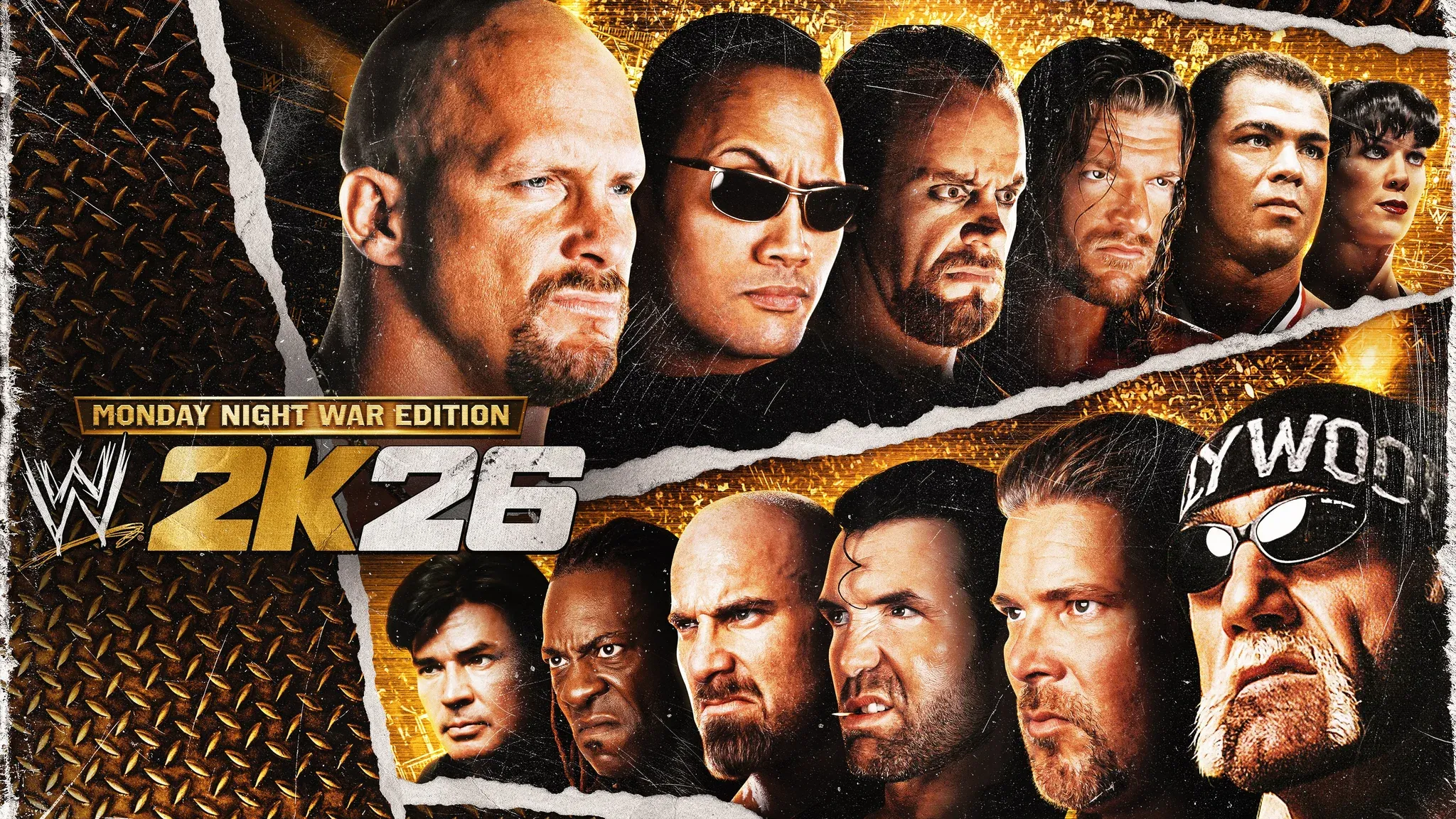


WWE 2K26 puts an enormous amount of wrestling action at your fingertips, but only if you actually know what each button does. Whether you're stepping into the ring for the first time or returning from a previous entry, getting a firm grip on the full control scheme is the fastest way to start winning matches. This guide breaks down every input across PS5 and Xbox Series X|S, covering strikes, grapples, finishers, reversals, submissions, weapons, and much more.
WWE 2K26 Full Controls Scheme: PS5 vs. Xbox
The table below covers the complete baseline controls for both platforms. Bookmark this before your first match.
How Does the Grapple and Combo System Work in WWE 2K26?
The grapple system in WWE 2K26 works by first entering a lock-up state using O on PS5 or B on Xbox. Once in that grab state, pressing Light or Heavy Attack triggers a grapple move rather than a strike. Pressing O / B again inside the grab performs an Irish Whip.
This same lock-up logic applies to ground positions, corner situations, the apron, and the ropes. Drag and Carry moves also require the initial grab state before they can be initiated.
Strikes outside of a grab follow a separate path. After landing a Light Attack, you can chain up to three hits using the Combo System, mixing Square and X on PlayStation (or X and A on Xbox). The final hit of any combo, called the Combo Ender, can be a grapple move and deals bonus damage.
Each Superstar has 30 distinct combos available, and you can customize which moves are assigned to each chain inside Create-A-Moveset.
How to Reverse Attacks in WWE 2K26?
Reversals in WWE 2K26 are not a single mechanic. There are five distinct defensive options, and knowing when to use each one separates average players from strong competitors.
- Standard Reversal: Tap Triangle / Y just before an incoming hit. A reversal icon appears above the Superstar's head to signal the correct timing window. Works against standard strikes, grab attempts, Signatures, Finishers, weapon attacks, and diving moves.
- Breakers: Used specifically against combo strikes and grapples inside the grab state. Press the same button your opponent used: Square / X for a Light Strike or Light Grapple, X / A for a Heavy Strike or Heavy Grapple, and O / B for a Grapple Combo Ender. Guessing wrong during a combo locks you out of Breakers for the rest of that sequence.
- Block / Guard: Hold Triangle / Y to raise your guard. Absorbs strikes and running attacks, but does not stop grabs or special moves. Blocking creates a brief window to counter-attack.
- Dodge: Press Triangle / Y plus a directional input at the right moment. Smaller Superstars roll; larger ones step aside. Higher risk than blocking, but much more rewarding when timed correctly.
- Mid-Move Reversals: Triggered by pressing Triangle / Y when a prompt appears during certain grapple animations. These are harder to execute but deal increased damage.
The Stun Meter adds another layer here. Landing repeated Light Attacks fills your opponent's Stun Meter. Once it maxes out, the stunned Superstar cannot reverse anything until they recover.
How to Perform Finishers and Signatures in WWE 2K26?
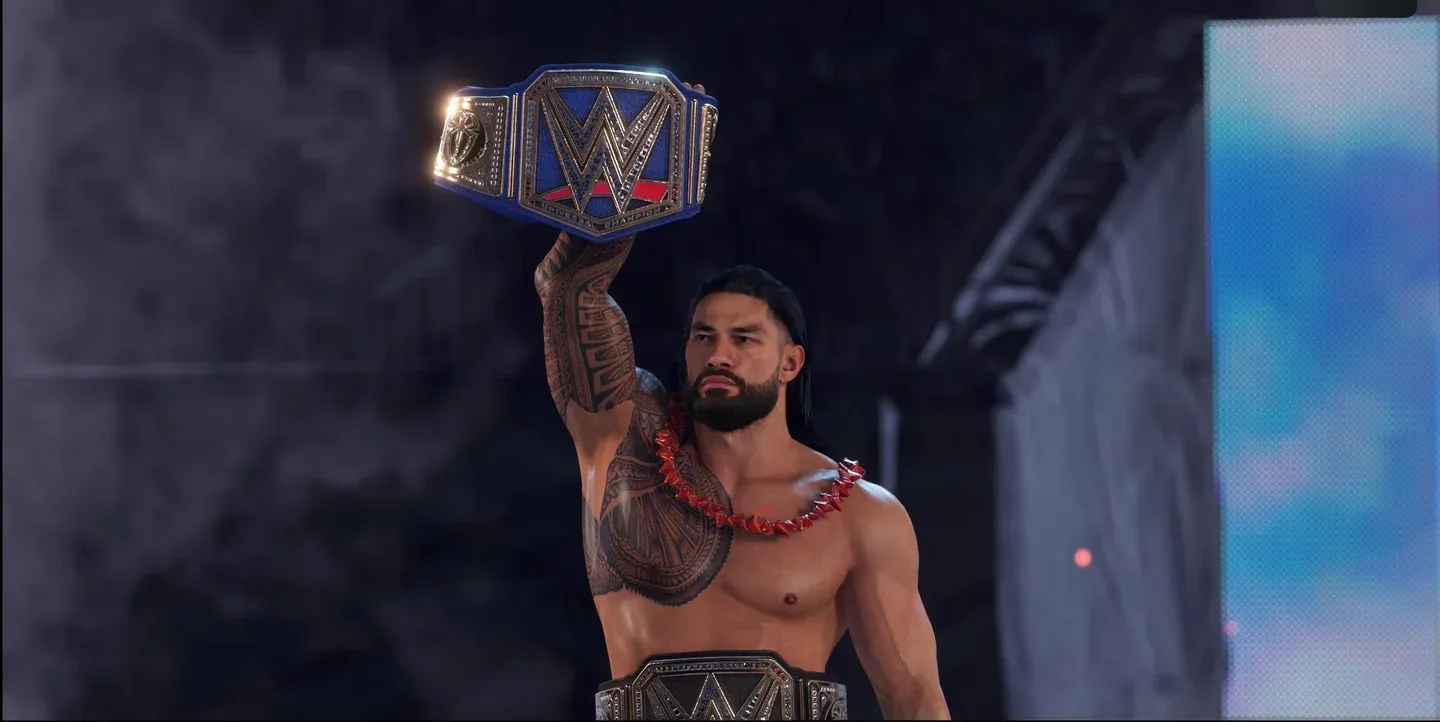
Finisher and Momentum meters
WWE 2K26 separates Signatures and Finishers into two independent meters with different button inputs.
The Momentum Meter powers Signature Moves, Paybacks, and Instant Recovery. When it fills completely, press R2 + Square on PS5 or RT + X on Xbox to execute a Signature. Landing that Signature immediately grants one Finisher and resets the Momentum Meter to empty.
The Finisher Meter sits at the bottom of the HUD, divided into three segments. Each segment represents one stored Finisher. Execute a Finisher with R2 + X on PS5 or RT + A on Xbox. Always check your Superstar's move list beforehand, since Finishers are position-dependent.
If you manage to store all three Finisher segments, you unlock the Super Finisher, a more powerful version of the move that makes it significantly harder for the opponent to kick out.
WWE 2K26 Pinfall and Kick Out Controls
Pinning an opponent is done by flicking the right analog stick downward (R-stick down). Standard rules apply: pins must happen inside the ring in most match types.
The kick-out system uses a Pin Minigame where a cursor and target zone move back and forth across a bar. Flick the right analog stick upward to hit the target zone at the right moment. The less health your Superstar has remaining, the smaller and faster the target zone becomes.
For an emergency kick-out, the Resiliency Payback lets you escape a pin instantly by pressing R2 + Triangle on PS5 or RT + Y on Xbox, but only if you have at least two bars of the Special Meter filled.
Near the ropes, pressing O / B when prompted attempts a rope break. Note that the referee may not always acknowledge it, so treat this as a backup option rather than a reliable escape.
Players who prefer the older style can switch to the button-mash kick-out system from the Gameplay Options, which replaces the minigame with rapid X / A presses to fill an escape meter. A press-and-hold alternative is also available for all button-mash minigames.
How Do Submissions Work in WWE 2K26?
The wheel-based submission system returns in WWE 2K26. Both players control a slider on a circular wheel: the attacker uses the red slider, the defender uses the blue one.
- The attacker rotates clockwise with R2 / RT and counterclockwise with L2 / LT, trying to overlap the defender's slider and fill the circle red.
- The defender moves to avoid that overlap, trying to fill the circle blue instead.
- Both players can boost their slider speed by pressing X / A, though this option can be turned off in settings.
An alternate submission mechanic is also available: both players rapidly press displayed buttons that change throughout the attempt. This can be selected from the options menu.
Carry and Drag Controls: Full Breakdown
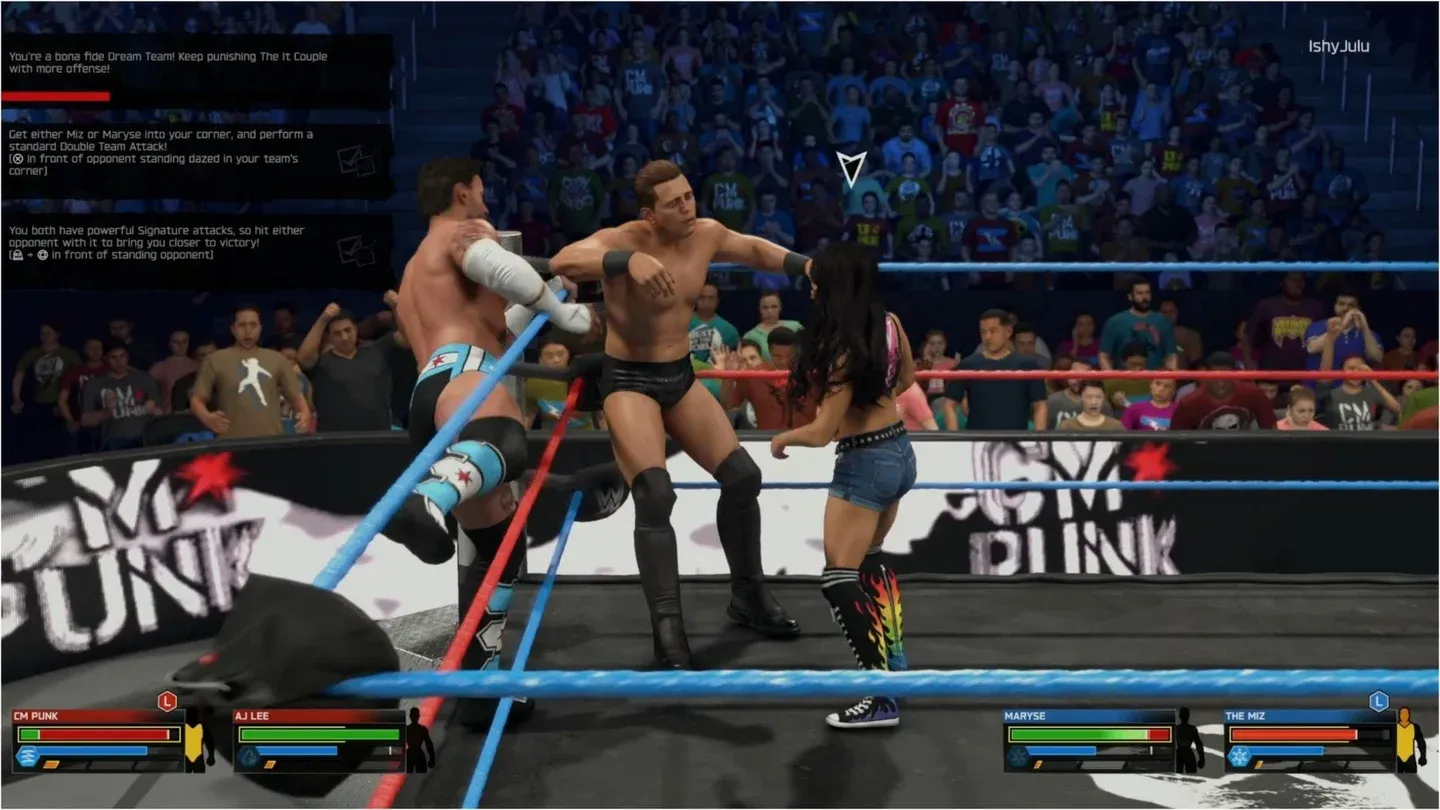
Carry position options in-ring
After entering the grab state with O / B, you gain access to a full set of carry and drag options:
Weapons Controls: Tables, Ladders, and More
Ladder and table setup controls
Weapons add a dramatic layer to any match. Pick up items with L1 / LB, including pulling weapons from under the ring using the same input.
You can also perform taunts while holding a weapon, which is a nice touch for dramatic moments.
WWE 2K26 Tag Team Controls: Commanding Your AI Partner
When the illegal partner is on the outside, you can issue four direct commands using L1 / LB combined with a D-pad direction:
How to Pull Down Straps in WWE 2K26?
Certain Superstars can pull down their singlet straps as a dramatic taunt. On PS5, hold R2 and press D-pad down. On Xbox, hold RT and press D-pad down. On PC, hold Spacebar and press 4.
This only works from a standing position and is purely cosmetic. The Superstars who can perform this taunt include Big E, Bron Breakker, Chad Gable, Damian Priest, Julius Creed, Kurt Angle, Mr. Perfect, Rick Steiner, Scott Steiner '93, The Undertaker, and The Undertaker '03.
Special Referee Match Controls
Playing as the referee gives you a unique set of inputs. Toggle between Referee Mode and Wrestler Mode using the touchpad on PS5 or the View button on Xbox.
All standard controls remain accessible when you toggle into Wrestler Mode as the referee.
Third-Person Camera and Spectate Controls
WWE 2K26 supports a third-person free camera that you control with the right analog stick during gameplay and entrances. When this mode is active, actions normally tied to the right stick (like pinfalls and lifting opponents) require you to also hold R2 / RT before flicking the stick in the desired direction.