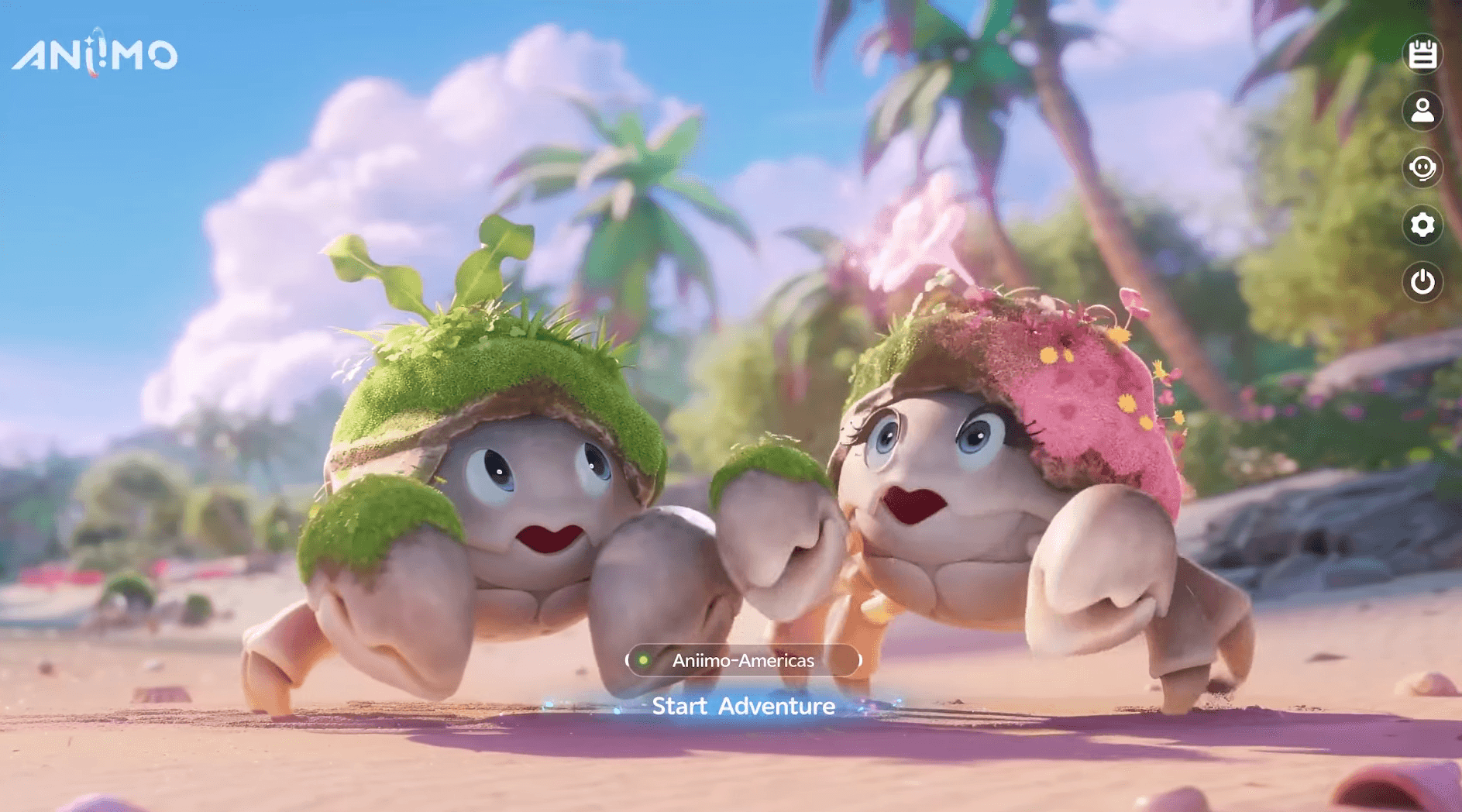


Aniimo is built around one central account system: the Aniimo Pass. Get it right and your creature-catching progress follows you between PC, PS5, Xbox, and eventually mobile without any friction. Get it wrong on console, specifically by skipping one particular prompt, and there is no recovery. No support ticket, no workaround. This guide covers exactly how the system works and where the permanent trap is hiding.
What is the Aniimo Pass and why does it matter?
Every piece of progress in Aniimo lives on your Aniimo Pass, which is an email-based account that sits behind all your platform logins. Steam, PSN, Microsoft, and the mobile storefronts are just doors into it. Two different platform logins can point at the same Aniimo Pass (shared progress) or at two separate ones (two accounts that never meet).
The platform login you use to open the game is not the account that holds your data. The Aniimo Pass underneath it is. That distinction is what makes the linking step so important.
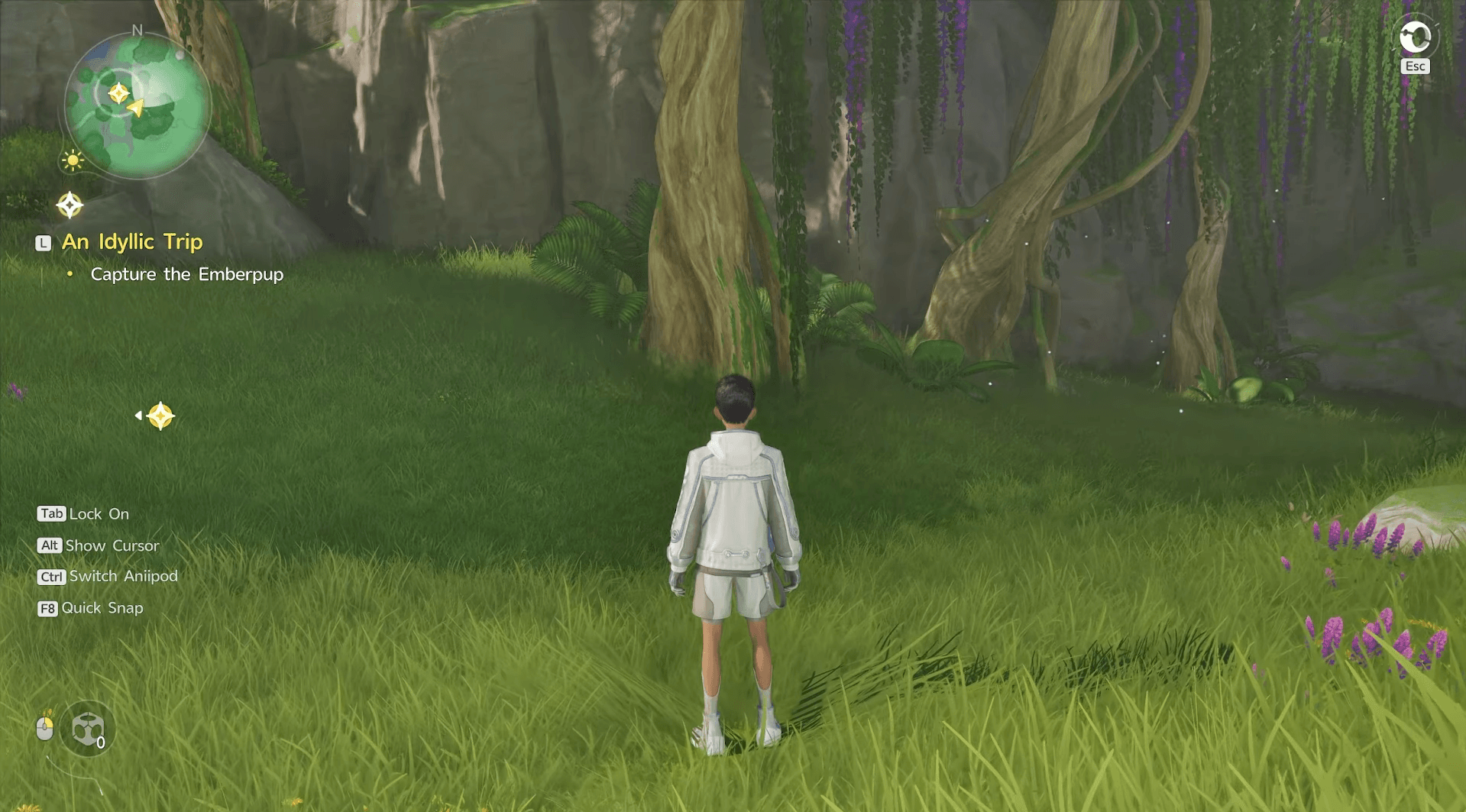
Aniimo Guide: How to Link Your Account & Enable Cross-Save
How does cross-platform play actually work in Aniimo?
Aniimo supports full cross-platform multiplayer across PC, PS5, Xbox Series X|S, and mobile. That covers co-op and PvP, so you are never locked into playing only with people on the same hardware.
Cross-progression works alongside that. Once your platforms are correctly linked to the same Aniimo Pass and the same regional server, progress is fully shared. Start on PC, continue on PS5, pick it up again on mobile after September 23 when that version launches. The character is the same throughout.
The one thing that does not transfer is progress between different regional servers. Aniimo runs three separate servers: Aniimo-America, Aniimo-Europe, and Aniimo-Apac. Data on each stays fully independent. Linking two platform accounts on different servers does not merge them.
How to link your account on PC
Linking on PC is the most forgiving path. When you launch Aniimo through Steam for the first time, a prompt appears asking you to connect an Aniimo Pass email. Complete it there and you are done.
If you dismiss that prompt or skip past it, you can still finish the process from the in-game Email Link page at any point. There is no time pressure and no permanent consequence for skipping the Steam prompt.
Players who tested a previous beta build under a different email can also use this step to consolidate into one account before the full game's progress begins accumulating.
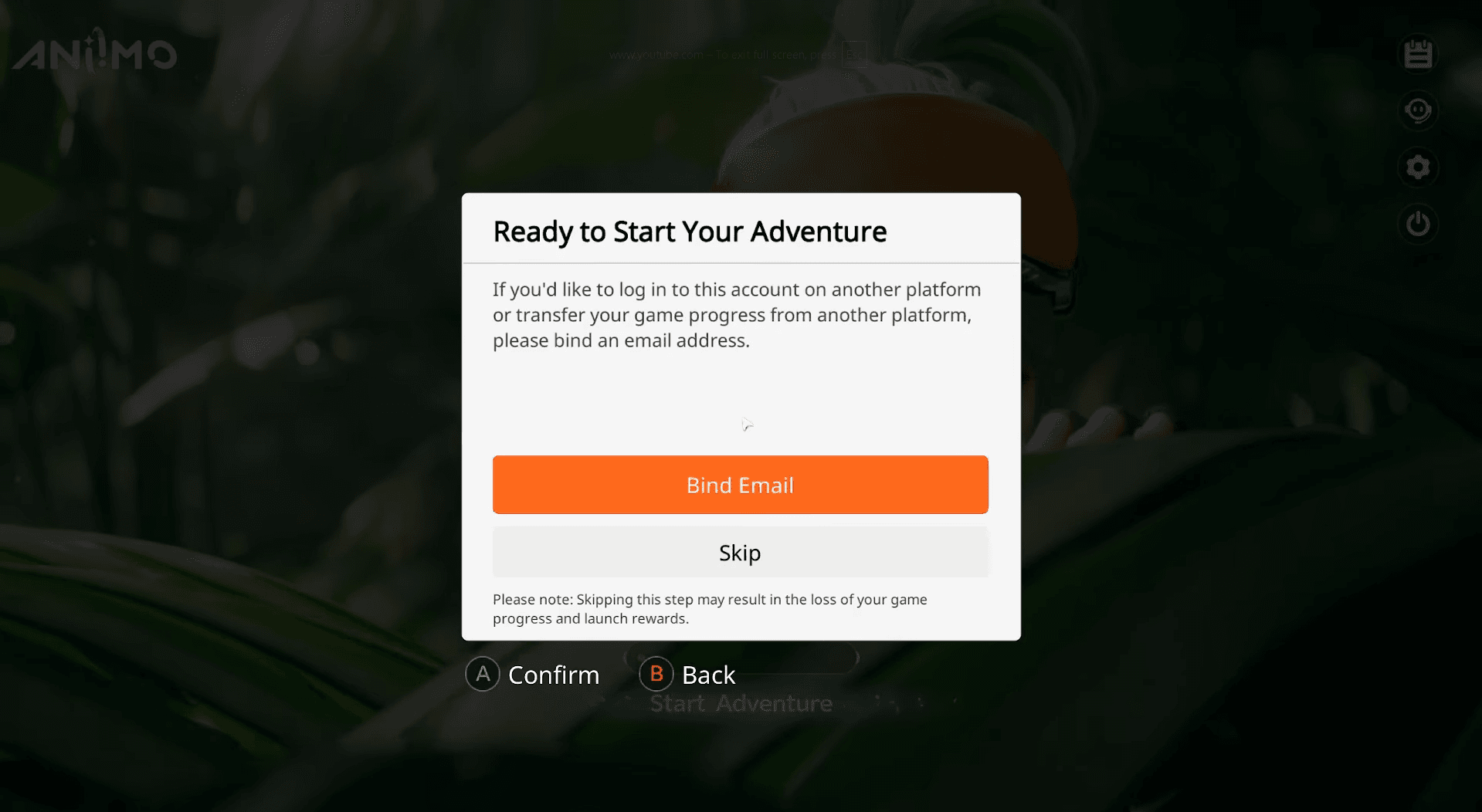
Aniimo Guide: How to Link Your Account & Enable Cross-Save
What happens on console during the first login?
This is the step that catches people out. When a PSN or Microsoft account launches Aniimo for the very first time, a prompt appears offering the option to connect an existing Aniimo Pass.
That prompt appears exactly once.
- Complete it: your console account and your existing PC or beta account become the same Aniimo Pass, sharing all progress within that server.
- Skip it or go straight into the game: the console account automatically registers a brand-new Aniimo Pass. That new account can never be linked to your existing one. The split is permanent.
Before pressing start on a PS5 or Xbox for the first time, have your Aniimo Pass email ready. Do not assume you can sort it out afterward.
For players who bought pre-order packs on both PS5 and Xbox, linking both Microsoft and PSN accounts to the same Aniimo Pass lets you claim both packs. The items land in your in-game mailbox on the platform where each pack was originally purchased, and they become accessible across your linked account once claimed.
Check the Aniimo pre-registration and launch rewards guide if you want to make sure you are claiming everything available before and at launch.
Why PS5 players need to check their server before linking
PlayStation 5 has an extra wrinkle. Your Aniimo server on PS5 is assigned automatically based on your PSN account's registered region. You do not choose it manually.
That matters because if your existing PC character lives on Aniimo-Europe but your PSN account maps to Aniimo-America, linking those two accounts does not bridge that gap. The server mismatch means the progress stays separate regardless of the link.
Before linking a PSN account to an existing Aniimo Pass, verify that both the PSN region and the server your existing character is on point to the same Aniimo regional server.
Does Aniimo mobile share progress?
Yes. The mobile version, launching on Android and iOS on September 23, uses the same cross-progression system. As long as you are on the same Aniimo Pass and the same regional server, mobile becomes another way to access your existing account rather than a fresh start.
The linking process on mobile follows the same logic as PC and console: connect your Aniimo Pass email during setup. The one-time-prompt risk is specific to PSN and Microsoft accounts on console, so mobile has more flexibility if you need to adjust the link.
For exact launch timing details, the Aniimo release date and start times guide has the regional server open times for both the PC/console launch and the mobile rollout.
Frequently asked questions
Can support fix a skipped console prompt? No. The official stance is that skipping the first-login prompt on console permanently registers a new Aniimo Pass, and that cannot be reversed through support.
Does linking cost anything? Nothing. The process is free and instant.
Can I switch which account is the main one after linking? Not through the linking system. The link only works from a console account that has no prior Aniimo history.
I only play on one platform. Do I need to do anything special? Not really. Link if a prompt appears, but there is nothing at risk if you have no prior account to preserve.
For a full breakdown of every achievement tied to your account progress, the Aniimo trophy list and achievements guide covers what carries across platforms once you are correctly linked. Browse the full Aniimo guides collection for everything else you need heading into launch.