
Aniimo is giving away free in-game items to anyone willing to watch eligible streams during its Global Launch campaign. Five reward tiers unlock across just 2 hours of cumulative watch time, and the top prize is an Incredible Egg guaranteed to hatch an Aniimo with Elite potential or higher. The whole process is free, but it only works if your accounts are properly linked and you claim each reward manually before it expires. The campaign runs until October 14, 2026, so there's still time to grab everything.
What are all the Aniimo Twitch Drops rewards?
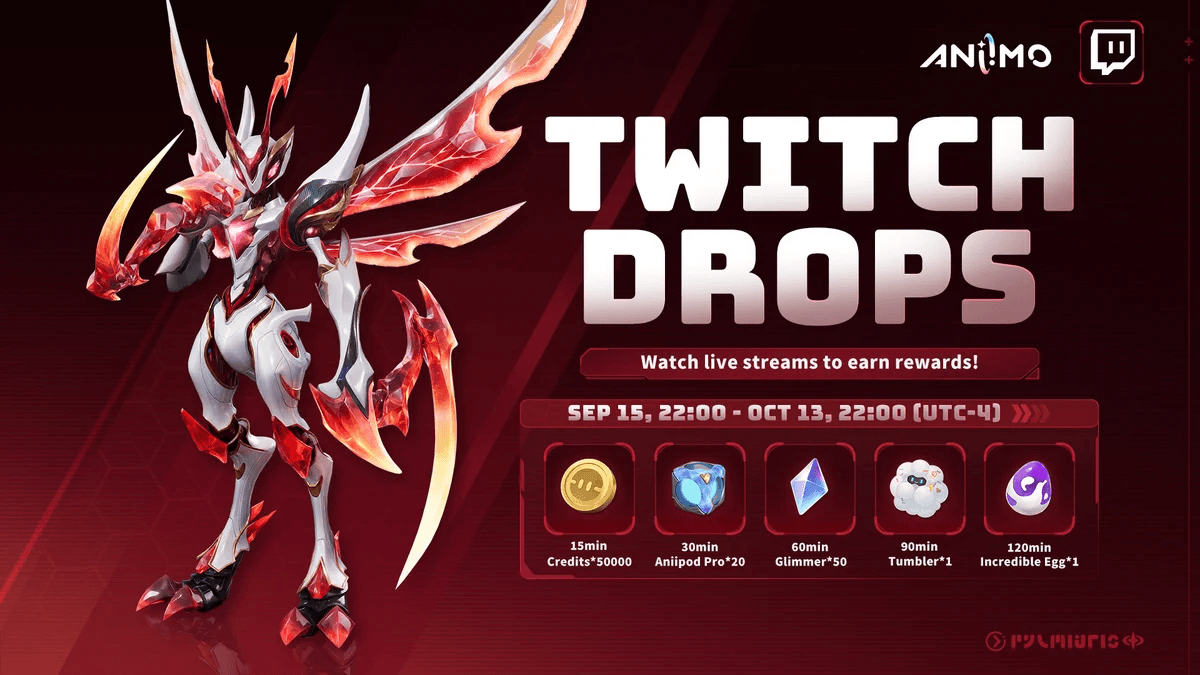
The five drops unlock one after another as your total watch time builds. The timer is cumulative across any eligible streams, so you never reset between sessions. Hit the 2-hour mark and every reward is yours.
| Reward | Watch time required |
|---|---|
| 50,000 Credits | 15 minutes |
| 20 Aniipod Pro | 30 minutes |
| 50 Glimmer | 1 hour |
| 1 Tumbler | 1 hour 30 minutes |
| 1 Incredible Egg | 2 hours |
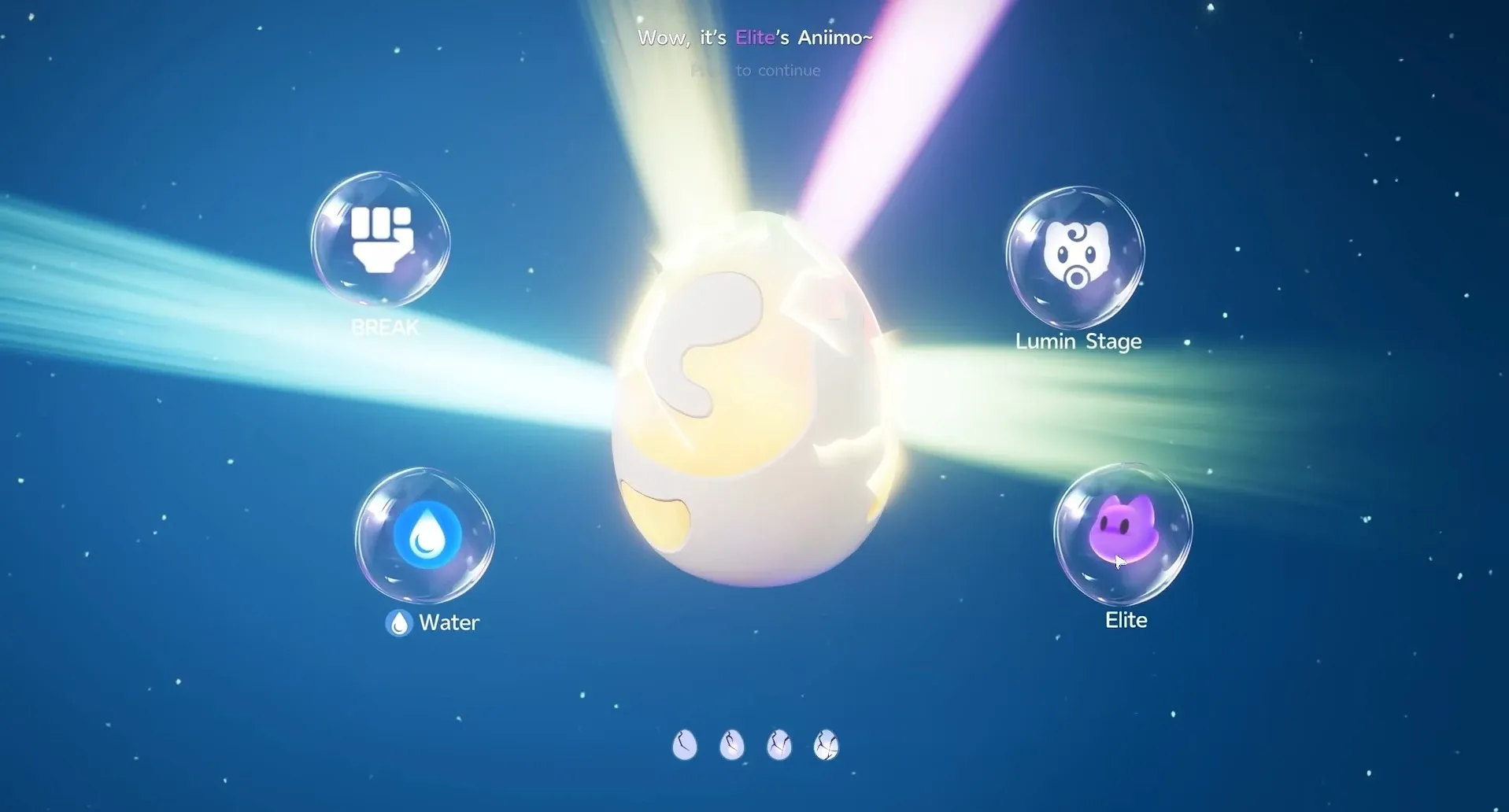
The 50,000 Credits land fast at 15 minutes and give you a solid early-game boost for gear and trades. Aniipod Pro are higher-grade capture devices suited for stronger wild creatures, making them genuinely useful if you're pushing into tougher areas. Glimmer is an enhancement material used for leveling abilities and adjusting stats. The Tumbler arrives at the 90-minute mark, and the Incredible Egg at 2 hours is the real prize: it's guaranteed to hatch an Aniimo with Elite potential or better, which saves you significant grinding time.
Aniimo Twitch Drops Guide: All Rewards & How to Claim Them
For a deeper look at which creatures are worth your Aniipod Pro, the Aniimo tier list ranks every Aniimo from S to D across DPS, Break, Support, and Heal roles.

How do you link your Aniimo account to Twitch?
Watch time only counts once both accounts are connected. Do this before you start any stream, or those minutes won't register.
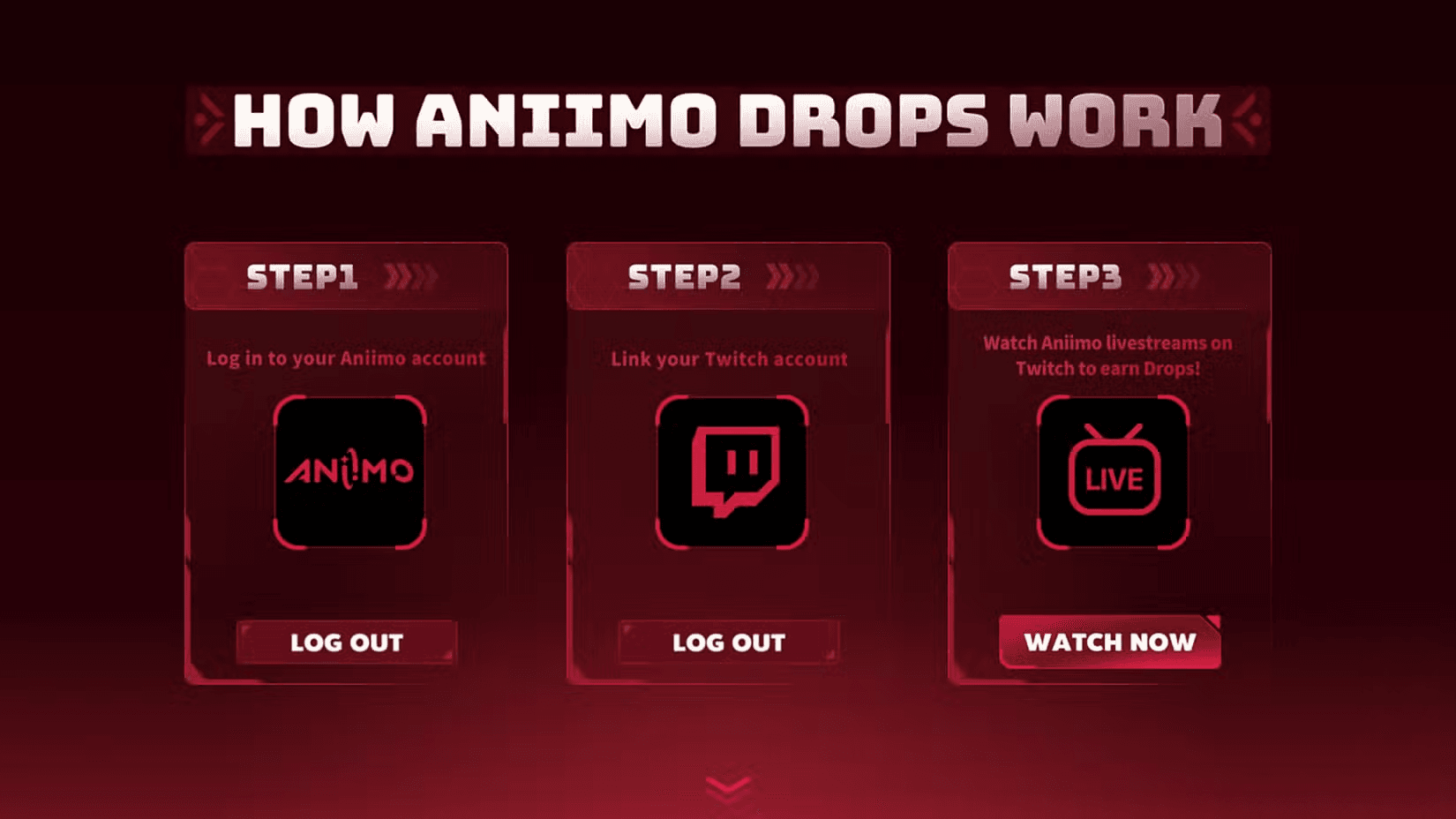
Step 1: Open the official Aniimo Twitch Drops page and sign in using the same email address tied to your game account. A verification code will arrive by email; enter it to complete the login.
Step 2: Select the option to connect your Twitch account. You'll be redirected to Twitch to sign in and approve the connection, then sent back to Aniimo automatically.
Step 3: Confirm the link actually completed before moving on. If you have multiple Twitch or Aniimo profiles, double-check the usernames shown, because rewards are tied to the specific accounts you connect. You can also verify the connection inside Twitch under Settings then Connections.
Aniimo Twitch Drops Guide: All Rewards & How to Claim Them
How do you watch eligible streams and claim each drop?
Not every Aniimo stream on Twitch qualifies. Head to the Aniimo category and look for any live broadcast showing the Drops Enabled tag. That tag is your confirmation that watch time will count toward your rewards.
Keep the stream running while logged into Twitch. Progress fills automatically in the background. Opening multiple streams at once won't speed anything up; only one broadcast counts toward your timer at a time.
When a tier completes, a notification appears in chat, or you can check your Twitch Drops inventory directly. Each milestone must be claimed manually before the timer advances to the next tier. Unclaimed drops expire roughly 24 hours after they unlock, so don't let them sit.
How do you confirm your rewards arrived in Aniimo?
Claiming a drop on Twitch and having it in your character's inventory are two separate steps. After claiming all five rewards on Twitch, launch Aniimo and open your in-game mailbox. Rewards typically appear within a few minutes of claiming.
If items don't show up, fully close the game and any separate launcher, then relaunch to refresh your account data. Check both the mailbox and system messages, since some rewards arrive as attachments you need to accept before they move into your usable inventory. Seeing the items in your mailbox confirms everything transferred correctly.
What else should you do at launch?
Twitch Drops are just one source of free items during the launch window. The Aniimo launch event schedule covers every timed event running from September 16 through October 28, including rotating windows, Vein Abundance, and Eggceleration weekends worth planning around.
Once you have your Incredible Egg hatched and your Aniipod Pro stocked, check out the full Aniimo guides collection for catching strategies, trophy unlocks, and everything else you need to hit the ground running in Idyll.