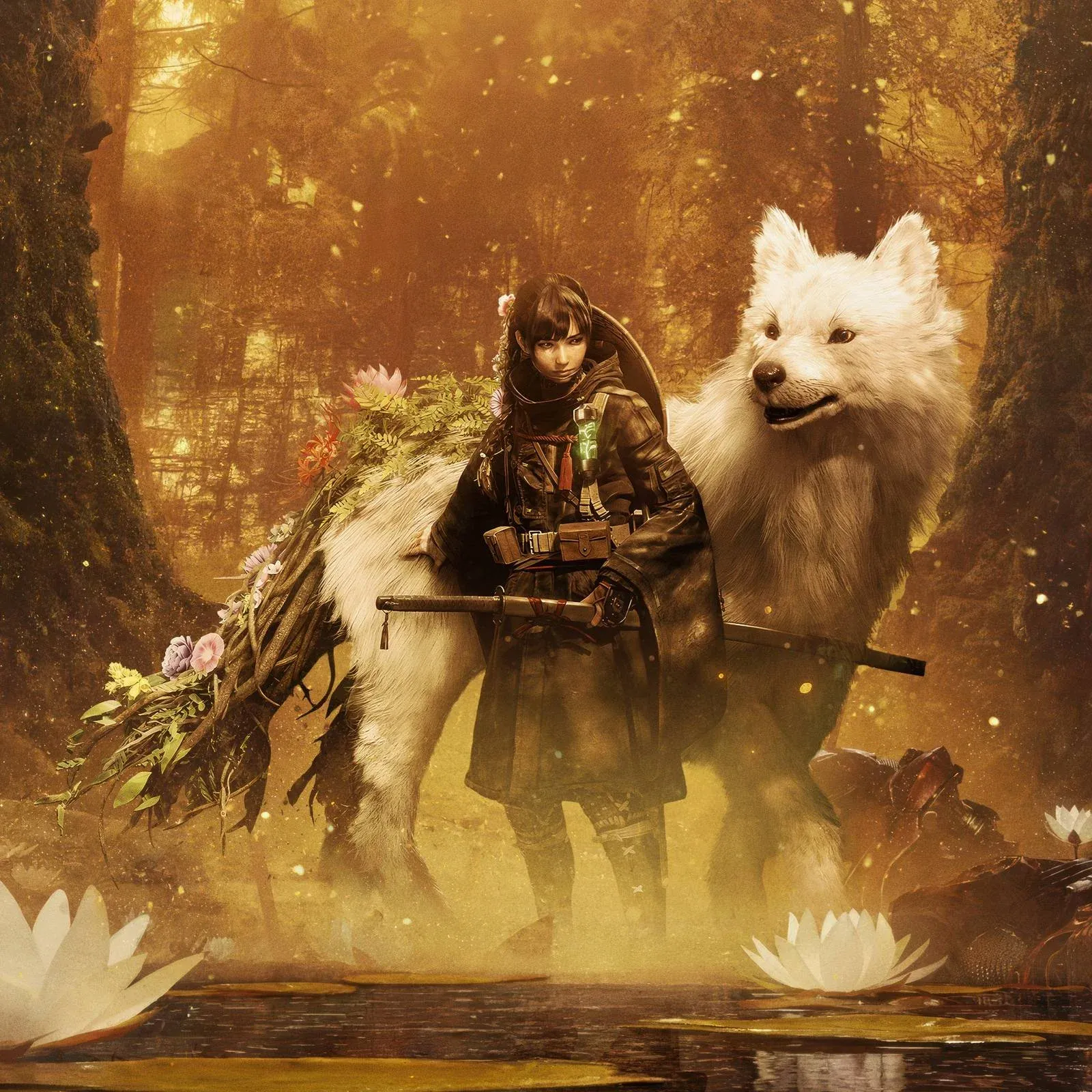


Beast of Reincarnation launched on PC and consoles, and performance is already the loudest complaint from the community. Stutters show up even on hardware that clears the recommended specs, which means the default settings are doing you no favors. The good news: a handful of targeted adjustments can get you to a stable 60 FPS without turning the game into a blurry mess. This guide covers exactly which settings to change and why, based on testing on hardware near the recommended spec range.
What are the best Beast of Reincarnation graphics settings for PC?
The short answer: drop the heavy visual features, cap your frame rate at 60, and let upscaling do the heavy lifting. Here is the full breakdown.
Which upscaling option should you pick?
Upscaling is one of the more useful tools available here, and the right choice depends on your GPU.
- AMD FSR 3 works on cards that support it and delivers the best result among AMD options. If your card supports FSR 3, use it.
- AMD FSR 1 is the fallback for older AMD hardware that does not support FSR 3.
- TSR is the recommended path for Nvidia GPU owners.
Set Upscaling Quality to Performance regardless of which technology you pick. The visual difference between Performance and Quality mode is not dramatic enough to justify the frame rate hit at launch, especially while the game still has performance issues that patches have not yet addressed.
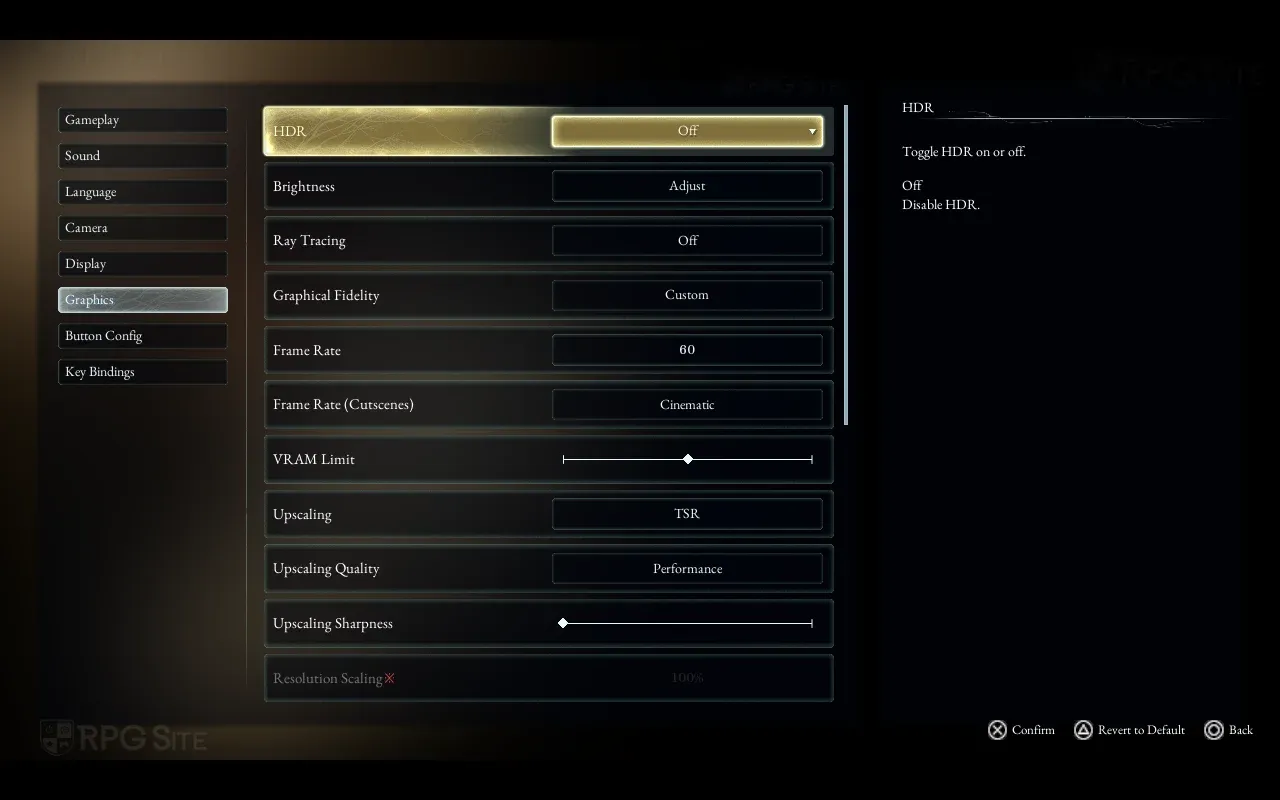
Upscaling options for PC
Why is Beast of Reincarnation running poorly on PC?
PC performance is the game's weakest area at launch. Stutters appear in specific scenarios even on systems that meet the recommended hardware requirements, which points to optimization problems rather than raw hardware demands. The settings above are designed to work around those issues until patches arrive.
The test system used for this guide ran an AMD Ryzen 7 5700X, an AMD Radeon RX 9060XT, and 32 GB of DDR4 RAM, which sits close to the recommended spec range. Substantial changes were needed to reach stable performance, so players on minimum-spec hardware should follow these settings closely and consider dropping Resolution Scaling to 80%.
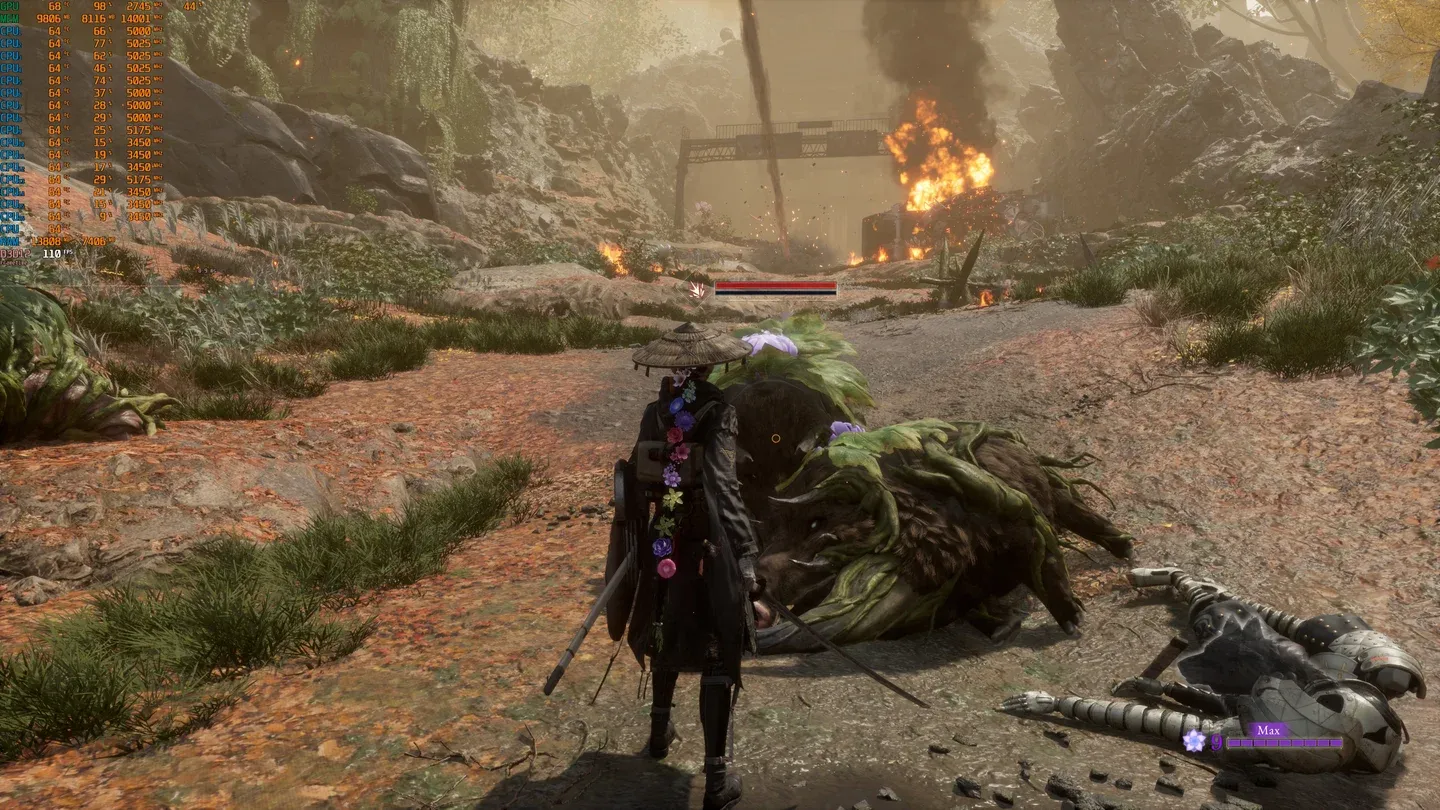
Stable 60 FPS in practice
Should you turn Ray Tracing on?
No. Ray Tracing is off in the recommended settings for a reason: the performance cost is significant and the visual improvement does not justify it, particularly when the game already has frame rate stability problems. Leave it off until the game's PC performance is in a better place overall.
Similarly, Motion Blur and Depth of Field add nothing useful here. Both are post-processing effects that reduce visual clarity without helping performance. Turning them off is a free improvement.
Getting the most out of Beast of Reincarnation on PC
Beast of Reincarnation is a new adventure game that launched with some rough edges on PC, but the core experience is there once you get the frame rate under control. The settings above represent the best balance of performance and visual quality available right now.
If you are still deciding which version to pick up, the Beast of Reincarnation editions guide breaks down every edition, price, and bonus so you know exactly what you are buying. For everything else, the full Beast of Reincarnation strategy guides collection has you covered.