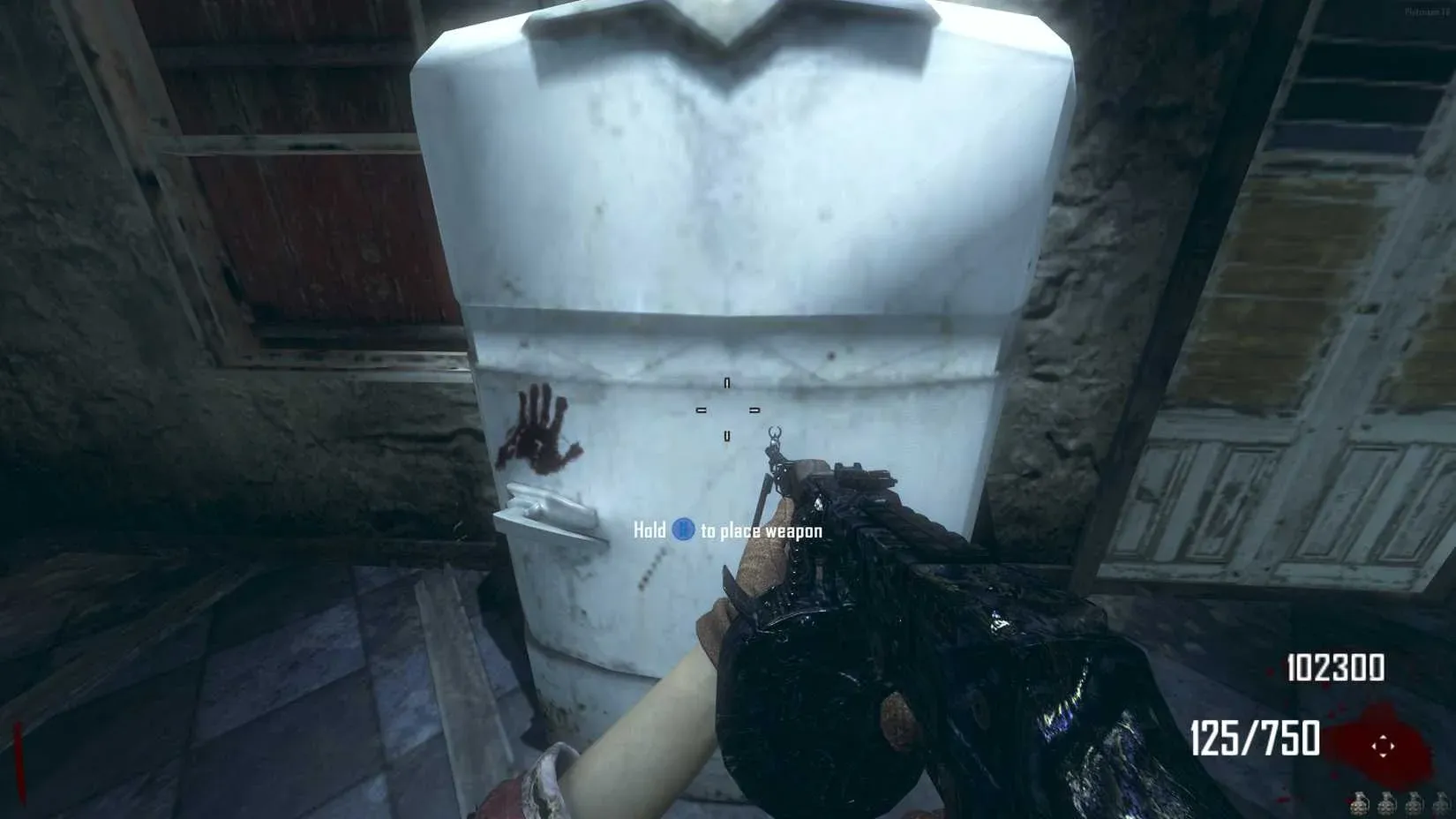

The bank in Call of Duty: Black Ops II Zombies is one of the most useful systems in the mode, letting you carry Points between sessions so a bad run doesn't wipe out everything you've built up. If you've ever started a fresh game with zero Points and watched teammates buy perks while you scramble for scraps, the bank is the fix.
How does the bank work in Black Ops II Zombies?
The bank operates through a physical interaction point in the map. To deposit Points, interact with the bank key on the right side of the terminal. Deposits are processed in chunks of 1,000 Points at a time, so you can't drop in an odd amount like 2,500 in a single action. You build up your savings incrementally.
To pull Points back out, interact with the bank key again and select the withdraw option. The Points you stored from previous sessions carry over, meaning a strong run today funds a stronger start tomorrow.

Bank deposit terminal in Zombies


What are the key rules for depositing and withdrawing?
Here's what you need to know about the mechanics before you start:
- Deposits happen in 1,000 Point increments only.
- You interact with the right-side bank key to deposit.
- Withdrawals pull from your stored balance accumulated across sessions.
- Points saved in the bank persist even after the current game ends.
| Action | Method | Increment |
|---|---|---|
| Deposit Points | Interact with right bank key | 1,000 per action |
| Withdraw Points | Interact with bank key (withdraw) | Stored balance |
| Balance persistence | Carries over between sessions | Yes |
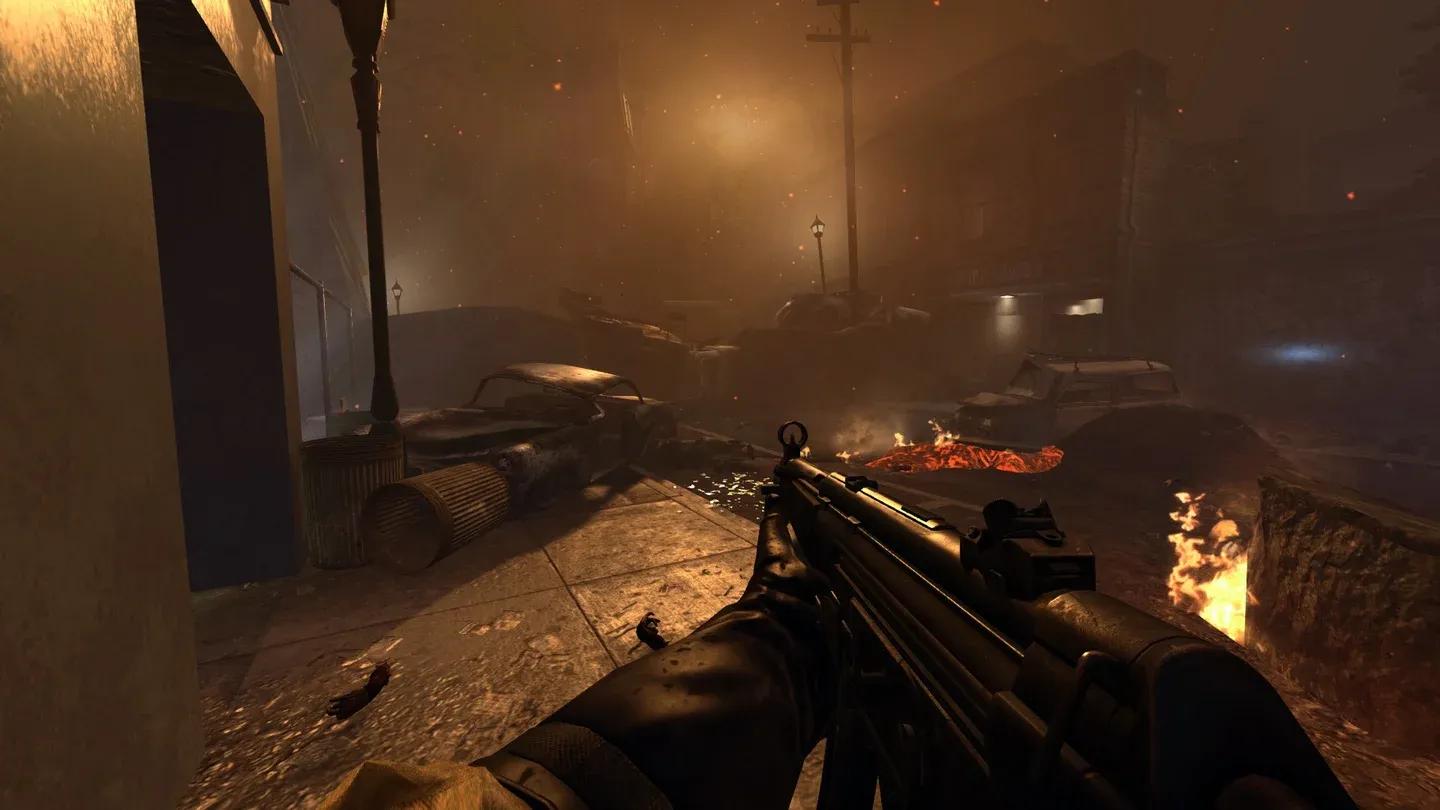
Withdrawing stored Points balance
Why should you use the bank every session?
Starting a Zombies session with a solid Points buffer changes how you play the first several rounds. You can open doors faster, buy weapons off walls before the pressure mounts, and grab perks before you'd normally have the budget. Players who skip the bank system consistently fall behind teammates who use it.
For anyone grinding through shooter games that reward resource management, the bank is exactly the kind of system that separates players who plateau from players who keep improving.
How to maximize your Points savings efficiently
Since deposits only move in 1,000 Point chunks, keep a rough mental count of your current balance before heading to the bank. Depositing 3,000 Points takes three separate interactions, so factor that into your between-round timing.
A practical routine:
- After each round ends, check your current Points total.
- Head to the bank if you're holding more than 2,000 Points above what you need for immediate purchases.
- Deposit in 1,000 Point increments until you're at your comfortable spending floor.
- Withdraw at the start of a fresh session before spending anything.
This rhythm keeps your bank balance growing without leaving you cash-poor during active rounds.
For more strategies across every part of the mode, the Call of Duty: Black Ops II strategy guides collection covers builds, map tactics, and progression tips worth bookmarking.