
DMZ in Call of Duty: Modern Warfare 4 drops you into a map with up to 19 other squads, and not every encounter needs to end in a firefight. The Truce system gives you a way to signal non-aggression to enemy Operators, which can be the difference between completing your mission and getting wiped before you reach extraction. Here's exactly how it works.
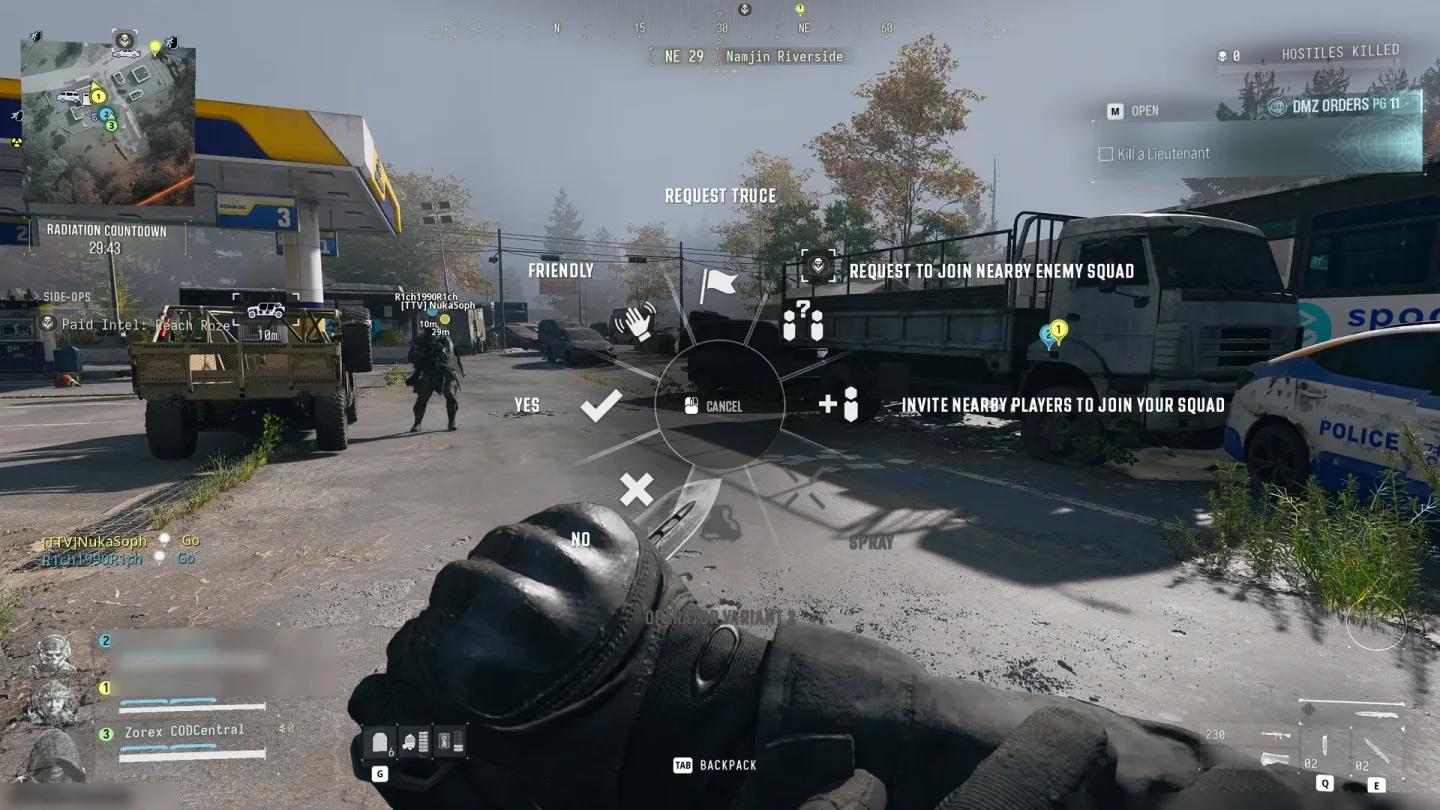
Ping Wheel Truce option
How does the Truce system work in MW4 DMZ?
Infinity Ward did not include a dedicated PvE-only mode in Modern Warfare 4 DMZ, so hostile players are always a factor. The Truce system is the in-game answer to that. When you encounter another squad and want to avoid combat, you can send a Truce proposal through the Ping Wheel. The enemy Operators then decide whether to accept or ignore it.
The important caveat: there are no mechanical penalties for breaking a Truce. If an enemy squad accepts your proposal and then opens fire anyway, the game does nothing to punish them. A Truce is a social agreement, not an enforced contract. Keep that in mind before lowering your guard completely.

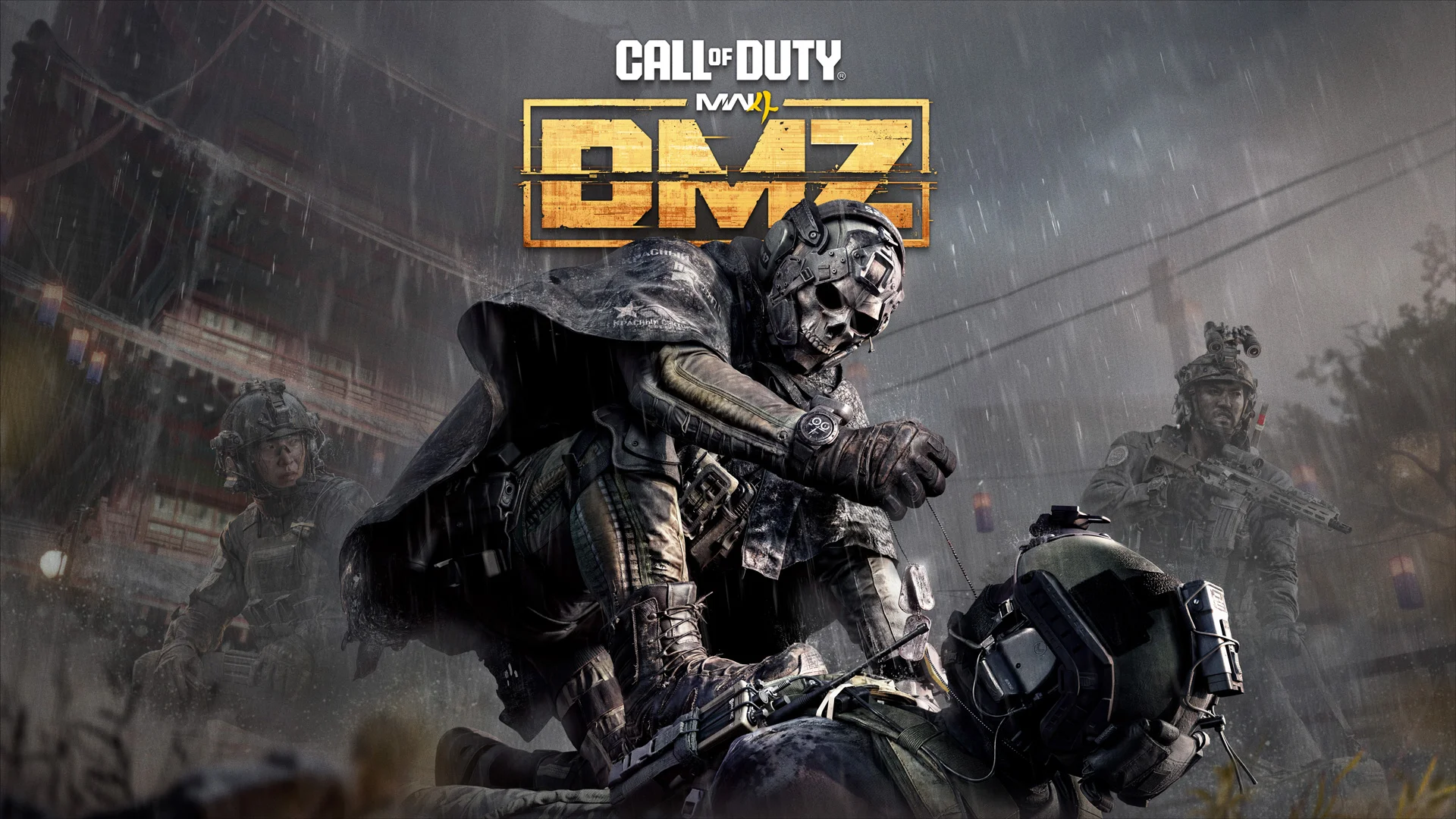
How to propose a Truce in MW4 DMZ
The Truce proposal uses the same Ping Wheel you use to mark enemy positions for your teammates. Here's the process:
- Get within range of the enemy Operators you want to negotiate with.
- Hold the Up button on the D-Pad to open the Ping Wheel.
- Navigate to the Truce option, which sits at the top of the wheel.
- Select it. A Truce icon will appear on the map, visible to the enemy squad.
The enemy Operators now see the marker and can choose to accept or ignore it.
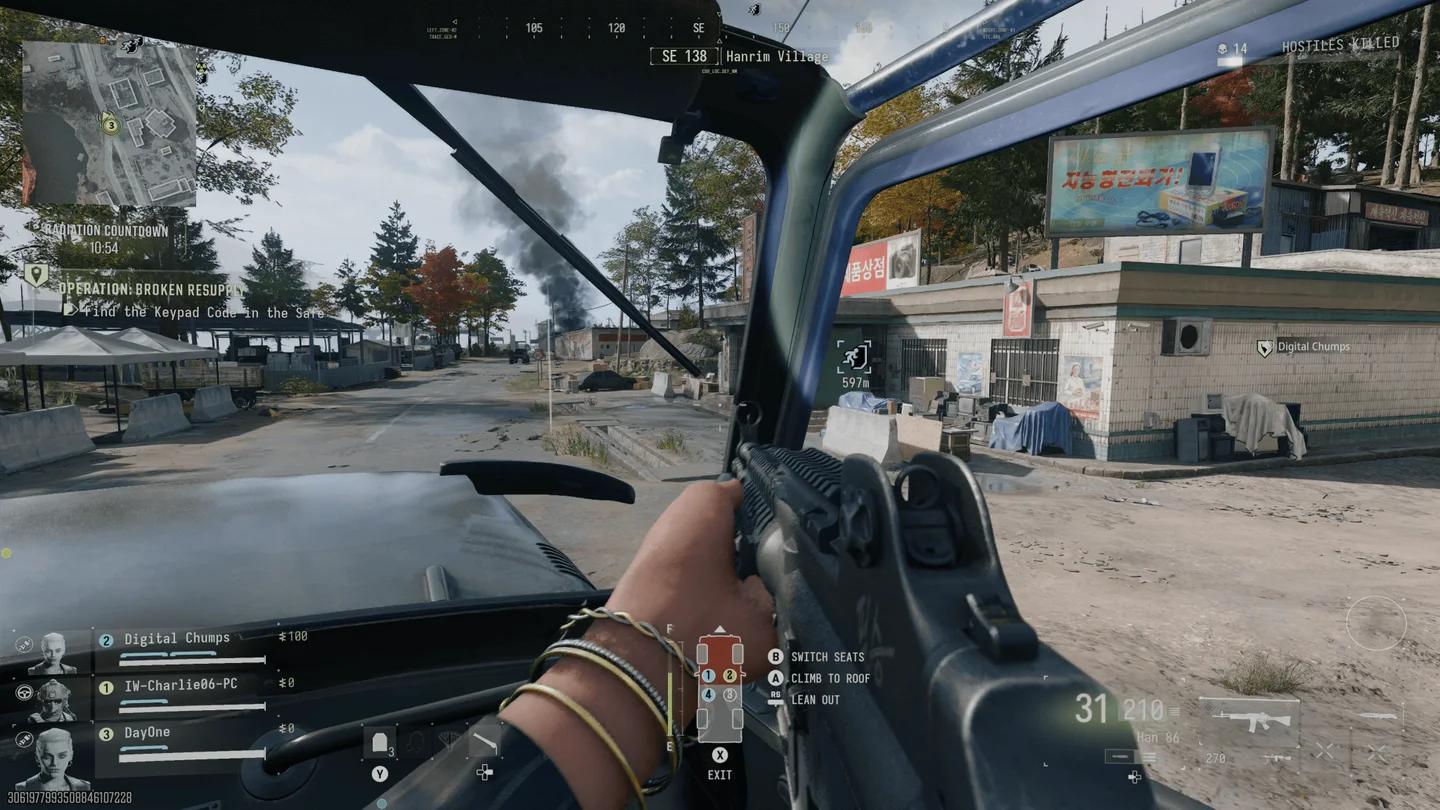
Truce marker on the DMZ map
How to accept a Truce in MW4 DMZ
Accepting a Truce follows the same Ping Wheel logic. When another squad places a Truce marker, here's what to do:
- Look toward the Truce marker placed by the enemy squad.
- Press the Up button on the D-Pad while facing the marker to ping it.
- This action confirms the agreement.
Once both sides have confirmed, the Operators you have truced with appear with a white symbol when you look at them, making it easier to distinguish them from hostile enemies during the match.
| Action | Input | Result |
|---|---|---|
| Open Ping Wheel | Hold Up on D-Pad | Ping Wheel opens |
| Propose Truce | Navigate to Truce at top of wheel | Truce marker placed on map |
| Accept Truce | Press Up on D-Pad facing marker | Truce confirmed |
| Truced player indicator | Automatic after acceptance | White symbol appears on enemy |
Should you actually use the Truce system?
The Truce system is situationally useful, but it rewards caution. If you're deep into a mission run with a full loadout, avoiding a squad fight preserves resources and time. If you're running solo or undermanned, a Truce buys breathing room to reposition or extract.
The risk is real though. Since there's no punishment for breaking the agreement, some squads will accept a Truce and immediately use it to close distance safely before turning on you. Treat every accepted Truce as a temporary ceasefire, not a guarantee.
For a deeper look at how squads and player counts affect your odds in any given match, the DMZ player count breakdown explains exactly how many squads you're sharing the map with. If you're planning to run missions without a full squad, the solo play guide for MW4 DMZ covers how to disable Squad Fill and what to expect going in alone.
Squad moving to extraction
What most players miss about the Truce system
The Truce marker appears on the map for the enemy squad, but it does not broadcast to the entire lobby. Only the squad you are proposing to can see and respond to it. This keeps negotiations contained to the two groups involved.
The white symbol that appears after a Truce is confirmed is also directional. You need to be looking at the truced Operator for the indicator to show, so do not assume you have a clear visual on all truced players at all times.
For more on navigating DMZ's systems, check out the full MW4 DMZ strategy guides covering everything from boss locations to FOB stations and extraction tactics.