
DMZ is back in Call of Duty: Modern Warfare 4, and one of the first questions players are asking is whether they have to squad up or can drop into the Exclusion Zone alone. The short answer is yes, solo play is fully supported. The longer answer involves understanding how the Squad Fill system works and what you're actually signing up for when you go in without backup.
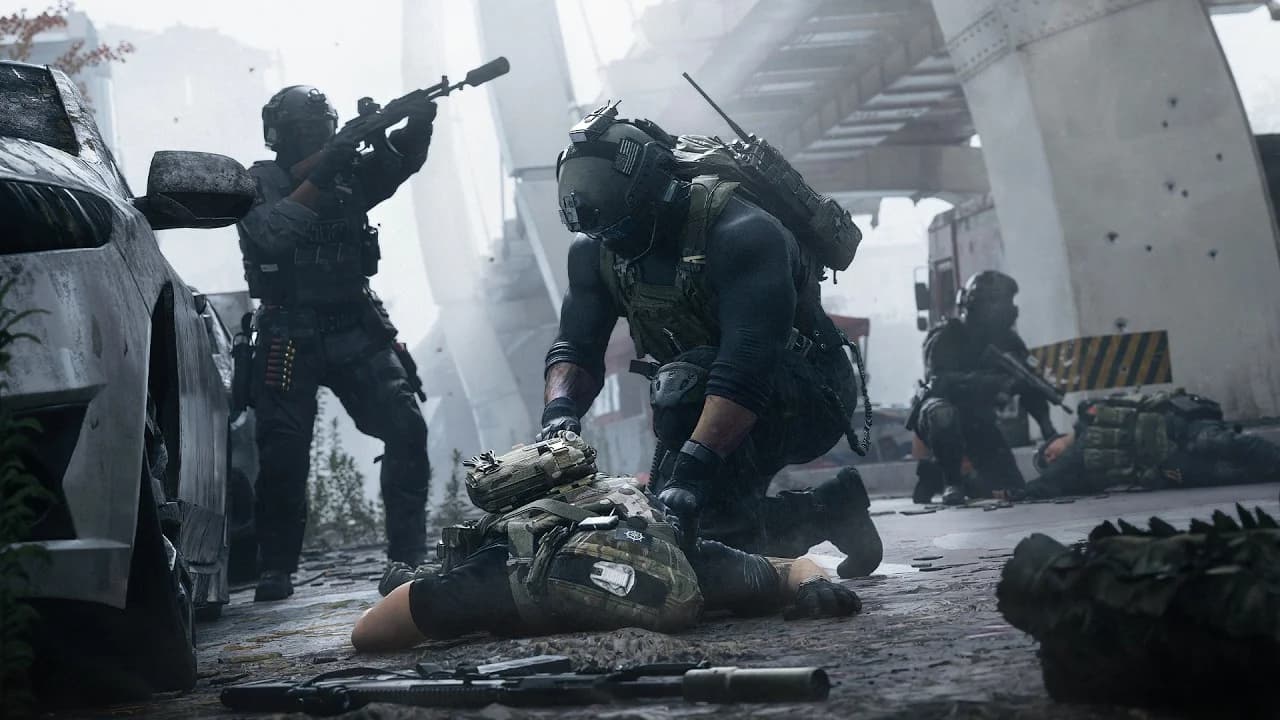
Squad Fill toggle at deploy
Can you play MW4 DMZ solo?
Yes. There are no restrictions forcing you into a full squad before deploying into DMZ. You can queue up as a solo player at any point, and the game will not require you to fill your squad slots with randoms unless you specifically allow it.
The tradeoff is straightforward: DMZ is balanced around squads of up to three players, so going in alone means handling every threat, mission objective, and extraction on your own. Story Missions, Dynamic Ops, and high-threat areas all become noticeably harder without teammates covering flanks or reviving you when things go sideways.
Loot distribution is one area where solo actually works in your favor. In a full squad, everything you find gets split between three people. Running solo means every piece of gear and every resource you pull stays with you.

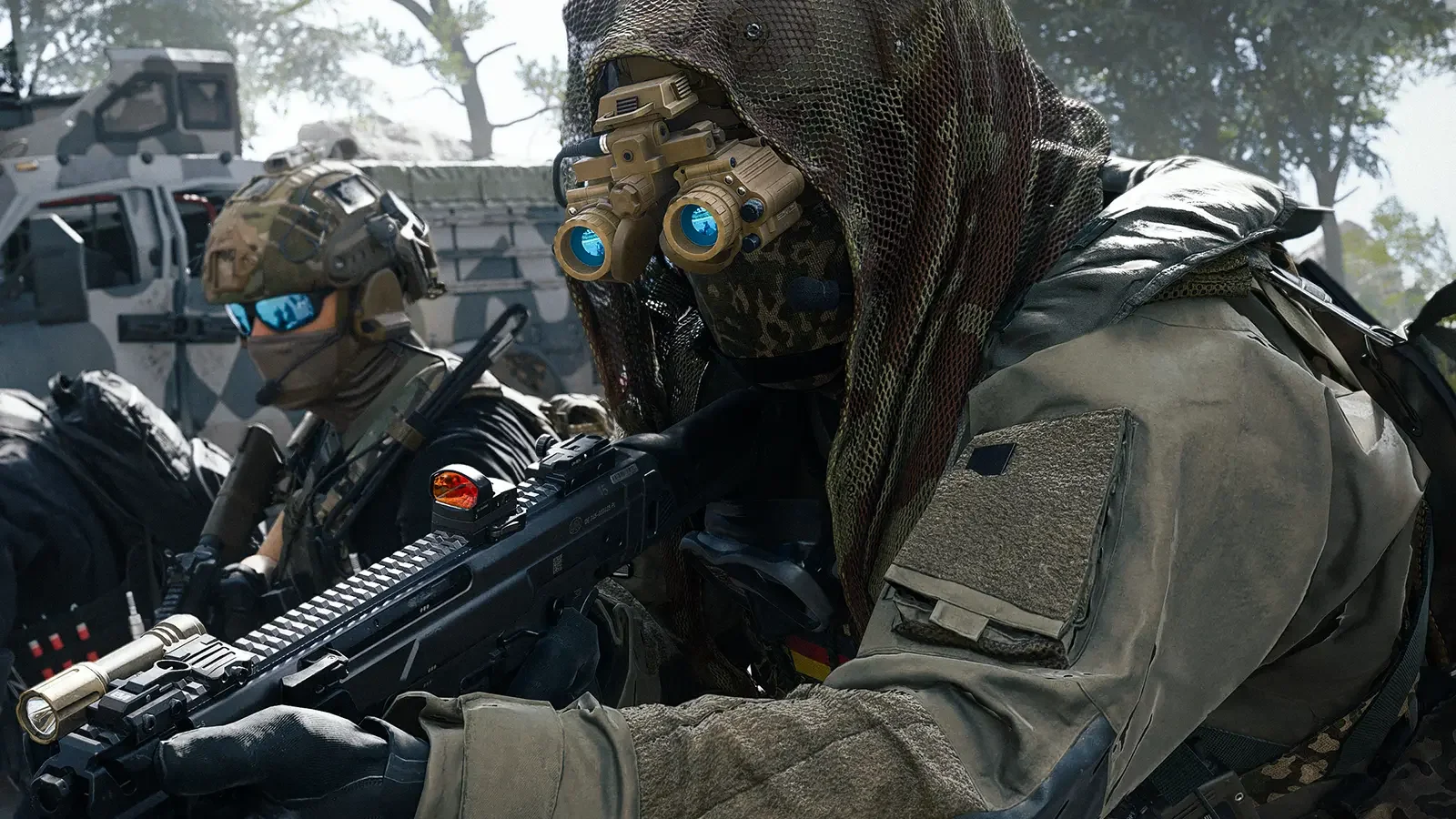
How to turn off Squad Fill in DMZ
Squad Fill is the setting that automatically fills any empty slots in your squad with random players. Turning it off locks your squad size to however many people are in your party when you deploy, whether that's one, two, or three.
Here's how to disable it before you search for a match:
- Enter the DMZ game mode from the main menu.
- From the FOB, press the Deploy button.
- Toggle Squad Fill off using L2 on PlayStation or LB on Xbox.
- Search for a match.
This works whether you're queuing completely alone or with one friend and want to keep the third slot empty. The toggle gives you full control over your squad composition before every deployment.
What changes when you play solo?
The core DMZ loop stays the same: drop in, complete objectives, collect loot, and extract alive. What changes is the margin for error.
| Scenario | Solo | Full Squad (3 players) |
|---|---|---|
| Loot distribution | Keep everything | Split between teammates |
| Story Mission difficulty | Higher | Manageable with coordination |
| Dynamic Ops | Challenging | Easier with roles split |
| Revive availability | None | Teammates can revive |
| High-threat zones | Very risky | More manageable |
Story Missions in particular are structured around having multiple players working together, so some objectives will take significantly longer or require more careful routing when you're alone. Dynamic Ops follow a similar pattern.
For more on everything DMZ has to offer, the complete DMZ operators, FOB stations, and Hajin extraction guide covers the systems you'll be navigating whether you're alone or with a squad.
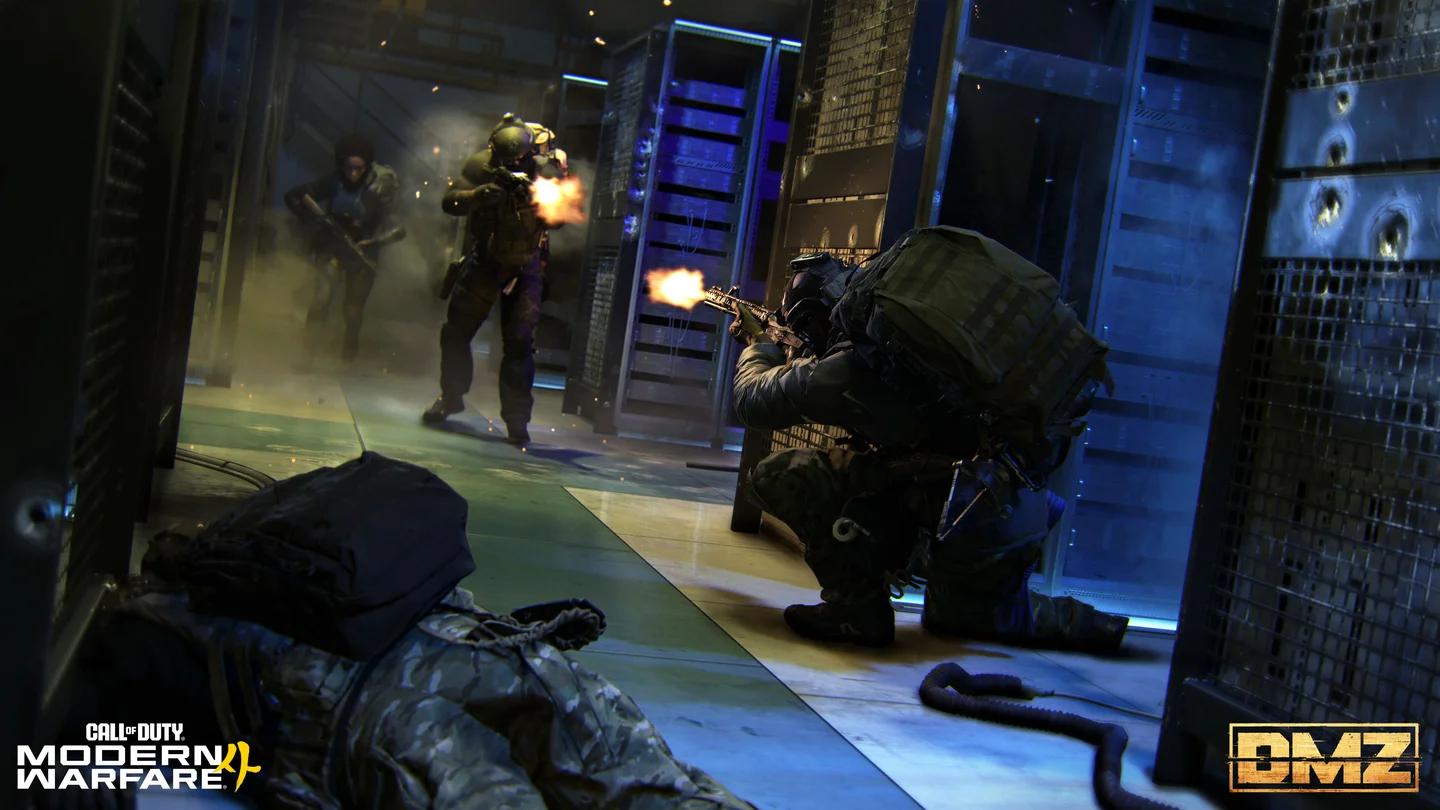
Story Mission objectives in DMZ
Is solo DMZ worth trying?
For players who find the extraction genre more satisfying when every decision is their own, solo DMZ delivers that experience. The tension is real: no one to pick you up, no one to watch a door while you loot, and no one to share the blame when an extraction goes wrong.
After spending time in both squad and solo configurations, solo runs tend to reward patience more than aggression. Picking fights in the open against AI patrols that were clearly designed for three players is a fast way to end a run early. Working around them, prioritizing mission objectives, and hitting extraction before overstaying is the approach that actually works.
If you're still getting oriented with DMZ's structure, the Hajin map, Lieutenants, Commanders, FOB stations, and extraction guide is worth reading before your first drop. Find more MW4 tactics and system breakdowns in the full Call of Duty: Modern Warfare 4 strategy guides collection.